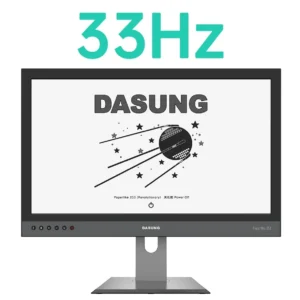
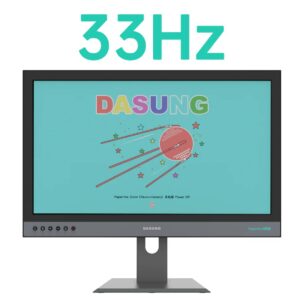
E-ink monitors
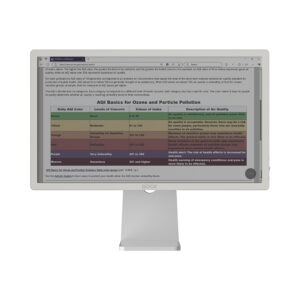
Experience the Future of Display Technology with E-Ink Monitors
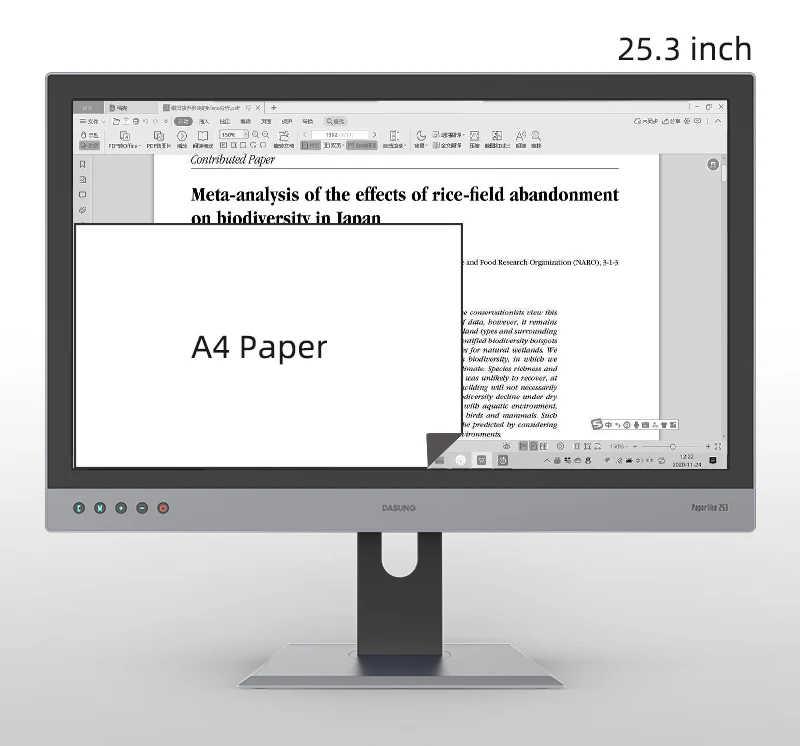
Discover our premium lineup of E-Ink monitors designed for professionals, students, and anyone who spends long hours in front of a screen. Available in 10.3″, 13.3″, and 25.3″ sizes, with black & white and color E-Ink options, these monitors redefine comfort, productivity, and eye health.
Powered by advanced E-Ink technology from Dasung and BOOX, our monitors deliver exceptional readability even under bright lighting, making them ideal for office work, coding, reading, writing, and research.
E-Ink Screen vs LED Screen: What’s the Difference?

E-Ink Monitors
Reflect ambient light instead of emitting light
Paper-like display with minimal glare
Significantly reduces eye strain and fatigue
Ultra-low power consumption
Best for long reading, writing, coding, and office work
LED / LCD Monitors
Emit blue light directly into the eyes
Higher brightness but more glare
Can cause eye fatigue during long sessions
Higher power usage
Better suited for video, gaming, and fast-motion content
Tip: If you work long hours in front of a screen, an E-Ink monitor is a healthier alternative to LED monitors, especially for text-focused tasks.
Why Choose an E-Ink Monitor?
Eye-friendly & flicker-free display
Paper-like reading and writing experience
Excellent visibility in bright environments
Energy-efficient and eco-friendly
Ideal for professionals, students, and researchers
Whether you need a portable E-Ink monitor or a large 25.3-inch professional display, our lineup enhances comfort and focus across every workflow.
E-Ink Screen Care & Maintenance
To ensure long-term performance and display quality:
Do not expose E-Ink screens to direct sunlight for extended periods
Avoid strong UV radiation or heat sources
Use indoors or in shaded environments
Clean gently with a soft, dry microfiber cloth
Proper care helps preserve contrast, clarity, and responsiveness.
Windows & macOS Compatibility
All E-Ink monitors listed below are compatible with:
Windows
macOS
Linux
Android
iPadOS / iOS (selected models)
They work as plug-and-play external monitors via HDMI or USB-C (model dependent), making them easy to integrate into existing setups.
E-Ink Monitor Lineup Comparison
| Brand | Product Name | Supported System | Screen Size | Screen Color | Front Light | Touch Screen |
|---|---|---|---|---|---|---|
| Dasung | Paperlike 103 | Windows / macOS / Linux / iPadOS / iOS / Android | 10.3″ | Black & White E-Ink | Yes | Yes |
| Dasung | Paperlike 13K | Windows / Linux / macOS / Android | 13.3″ | Black & White E-Ink | Yes | No |
| Dasung | Paperlike 13K (Color) | Windows / Linux / macOS / Android | 13.3″ | Color E-Ink | Yes | Yes |
| Dasung | Paperlike 253 (Revolutionary) | Windows / Linux / macOS / Android | 25.3″ | Black & White E-Ink | Yes | No |
| Dasung | Paperlike 253 Color (Revolutionary) | Windows / Linux / macOS / Android | 25.3″ | Color E-Ink | Yes | No |
| BOOX | BOOX Mira Pro Color | Windows / macOS / Linux / iPadOS / iOS / Android | 25.3″ | Color E-Ink | Yes | No |
FAQ – Shipping, Warranty & Returns
Q1. Where do you ship from, and how does shipping work?
A:
Our E-Ink monitors ship from Toronto, Canada. Each unit is packed with secure, protective packaging specifically designed for E-Ink screens to ensure safe delivery. Once your order is dispatched, a tracking number will be provided so you can follow your shipment in real time.
Q2. What is the warranty and return policy?
A:
All E-Ink monitors come with a local warranty of 12–15 months.
If your device is found to be defective, it will be covered under the warranty policy. Returns within Canada will be processed by us, and a prepaid shipping label will be provided.
Q3. Are E-Ink monitors compatible with Windows and Mac?
A:
Yes. Our E-Ink monitors are fully compatible with both Windows and macOS.
Depending on the model, they also support Linux, Android, iPadOS, and iOS. No proprietary software is required for basic use, simply connect the monitor and start working.
Showing all 8 results