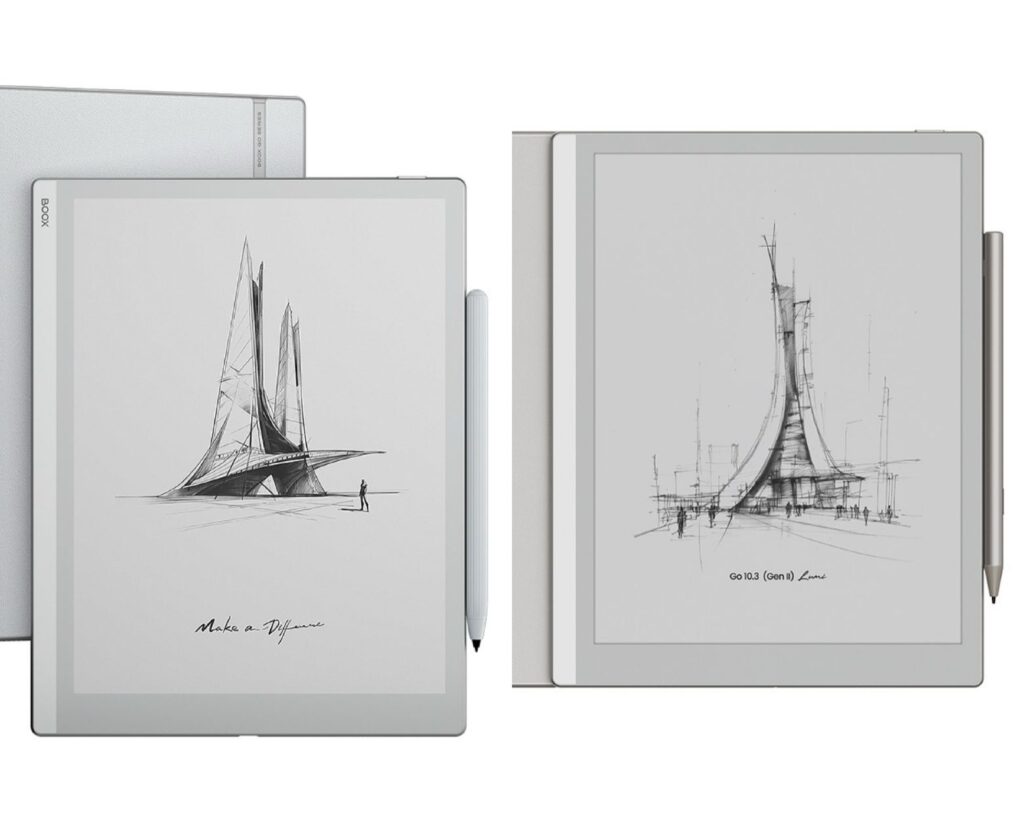
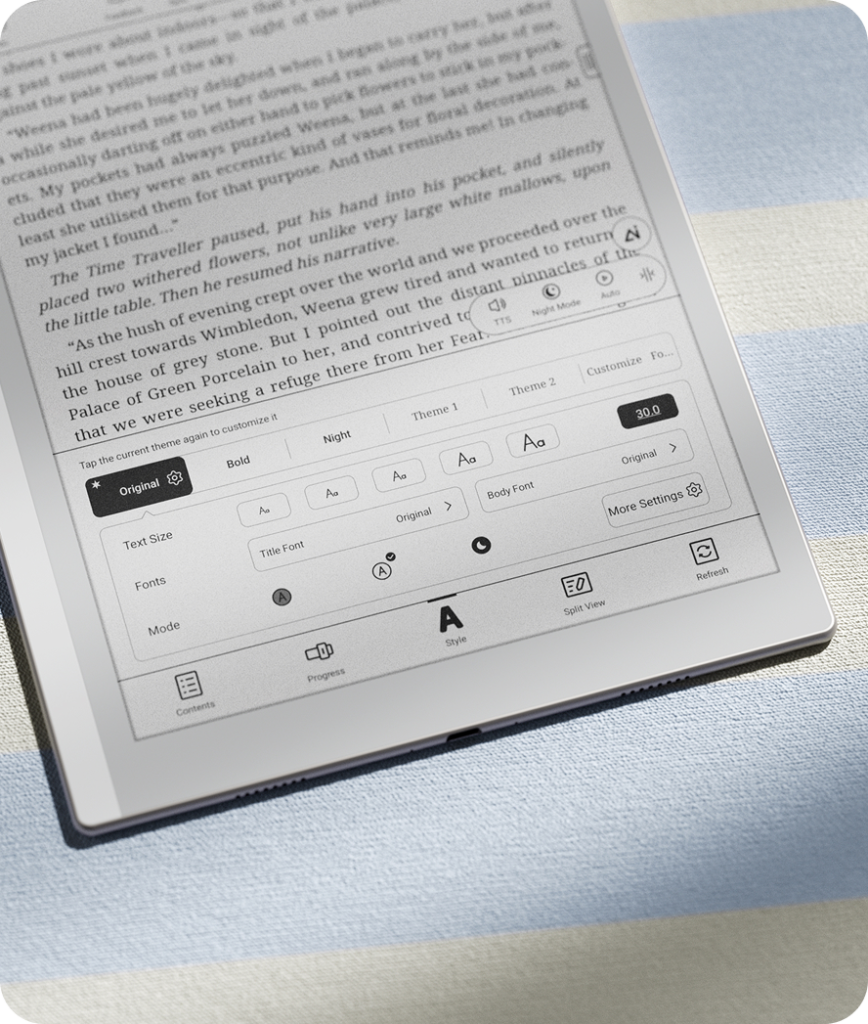
BOOX has recently launched the Gen II version of the Go 10.3, introducing a few key upgrades to its popular 10.3-inch ePaper tablet.
If you already own the Go 10.3 and are thinking about upgrading, or if you’re looking for a 10.3-inch monochrome E Ink tablet mainly for note-taking and reading, this comparison will help you make a clearer decision.
BOOX 10.3” Comparison
Feature
BOOX Go 10.3
BOOX Go 10.3 (Gen II) Lumi
Release
2024
2026
Price
~$531.99 CAD
~$589.08CAD
Display
10.3″ E Ink Carta 1200
10.3″ E Ink (latest gen)
Resolution
2480 × 1860 (300 PPI)
300 PPI
Front Light
No
Yes (adjustable)
OS
Android 12
Android 15
RAM / Storage
4GB / 64GB
4GB / 64GB
Processor
Octa-core 2.4 GHz
Octa-core
Stylus
BOOX Pen Plus (4096 levels)
InkSense Plus (improved + tilt)
Writing Experience
Good
Improved latency & precision + better visibility in low light
Battery
3700 mAh
3700 mAh
Thickness
4.6 mm
~4.8 mm
Weight
~375 g
~430 g
Google Play
Yes
Yes
Main Advantage
Ultra-thin & lightweight
Front light + latest OS + improved writing
BOOX Go 10.3 (Gen II) Lumi
BOOX Go 10.3
What They Have in Common
Both models are built around the same idea: a simple, paper-like device for focused work.
Display
They both use a 10.3-inch monochrome E Ink screen with 300 PPI, which makes text sharp and easy on the eyes. It’s comfortable for long reading sessions and feels close to real paper when writing.
Design
Both devices are thin, lightweight, and easy to carry around. Whether you’re using it at a desk, in a café, or on the go, portability is one of their strengths.
Performance
You’ll get similar performance on both:
Octa-core processor
4GB RAM
64GB storage
They handle note-taking, reading, and everyday apps smoothly.
Android System
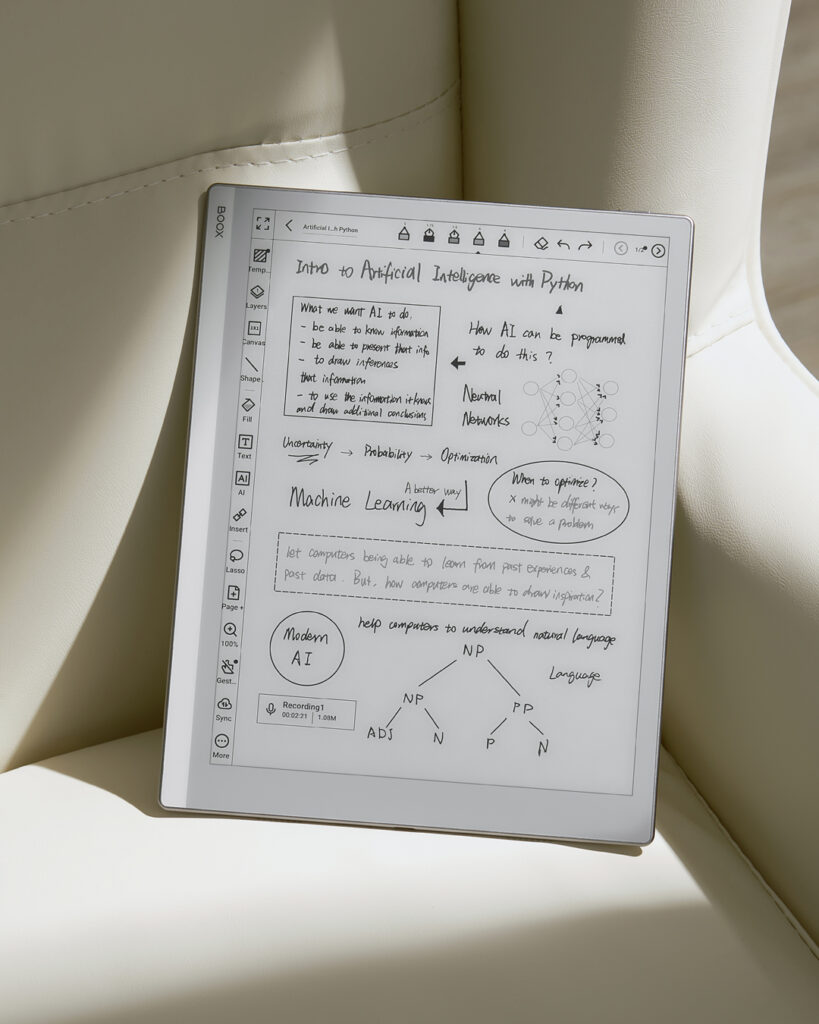
Both devices support Android with access to Google Play, so you can install apps like Kindle, OneNote, or Evernote depending on your workflow.
Where They Differ
Front Light
This is the biggest difference between the two.
Go 10.3
No front light
Works best in bright environments
Go 10.3 (Gen II) Lumi
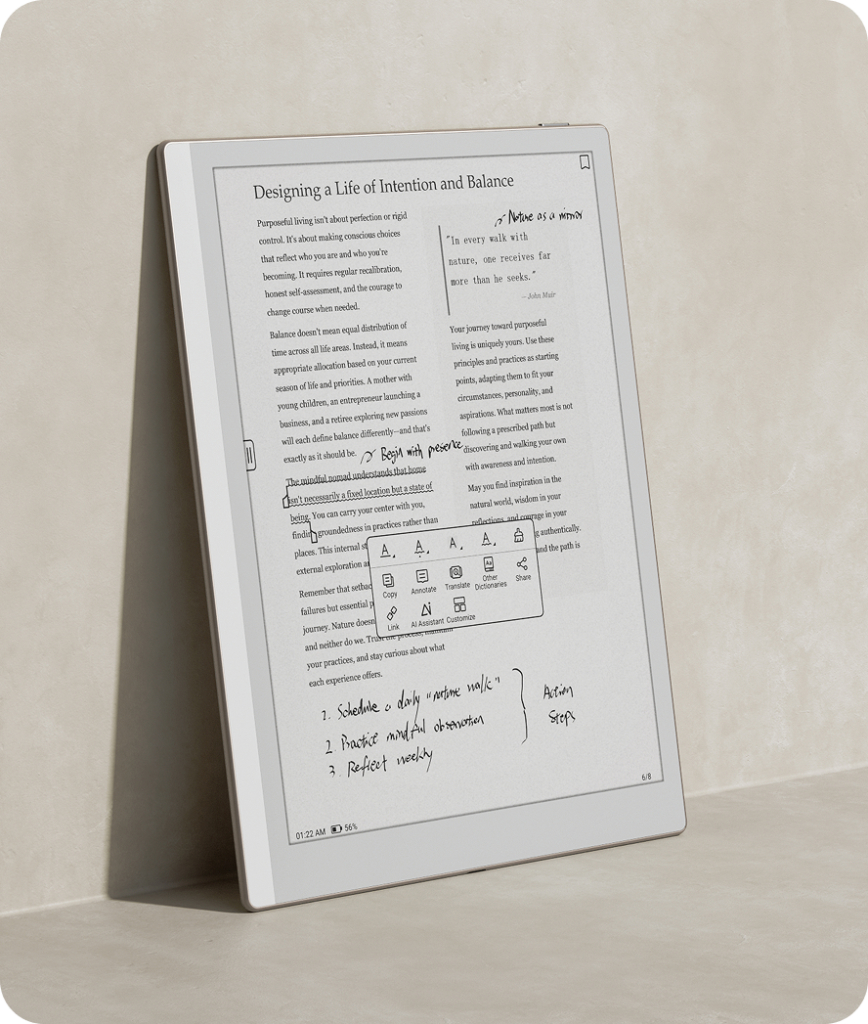
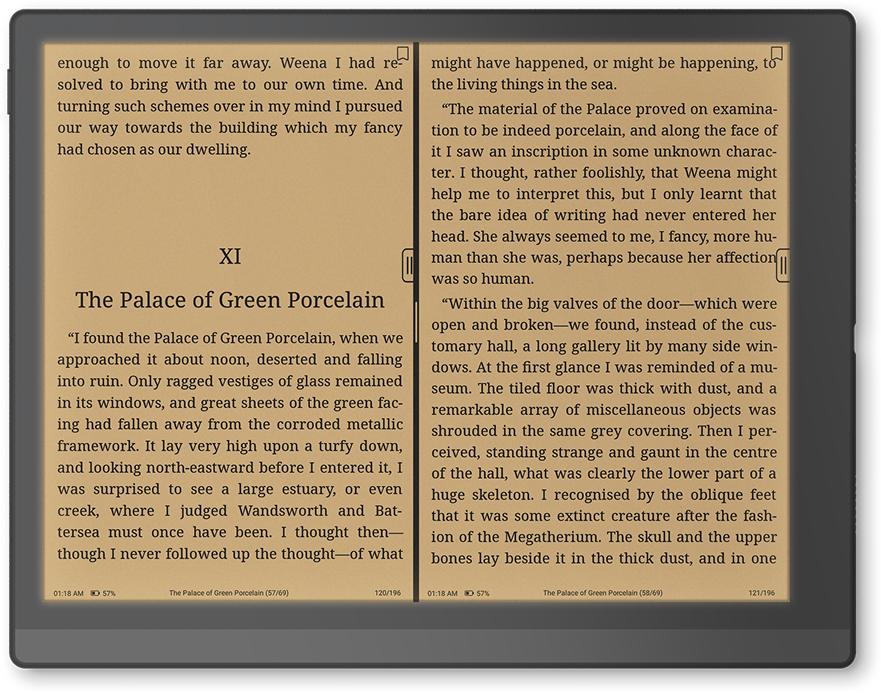
Comes with an adjustable front light
You can switch between cool and warm tones
Works well at night or in low-light settings
System
Go 10.3
Runs on Android 12
Stable and reliable for everyday use
Go 10.3 (Gen II) Lumi
Updated to Android 15
Smoother interface and better long-term app support
The newer system makes the Gen II feel a bit more up-to-date and future-proof.
Stylus
Go 10.3
Includes BOOX Pen Plus
Good writing experience with pressure sensitivity
Go 10.3 (Gen II) Lumi
Upgraded stylus with tilt support
Feels more natural, especially for drawing or detailed notes
If you write a lot or sketch, you’ll likely notice the improvement.
Final Thoughts
Both are solid options, and the choice really comes down to how and where you plan to use the device.
No matter which one you choose, Einktaboffers a 30-day free return policy so you have enough time to try it out and decide which one works better for you.