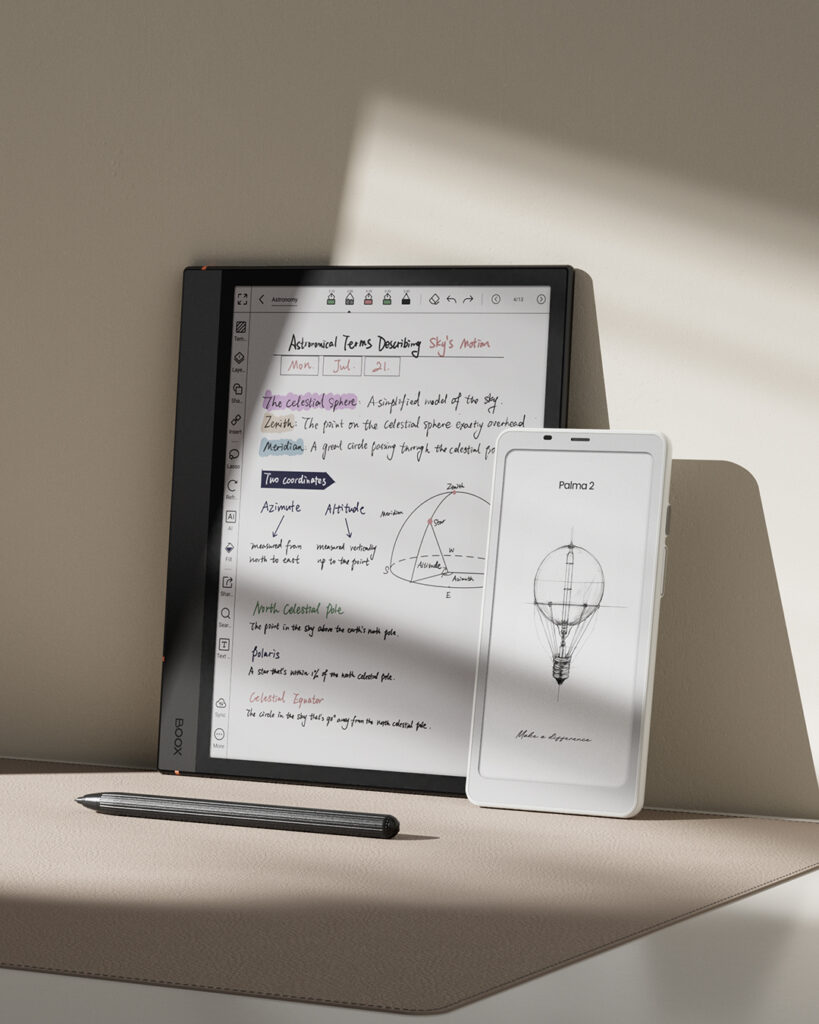
BOOX Device Trade-In in Canada
Want to upgrade to a newer BOOX model without wasting your existing device? If you are in Canada, Einktab offers […]


After Purchase: For customers who already own an E Ink devices. Find helpful how-to guides, setup instructions, tips and tricks, feature tutorials, troubleshooting advice, answers to common questions, and product support.
Want to upgrade to a newer BOOX model without wasting your existing device? If you are in Canada, Einktab offers […]
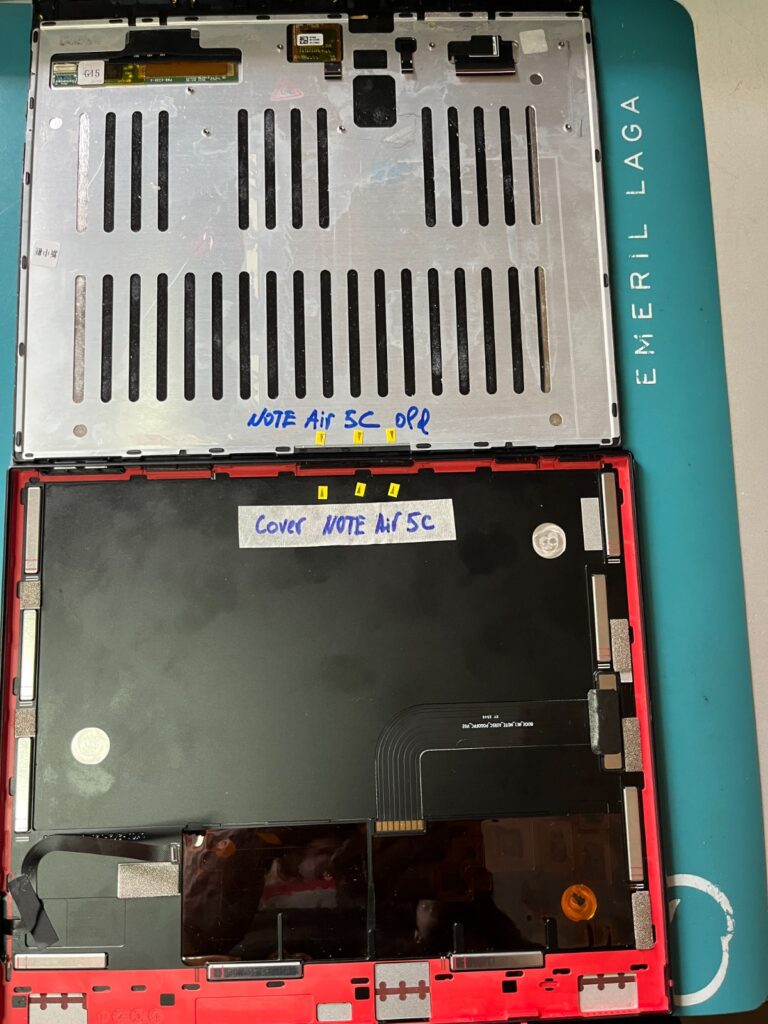
If you are a BOOX user in Canada or the USA and own a BOOX eReader or ePaper tablet,
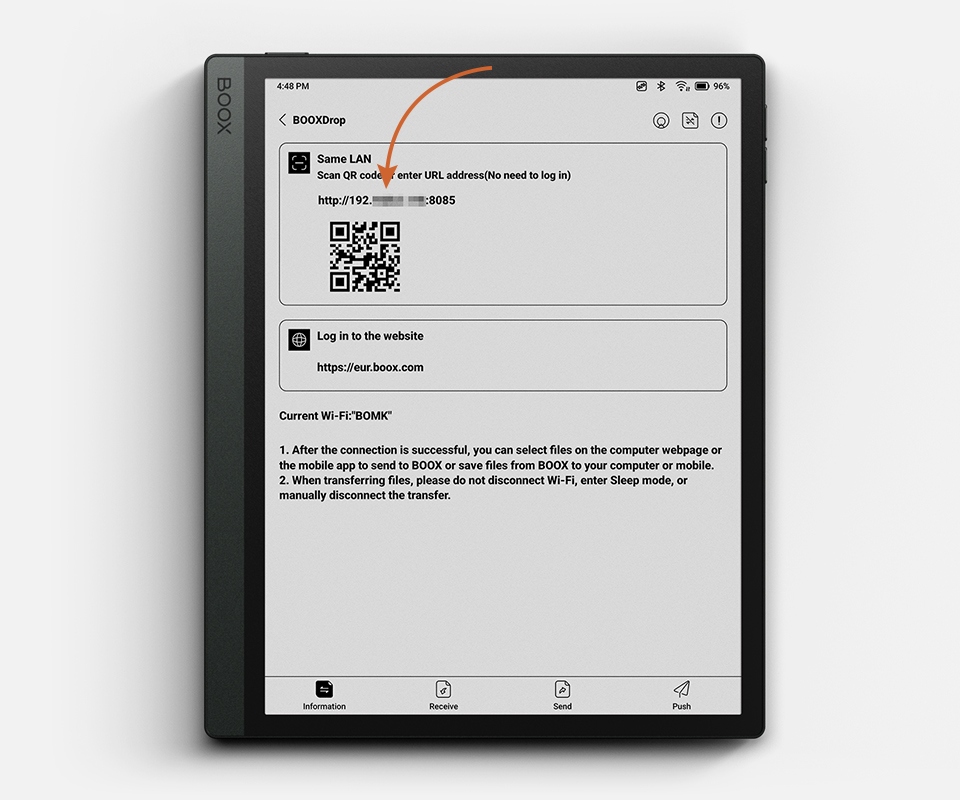
Moving files between your e-reader and a computer has never been the smoothest experience. Cables get lost, Bluetooth transfers stall,
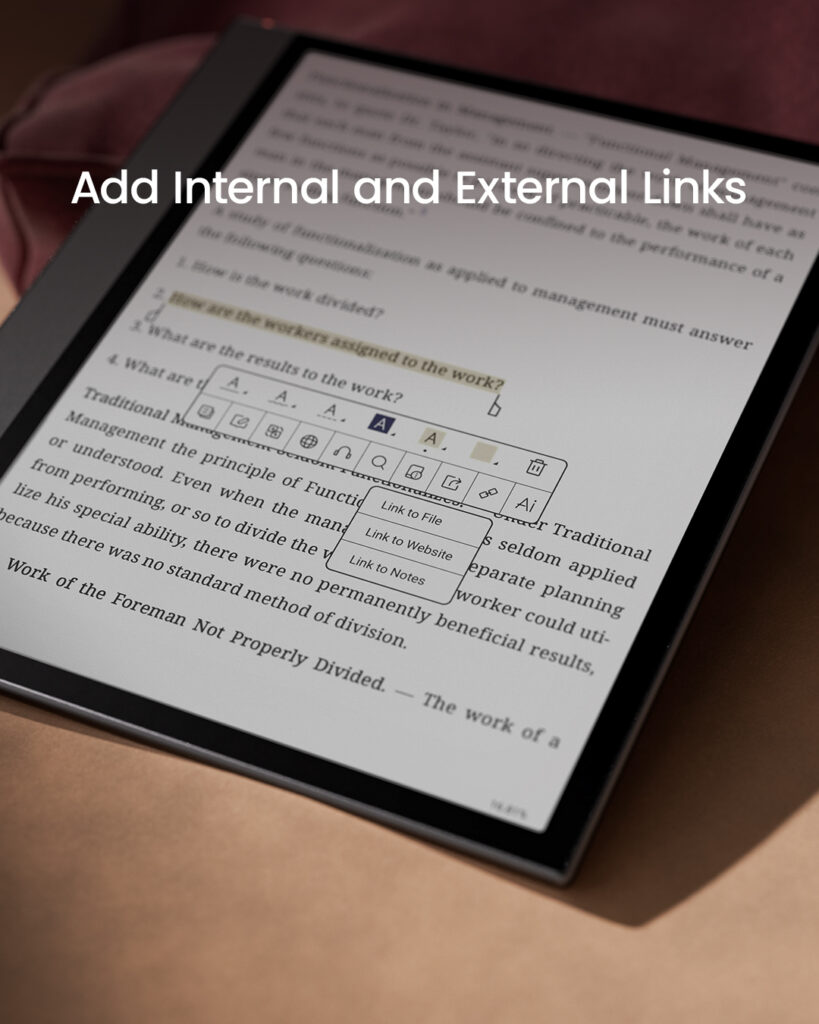
Reading an ebook is one thing. Actually retaining what you read, building on it, and coming back to the right
Tips for Productive Ebook Reading with NeoReader Read More »
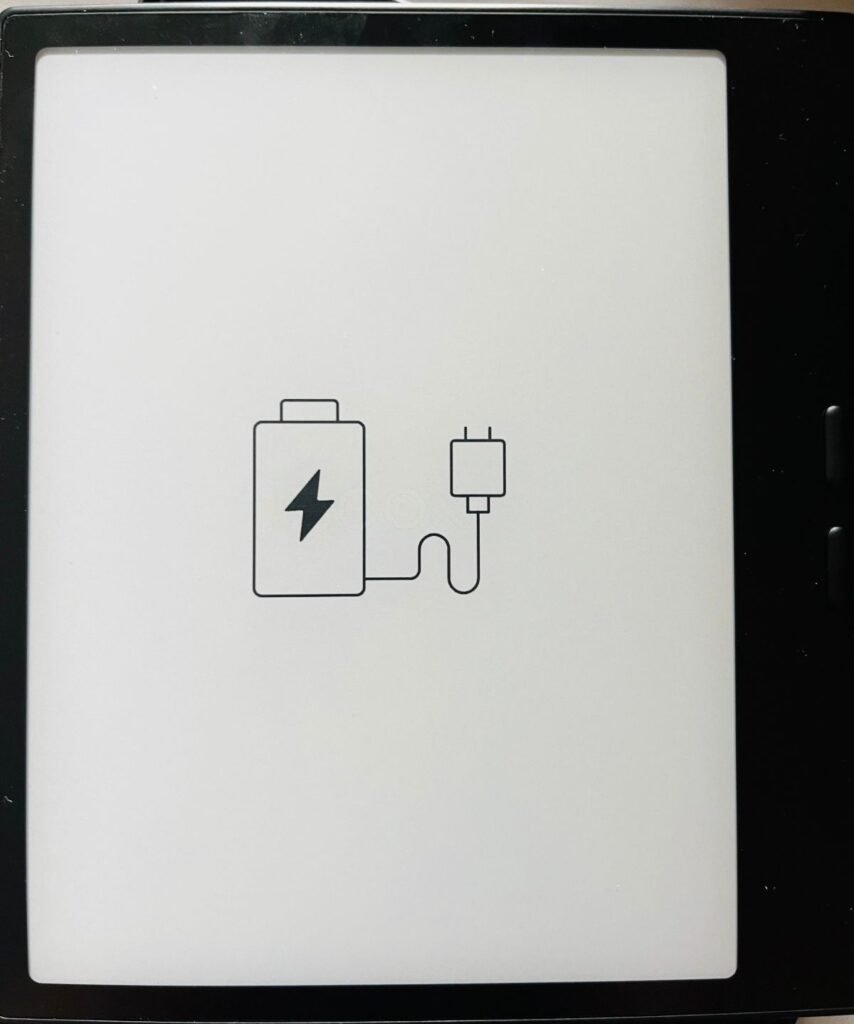
It can be frustrating when your BOOX E Ink eReader or tablet suddenly refuses to turn on, especially if it
What to Do When Your BOOX E Ink eReader or Tablet Won’t Turn On Read More »
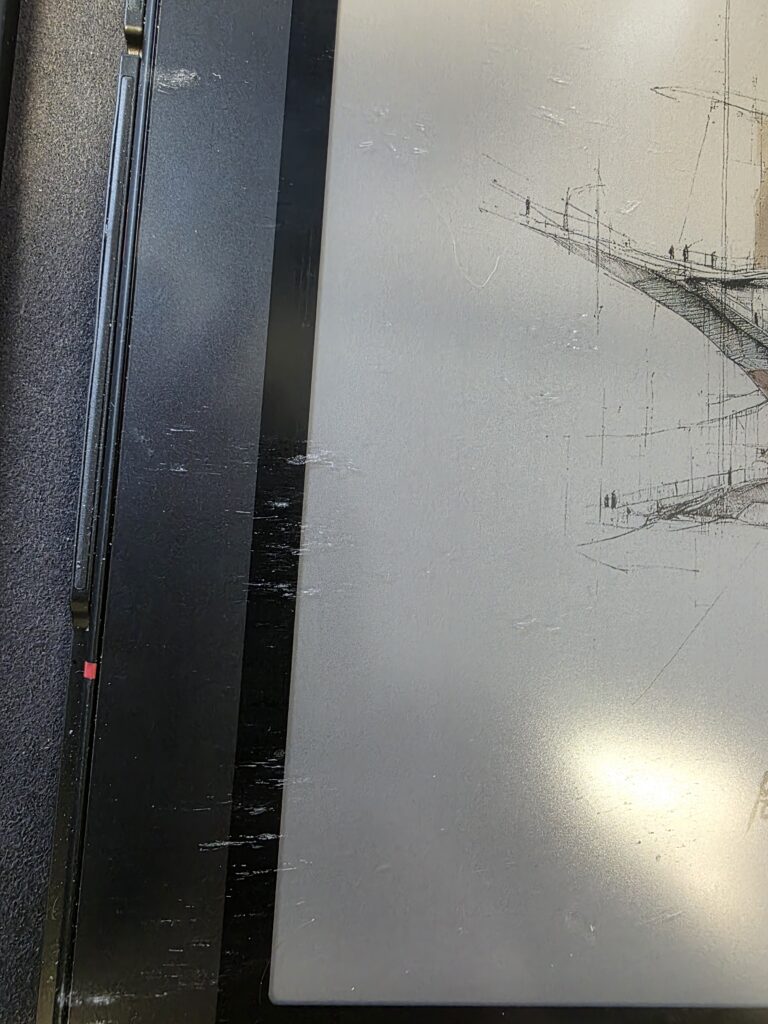
E Ink tablets are designed for productivity and portability, especially when paired with a keyboard case. However, some users may
How Your BOOX E Ink Tablet Can Get Scratched by the Keyboard — And How to Prevent It Read More »
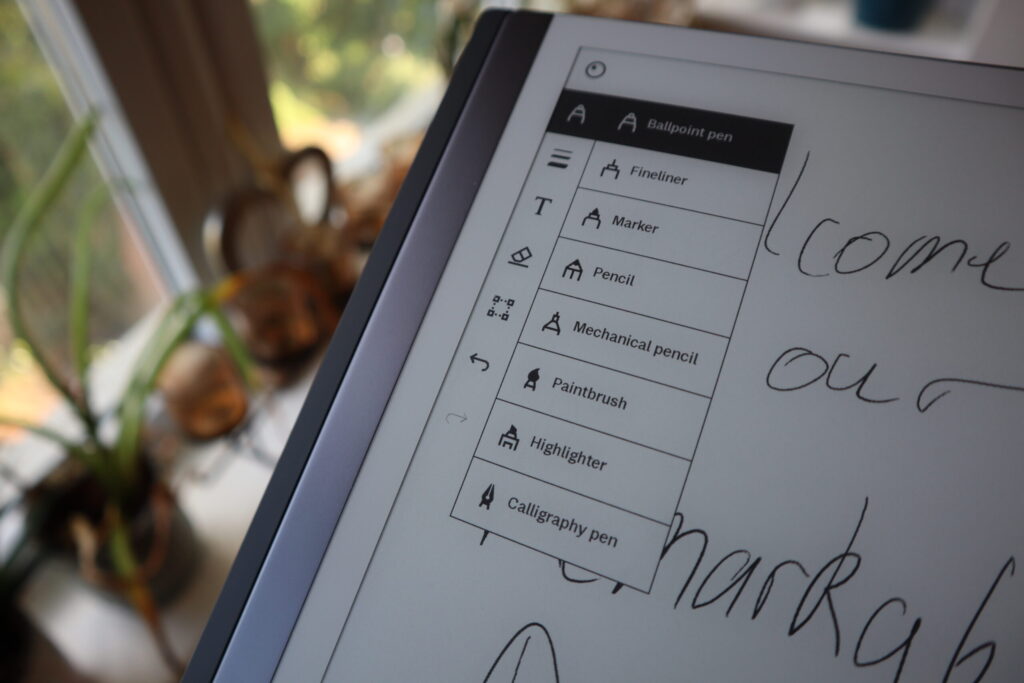
Modern devices can sync, backup, and store your sync notes on an E Ink tablet and files in PDF format
Using Google Drive, Dropbox & Cloud Services with Your E Ink Tablet Read More »
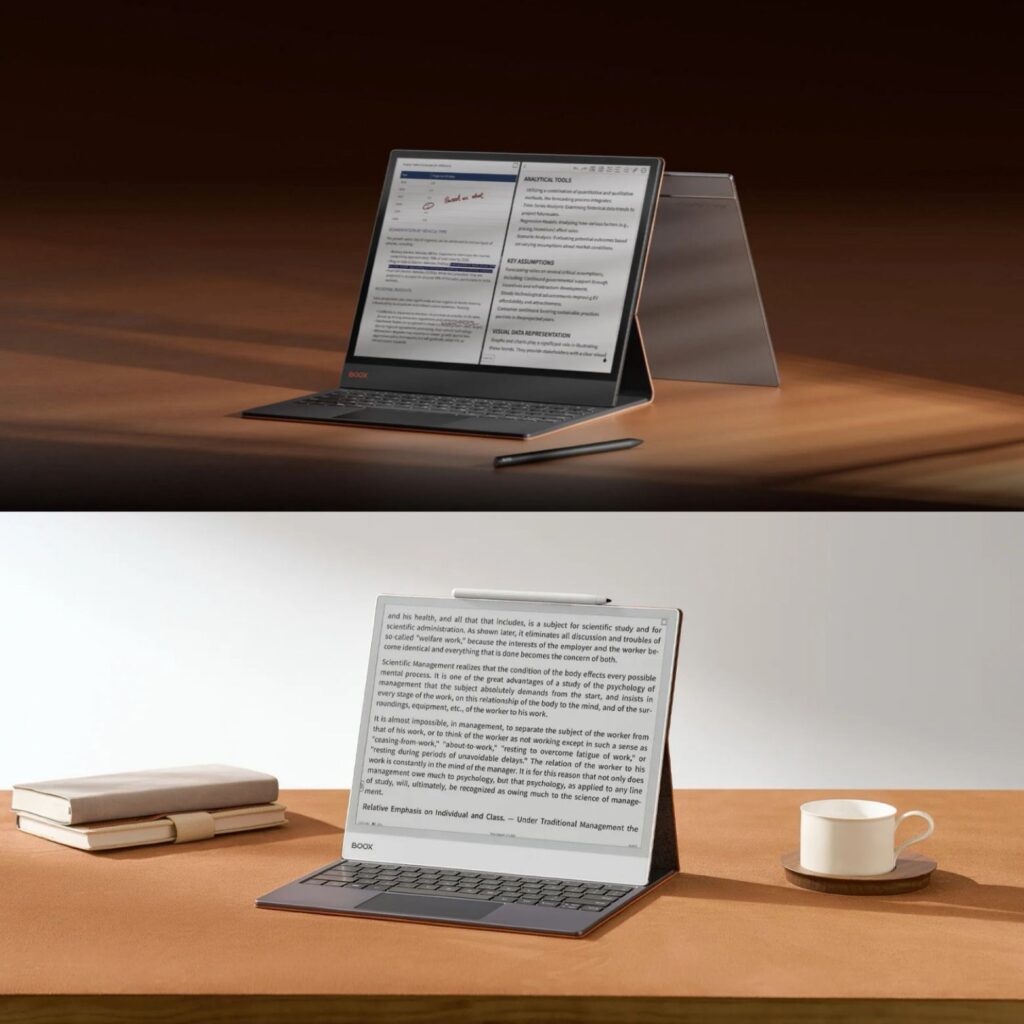
If you’re looking for a large E Ink tablet in Canada, BOOX offers some of the most capable options. Two
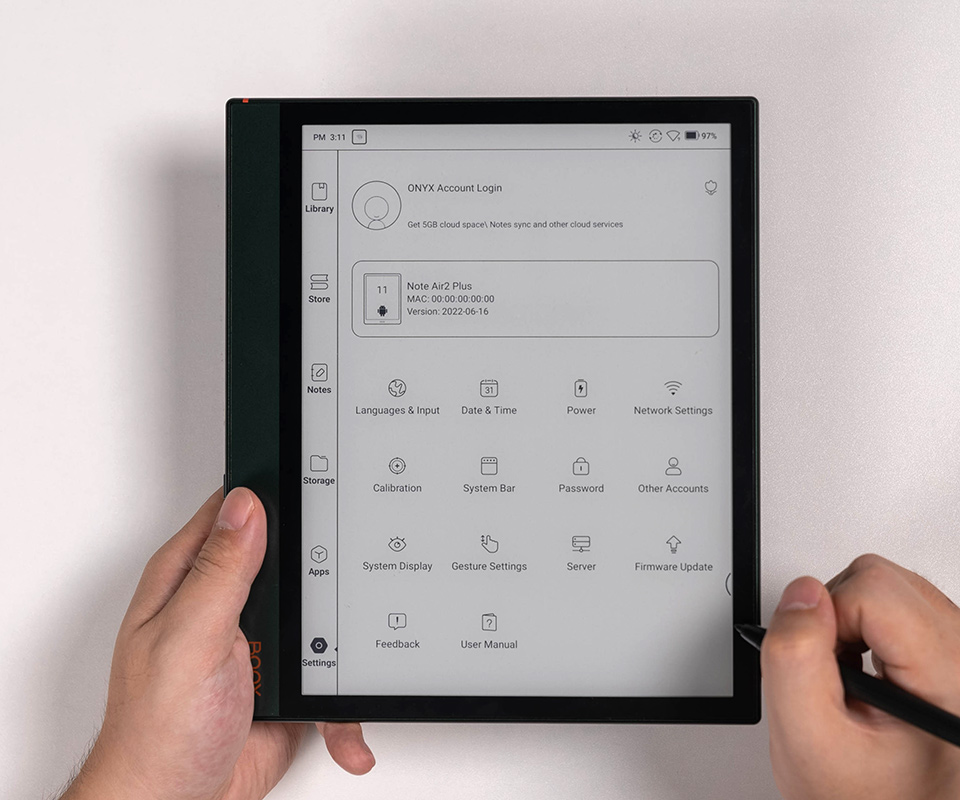
You’ve placed your order, patiently waited for the delivery, and finally unboxed your brand-new BOOX E Ink ereaders and tablets.
Why You Can’t Connect to the Internet or Access Google Play on Your New BOOX Device Read More »

BOOX E Ink tablets are perfect for reading, note-taking, and professional work, but using the right stylus is key to
Stylus Guide: Choose the Right Stylus for Your BOOX Device Read More »
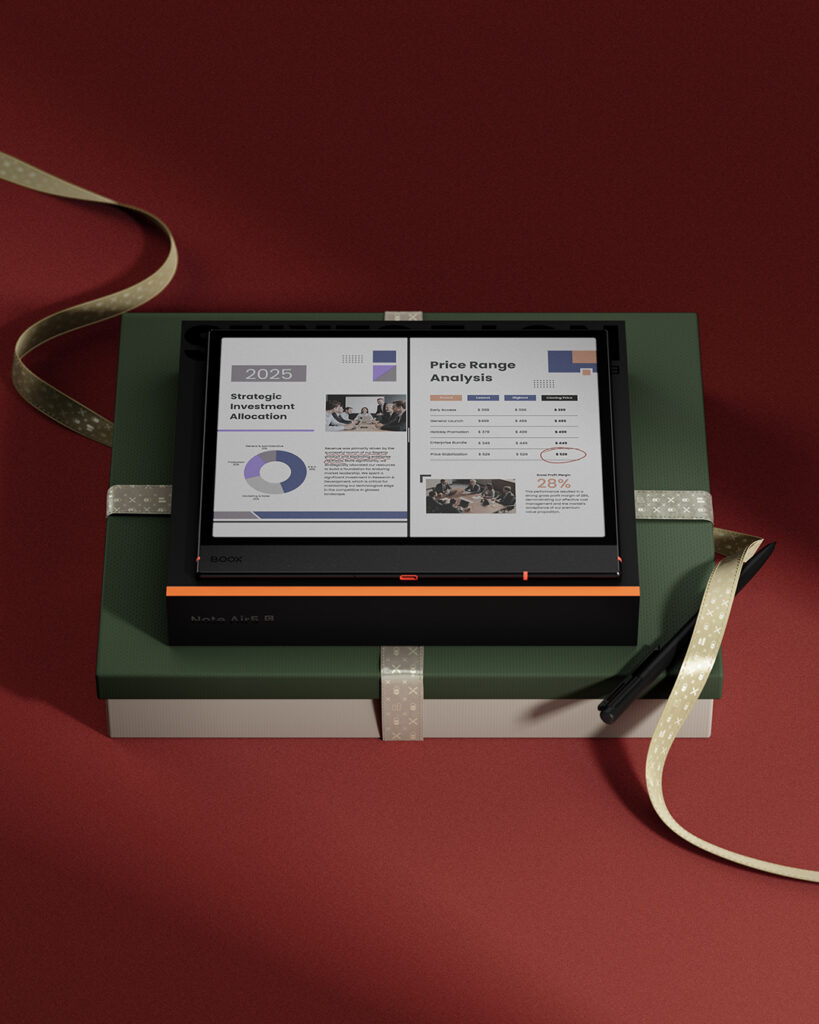
Are you looking for the perfect holiday gift for a family member or friend who loves reading—or needs an upgrade
Holiday Gift Ideas: E-Readers and E-Ink Tablets for Readers and Professionals in Canada Read More »
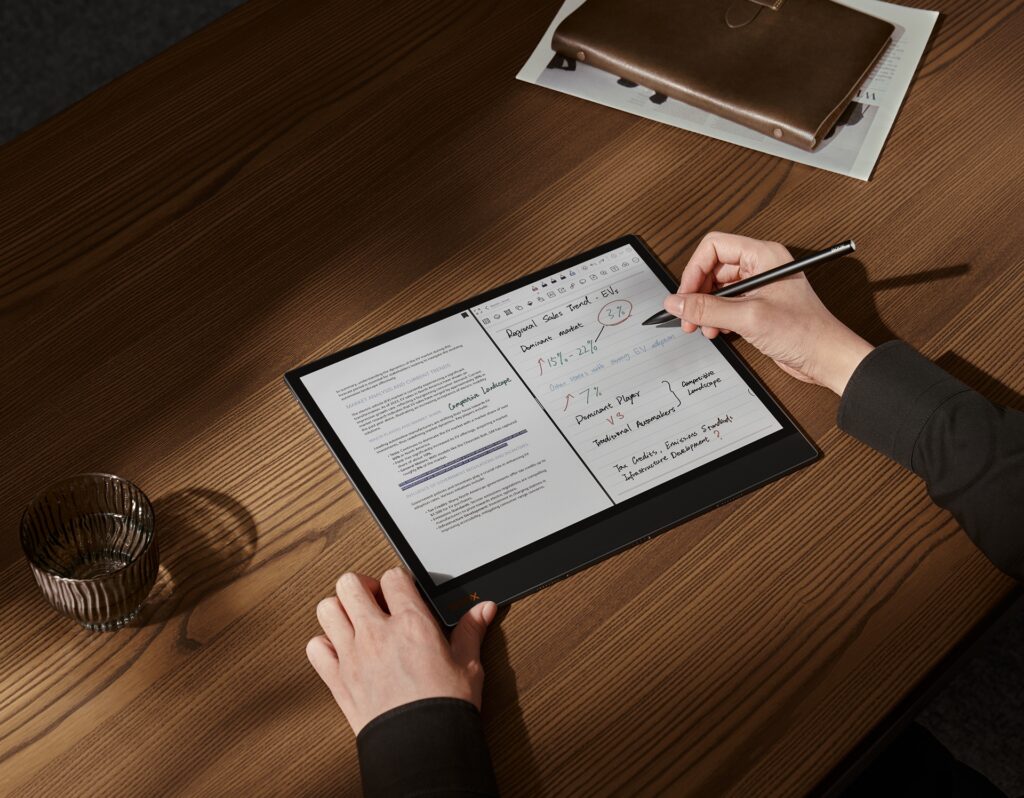
Some BOOX users have reported that certain areas of their tablet screen may not respond to stylus input. If you’re
Troubleshooting Stylus Issues on Your BOOX Tablet Read More »

The Canadian Multilingual Standard (CSA Z243.200-92) is the most versatile layout for bilingual users in Canada. Unlike the standard “US
How to Set Up the Canadian Multilingual Keyboard Layout on Your BOOX Device Read More »
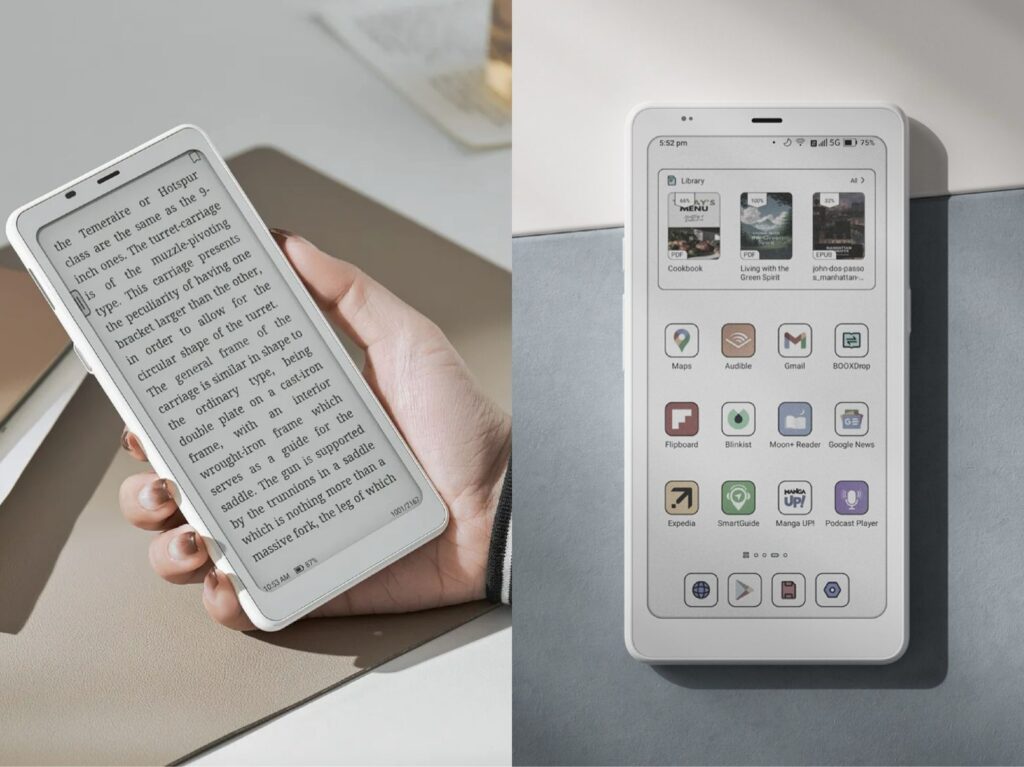
If you’re in Canada and comparing BOOX Palma 2 vs Palma 2 Pro while looking for a compact Android e-reader
BOOX Palma 2 vs Palma 2 Pro – Should You Upgrade? Read More »
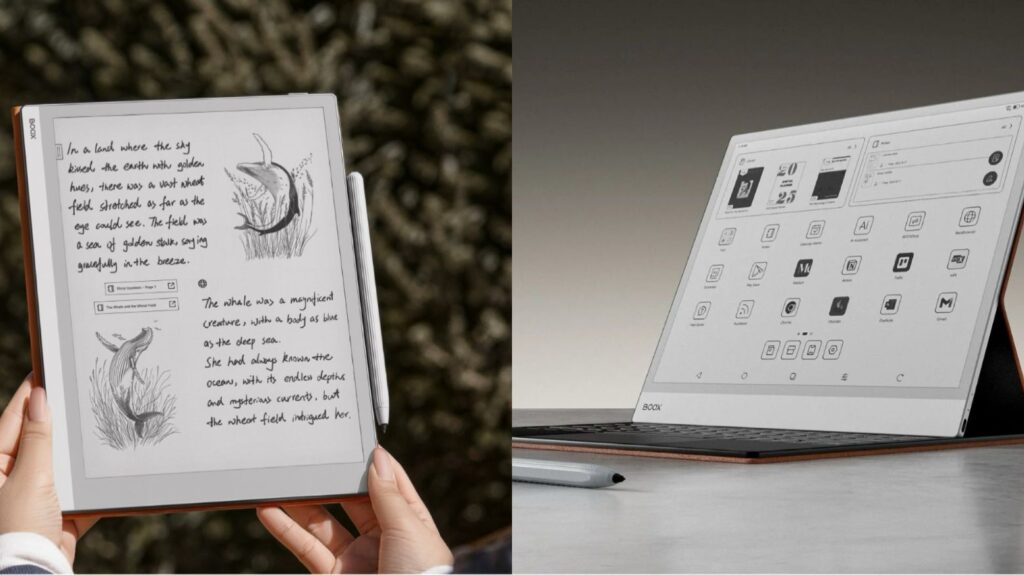
If you’re searching for a paper-like tablet for reading, note-taking, or digital workflows, BOOX tablets offer a truly natural writing
Paper-Like Tablet Showdown: BOOX Go 10.3 vs Note MAX Read More »
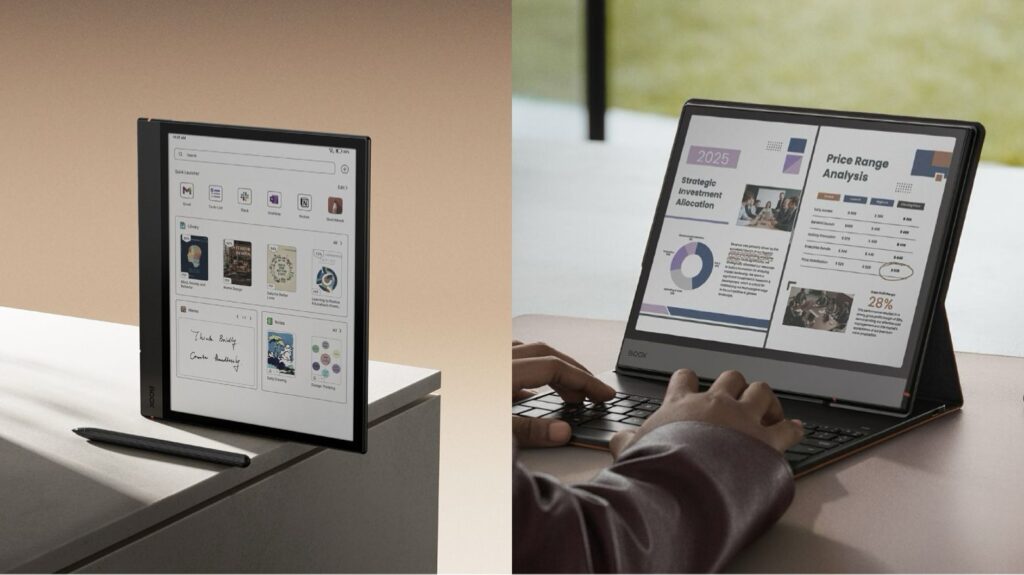
If you’re a fan of digital note-taking, reading, or e-paper devices, you’ve probably used or considered a BOOX Note Air
BOOX Note Air 4C vs Note Air 5C: Should You Keep Your 4C or Upgrade to 5C? Read More »
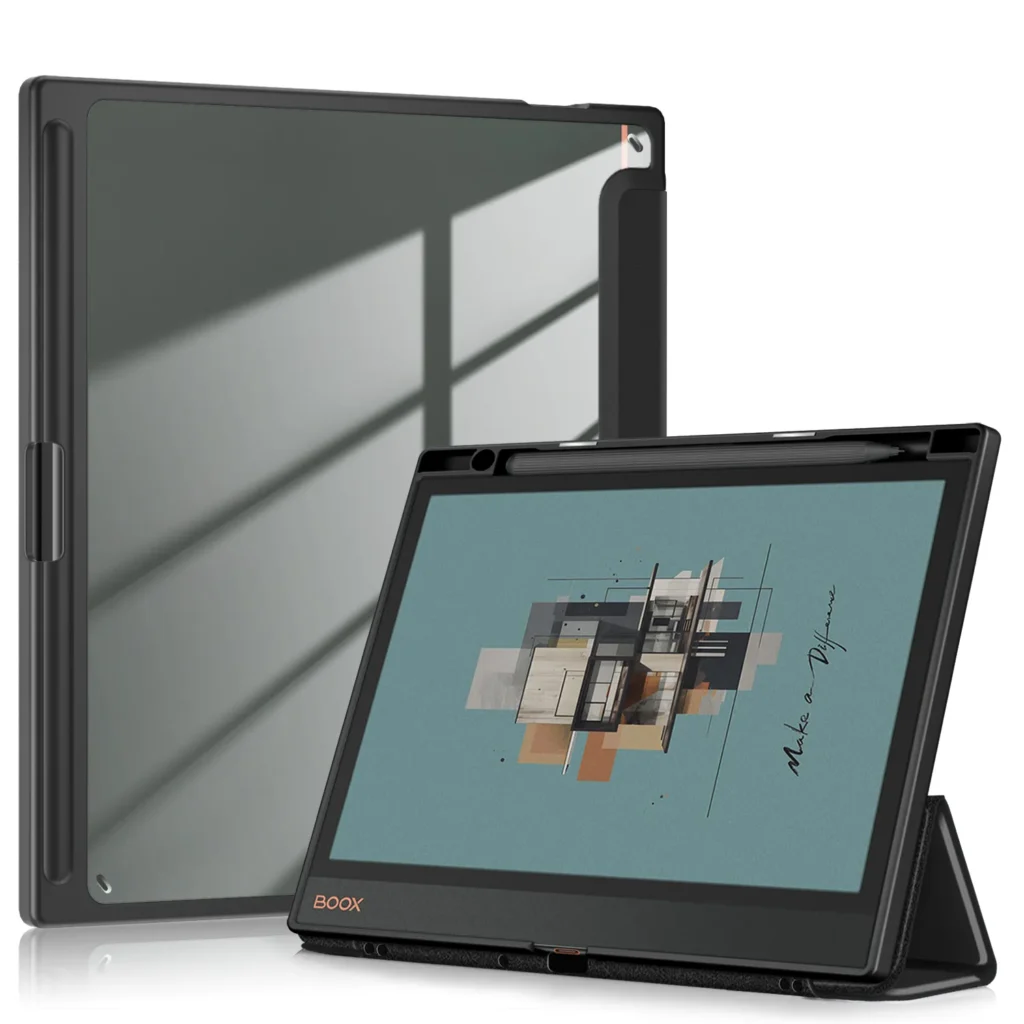
According to our research, E Ink tablets are growing in popularity across Canada, quickly replacing traditional readers. With the right
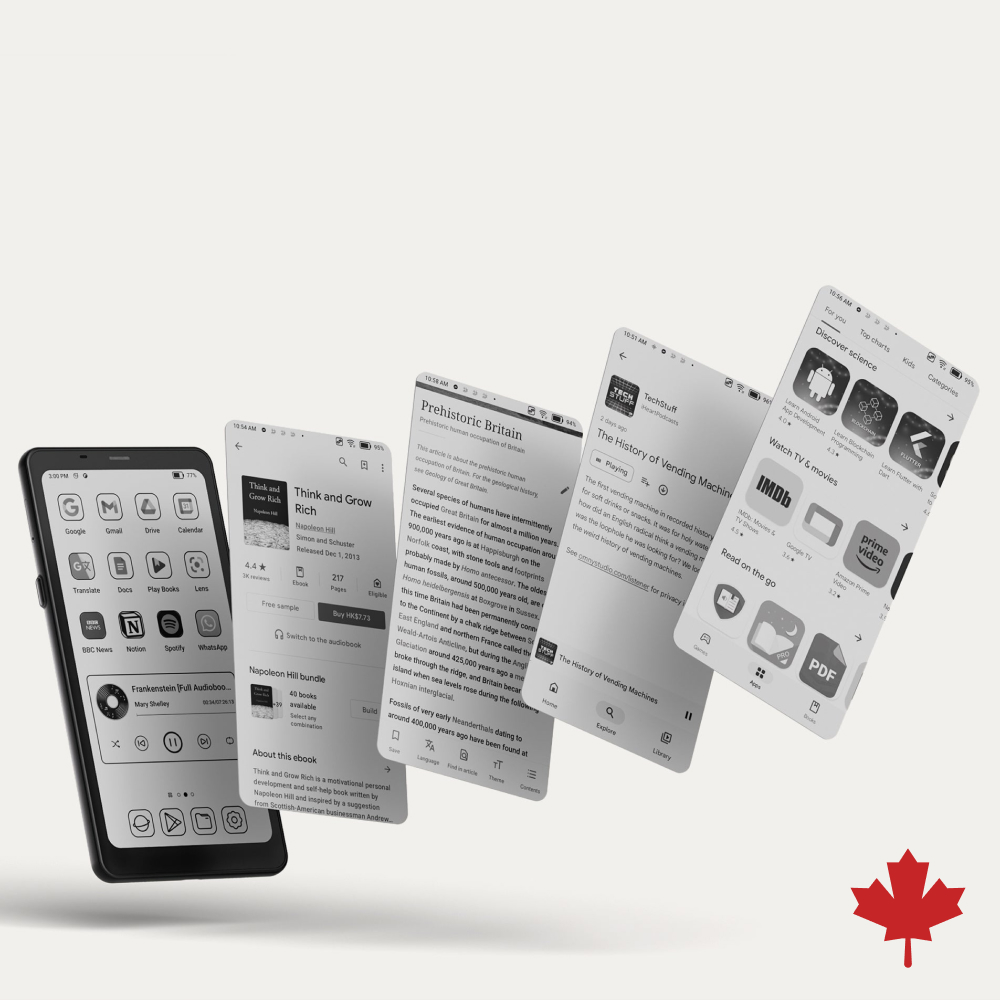
If we compare E Ink vs. Paper, then E Ink is related to the specific brand and type of electronic
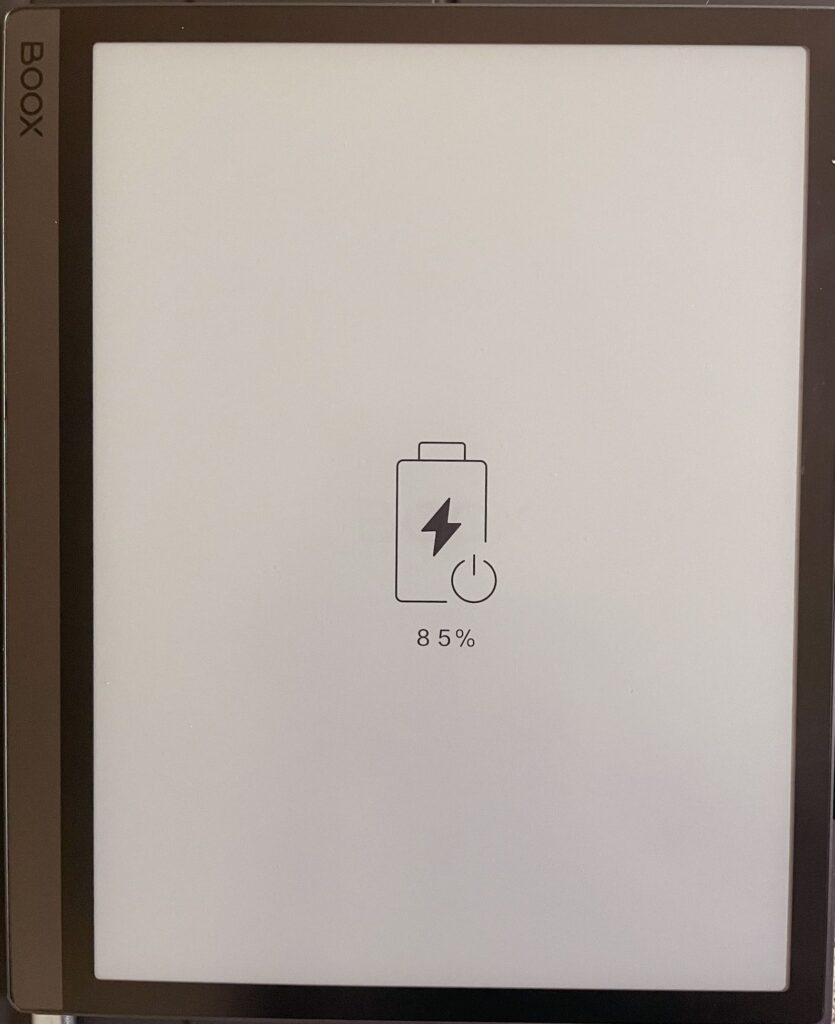
Modern technologies now allow you to use devices longer without recharging. Our article will explain to the reader how to
Tips for Maximizing Battery Life on Your E Ink Device Read More »
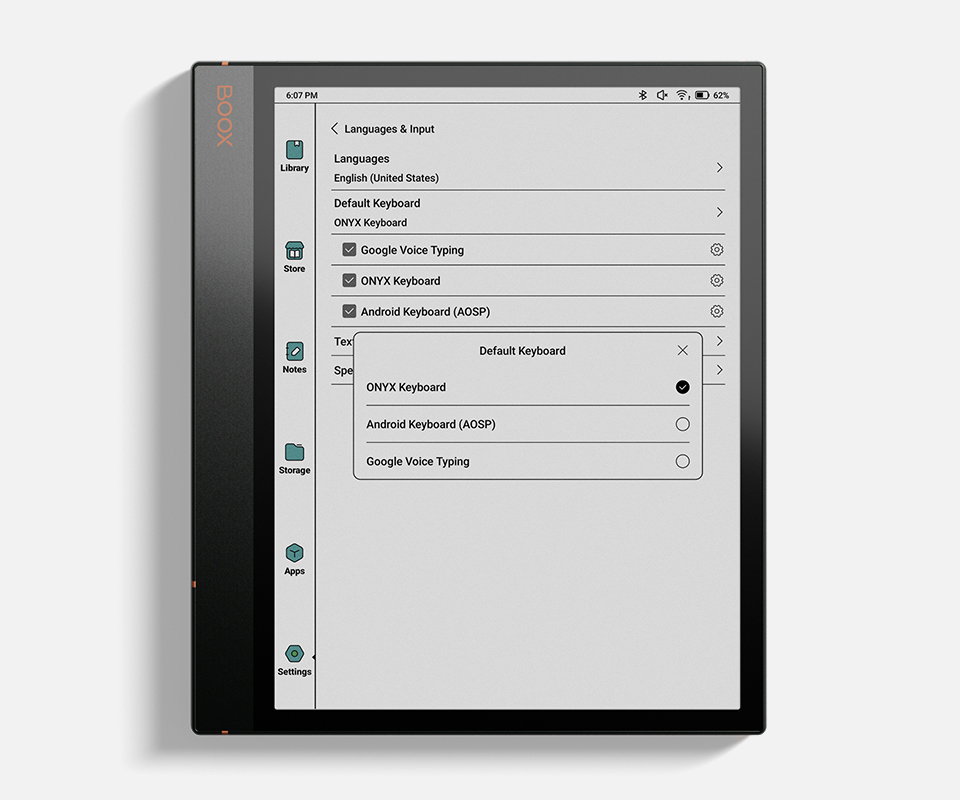
This guide is helpful for people who want to quickly and efficiently set up your new gadget. After reading our
How to Set Up Your New E Ink Tablet: Step-by-Step Guide Read More »
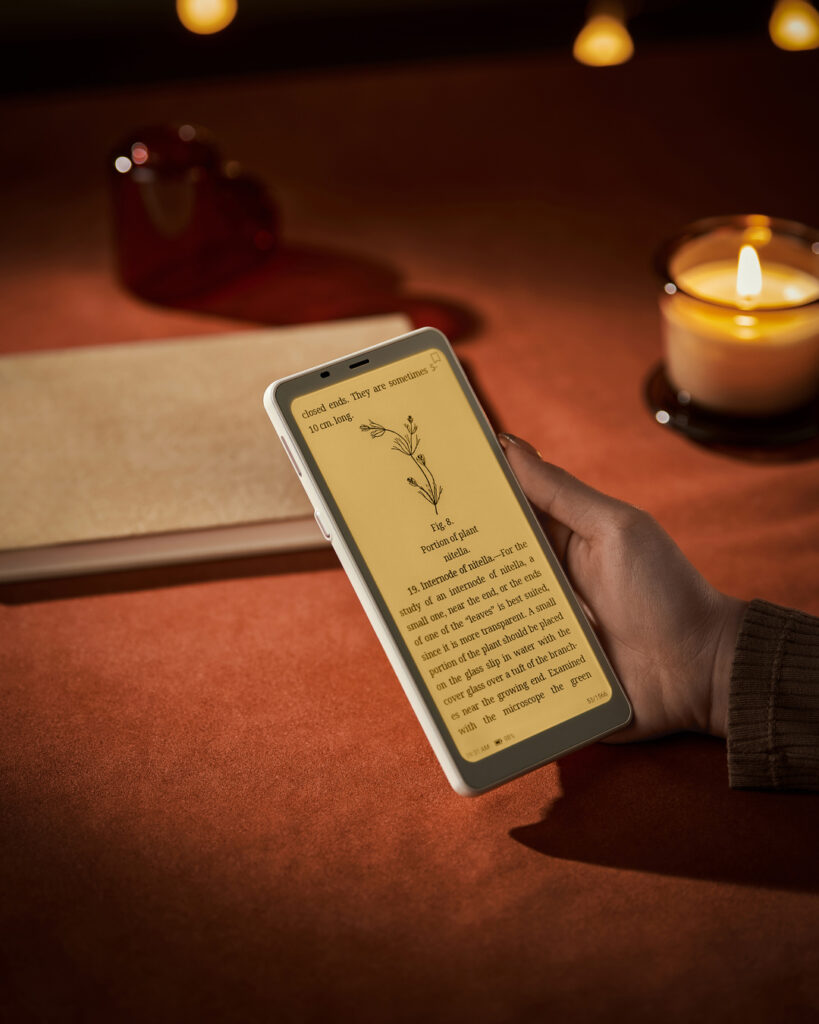
Screen lighting is a crucial factor in the usability, comfort, and efficiency of modern digital devices. Whether you’re reading, working,
Frontlight vs Backlight: What’s the Difference and Which One Suits You Best? Read More »

Discover how to use your BOOX eReader to borrow and read free eBooks and audiobooks from Canadian public libraries. This step-by-step guide covers Libby, Hoopla, and PrêtNumérique—perfect for book lovers across Canada using BOOX devices.
How to Use Your BOOX eReader to Read eBooks from Canadian Libraries Read More »
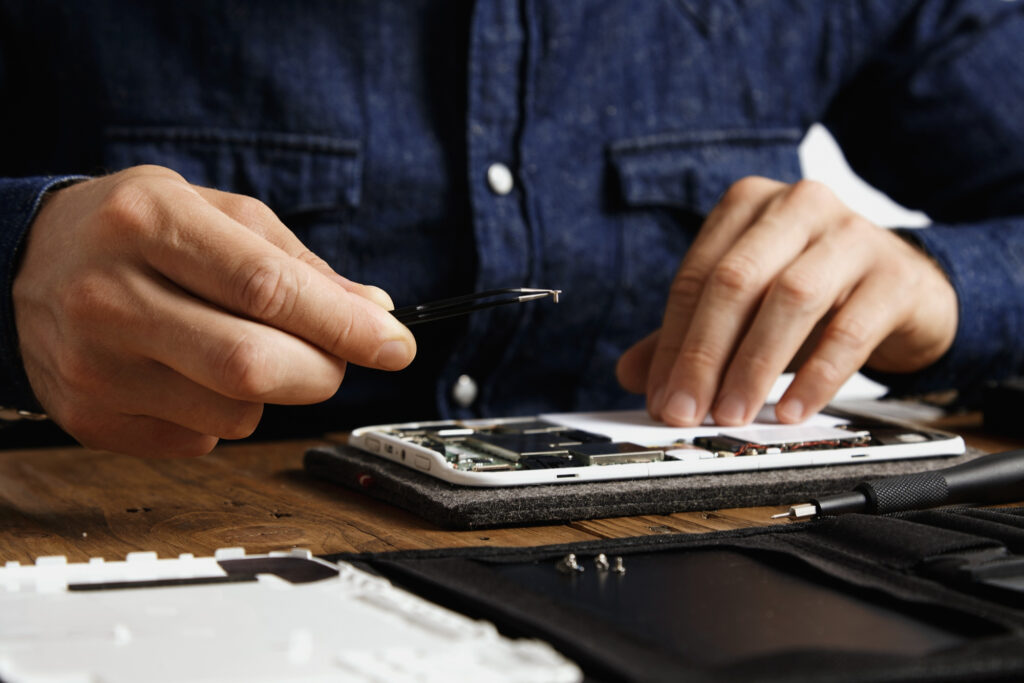
E-Ink screens are a key feature of e-readers and other devices, providing a paper-like reading experience with reduced eye strain
Dealing with a Broken E-Ink Screen: What You Need to Know Read More »
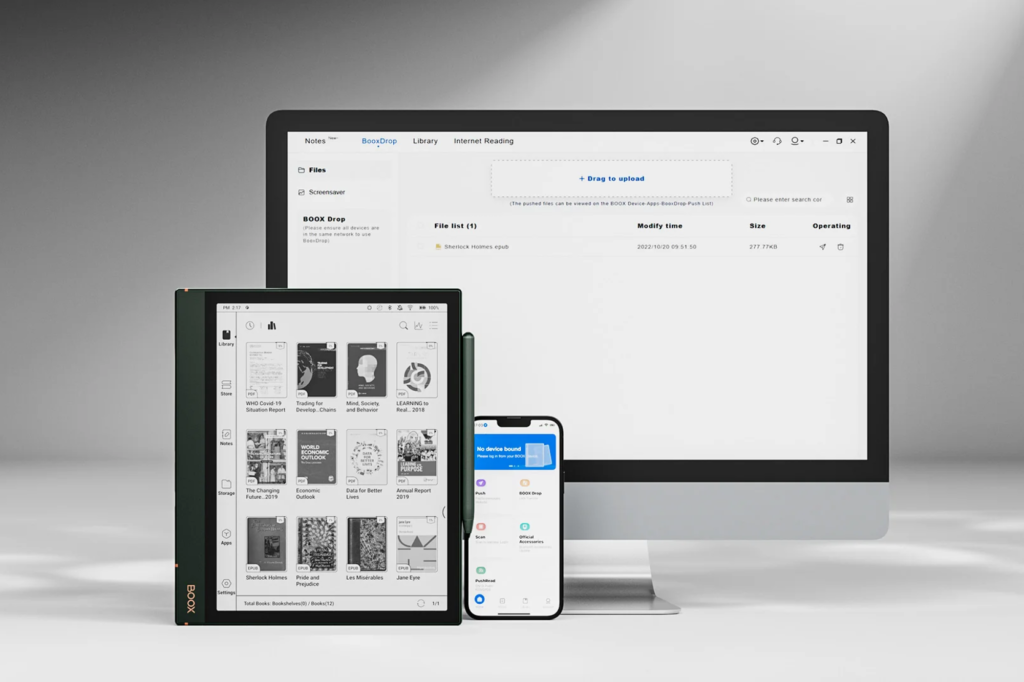
In the world of digital displays, three main contenders have emerged, each vying for the attention of consumers: e-ink, LCD,
The Battle of the Screens: E-Ink vs. LCD vs. OLED – Which One Will Reign Supreme? Read More »
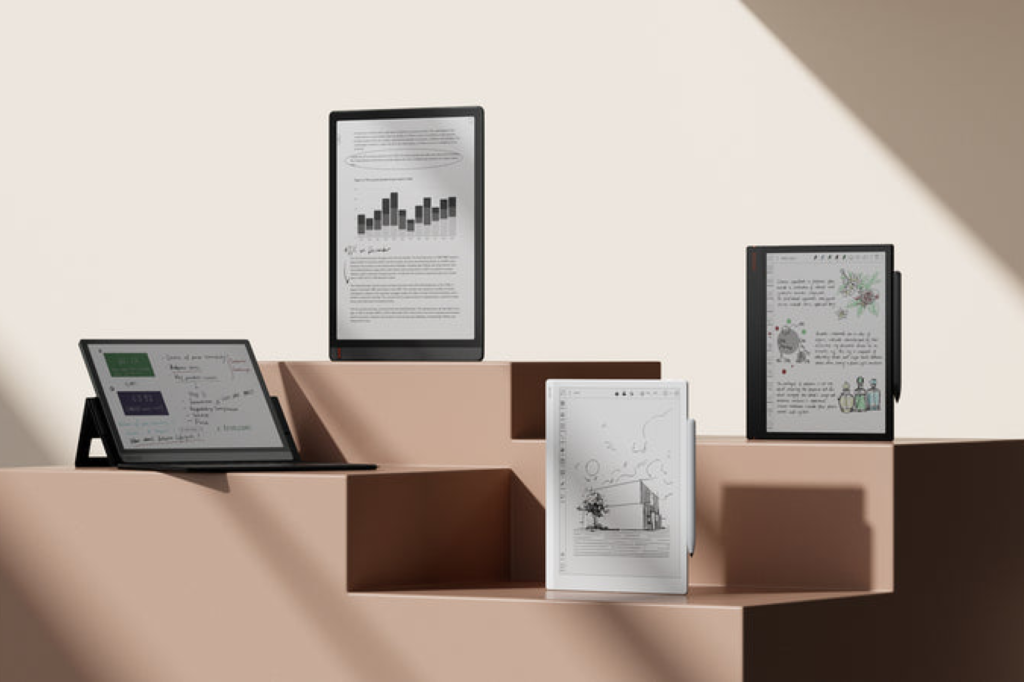
Are you ready to dive into the world of e-ink tablets but feel overwhelmed by the choices available? Fear
E-Ink Tablet Buying Guide: How to Choose the Right Model Read More »
