

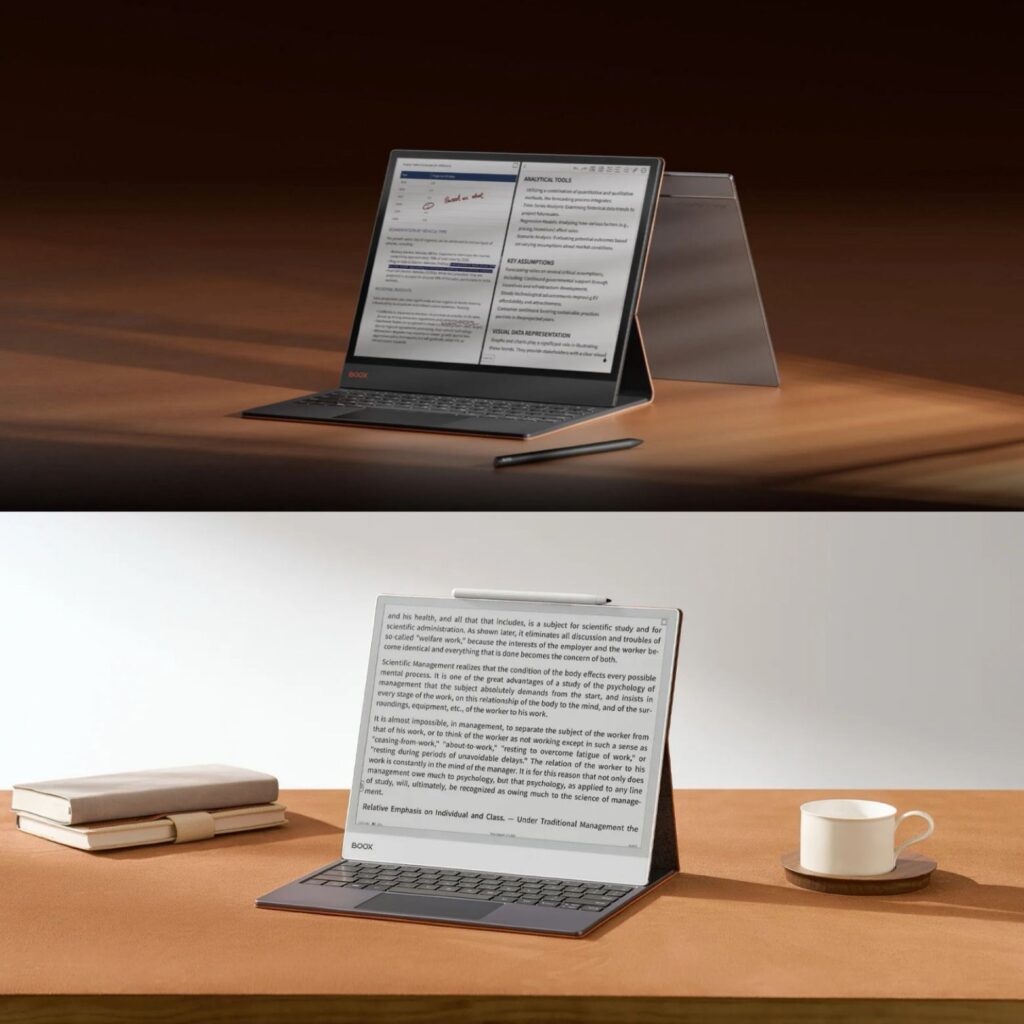
If you’re looking for a large E Ink tablet in Canada, BOOX offers some of the most capable options. Two of the most popular 13.3” models are the BOOX Note Max and BOOX Tab X C. Both are excellent for reading, note-taking, and productivity, but they meet slightly different needs. At Einktab, Canada’s official BOOX distributor, we’ve compared these two tablets to help you decide which one fits your workflow best.
Overview: Large 13.3” E Ink Tablets
The BOOX Note Max and BOOX Tab X C both feature a 13.3-inch display, nearly the size of an A4 sheet, giving you plenty of space for PDFs, documents, and detailed notes. Both run Android 13, support Google Play, and offer the connectivity options professionals and students need.
| Feature | BOOX Note Max | BOOX Tab X C |
|---|---|---|
| Display | Monochrome E Ink (Carta) | Color E Ink (Kaleido 3) |
| Stylus | Standard BOOX stylus | InkSpire Stylus (wireless charging) |
| Front Light | ❌ None | ✔ Dual-tone front light |
| System | Android 13 | Android 13 |
| RAM / Storage | 6 GB / 128 GB | 6 GB / 128 GB |
| Battery | 3,700 mAh | 5,500 mAh |
| Weight | 615 g | 625 g |
| Best For | Monochrome reading & notes | Color visuals & productivity |
What They Have in Common
Large 13.3” Display & Powerful Hardware
Both tablets provide a large screen perfect for reading textbooks, reviewing documents, or taking notes. They also share:
2.8 GHz octa-core processor
6 GB RAM and 128 GB storage
Wi-Fi and Bluetooth connectivity
Stylus input with 4096 pressure levels
USB-C with OTG support
Built-in speakers and microphone
- Keyboard input (sold separately)
This combination makes both devices suitable for professional work, study, and reading.
Android System with App Support
With Android 13, both tablets can install apps from Google Play, including note-taking apps, PDF editors, and cloud storage tools. This flexibility allows you to customize the device for your workflow.
Canadian Warranty and Support
Buying from Einktab, the official BOOX distributor in Canada, ensures local warranty, support, and fast shipping.

Key Differences
Color vs Monochrome Display
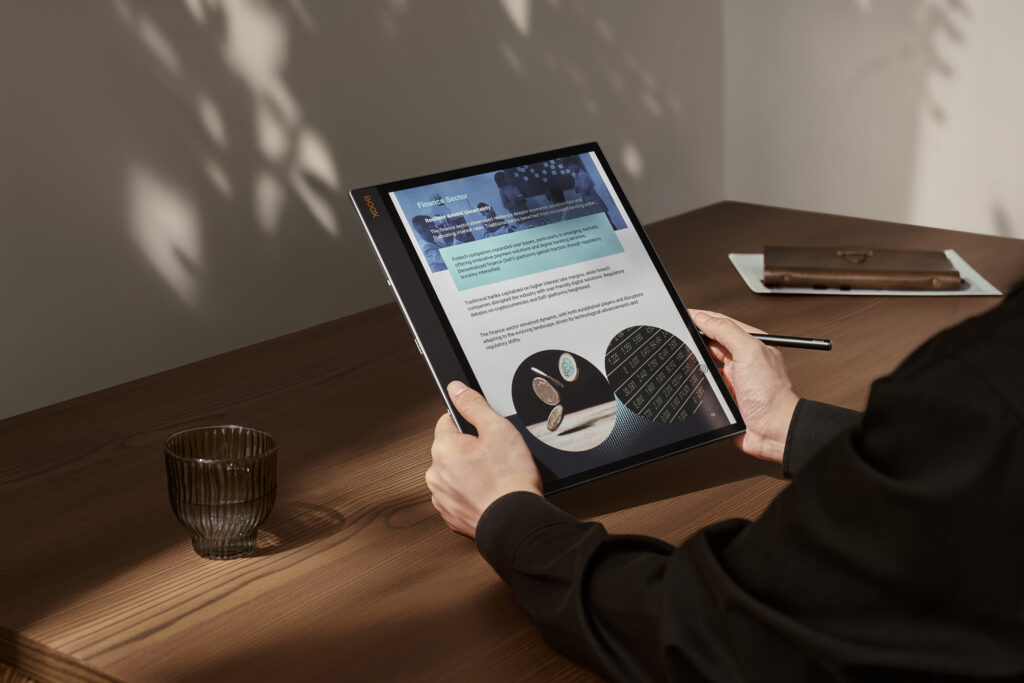
BOOX Tab X C: Features Kaleido 3 color E Ink, great for color PDFs, charts, comics, and diagrams.
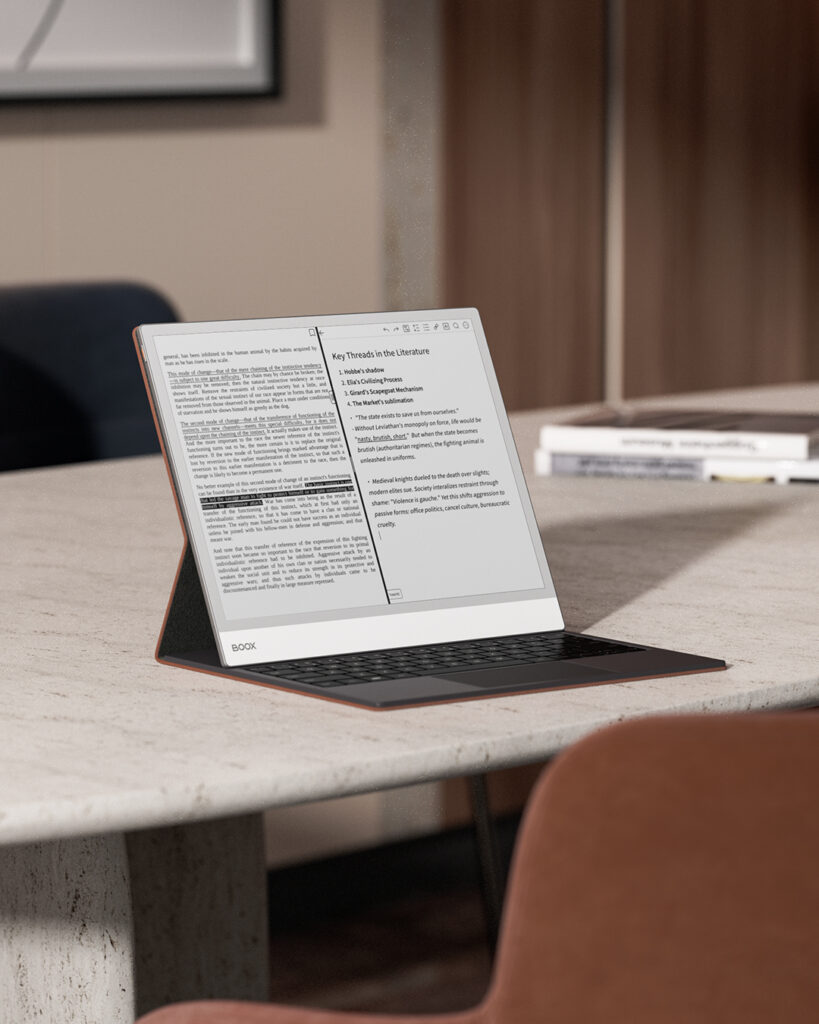
BOOX Note Max: Uses monochrome E Ink, ideal for reading, writing, and sketching without distractions.
If your work involves color visuals, Tab X C is the better choice. For text-heavy documents or note-taking, Note Max provides a classic E Ink experience.
Front Light
Tab X C: Dual-tone front light for comfortable reading in all lighting conditions.
Note Max: No built-in light, best for daylight reading or minimal setups.
Battery Life
Tab X C: 5,500 mAh battery supports longer usage, especially with color and front light.
Note Max: 3,700 mAh battery is sufficient for monochrome reading and notes.
Stylus Experience
Tab X C: InkSpire stylus attaches magnetically and charges wirelessly.
Note Max: Standard BOOX stylus offers precise writing and drawing.

Who Should Choose Which?
BOOX Note Max: Ideal for Writers and Academics
If you mainly read PDFs, take handwritten notes, or annotate documents, Note Max provides a classic monochrome E Ink experience with minimal eye strain.
BOOX Tab X C: Great for Color and Productivity
If your workflow involves color visuals, illustrations, or multimedia, Tab X C offers a color display, front light, and larger battery, making it ideal for long work sessions.
Both the BOOX Note Max and BOOX Tab X C are excellent 13.3” E Ink tablets. Your choice depends on your needs:
Tab X C: Best for color content, all-day productivity, and reading in varied lighting.
Note Max: Best for pure monochrome note-taking, reading, and writing.
At Einktab, Canada’s official BOOX distributor, you’ll get local warranty, fast shipping, and support, along with accessories like stylus pens and keyboard covers.
Explore the full range of BOOX tablets at Einktab.ca and find the device that fits your digital workflow perfectly.
