

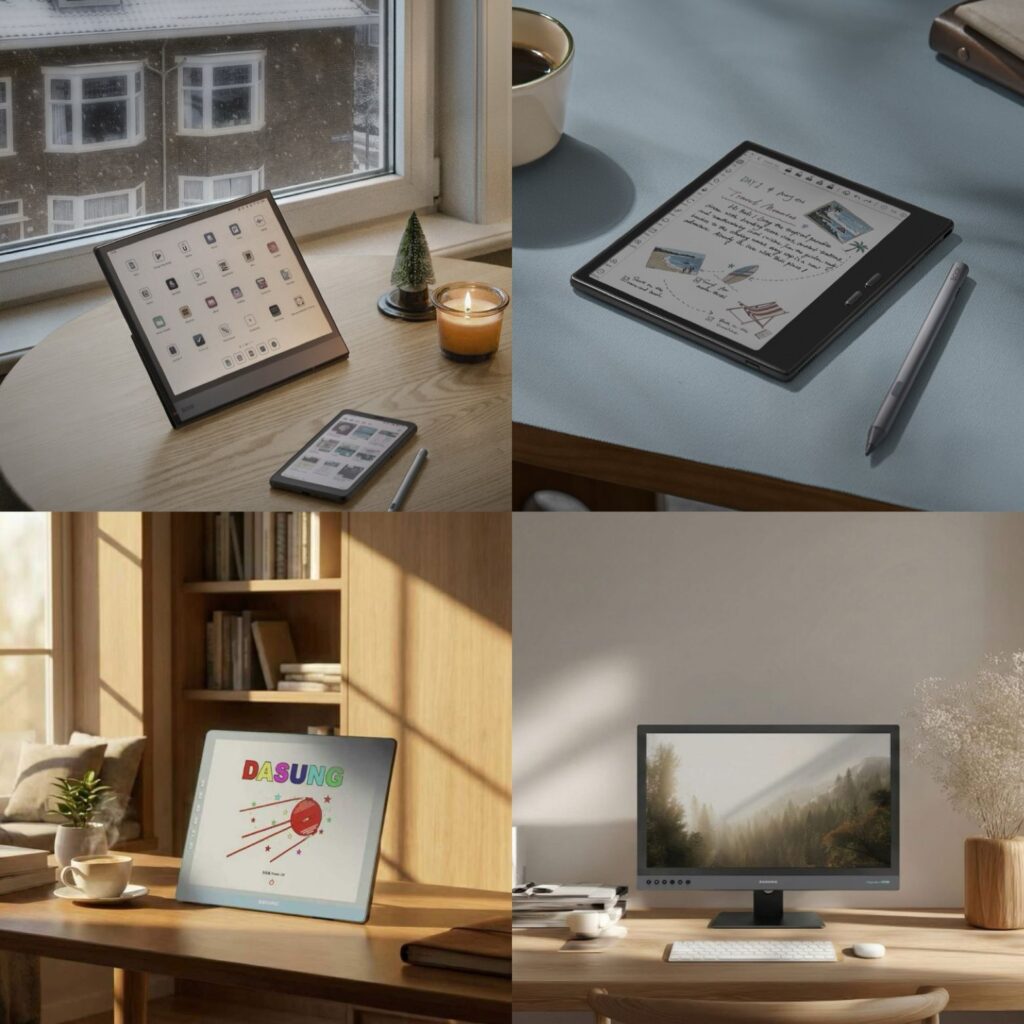
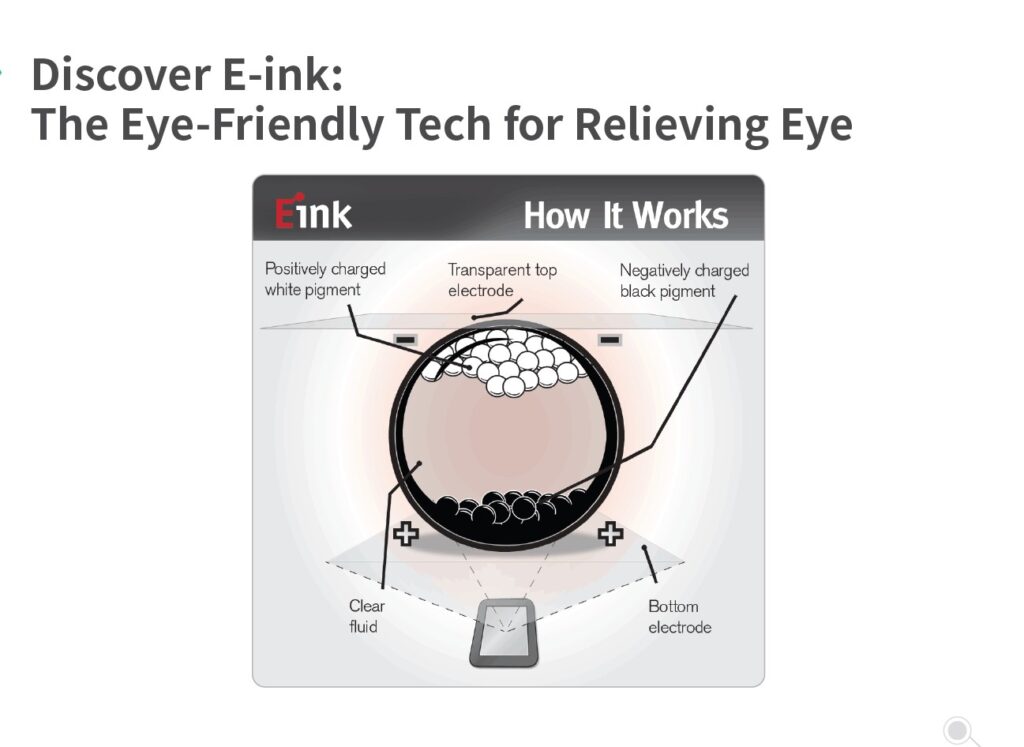
Electronic Ink (E Ink) is a unique display technology built around microcapsules that rearrange pigment to create text and images. Its key advantage is that power is only used when content changes, not while the image is static. This gives devices using E Ink remarkably low energy consumption and a paper‑like look and feel.
However, how E Ink performs depends heavily on the device type , whether it’s developed as a monitor or as an eReader.
What is E Ink?
E Ink, or electronic ink, is a display technology that mimics paper by rearranging tiny microcapsules to form text and images. Unlike LCD or OLED screens, E Ink only uses power when content changes, giving devices a paper-like look and low energy consumption.
Key Features of E Ink (applies to both eReaders and monitors)
Advantages
Extremely low power usage — battery is only used when changing the display.
Reflective display makes it easy to read in bright sunlight.
Minimal blue light emission reduces eye strain.
Limitations
Slower refresh rate — not ideal for video or fast-moving content.
Most panels are monochrome or offer limited color.
Less responsive than LCD/OLED for quick interactions.
E Ink eReader — The Reading Specialist
E Ink eReaders, including BOOX devices available at EINKTAB, are designed for reading books, PDFs, and documents, offering a paper-like experience for long reading sessions.
🔎 Strengths
Comfortable for long reading sessions
The page-like display reduces eye fatigue, even after hours of reading.
Long battery life
Weeks of usage on a single charge because E Ink only draws power during page turns.
Portable and lightweight
Compact and easy to carry, perfect for reading anywhere.
🔎 Weaknesses
Limited refresh for dynamic content
Not suitable for video or fast-moving graphics.
Limited color options
Most eReaders are grayscale or have muted color displays.
Focused on reading
Cannot run full tablet applications or perform complex computing tasks.
Ideal for: Avid readers, students, and professionals who want a lightweight, distraction-free reading experience.
BOOX eReaders Lineup (Available at EINKTAB)
| Series | Typical Screen Size | Screen Type | Key Features |
|---|---|---|---|
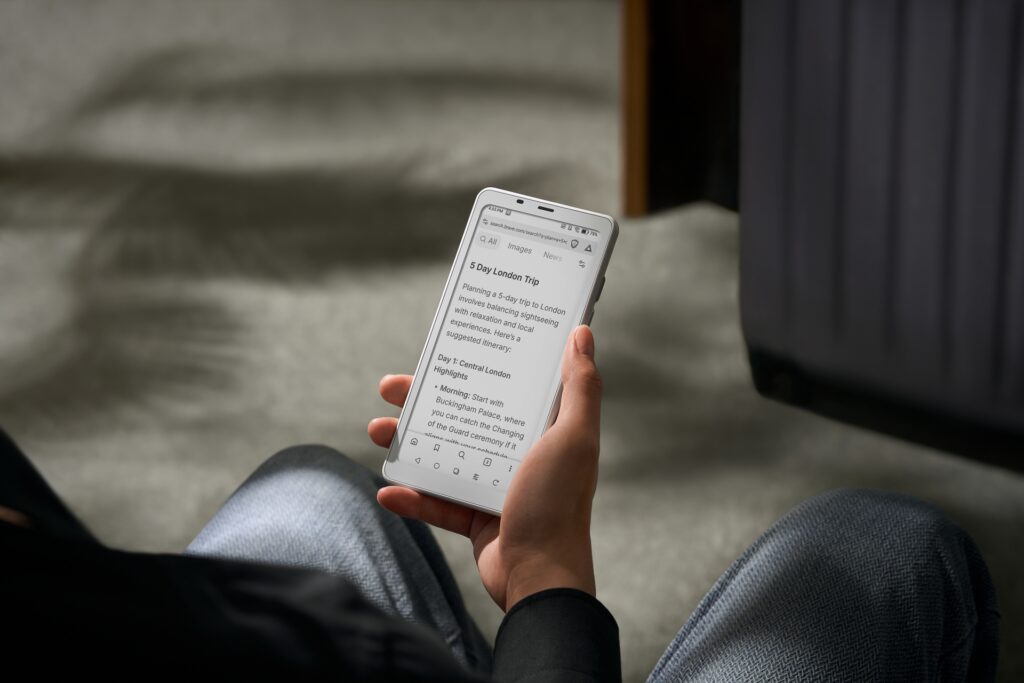
| Go Series | 6″,7″,10.3″ | Black & White/ Color (Go Color 7) | Ultra-portable, lightweight, ideal for casual reading and travel |
| Palma Series | 6.13″ | Black & White / Color (Palma 2 Pro Color) | Compact with optional color display, good for comic/manga reading |
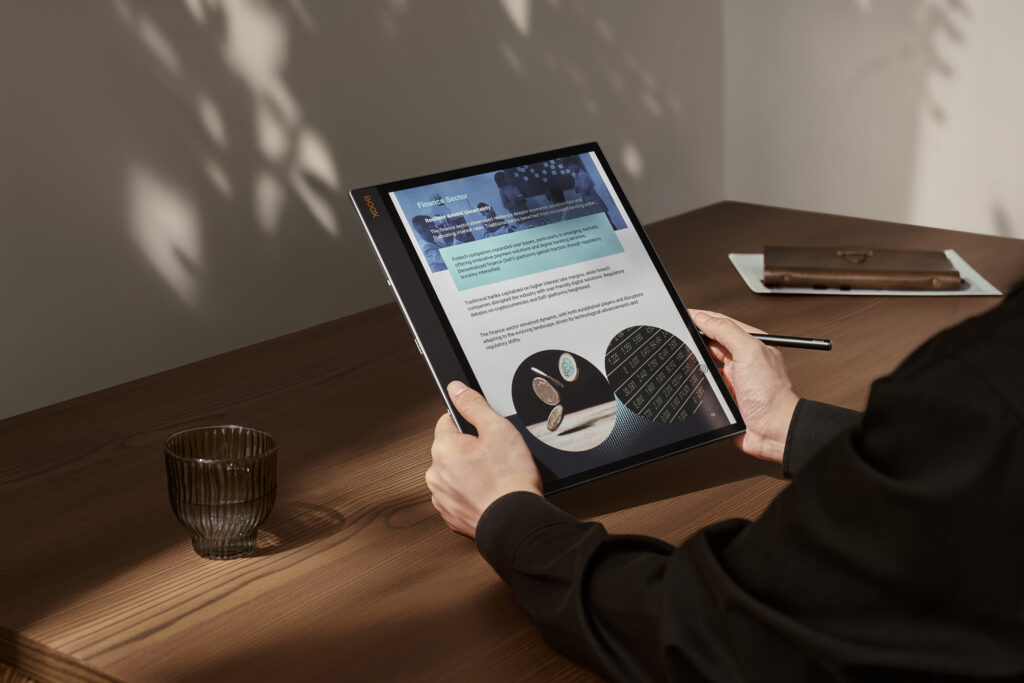
| Note Series | 10.3″ – 13.3″ | Black & White / Color (Note Air 5 C) | Large screens for PDFs, annotation, note-taking, productivity-friendly |
| Tab Series | 13.3″ | Color (Tab X C) | Full Android tablet experience with E Ink display, supports apps, documents, and multimedia |
E Ink Monitors — The Productivity Display
Dasung E Ink monitors, offered by EINKTAB in Canada, bring the benefits of E Ink to desktop computing, making them perfect for reading, writing, coding, and focused work.
🔎 Strengths
Eye-friendly for extended work
Reduces blue light exposure and mimics paper for less eye strain.
Low power consumption
Like eReaders, power is only used when the screen changes.
Large size for productivity
Typically 10″–25″+ screens, ideal for dual-page layouts and multitasking.
🔎 Weaknesses
Slower refresh than traditional monitors
Newer models are improving (up to ~60Hz), but still not ideal for fast-moving content.
Not for video or graphics-heavy tasks
E Ink remains unsuitable for smooth video playback or gaming.
Higher price
Specialized E Ink monitors can cost more per inch than conventional monitors.
Ideal for: Professionals, students, and digital workers who want a large, eye-friendly display for documents, coding, or extended reading sessions.
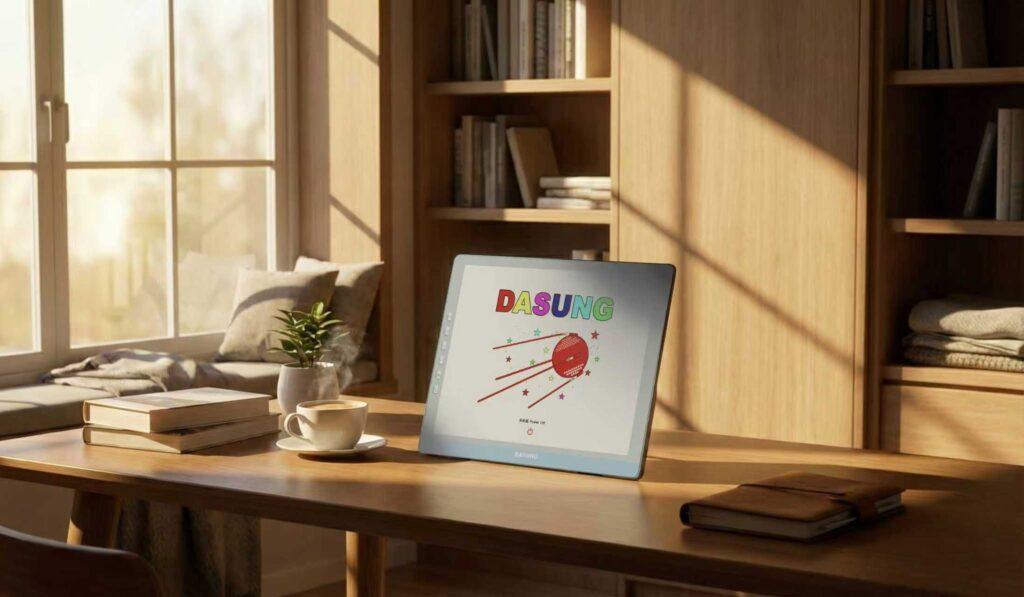

DASUNG E Ink Monitor Lineup (Available at EINKTAB)
| Product Name | Supported System | Screen Size | Screen Color | Front Light | Touch Screen |
|---|---|---|---|---|---|
| Paperlike 103 | Windows / macOS / Linux / iPadOS / iOS / Android | 10.3 inch | Black & White E-Ink | Yes | Yes |
| Paperlike 13K | Windows / Linux / Mac / Android | 13.3 inch | Black & White E-Ink | Yes | No |
| Paperlike 13K (Color) | Windows / Linux / Mac / Android | 13.3 inch | Kaleido 3 Color E-Ink | Yes | Yes |
| Paperlike 253 (Revolutionary) | Windows / Linux / Mac / Android | 25.3 inch | Black & White E-Ink | Yes | No |
Side‑By‑Side Comparison
| Feature | E Ink eReader | E Ink Monitor |
|---|---|---|
| Primary Use | Reading books & PDFs | Secondary screen for productivity |
| Screen Size | ~6″ – ~13″ | ~10″ – ~25″+ |
| Battery Life | Weeks | Hours to days |
| Eye Comfort | Excellent | Excellent |
| Refresh Speed | Optimized for page turns | Improved but slower than LCD/OLED |
| Multimedia | Limited | Minimal |
| Cost | Low–mid | Higher |
| Portability | High | Moderate to Low |
Which Should You Choose?
For Reading
Choose an E Ink eReader
✔ Ideal for novels, textbooks, and research papers
✔ Long battery life
✔ Lightweight and distraction-free
For Productivity
Choose an E Ink Monitor
✔ Perfect for coding, editing, and document review
✔ Large screens for multitasking
✔ Reduces eye strain during long sessions
At EINKTAB, we are proud to be the official partner of BOOX in Canada.We are also the Canadian partner of Dasung.
Einktab provides authentic BOOX eReaders and Dasung E Ink monitors, bringing the best of E Ink technology to Canadian users.
E Ink eReaders: Optimized for reading, portability, and battery life.
E Ink Monitors: Optimized for productivity, eye comfort, and large-format document review.
Our mission: to deliver premium, eye-friendly E-Ink eReaders, Tablets, and Monitors to Canadians, transforming the way you read, work, and take notes.
