

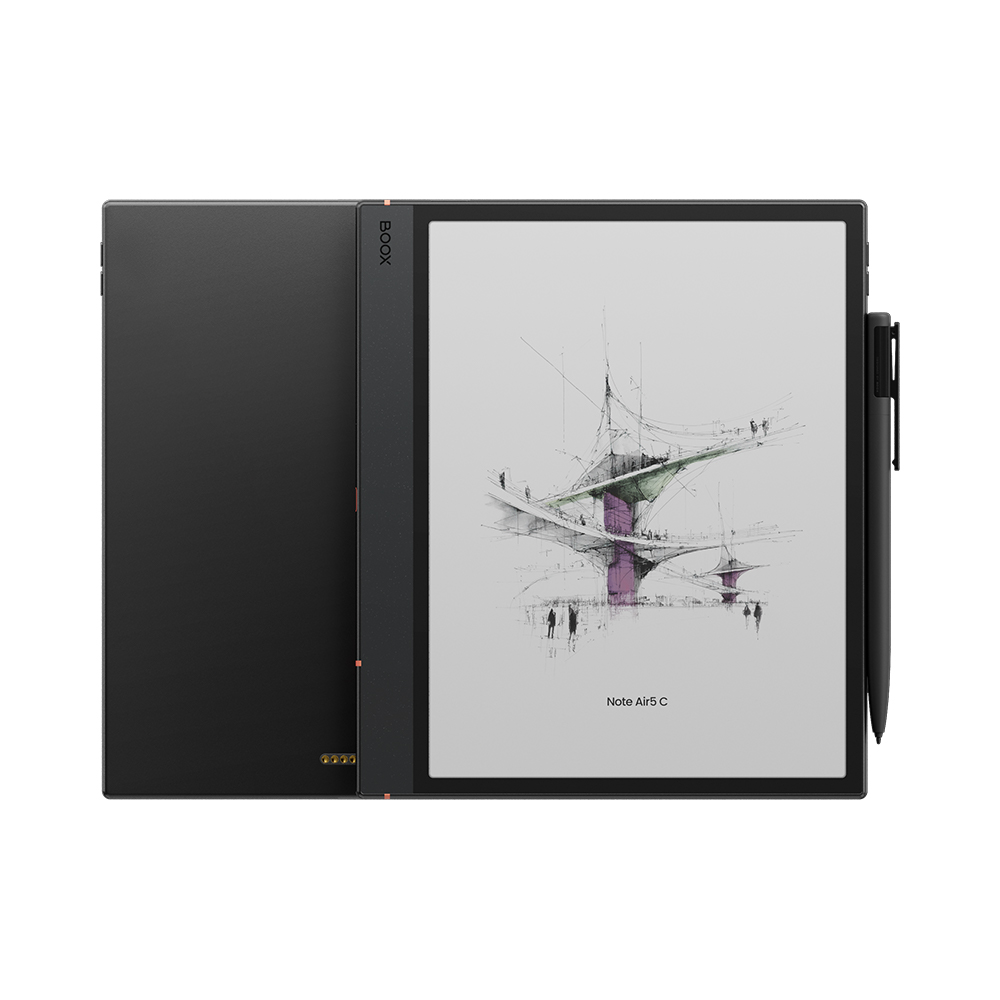
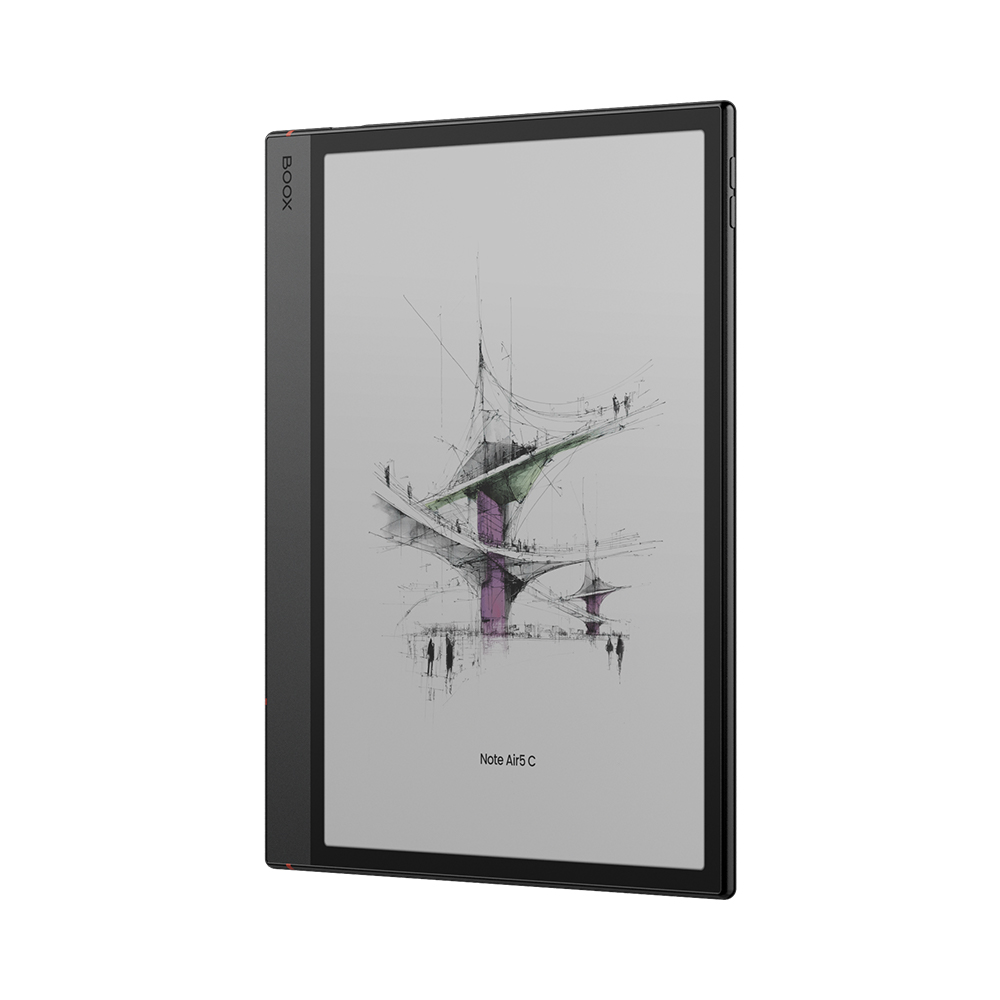
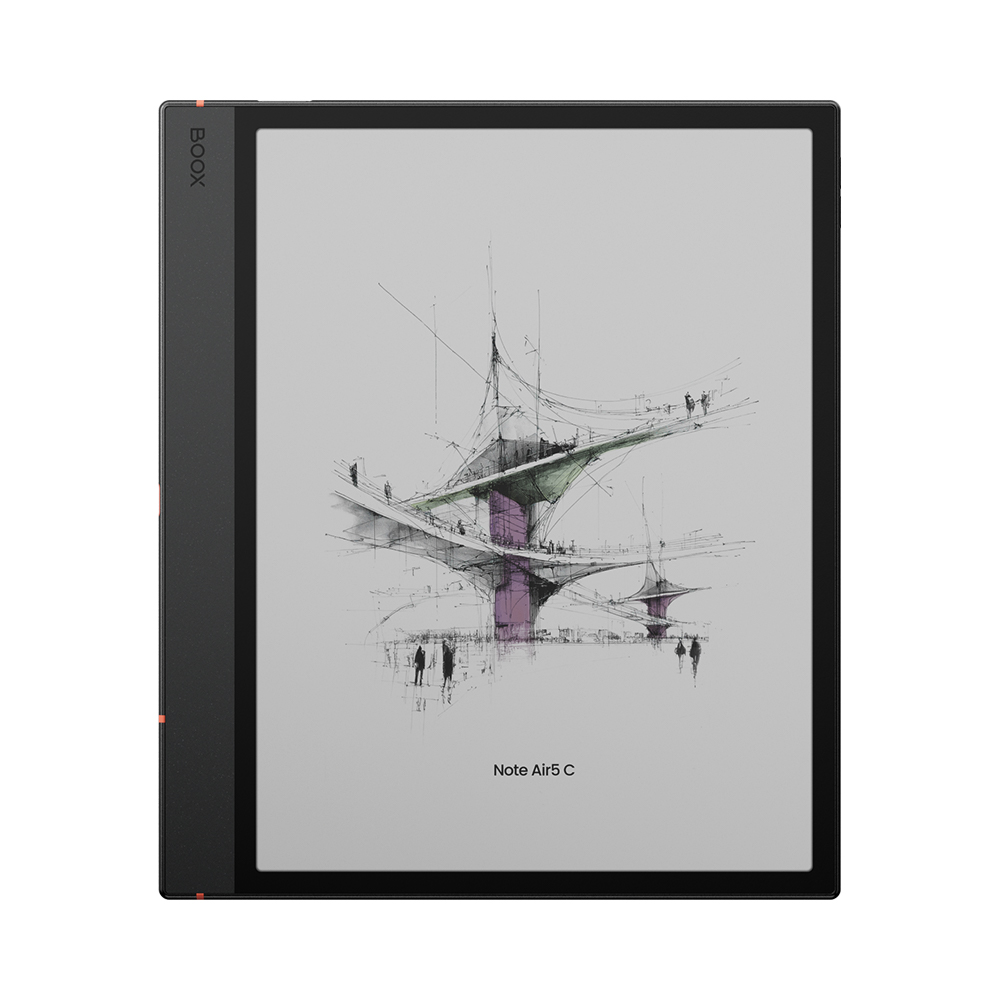
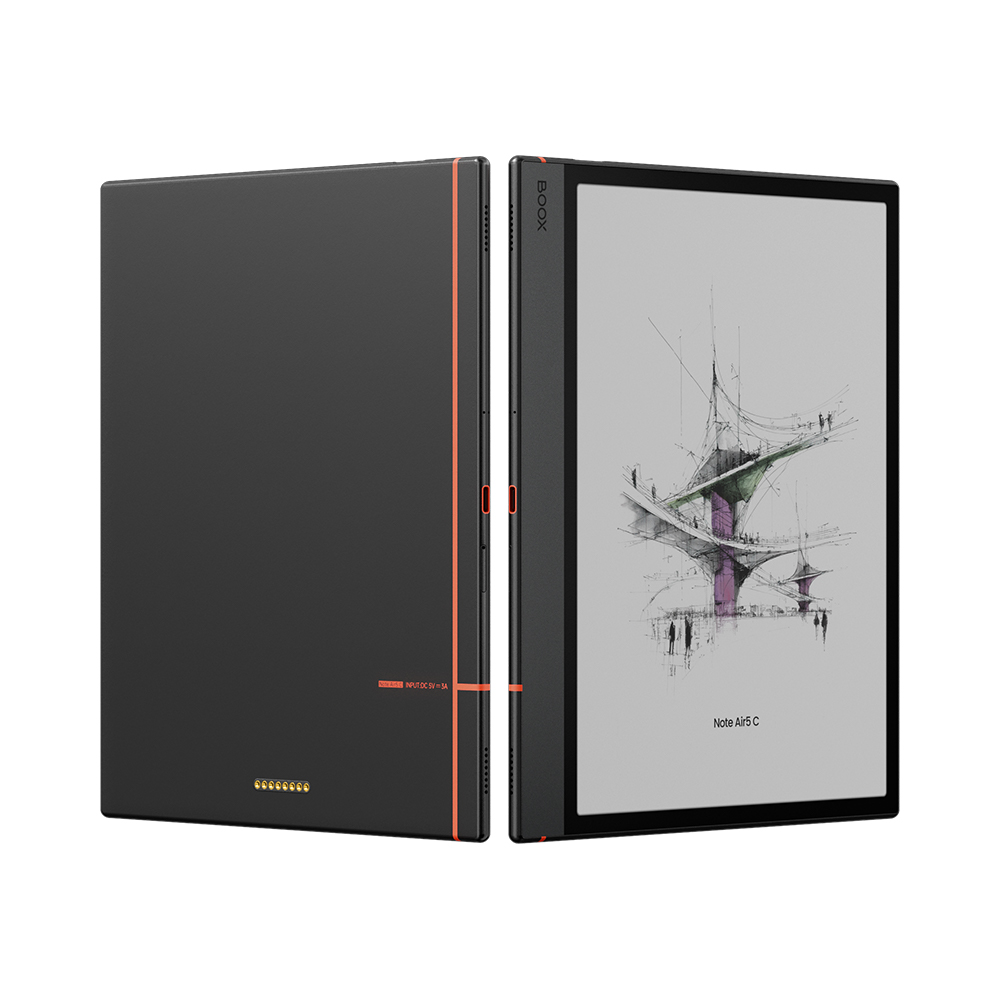





Exciting news — the BOOX Note Air5 C is arriving in Canada
The Color ePaper Notebook That Inspires and Empowers
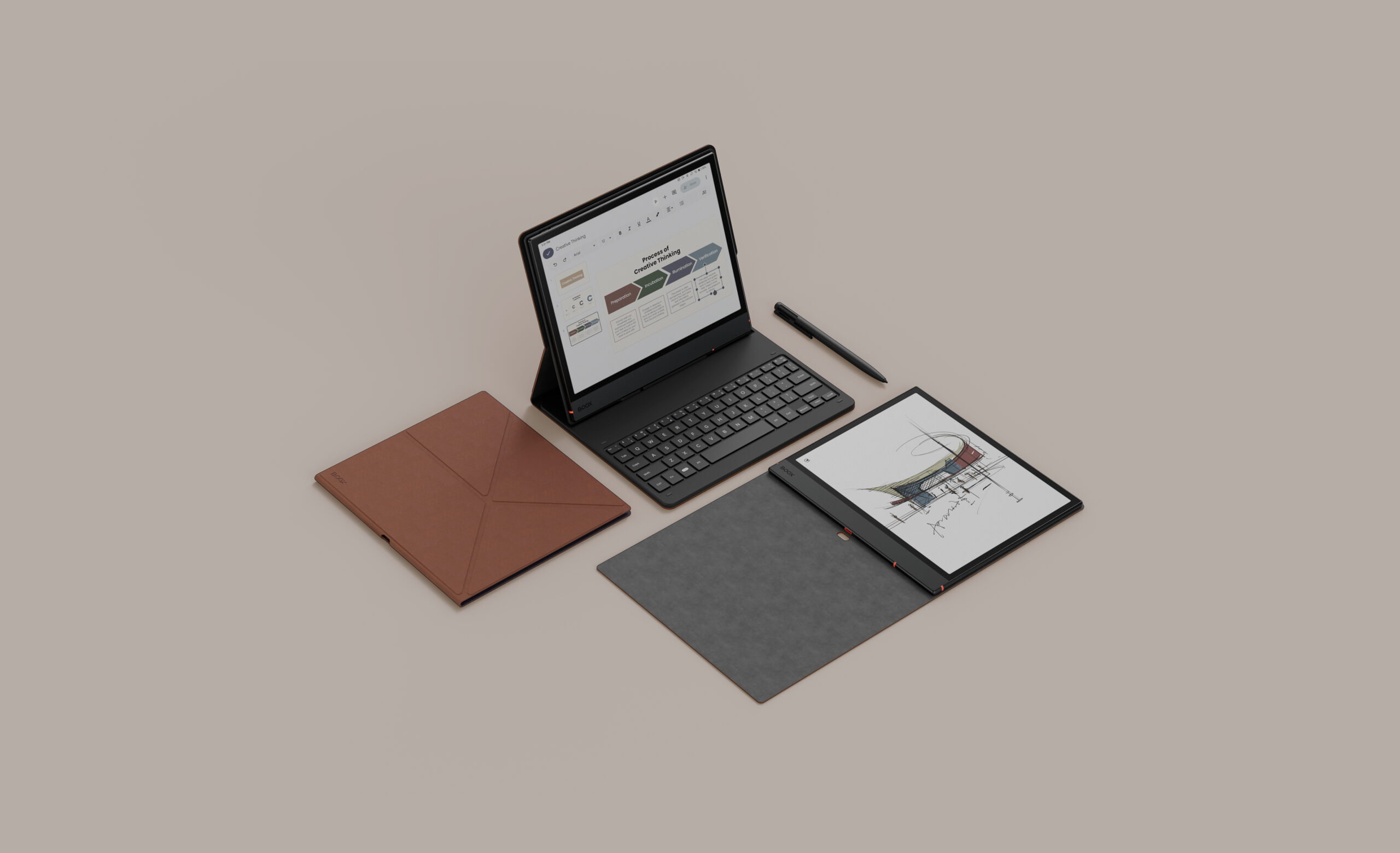
An all-in-one digital notebook that feels closer to paper than ever before. The BOOX Note Air5 C lets you capture, create, and organize ideas on a 10.3″ Kaleido 3 Color ePaper screen — designed to spark creativity and power through light productivity tasks. Built for creators, thinkers, and achievers, it’s your perfect balance of performance, color, and clarity.
Built to Power Through
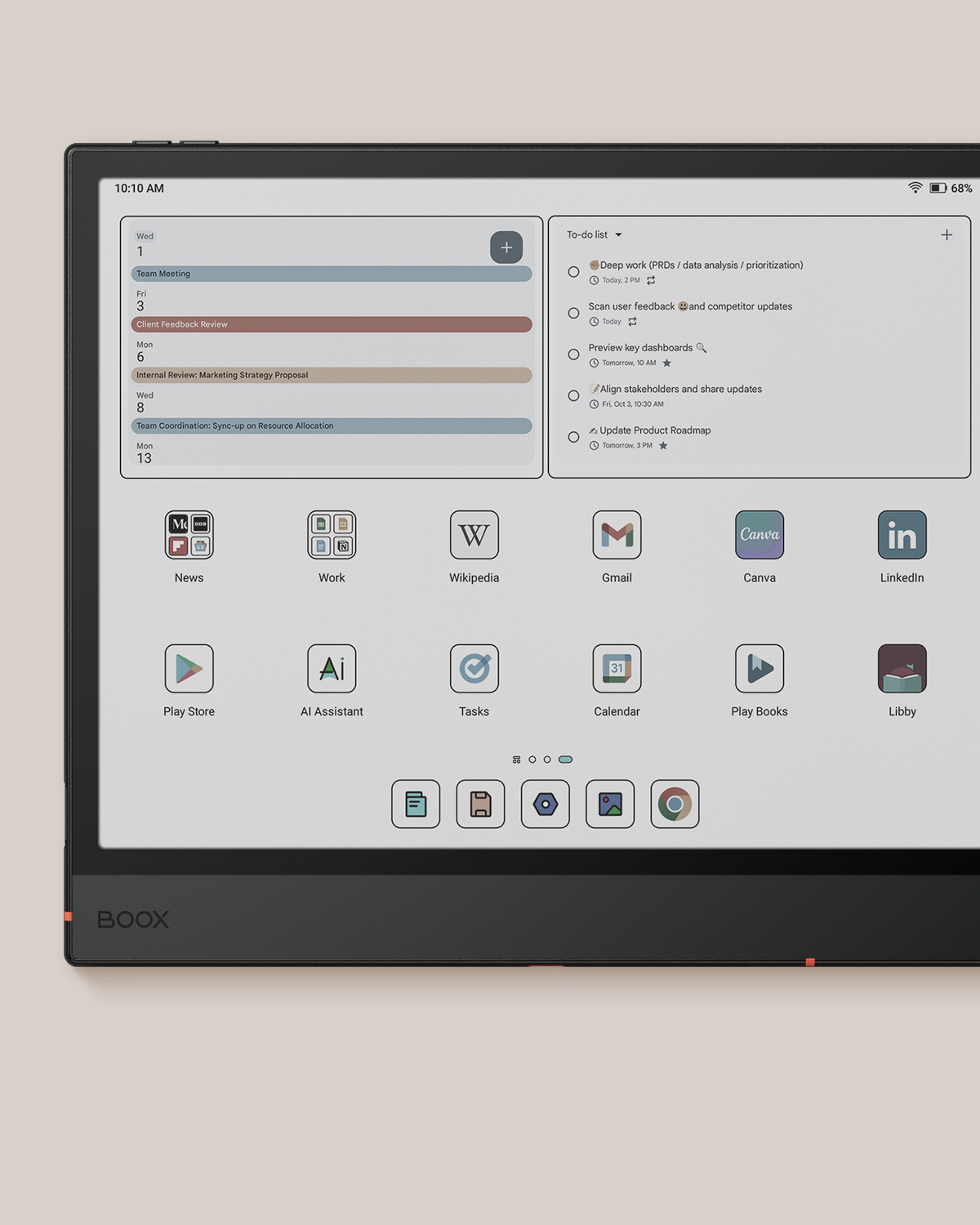
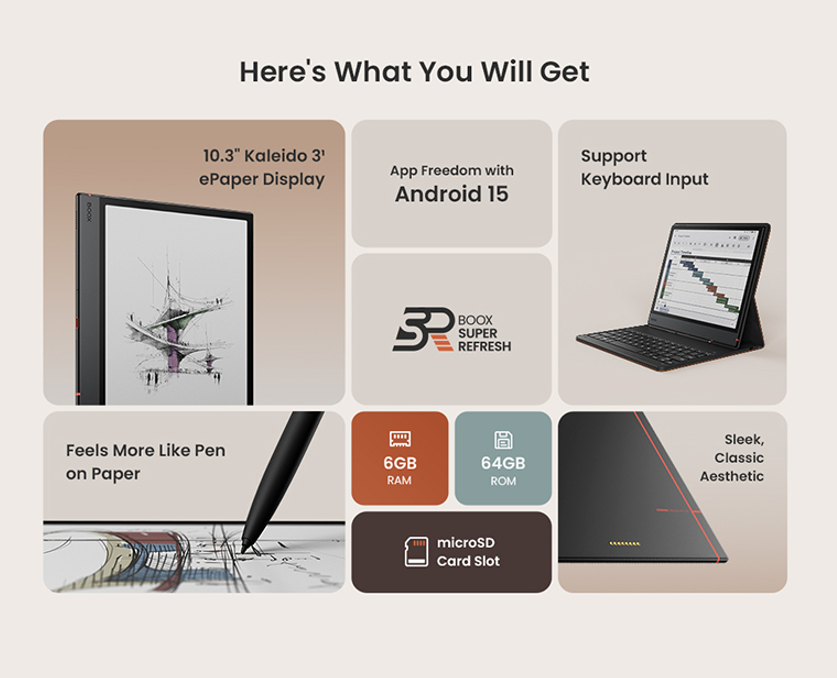
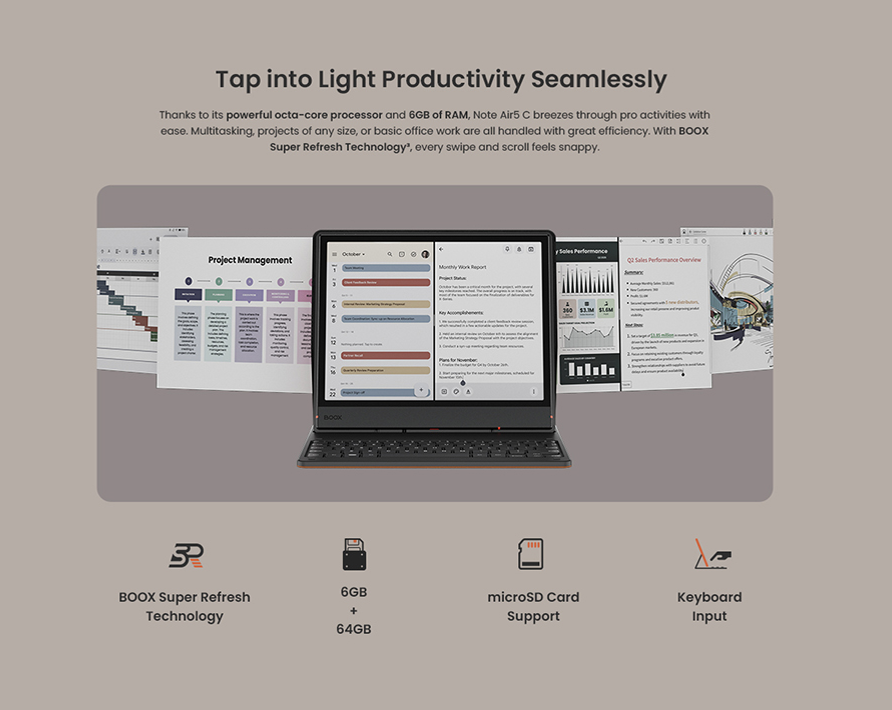
Equipped with an octa-core processor, 6GB RAM, and BOOX Super Refresh Technology, the Note Air5 C handles multitasking, note-taking, and reading with remarkable smoothness. With Android 15, you get full access to Google Play apps, seamless app performance, and long-term system stability.
Storage: 64GB internal + microSD card slot (supports up to 2TB).
Brilliant Color, Calming Clarity
The 10.3″ Kaleido 3 ePaper display delivers lifelike colors and crisp details while staying easy on your eyes. Enjoy 4096 relaxing hues and a print-like viewing experience with anti-glare and adjustable front lights. Brainstorm, review reports, or sketch freely on a colorful canvas that stays clear even under sunlight.
Built to Power Through
Equipped with an octa-core processor, 6GB RAM, and BOOX Super Refresh Technology, the Note Air5 C handles multitasking, note-taking, and reading with remarkable smoothness. With Android 15, you get full access to Google Play apps, seamless app performance, and long-term system stability.
Storage: 64GB internal + microSD card slot (supports up to 2TB).
Smarter Reading and Knowledge Building
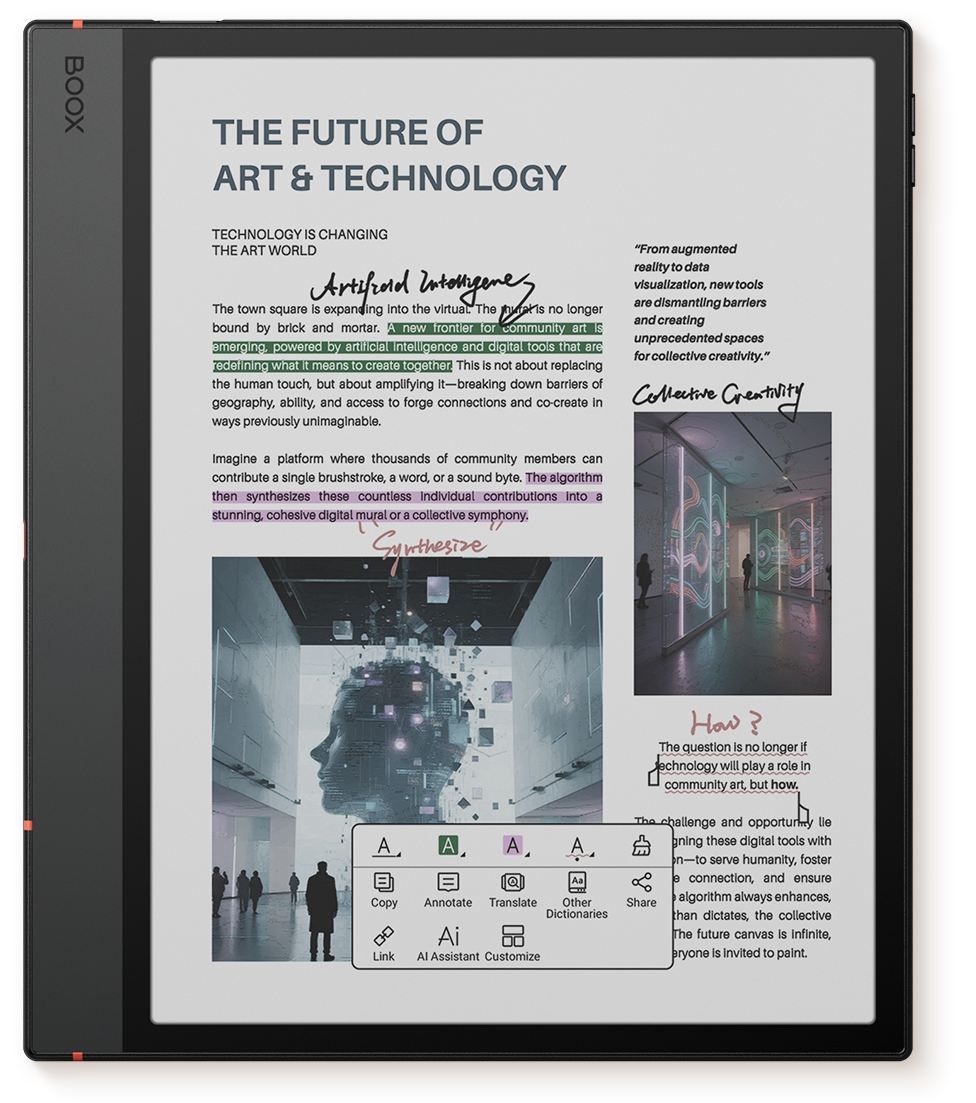
Dive into academic papers, reports, or novels in total comfort. The mellow color display and customizable reading modes help you focus longer. Annotate, highlight, and make sense of complex texts using the built-in AI Assistant, which explains terms and summarizes content to support your understanding.
Supports multiple document formats — from ePub and PDF to Office files — and syncs your notes and highlights via OnyxCloud for easy access across devices.
BOOX Note Air4 C vs. BOOX Note Air5 C Comparison
Below is a detailed comparison of BOOX Note Air 5 C vs Note Air 4 C, highlighting the differences in software, productivity features, and long-term usability for Canadian users.
| Feature | Note Air4 C | Note Air5 C |
|---|---|---|
| Device Type | 10.3″ Color ePaper Notebook | 10.3″ Color ePaper Notebook |
| Display | Kaleido 3 Color Screen | Kaleido 3 Color Screen |
| Resolution | 300 PPI (B&W), 150 PPI (Color) | 300 PPI (B&W), 150 PPI (Color) |
| Processor | Octa-core CPU | Octa-core CPU |
| BOOX Super Refresh | ✔ Yes | ✔ Yes |
| Front Light | Adjustable Front Light | Adjustable Front Light |
| Storage / RAM | 6GB RAM + 64GB ROM | 6GB RAM + 64GB ROM |
| Expandable Storage | microSD Card Slot | microSD Card Slot |
| Battery | 3700mAh | 3700mAh |
| Stylus Support | Supports BOOX Magnetic Stylus | Supports BOOX Magnetic Stylus |
| Keyboard Support | N/A | Supports BOOX Magnetic Keyboard Cover |
| Fingerprint Lock | ✔ Yes | ✔ Yes |
| Auto-Rotation | ✔ Yes | ✔ Yes |
| Operating System | Android 13 | Android 15 |
| App Store | Built-in Google Play Store | Built-in Google Play Store |
| Thickness | 5.8 mm | 5.8 mm |
| Weight | Approx. 420 g | Approx. 440 g |
Who Should Choose BOOX Note Air 5 C
BOOX Note Air 5 C is designed for users who need more than a basic e-reader and want a versatile color E Ink device for daily work and study.
- Students and researchers who read textbooks, academic papers, and PDFs with charts, diagrams, and color highlights.
- Professionals who take handwritten notes, review documents, annotate reports, and want a distraction-free workspace.
- Creatives and planners who sketch ideas, brainstorm visually, or organize projects using handwriting and color.
- Users looking for a paper-like tablet that supports Android apps, stylus input, and light productivity without eye strain.
If your main goal is simple reading of novels or text-only content, a smaller monochrome e-reader may be enough. But if you want a large color E Ink notebook for note-taking, studying, and focused work, BOOX Note Air 5 C is the better choice.
Designed for Work and Flow
Split Screen Mode — read, take notes, or compare documents side by side.
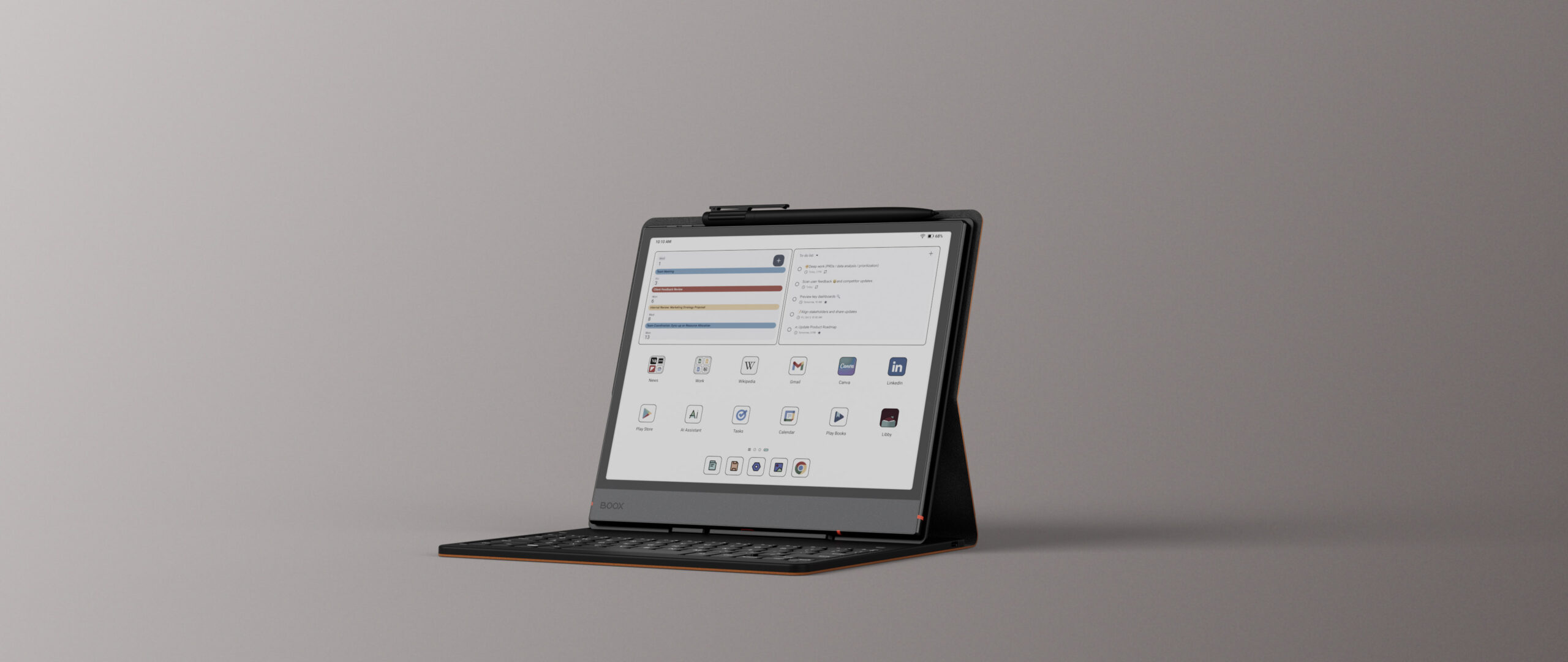
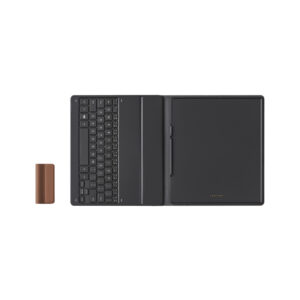
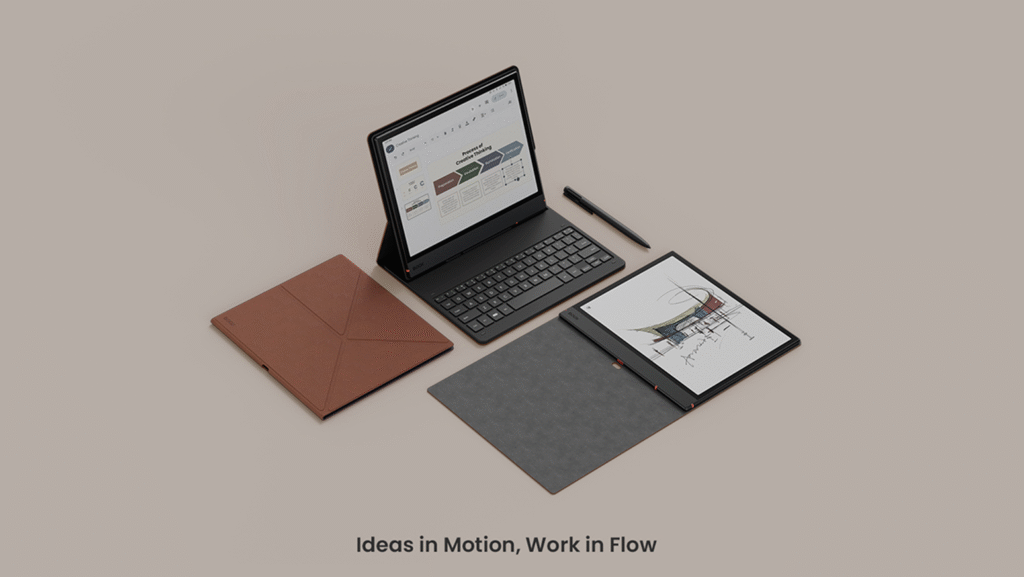
Keyboard Cover — transform your Note Air5 C into a mini workstation for typing, editing, and light productivity.
BOOXDrop — transfer files instantly between your tablet, phone, and PC.
With BOOX EinkWise, you can optimize the display mode for every app in one tap, ensuring smooth visuals whether you’re sketching or scrolling.
Screen: 10.3″ Kaleido 3 (4,096 colors) Carta 1200 glass screen with flat cover-lens
Resolution: B/W: 2480 x 1860 (300 ppi)
Color: 1240 x 930 (150 ppi)
Touch: BOOX stylus touch (4,096 levels of pressure sensitivity) + capacitive touch
CPU: Qualcomm 2.4Ghz Octa-core + BSR
RAM: 6GB (LPDDR4X)
ROM: 64GB (UFS2.2)
Connectivity: Wi-Fi (2.4GHz + 5GHz) + BT 5.0
Front Light with CTM (Warm and Cold)
G-sensor for Auto Rotation
OS: Android 15
Document Formats: PDF, DJVU, CBR, CBZ, EPUB, AZW3, MOBI, TXT, DOC, DOCX, FB2, CHM, RTF, HTML, ZIP, PRC, PPT, PPTX
Image Formats: PNG, JPG, BMP, TIFF
Audio Formats: WAV, MP3
Supports 3rd-party apps
Button: Power Button with Fingerprint Recognition
USB-C Port (Supports OTG or use as an audio jack)
microSD Card Slot
Built-in Dual Speakers
Built-in Microphone
Battery: 3,700mAh Li-ion Polymer
Dimensions: 226 x 193 x 5.8mm (8.9″ x 7.6″ x 0.23″)
Weight: Approx. 440g
CE
ROHS
FCC
TELEC
UKCA
WEEE
NCC
BOOX Note Air 5 C x 1
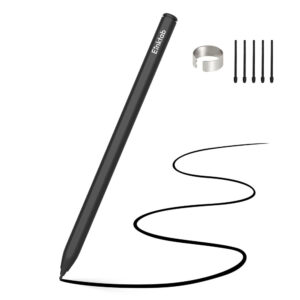
BOOX Pen 3 Plus x 1
USB-C Cable x 1
Card Tray Eject Tool x 1
Quick Start Guide x 1
Warranty Sheet x 1
FAQ
Is the BOOX Note Air 5 C worth buying in Canada?
Yes, BOOX Note Air 5 C is worth buying if you need a large color E Ink notebook for note-taking, reading PDFs, and light productivity. It combines a 10.3″ Kaleido 3 color display, Android 15, and stylus support, making it suitable for students, professionals, and creatives in Canada.
What is the difference between BOOX Note Air 5 C and Note Air 4 C?
The main difference is software and productivity features. Note Air 5 C runs Android 15, supports the BOOX Magnetic Keyboard Cover, and offers better long-term system support, while Note Air 4 C runs Android 13 and lacks keyboard compatibility.
Is the color E Ink display good for reading PDFs and textbooks?
Yes. The Kaleido 3 color E Ink display improves readability of PDFs, textbooks, charts, and diagrams, while remaining easy on the eyes. It is ideal for academic and professional documents that include color elements.
Does BOOX Note Air 5 C support handwriting and note-taking?
Yes. The device supports the BOOX Pen 3 Plus, offering 4,096 levels of pressure sensitivity for handwriting, sketching, and detailed annotations. It feels close to writing on paper and works well for daily note-taking.
Can I install Android apps on BOOX Note Air 5 C?
Yes. With Android 15 and access to the Google Play Store, you can install apps like Kindle, OneNote, Google Docs, Notion, and other productivity or reading apps.
Who should choose BOOX Note Air 5 C instead of a regular e-reader?
Choose BOOX Note Air 5 C if you need more than basic reading—such as note-taking, studying, reviewing color documents, or light office work. If you only read novels, a smaller monochrome e-reader may be a better fit.



Nicolas S. (verified owner) –
I wanted a colored version. And was already having my Note Air 2. So happy to upgrade. It’s way faster and so happy to add colours in my notes and schemas when taking notes. Very useful. AI tool is also faster + text recognition. Boox products are awesome. The extended memory to store my pdf + music are also a good.
Wendy (store manager) –
Thank you for sharing your feedback! The Note Air 5C is the newest color E Ink tablet in 2025, and it has significantly improved the user experience compared with the previous version. We’re glad to hear that it meets your expectations.
BlueRodeo.DL@gmail.com (verified owner) –
Disappointed. It’s not lighter than my Samsung Galaxy Tab10. Unless I turn it off completely between uses, it’s battery life is disappointing. Powering on is really much slower than my Galaxy tablet. The colors are so much more muted than the pictures advertised. The refresh is fine when reading ebooks but extremely annoying when browsing webpages, or searching through android pages for configuration or switching between apps. Not speedy enough to jump around emails.
Writing notes is pleasant. Reading books is pleasant. But syncing with my PC is a nightmare.
I purchase books from Kobo which are DRM protected. Cannot get NeoReader to even locate or open the book. Have to load Kobo app onto device to read protected ebooks which doesn’t have the extensive annotation tools that NeoReader has. I researched and asked AI for instructions to open DRM ebooks and hours troubleshooting later determined that any previous methods have been blocked by Kobo and Boox softwares. I may own the book but I am constrained on how to use it. Angry about how it limits the use of my EXPENSIVE e-ink reader.
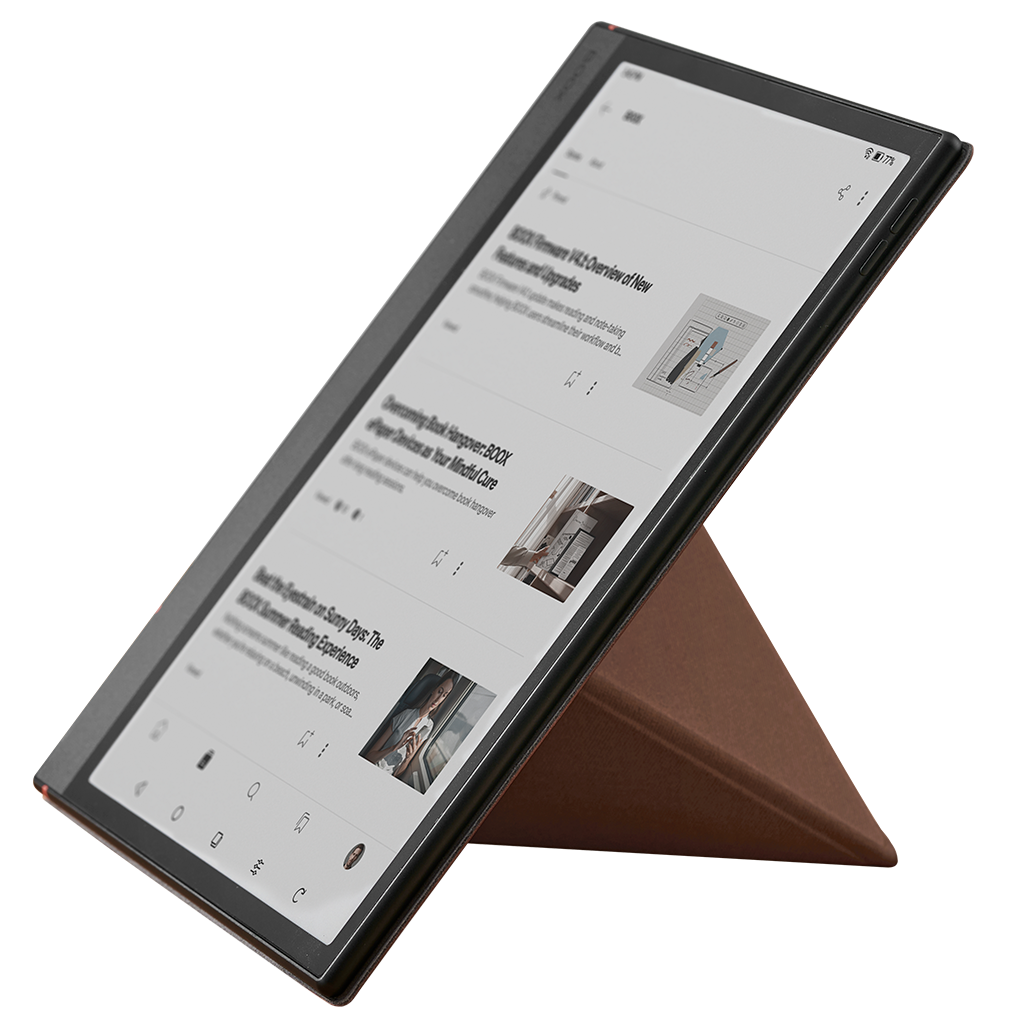
I seriously regret buying the keyboard for my Air5 C. Typing is not what e-ink table is good for. Just too slow. The added weight and locking into landscape orientation, are unwanted consequences. I later bought the cover to displace the keyboard. Much happier. It stands up landscape or portrait depending on what I’m reading or writing, without a keyboard in the way.
The pen works fine but I find it too slippery and thin. Perhaps some texture would make the grip satisfying.
I wouldn’t purchase this again. I’d get a faster, more versatile reading/writing experience from a full-speed Android tablet with a pen.
Wendy (store manager) –
We’re sorry that the Note Air 5C did not meet your expectations.
You mentioned comparing it with Samsung and Kobo products. One is an LED-screen Android tablet, and the other is an E Ink eReader designed mainly for reading. The Note Air 5C is a different type of product that combines features from both categories.
As an Android-based E Ink tablet, the Note Air 5C provides an eye-friendly screen for users who need to work on the device, while also offering a reading experience similar to that of an eReader.
We offer a 30-day free return policy because we understand that a product may not meet every customer’s needs and expectations. If you would like to return it, we will be happy to assist you.