


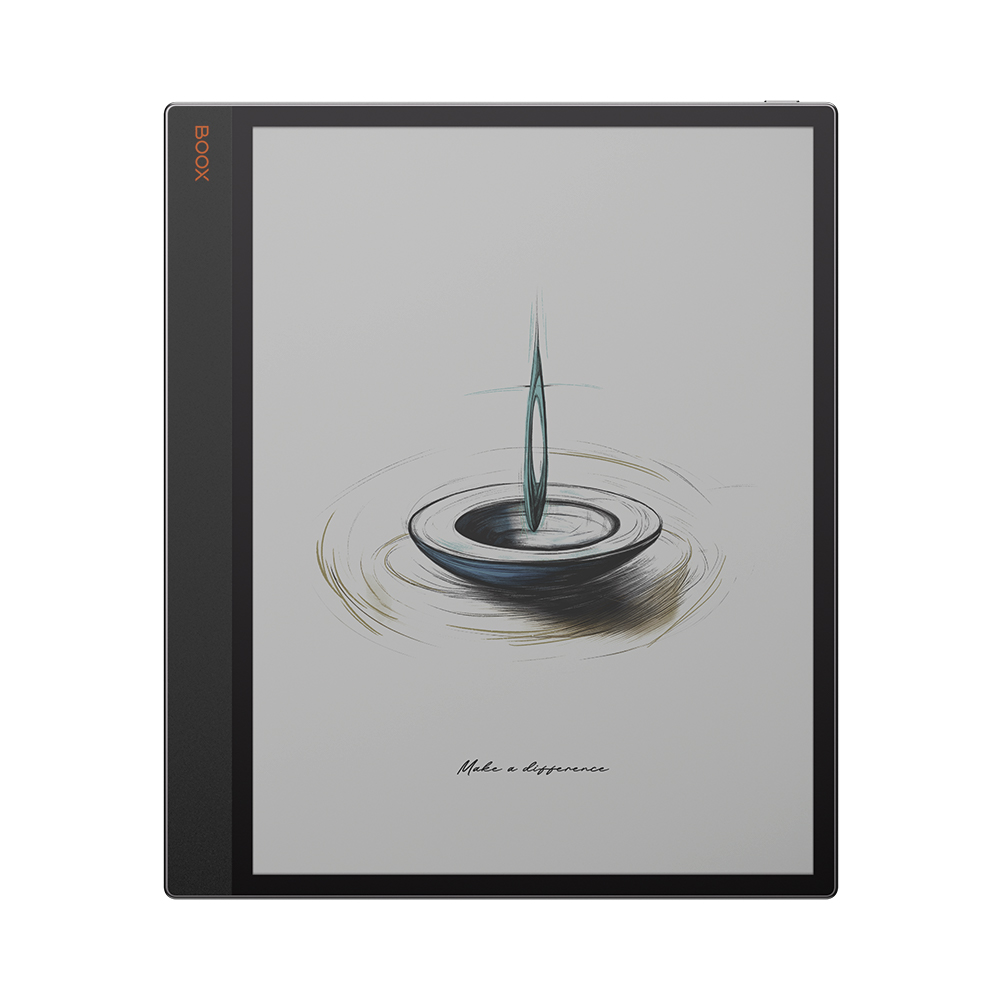
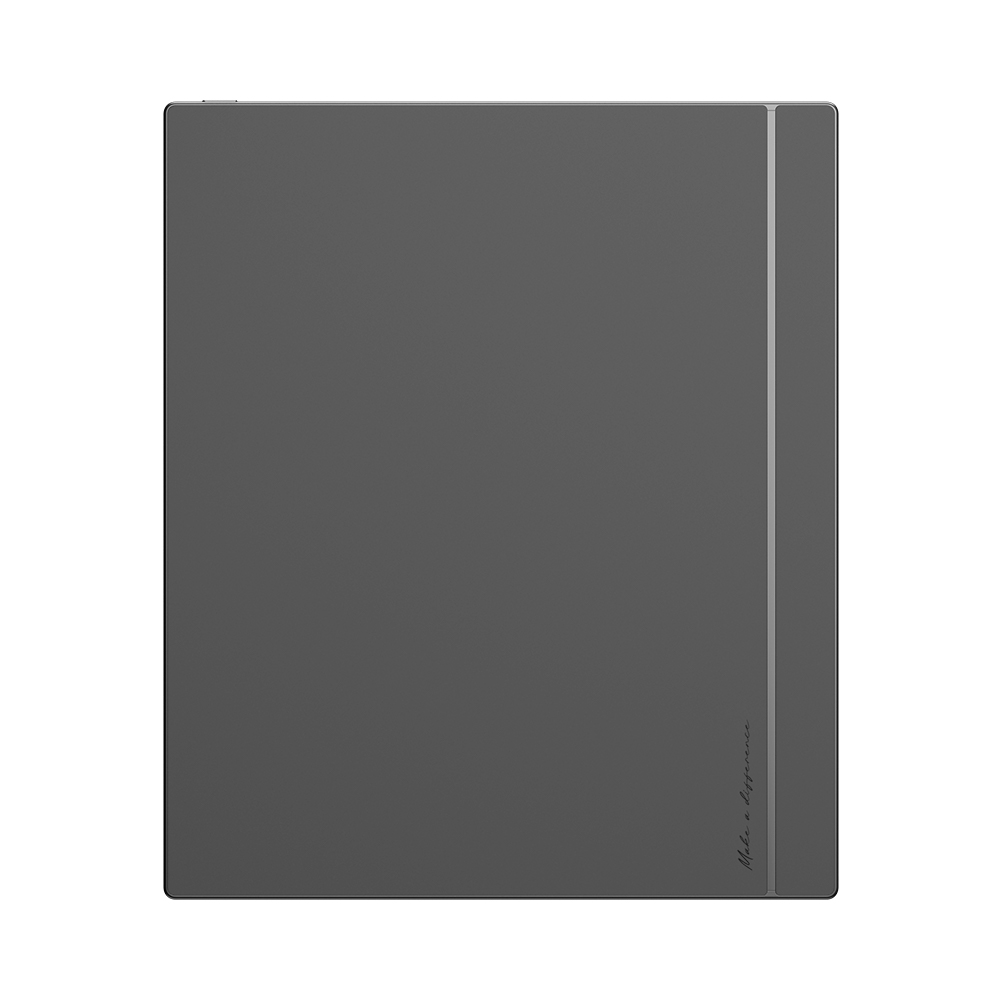







BOOX Tab X C – The 13.3” Color ePaper Tablet for Work and Wellbeing
Now is Available in Canada
Introducing the BOOX Tab X C, a revolutionary 13.3” color ePaper tablet that combines powerful performance with mindful design—perfect for professionals, creatives, and lifelong learners seeking a smarter, eye-friendly workspace.
A Paperless Canvas Built for Productivity
Designed close to A4 size, the Tab X C gives you the freedom to think bigger and work smarter. The Kaleido 3 color ePaper display brings your documents, data, and visuals to life with sharp 300 PPI monochrome and 150 PPI color resolution—offering vivid clarity without the glare of traditional screens.
13.3″ Kaleido 3 ePaper Display – Eye-friendly, full-color experience
300 PPI (B&W) + 150 PPI (Color) – Sharp text and smooth visuals
Dual-tone Front Light – Comfortable reading day or night
Slim, Sleek, and Exceptionally Powerful
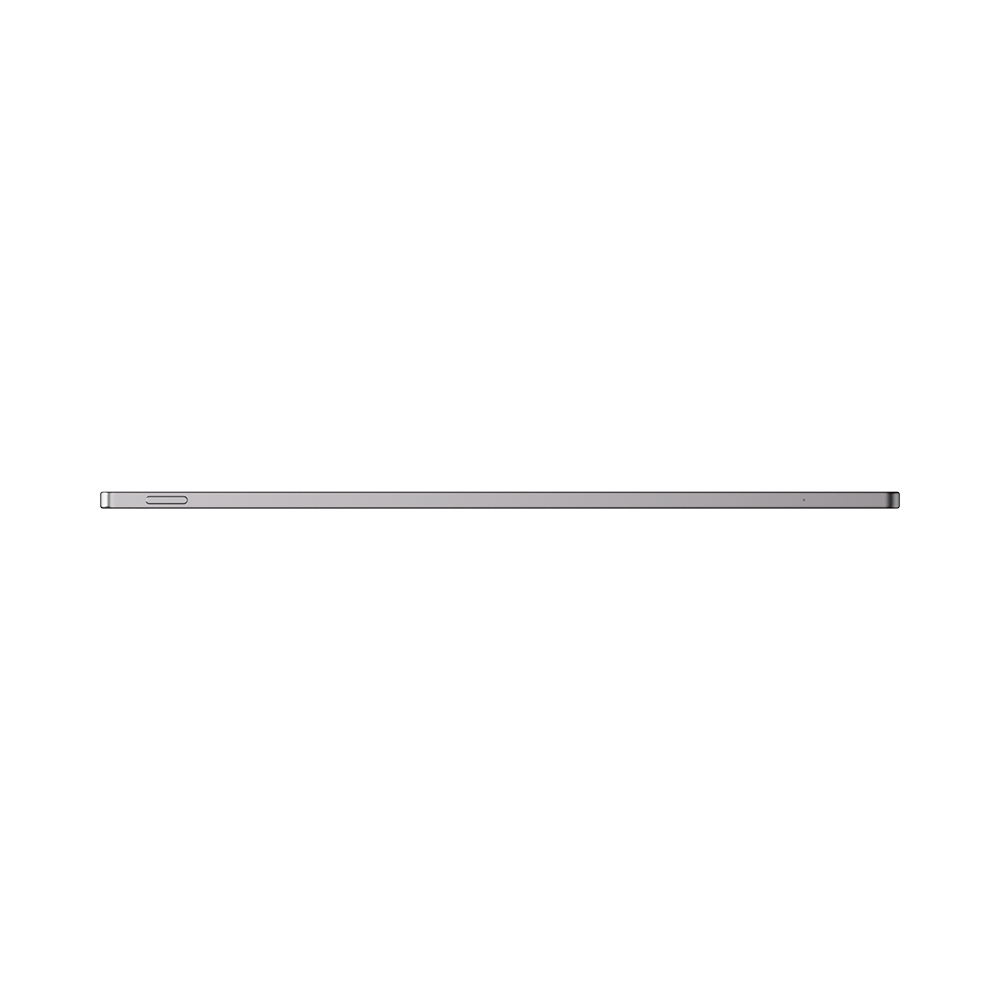
At just 5.3mm thin, this ultra-light tablet is equipped with an octa-core processor, 6GB RAM, and 128GB storage to handle all your professional needs—from data analysis to document review—with seamless speed and responsiveness.
BOOX Super Refresh Technology – Smooth browsing and multitasking
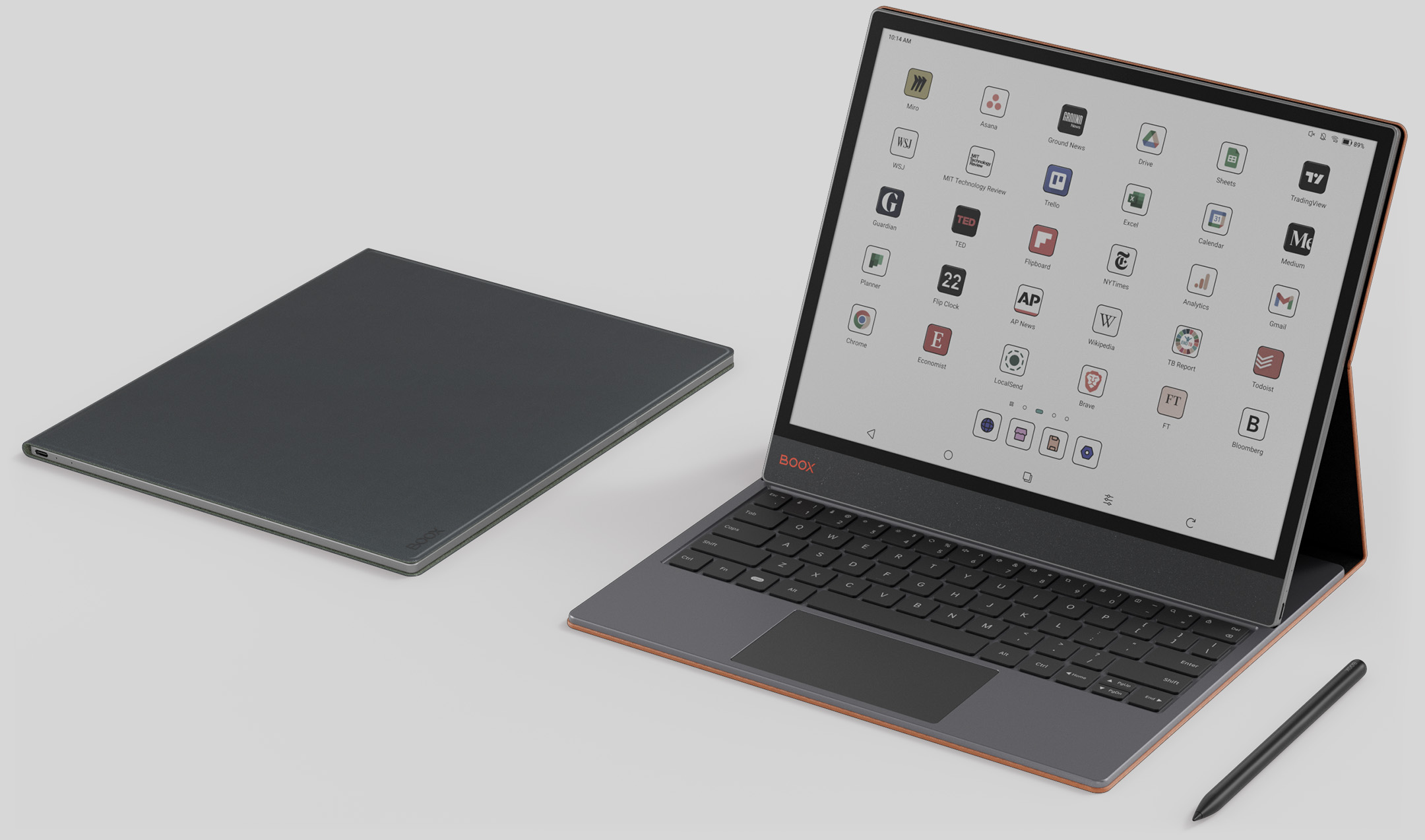
Android OS + Google Play Access – Download your favorite apps
128GB Internal Storage + Cloud Integration – Store and access files effortlessly
Capture, Create, and Collaborate
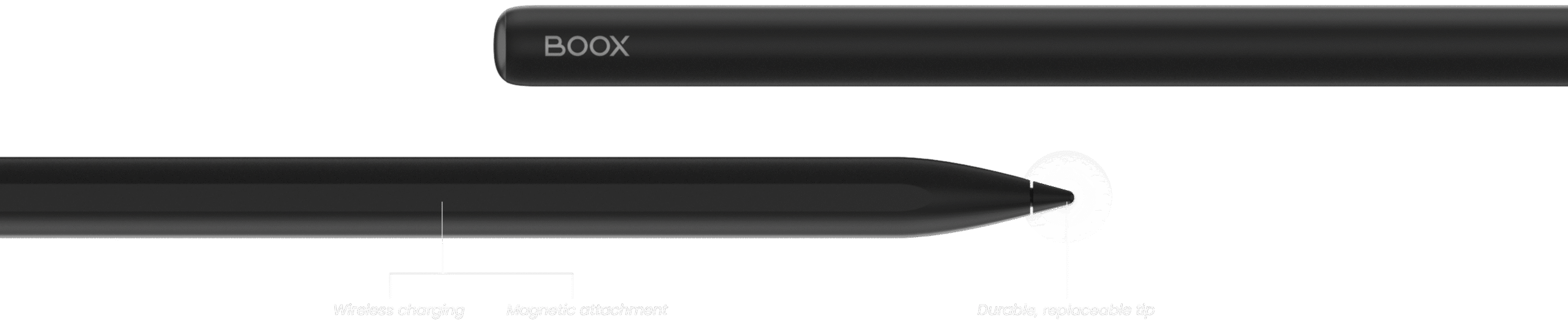
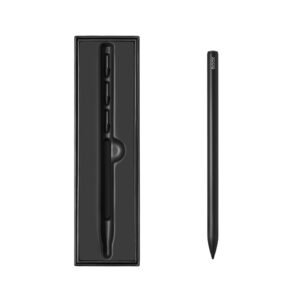
The Tab X C isn’t just a tablet—it’s your creative companion. Whether you’re highlighting key points, annotating research papers, or sketching ideas, the InkSpire Stylus makes it natural and intuitive with 4096 pressure levels, tilt sensitivity, and wireless magnetic charging.
Smart Scribe Tools – Shapes, highlights, layers, and more
Native Notes App – Journal, brainstorm, and organize your thoughts
Split-Screen Mode – Multitask with ease: read and write side by side
For Thoughtful Reading and Limitless Learning
Enjoy colorful eBooks, PDFs, and presentations on a large screen with reduced eyestrain. Built-in NeoReader supports multiple file formats, while TTS and multimedia features offer a rich, accessible experience.
Format Flexibility – Supports a wide range of digital formats⁴
NeoReader & Annotation Tools – Make your reading interactive
Text-to-Speech – Turn text into audio on the go
Ready for Work, Wherever You Are
Turn your Tab X C into a full-scale workstation with the optional keyboard cover, perfect for focused typing and productivity on the move. Seamless file transfers via BOOXDrop, plus support for Google Drive, Dropbox, OneDrive, and Onyx Cloud, keep your work synced across devices.
The BOOX Tab X C will be available for Canadian customers—with local support, service, and a 12-month warranty. Whether you’re in business, academia, or creative work, this next-gen color ePaper tablet delivers unmatched versatility, clarity, and control.


Screen: 13.3″ Kaleido 3 (4,096 colors) glass screen with flat cover-lens
Resolution: B/W: 3200 x 2400 (300 ppi)
Color: 1600 x 1200 (150 ppi)
Touch: BOOX InkSpire stylus touch + capacitive touch
CPU: 2.8Ghz Octa-core + BSR
RAM: 6GB
ROM: 128GB
Connectivity: Wi-Fi + BT 5.0
G-sensor for Auto Rotation
Front Light with CTM (Warm and Cold)
OS: Android 13
Document Formats: PDF, CAJ, DJVU, CBR, CBZ, EPUB, EPUB3, AZW3, MOBI, TXT, DOC, DOCX, FB2, CHM, RTF, HTML, ZIP, PRC, PPT, PPTX
Image Formats: PNG, JPG, BMP, TIFF
Audio Formats: WAV, MP3
Supports 3rd-party apps
Button: Power Button
USB-C Port (Supports OTG or use as an audio jack)
Built-in Dual Speakers
Built-in Microphone
Battery: 5,500mAh Li-ion Polymer
Dimensions: 287.5 x 243 x 5.3 mm (11.3″ x 9.6″ x 0.21″)
Weight: Approx. 625 g (22 oz)
CE
ROHS
FCC
TELEC
UKCA
WEEE
NCC
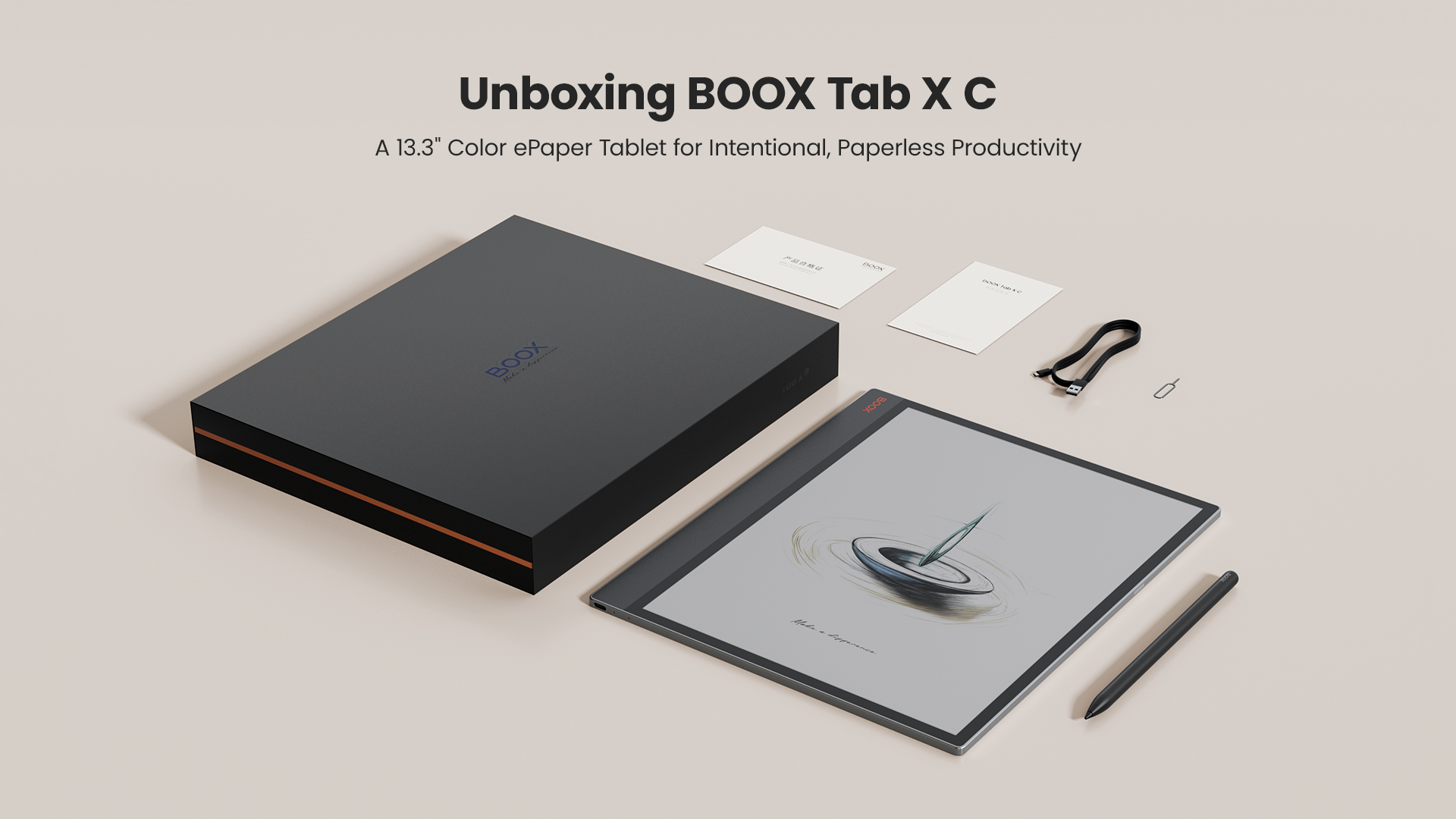
BOOX Tab X C x 1
BOOX InkSpire stylus x 1
USB-C Cable x 1
Quick Start Guide x 1
Warranty Card x 1


jjwest (verified owner) –
This is great. I’ve owned several 13″ e-ink tablets (both Sonys, Tab X, then Fujitsu Quaderno 3c which broke after 2 months) and the Tab X C is quite good. I don’t fully trust Onyx Boox for digital privacy, but with the Android functionality and an app called FolderSync (and FreeFileSync on my Mac), I can do two-way file sync pretty easliy offline using a fingerprint thumb drive (twopan). I use it primarily for working with academic pdf documents that get created on my Mac and read and marked up on the Tab X C. Compared to the Sony/Fujitsu line, it’s a bit heavy, but still manageable for its size, and easily removes from and reattaches to the case. Solid build. The screen is very crisp and the frontlight is very helpful with the Kaleido 3 display. (Without it, the grey Kaleido-3 screen requires a clip-on booklight in all except the best outdoor or big-window ambient light.) I thought I would miss the eraser button more, but the scribble-to-erase is good enough. Side gestures aren’t quite as reliable as on the Tab X, especially swiping up and down on the right side of the screen (I have that set to adjust brightness), maybe mine is slightly defective, but that also might be due to the extra screen layers (Kaleido 3 + touch + active pen layer) or the screen protector I put on it to make the pen less slippery — without it, the writing feel is no better than an iPad. My pen’s haptics might be broken because I can’t feel the difference between high and off, but it doesn’t matter — better to have paper-feel screen protector on it. Overall a great e-ink tablet with easy file sync options (if you’re OK with being online with it, I suggest NetGuard and DropSync or the like).