


BOOX E Ink tablets are perfect for reading, note-taking, and professional work, but using the right stylus is key to getting the best experience. With multiple stylus options available, it’s easy to get confused. This guide explains BOOX’s original stylus lineup to help you pick the perfect match for your device.
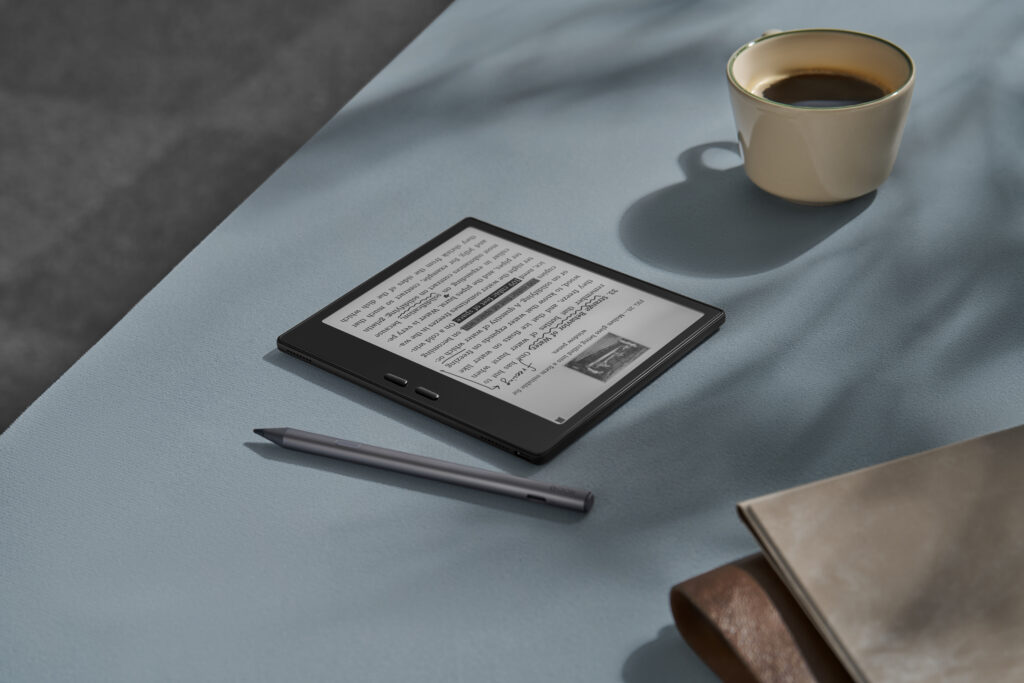
Compatible devices: Go 7 (Black and White), Go Color 7 (Gen II), Palma 2 Pro (White and Black)
Features:
Side button for customizable shortcuts
Precise and responsive for writing and drawing
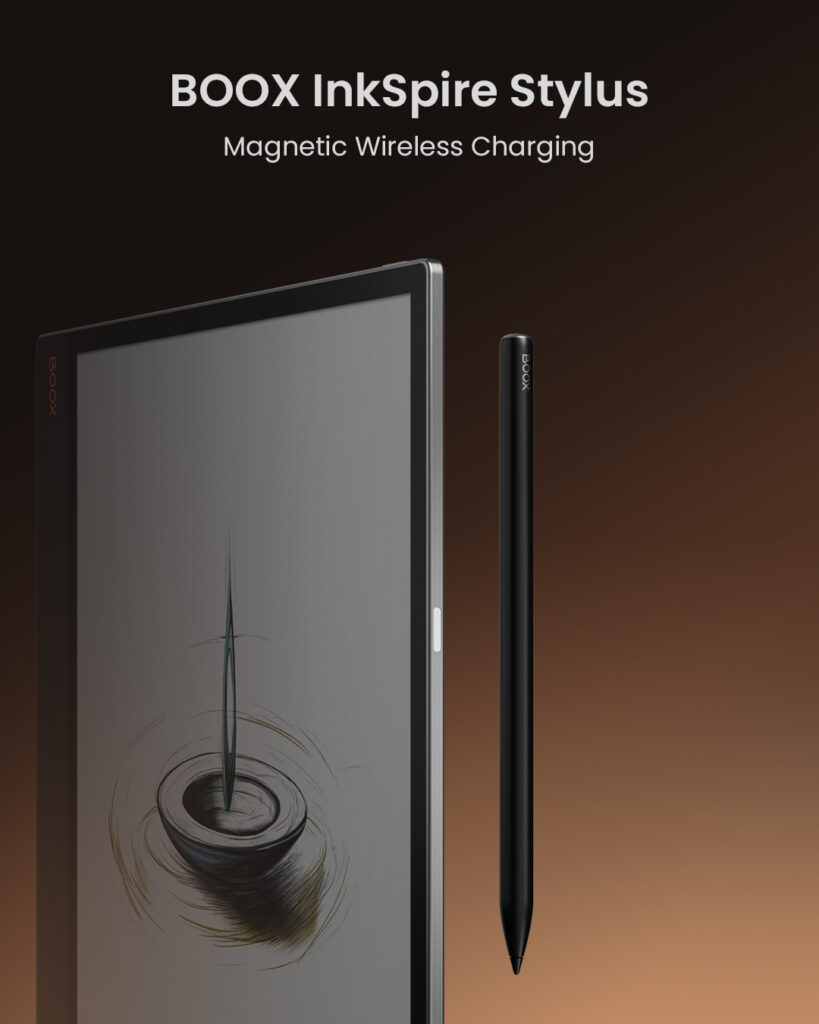
Compatible devices: Tab X C only
Features:
Magnetic charging for convenience
Sleek design tailored for the Tab X C
Ideal for: Tab X C users who want an extra stylus
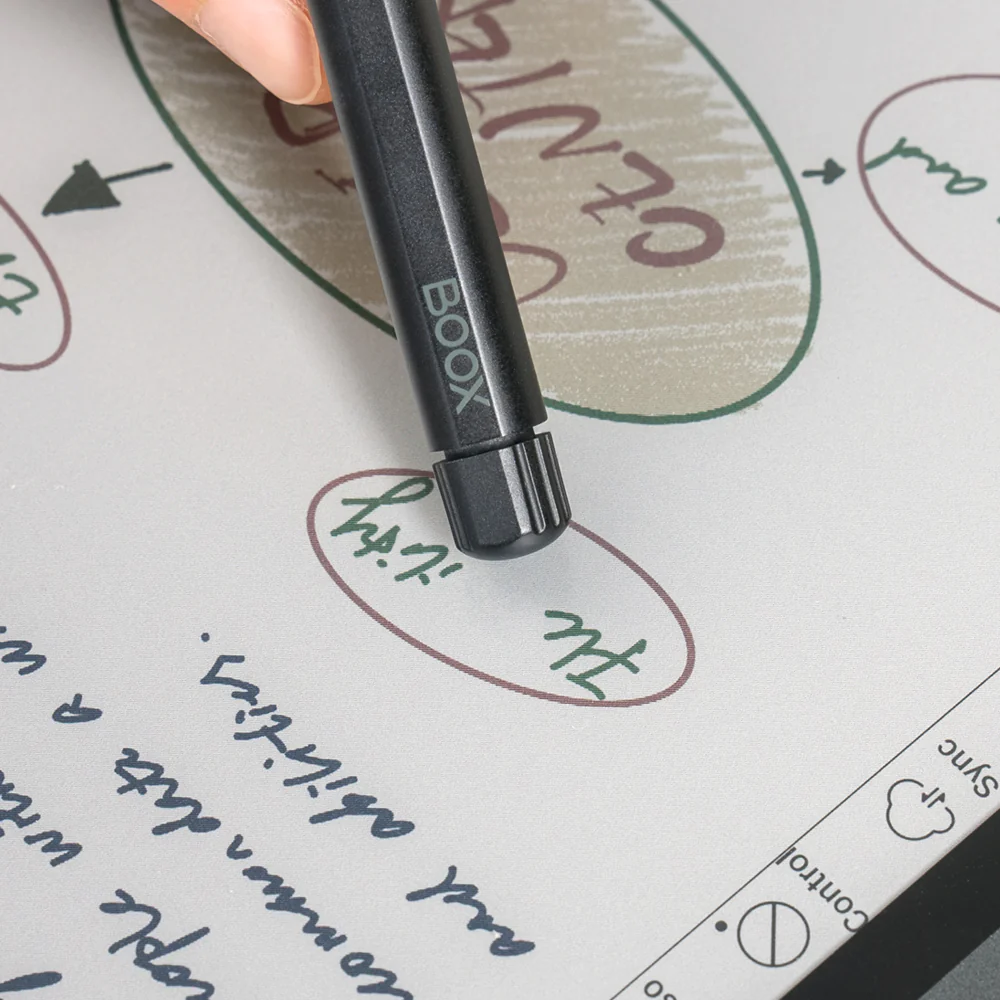
Compatible devices: most other BOOX tablets
Features:
Built-in eraser for easy corrections
Comfortable for extended writing or drawing
Ideal for: General use across multiple BOOX tablets
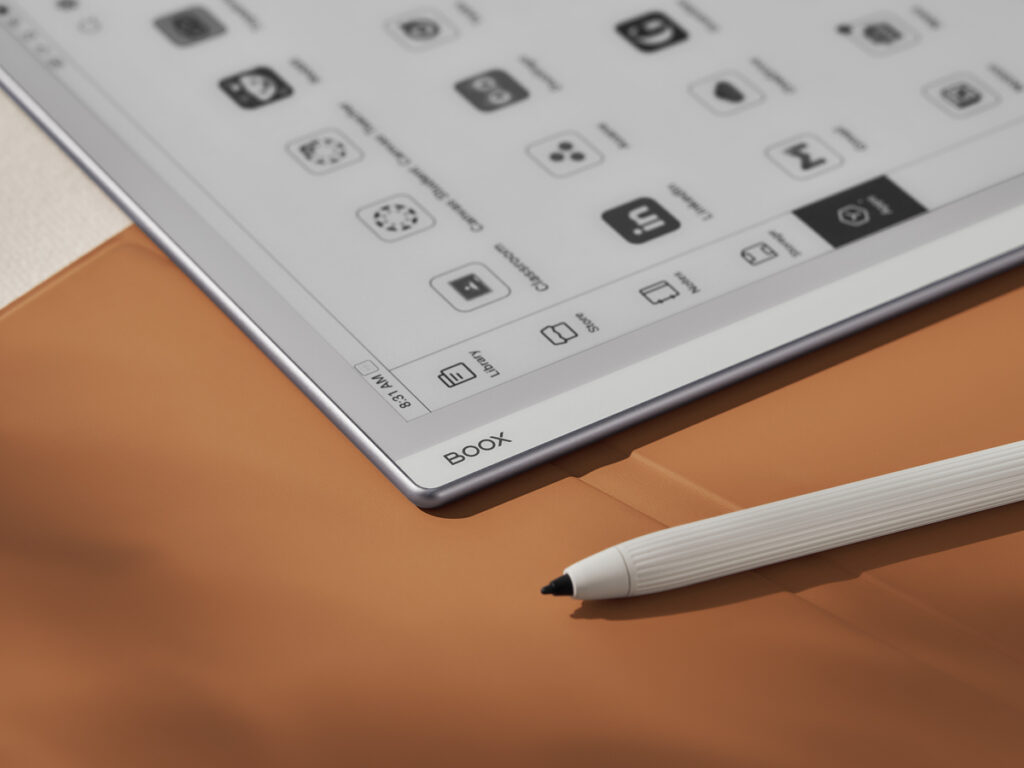
Included in package: Note Max and Go 10.3
Features:
Comes pre-packed with the tablet
Standard stylus functionality for everyday use
5. BOOX Pen 3
Compatible devices: Note Air 5 C (new design)
Features:
Tilt support for natural handwriting
Comes with 3 extra pen tips
Not sold separately
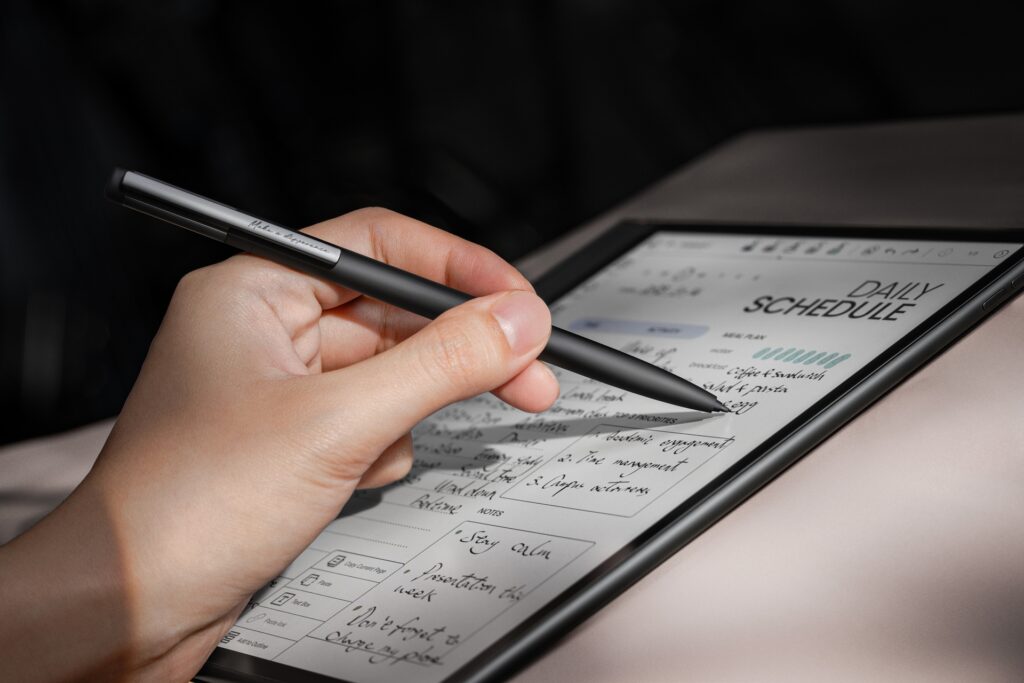
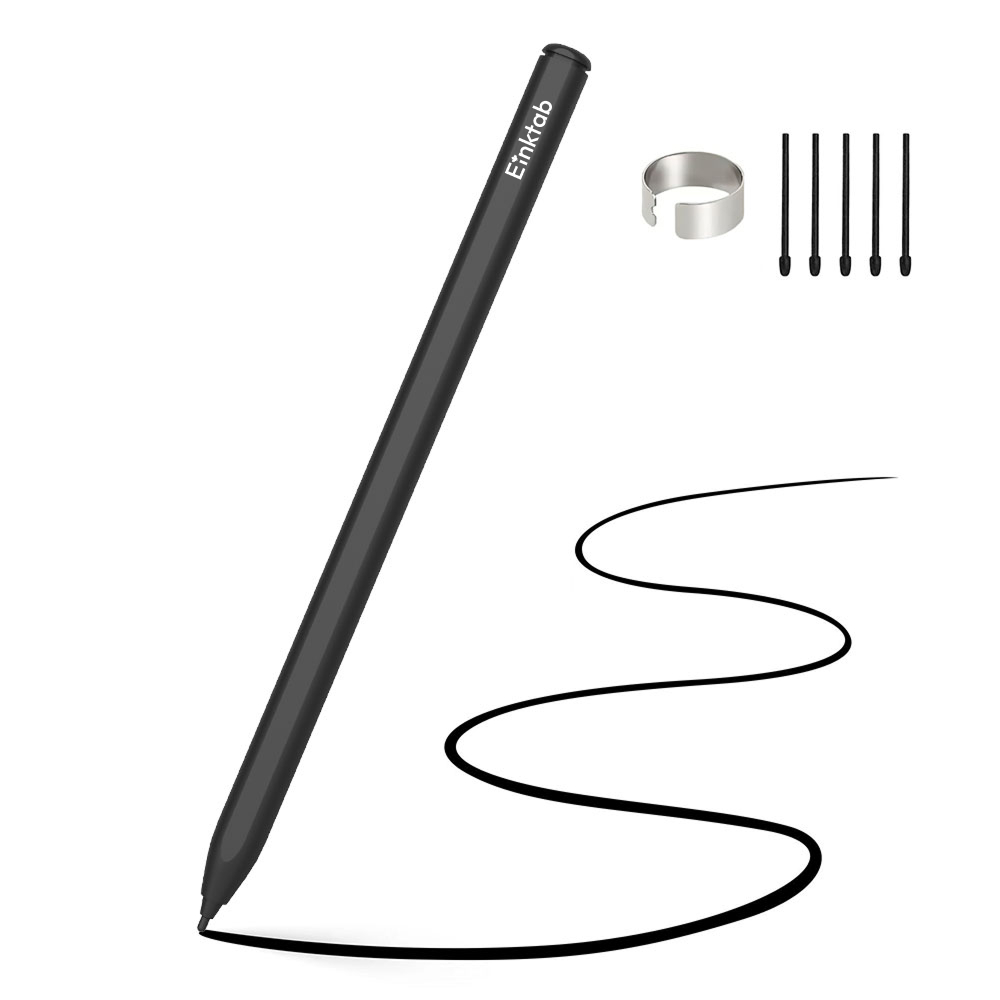
Compatible devices: Most BOOX tablets
Features:
Built-in eraser for easy corrections
Supports tilt for natural writing and drawing
Comes with 5 extra pen tips
Tips to Avoid Ordering the Wrong Stylus
Check compatibility: Each stylus works only with specific BOOX devices. Confirm your tablet model before purchasing.
Consider your usage: Some styluses offer advanced features like tilt support or a built-in eraser, choose one based on your needs.
Look for included styluses: Some BOOX tablets come with a stylus included, so you may not need to buy one separately.
Choosing the right BOOX stylus ensures a smooth and precise writing or drawing experience. With this guide, you’ll know exactly which stylus fits your tablet.
