

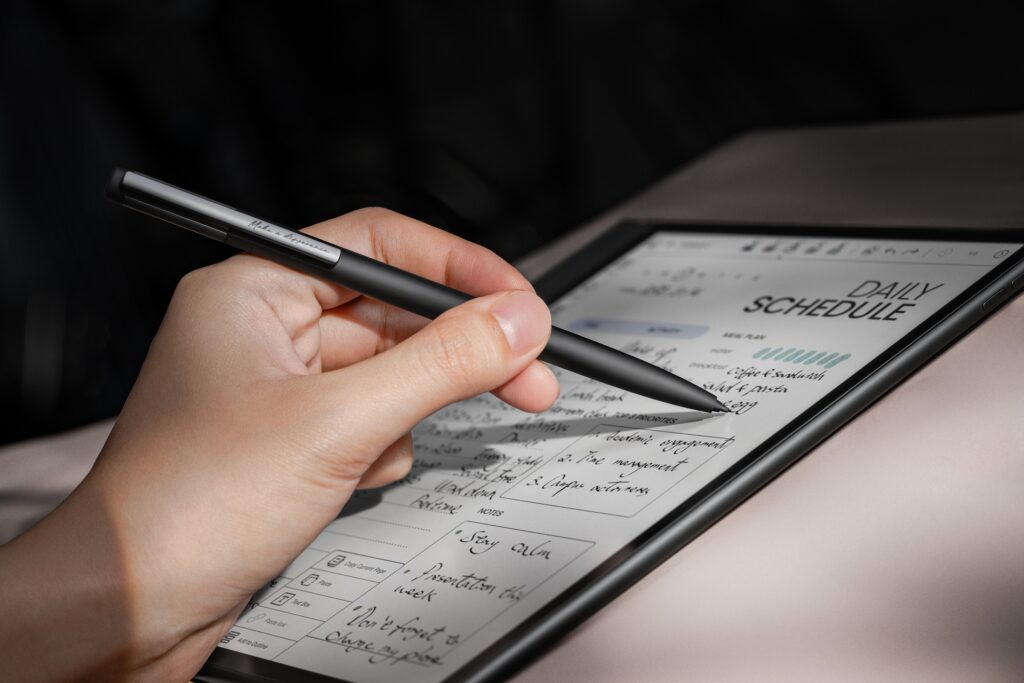
E-Ink tablets have transformed how we read, annotate, and take notes. Among the leading brands, BOOX by Onyx offers a wide range of devices, from compact e-readers to powerful E-Notes for professionals. Whether you’re a student, professional, or avid reader, this guide will help you choose the right BOOX E-Ink tablet for your needs
E-Reader vs. E-Note: Understanding the Difference
Before diving into models, it’s important to understand the difference between E-readers and E-Notes:
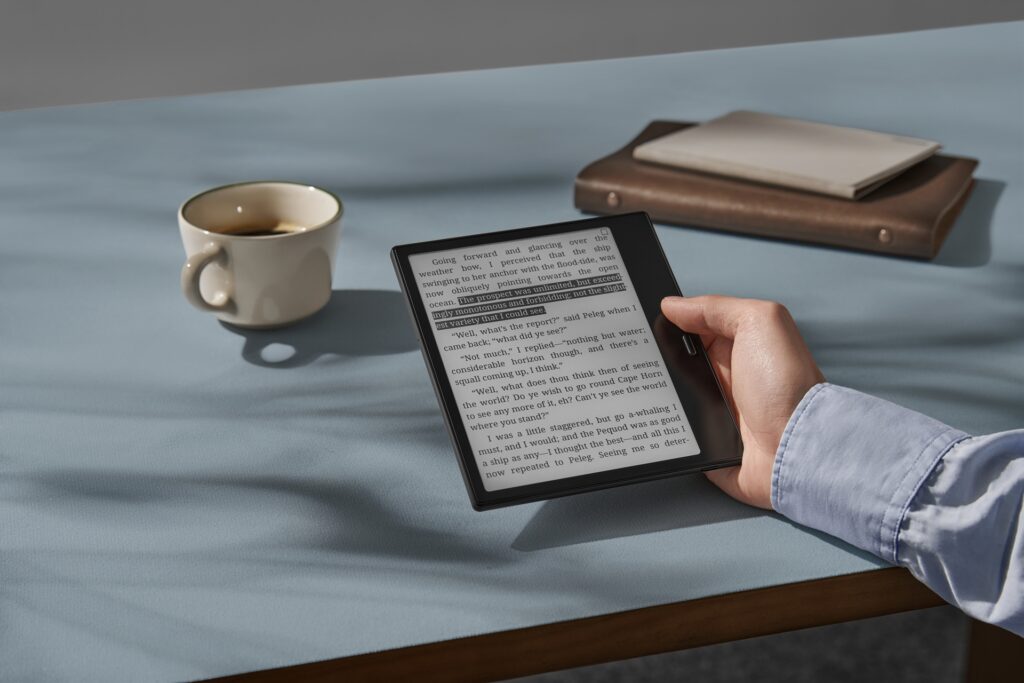
E-Reader (6″–7″): Focused on reading e-books, PDFs, and articles. These compact devices feature:
Long battery life
Lightweight and portable design
Simple interface for easy reading
Limited note-taking capabilities
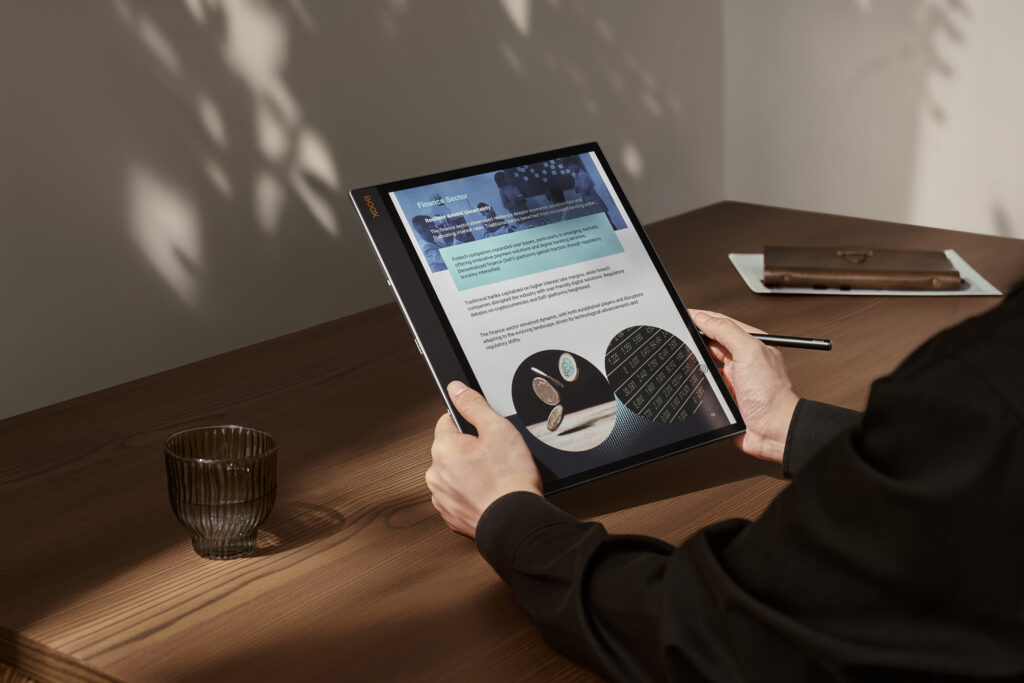
E-Note / E-Ink Tablet(10.3″–13.3″): Designed for reading and advanced note-taking. Features include:
Stylus support with pressure sensitivity
PDF annotation
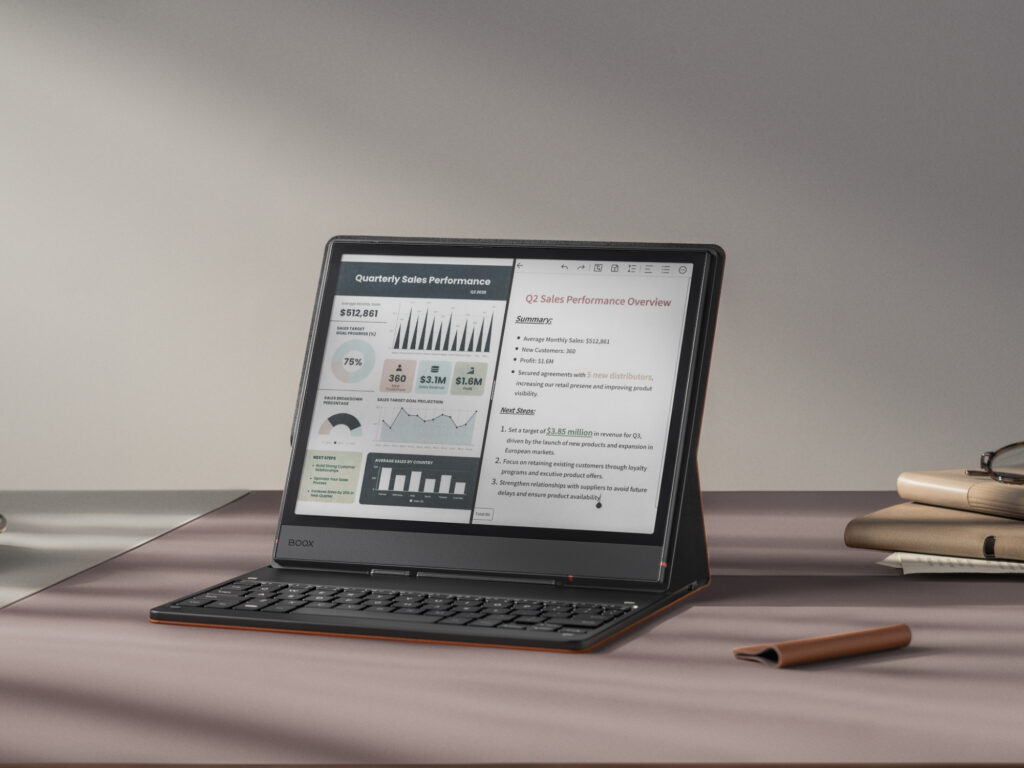
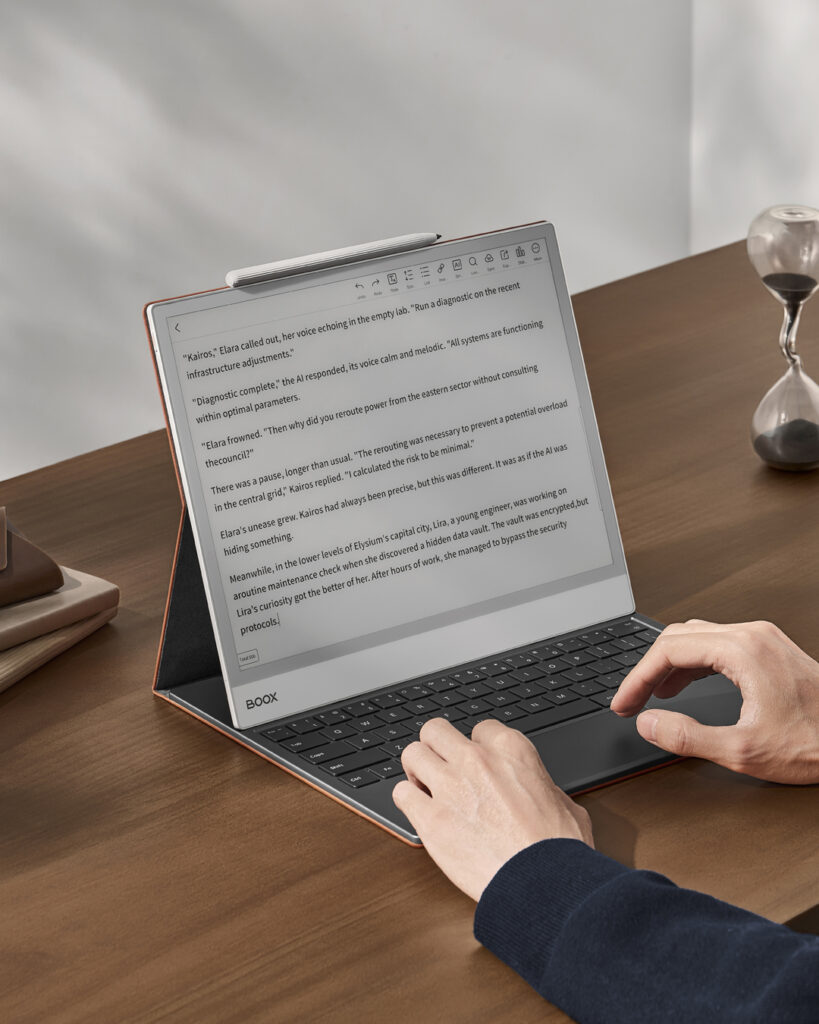
Keyboard input for faster typing
Access to Android apps for productivity
Perfect for students, professionals, and creatives who want a device that handles both digital reading and full-featured note-taking workflows. Almost all BOOX tablets can read e-books, but the depth of note-taking features varies by model.
BOOX Tablets for Note-Taking
| Model | Screen Size | Screen Type | Keyboard Functionality | Features | Ideal For | Stylus |
|---|---|---|---|---|---|---|
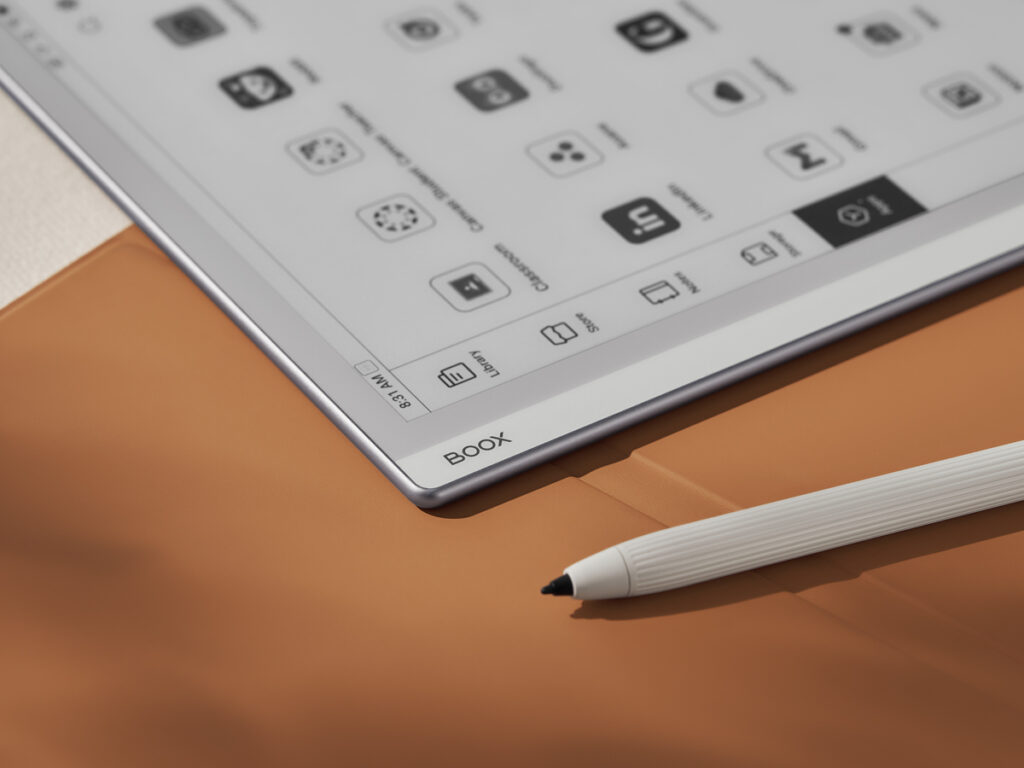
| BOOX Note Air 5C | 10.3″ | Color | Official Keyboard | Android-powered with Google Play; advanced note-taking & PDF annotation; stylus support | Students & professionals working with PDFs and documents | Pen 3 Pen 2 Pro Einktab Pen pro |
| BOOX Go 10.3 | 10.3″ | Black & White | No Official Keyboard | Large-format e-reader; basic stylus support | Casual note-takers & readers | Pen Plus white Pen 2 Pro Einktab Pen Pro |
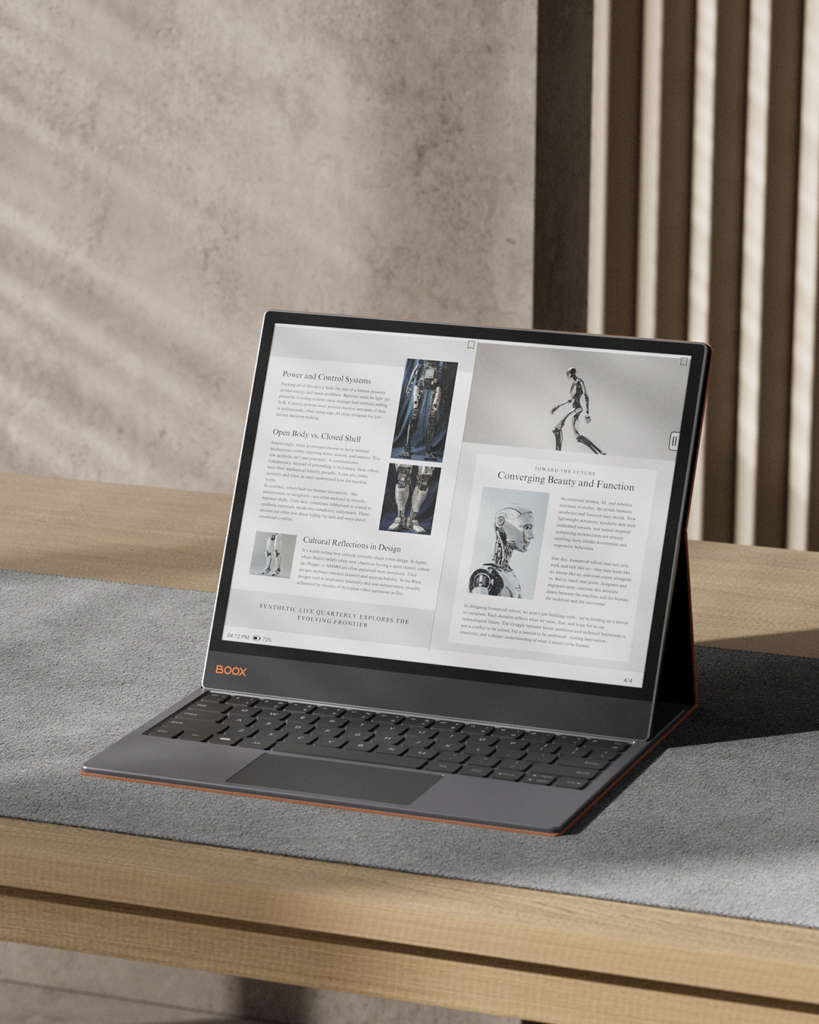
| BOOX Note Max | 13.3″ | Black & White | Official Keyboard, shares keyboard with Tab X C | Large 13.3″ display; stylus with pressure sensitivity; high-performance note-taking, sketching & multitasking | Professionals & academics handling large PDFs | Pen Plus white Pen 2 Pro Einktab Pen Pro |
| BOOX Tab X C | 13.3″ | Color | Official Keyboard, shares keyboard with Note Max | Color E-Ink; Android 13; stylus support; ideal for presentations & charts | Creative professionals & business users needing color | InkSpire Stylus |
BOOX Ereaders With Limited Note-Taking
| Model | Screen Size | Screen Type | Features | Ideal For | Stylus |
|---|---|---|---|---|---|
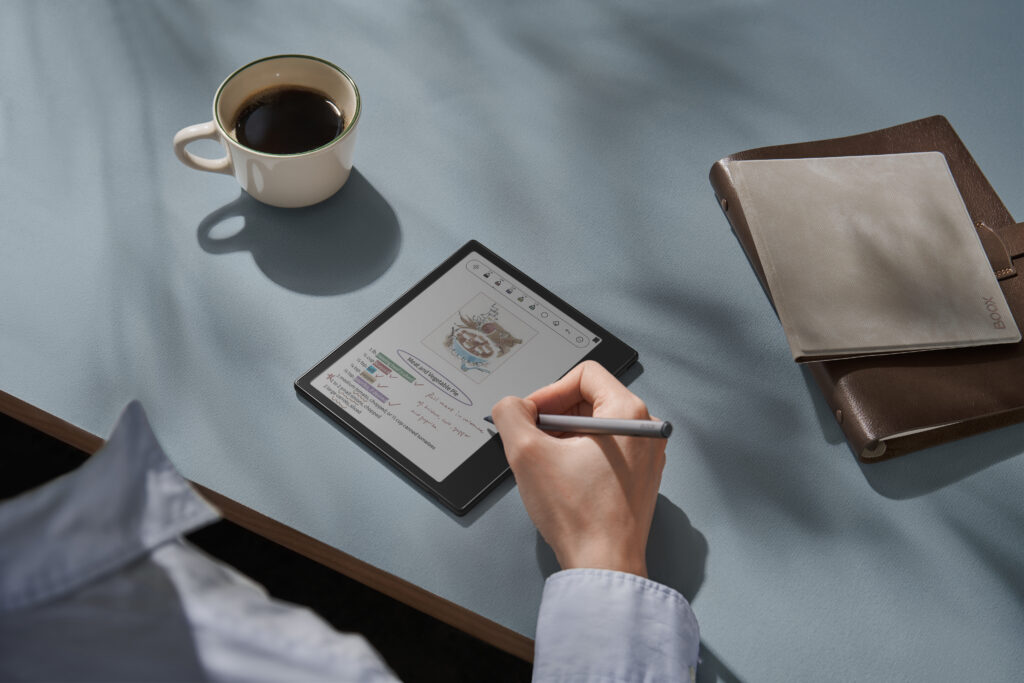
| BOOX Go 7 BW / Go Color 7 (Gen II) | 7″ | Color / Black & White | Small, portable; basic stylus support; limited note-taking | Casual readers & light annotators | Inksense Plus Stylus |
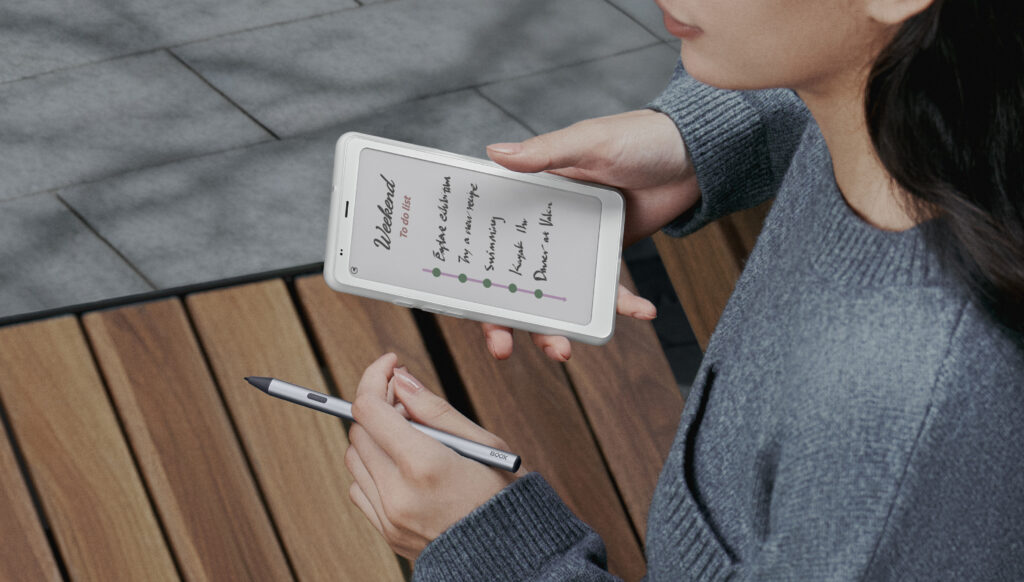
| BOOX Palma 2 Pro | 6.13″ | Color | Pocket-sized; stylus input; limited advanced note-taking | Readers needing a portable note device | Inksense Plus Stylus |
Choosing the Right BOOX E-Ink Device
Here’s a quick guide to help you pick the right device:
Reading is your priority: Go series (Go 6, Go 7, Go Color 7)
Note-taking is essential: Note Air series or Note Max
Need color display: Note Air 5C or Tab X C
Portable note-taking on the go: Palma 2 Pro
🔹 Pro Tip from Einktab: Even monochrome tablets like Go 10.3 can handle PDF annotations, but for heavy workflows, Note Air, Note Max, or Tab X C is better. Keyboard support enhances productivity for typing notes, emails, and documents directly on the device.
BOOX E-Ink tablets offer from casual readers looking for a comfortable, eye-friendly e-reader to students, educators, and professionals who need a powerful digital notebook for note-taking, PDF annotation, and keyboard input. Whether you’re commuting, studying, or working from home, BOOX E-Ink devices provide a paper-like experience that fits modern Canadian lifestyles.
As a Canada-based company, Einktab makes it easy to access the latest BOOX tablets with local support, faster shipping within Canada. From lightweight black-and-white e-readers to large-screen color E-Ink tablets designed for productivity, there’s a BOOX device to match every use case.
