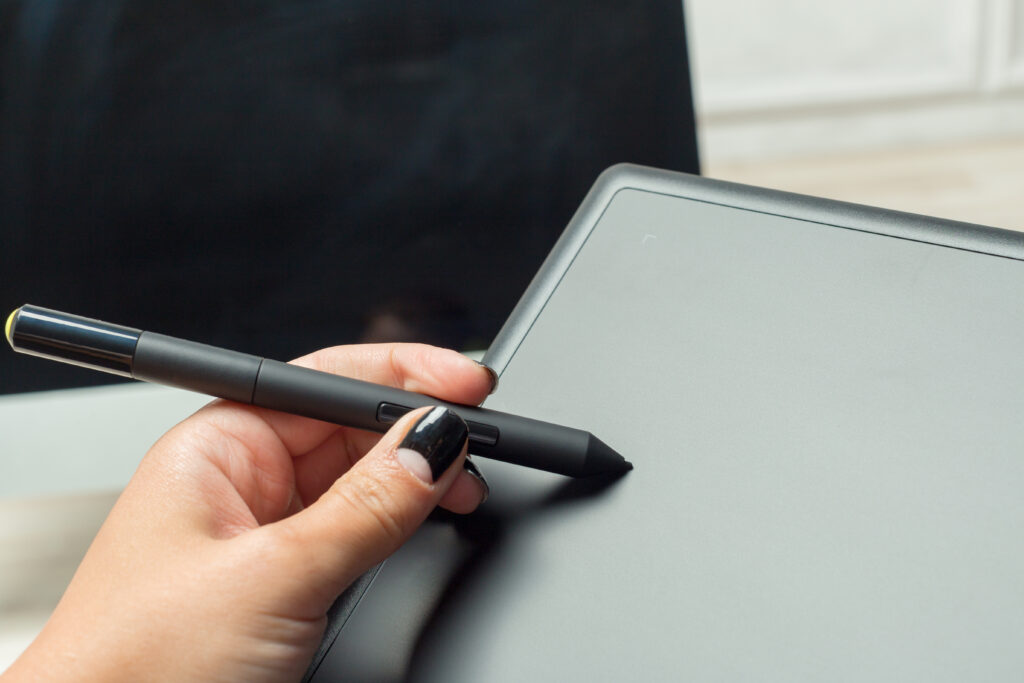
E Ink tablet for note-taking is a digital device with the eye-friendly display of e-readers, combined with precise pen input. These devices are a perfect choice for making notes, creating sketches, and marking documents.
Best E Ink Tablets for Note-Taking in 2025
There are a few options to pay attention to when it comes to choosing the best E Ink note-taking tablet in 2025, based on their design and functionality. The top models are presented below to help you find the right fit.
Remarkable 2
The Remarkable 2 is a model with a minimalist design, which provides a traditional paper-like writing experience. The users should pay attention to it for taking notes due to its lightweight and distraction-free interface.
Boox Note Air 5 C
The Boox Note Air 5 C runs on Android, providing users with an opportunity to install third-party apps. E Ink note-taking display is characterized by high resolution. The tablet is effective for both reading and writing tasks.
Kindle Scribe
The Kindle Scribe is a gadget which can be integrated into the Amazon ecosystem, so users get easy access to a vast library of eBooks. The device is a perfect choice for those users who want to make annotations and highlight documents during reading.
Kobo Elipsa 2E
The Kobo Elipsa 2E is a model which creates a comfortable writing experience. The device integrates with eBooks and notebooks.
What Is an E Ink Tablet for Note-Taking?
An E Ink is a digital device for taking notes with the use of electronic ink (ePaper) technology. As a result, the look and feel of writing on real paper is created. E Ink display reflects ambient light, so it’s less harmful for the eyes than LCD or LED tablets.
E Ink technology has numerous advantages, which make it a performance choice for writers, students, and professionals, such as:
- paper-like readability;
- low power consumption;
- lack of glare.
Not all ePaper devices are suitable for writing, and some of them can be used only for reading. The best E Ink note-taker is an individual choice. In models for taking notes, Wacom technology is used, suitable for precise pen input and natural handwriting recognition.
Why Choose an E Ink Tablet Over Paper or LCD?
E Ink tablet has numerous benefits in comparison to traditional paper or an LCD tablet. E Ink tablets are digital tools which provide the natural feel of handwriting, making them a smart choice for users. The key reasons why an E Ink tablet is a good choice are below:
- Eye comfort is created by a reflective display, which imitates the look of paper and reduces eye strain according to the research of Harvard School of Public Health, 2023.
- Long battery life is provided due to the bistable screens of E Ink tablets. As a result, the device can last for weeks.
- A paper-like writing feel is created by pen latency and a textured surface, so the feeling in the process of writing is similar to a traditional notebook.
E Ink tablet provides the comfort of paper and the convenience of digital storage, balancing efficiency and a positive handwriting experience.
Key Features to Consider Before Buying
In order to choose the E tablet for notes, users should take into consideration such factors:
- Screen size and resolution. If you’re going to create diagrams, pay attention to larger ones. If portability is the priority, choose smaller ones.
- Pen technology. Different models have variable parameters of pressure sensitivity, tilt recognition, and eraser support.
- Operating system and apps support. For users, the choice of Android vs. a proprietary OS is available.
- Storage and cloud sync. Depending on the model, the users can choose built-in memory, expandable options, or sync services.
- Refresh rate and responsiveness. These parameters are especially important for drawing.
Due to the wide variety of models presented on Einktab, each user may find the best E Ink tablet for notes that meets their expectations.
Best Note-Taking Apps for E Ink Tablets
Different E Ink tablets come with variable app support. Some tablets are suitable only for simple note-taking, while others are compatible with popular productivity apps. The most useful options you’ll find on E Ink tablets are below:
- Native apps are designed for seamless work with the device.
- OneNote / Evernote let you access notes across all your devices.
- Notion gives access to organization features and advanced project management.
- PDF annotation tools are perfect for working on academic papers and business documents.
With the right choice, the users can create a flexible and distraction-free workflow.
Techniques for Effective Note-Taking on E Ink Devices
Taking notes on an E Ink tablet is about finding the right structure to enhance productivity. The use of some clear methods, shown below, can make your notes far more useful:
- Bullet journaling is flexible and visual, perfect for making notes.
- The Cornell method is an optimal technique for lectures and meetings.
- Mind mapping is perfect for visualization of brainstorming ideas.
- Digital templates are useful for pre-made planners or grids.
The users can try different methods in order to organize their workflow with E Ink tablet note-taking devices and create a positive user experience.
E Ink Tablets vs. Paper Notebooks
Both E Ink tablets and paper notebooks have advantages, so the choice depends on the personal preferences of the user.
E Ink tablets are efficient and ideal for long-term organization. Most of the models are equipped with built-in cloud storage, eliminating paper waste.
Paper notebooks are a classic solution, the simplest and accessible. You don’t have to worry about needing to charge it, and the cable always sketches freely on a blank page.
Most probably, the most effective solution is a hybrid workflow to keep structure and flexibility in balance.
Maintenance and Longevity Tips
E Ink tablets are reliable and can perform smoothly if the user follows some simple rules:
- Use a protector to prevent screen scratches and create a natural writing feeling.
- Store the pen safely to prevent its damage.
- Avoid extreme temperatures to protect the electrophoretic layer.
These small precautions will make the note-taking E Ink tablet suitable for long-term use.
Conclusion — Which Tablet Should You Choose?
To sum up all of the above, the choice of the tablet should be made based on your workflow and personal request. For simple daily tasks, the Remarkable 2 is a perfect choice, while Boox Note Air 5 C should be chosen for versatility. As for the Kindle Scribe, it’s perfect for reading and creating light notes.
Frequently Asked Questions (FAQ)
1. Can E Ink tablets replace a laptop for note-taking?
E Ink tablets are good for taking notes and organizing ideas, but they can’t replace the functionality of a laptop fully.
2. Do all E Ink tablets support color notes?
Not all E Ink tablets support color notes. Still, there are a few models like Kaleido or Gallery that offer this feature. More information about full-colour e-paper can be found in MIT Media Lab, Microencapsulated Electrophoretic Displays (1997) research.
3. How long do E Ink pens last?
In most cases, the pens last 1–2 years, but this strongly depends on battery type, usage, and nib wear.
4. Can I convert handwritten notes to text?
Yes, in most E Ink tablets there is an option for handwriting recognition to convert your notes into editable text.
References