

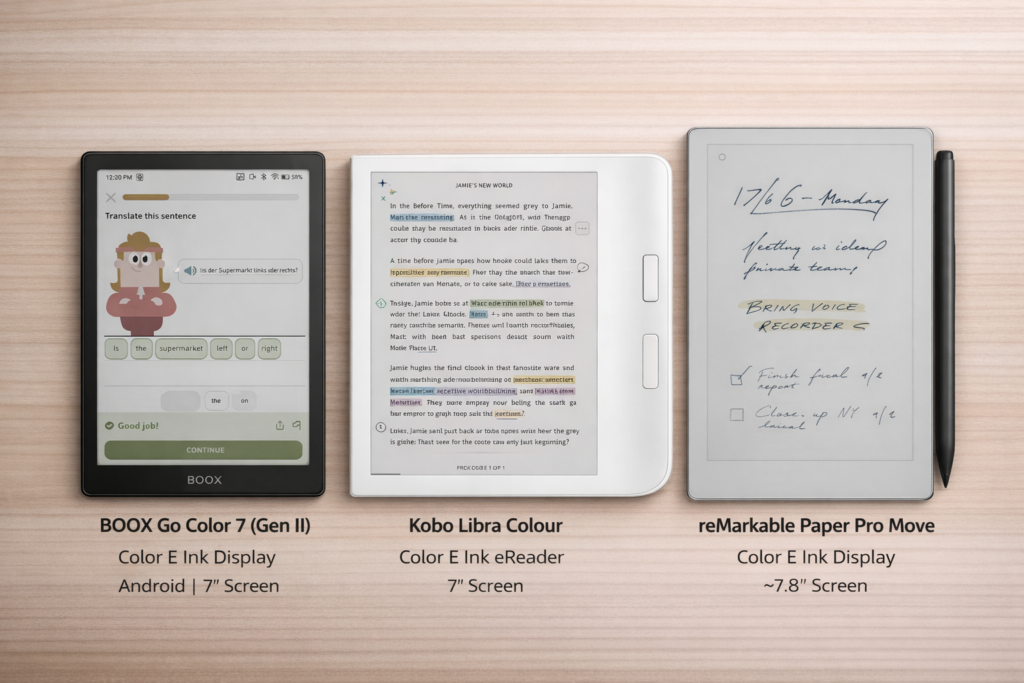
If you are looking for a 7‑inch portable eReader that is easy to carry, lightweight, and perfect for reading, visual content, and everyday use, color E‑Ink devices are an excellent choice. Three standout options are the BOOX Go Color 7 (Gen II), Kobo Libra Colour, and reMarkable Paper Pro Move , each with unique strengths and use cases.
This guide highlights their similarities, differences, and key strengths so you can choose the best fit for your needs.
Quick Comparison
| Feature | BOOX Go Color 7 (Gen II) | Kobo Libra Colour | reMarkable Paper Pro Move |
|---|---|---|---|
| Screen Size | 7″ | 7″ | 7.8″ |
| Screen Type | Kaleido Color E Ink | Kaleido Color E Ink | Kaleido Color E Ink |
| Touch Screen | Yes | Yes | Yes |
| Front Light | Yes | Yes | Yes |
| Waterproof | No | Yes (IPX8) | No |
| Operating System | Android | Kobo OS | reMarkable OS |
| File Support | PDF, EPUB, MOBI, comics, more | PDF, EPUB, etc. | PDF, EPUB, DOCX, more |
| Color | Color | Color | Color |
| Note Taking / Annotation | Yes | Yes | Yes |
| Library Access | Via apps | Built-in OverDrive | Cloud sync with reMarkable |
| Approx. Price (CAD) | $349.99 – $337.49 | $259.99 – $239.99 | $729 – $799 |
| Supported Languages | Extensive multilingual support (English, French, Spanish, German, Chinese, Japanese, and more) | Extensive multilingual support (English, French, Spanish, German, and more) | English, German, (menu language only) |
Key Similarities
All three devices share essential benefits of color E‑Ink:
Portable 7″ Color E‑Ink Display — excellent for color illustrated content
Touchscreen + Front Light — read comfortably in all lighting conditions
Lightweight & Portable — easy to carry for travel and daily use
Low Power Consumption — long battery life with E‑Ink efficiency
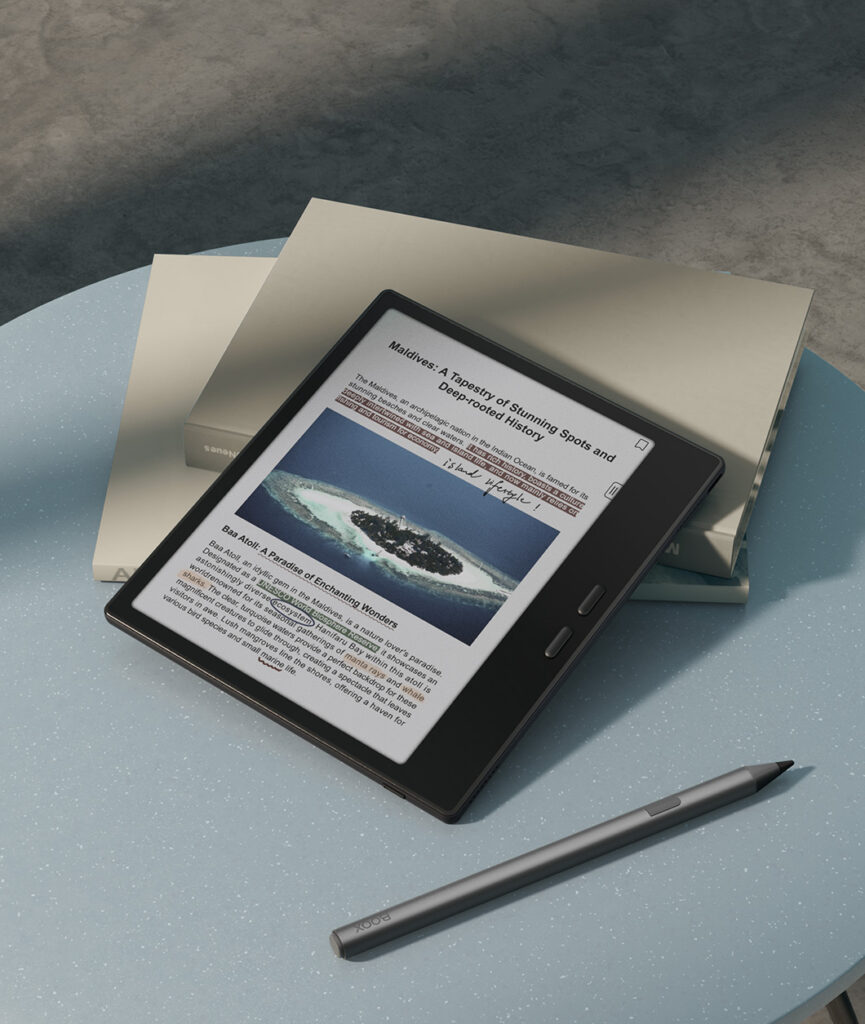
Stylus Supported — all three devices allow writing, drawing, and sketching naturally
Main Differences
1.Operating System & Ecosystem
Feature / Device | BOOX Go Color 7 (Gen II) | Kobo Libra Colour | reMarkable Paper Pro Move |
Operating System | Android | Kobo OS | reMarkable OS |
App Flexibility | High – can install multiple reading apps (Kindle, Libby, Pocket, etc.) | Low – apps are limited to Kobo ecosystem | Low – apps limited to reMarkable’s native functionality |
Content Ecosystem | Any eBook or document supported by installed apps | Kobo Store & OverDrive | reMarkable cloud and note/document workflows |
Primary Focus | Versatile reading & multi-app use | Seamless integration with Kobo/OverDrive | Reading, note-taking, document annotation |
Customization | High – can install third-party apps, adjust workflows | Medium – mainly reading-focused features | Medium – optimized for document workflows |
Cloud Sync & Storage | Free via BOOX Cloud (syncs notes, highlights, and reading progress) | Free via Kobo Cloud (syncs books, reading progress, and bookmarks) | Basic free cloud sync for recent notes; full unlimited cloud storage and cross-device sync requires paid Connect subscription |
Go Color 7 = Flexibility and app variety
Libra Colour = Seamless Kobo experience
Paper Pro Move = Productivity with note‑taking focus
2. Waterproofing
Kobo Libra Colour is waterproof (IPX8), making it ideal for real-world reading environments such as the beach, poolside, or bath.
BOOX Go Color 7 (Gen II) is not waterproof, and is best used in controlled environments like home, office, or commuting.
reMarkable Paper Pro Move is not waterproof and is designed primarily for desk-based work, study, and professional use.
3. Language Support
BOOX Go Color 7 (Gen II) supports multiple languages both for interface and input languages.
Kobo Libra Colour supports multiple languages both for interface and input languages.
reMarkable Paper Pro Move supports English and German for the menu language, while the handwriting conversion feature is limited to European languages.
Final Thoughts
BOOX Go Color 7 (Gen II) — Best for users who want versatile reading, rich color content, and app flexibility through Android. It sits in the mid-to-upper price range, offering strong value for users who read across multiple platforms and formats. It’s also ideal for multi-language users, thanks to support for multiple apps and languages.
Kobo Libra Colour — Best for readers who want a simple, integrated Kobo experience with library access and waterproof protection. It is generally the most budget-friendly option, making it ideal for everyday reading without extra complexity. Its built-in multi-language support makes it a great choice for global readers.
reMarkable Paper Pro Move — Best for users who combine reading with productivity, handwritten notes, and document annotation. It is typically the most premium-priced option, designed for professionals and students who prioritize workflow and writing over casual reading. Note that it only supports English and German for the menu, and handwriting conversion is limited to European languages.
Each device serves a distinct audience. When choosing your eReader, consider not only features and use cases, but also your budget and how you plan to use the device, whether for relaxed reading, color content, multilingual reading, or productivity-focused work.
