

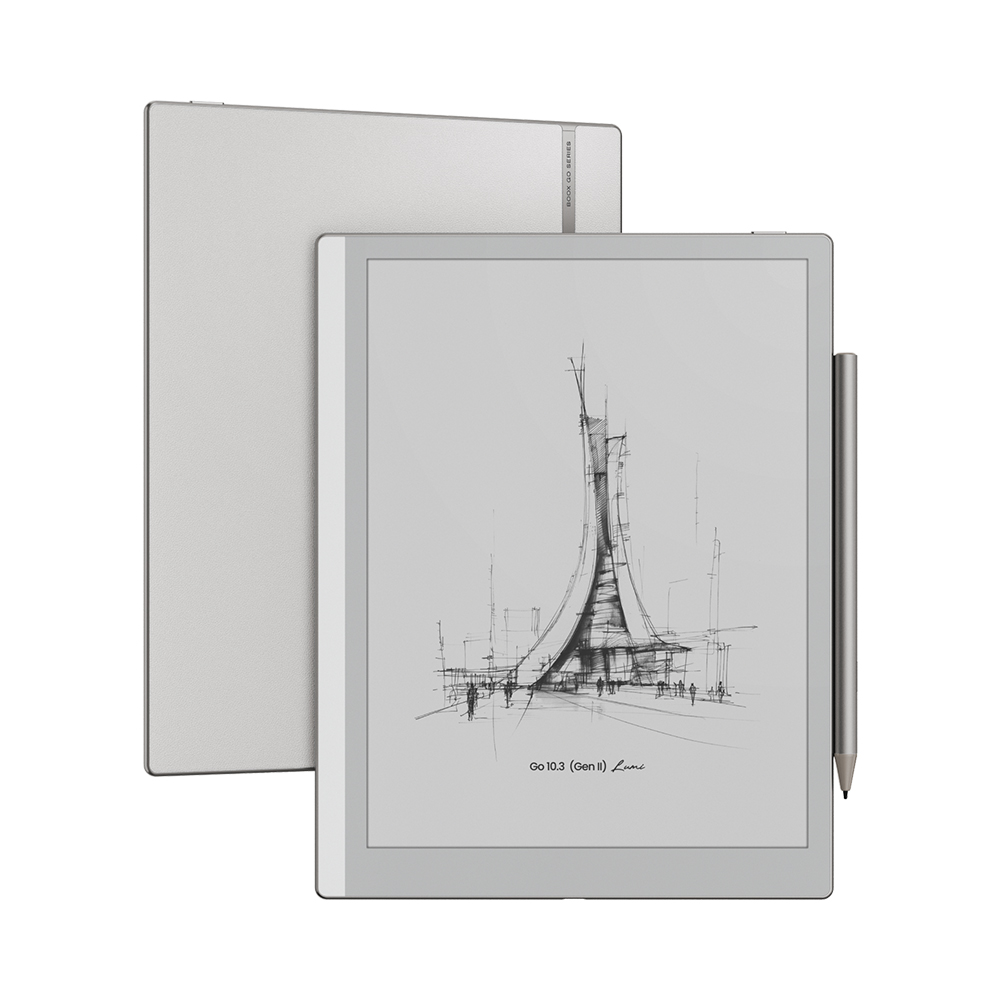
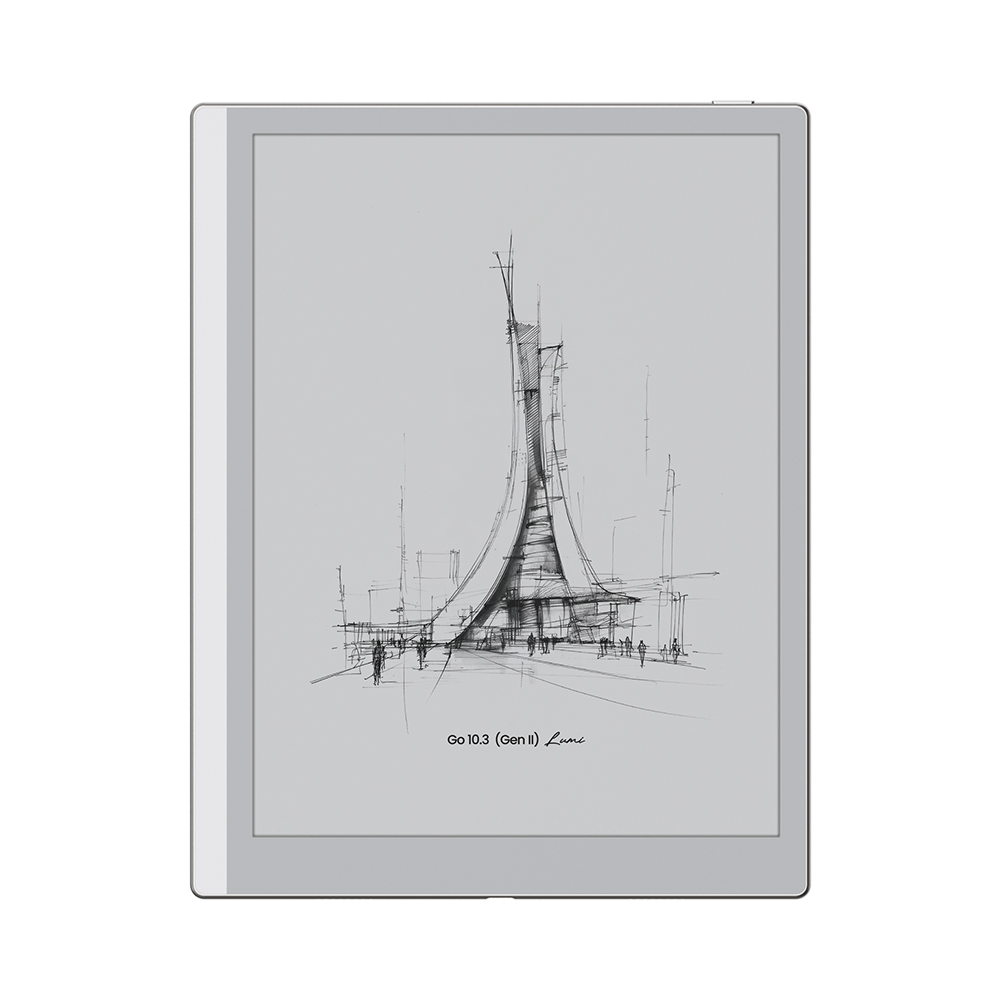
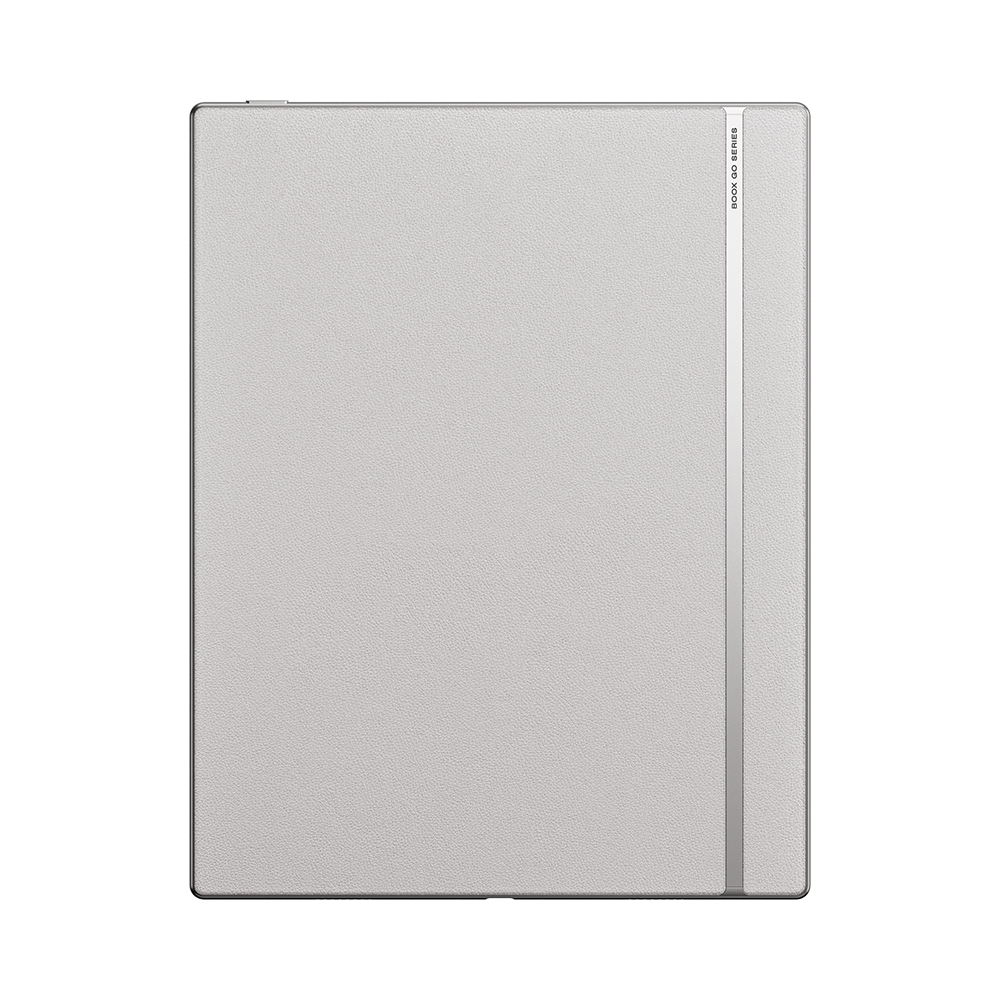
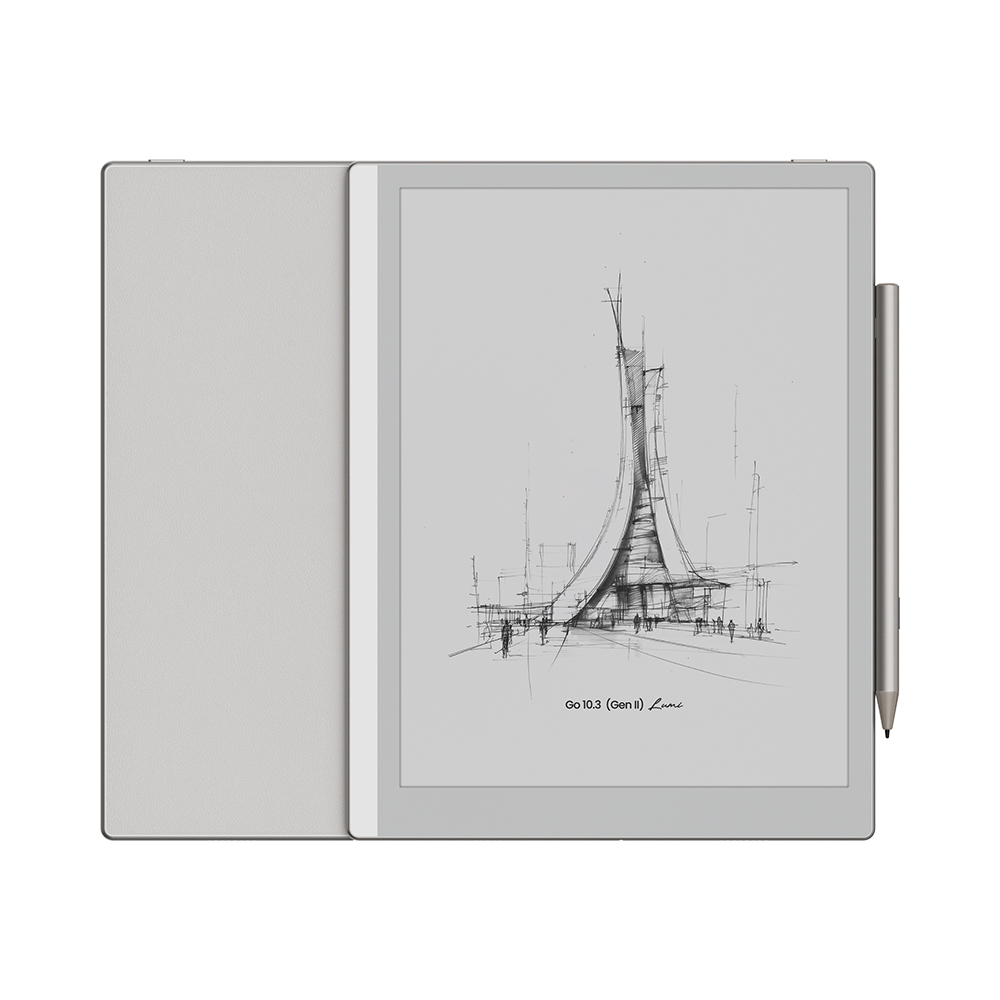
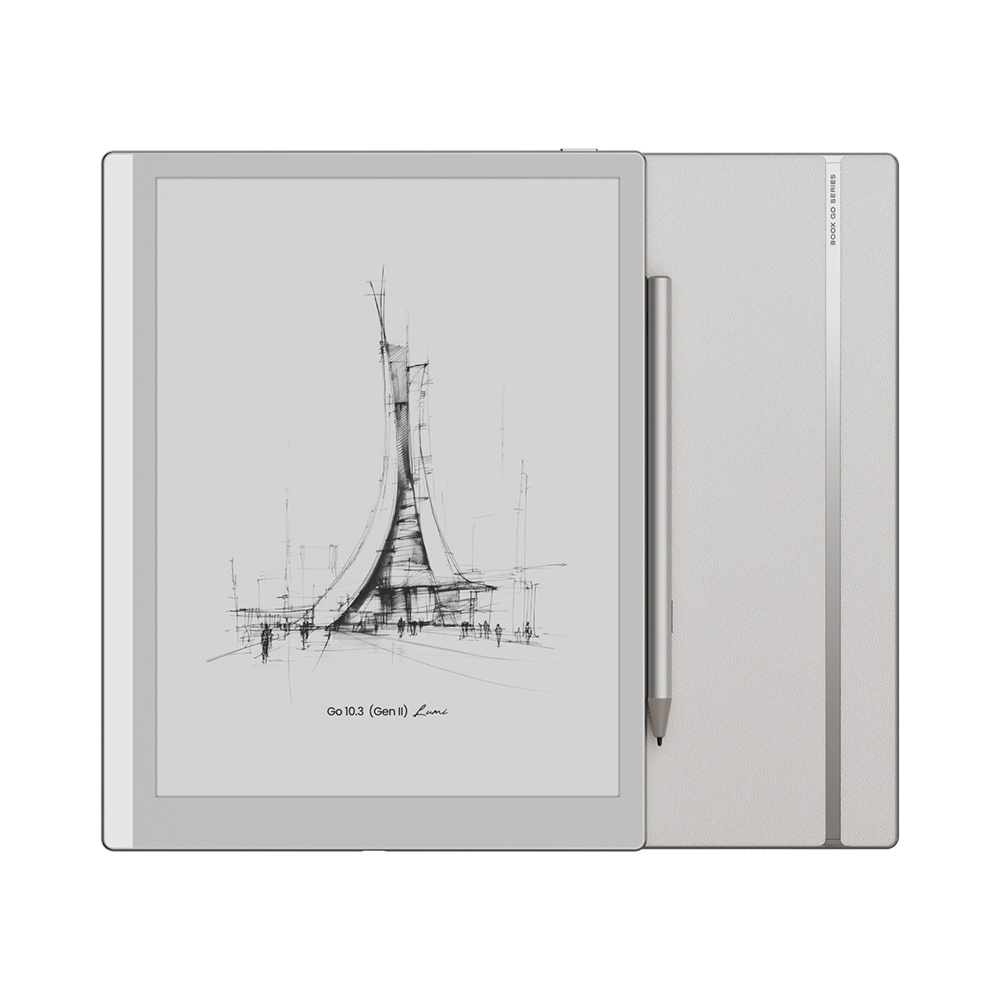


Discover the new BOOX Go 10.3 Gen II (Lumi), now available in Canada.
Ideas that travel light. Stylus included.
Designed for modern thinkers, creators, and professionals, the BOOX Go 10.3 (Gen II) Lumi is a thin and lightweight E Ink notebook built for a seamless work-life flow. Whether you’re capturing ideas on the go or organizing your next big project, this is your perfect companion, wherever life takes you.
From High Noon to Midnight
Made for the Sun Seeker and the 24/7 Creator
Creativity doesn’t follow a schedule—and neither should your device. With an adjustable front light, you can shift effortlessly from crisp daylight to a soft amber glow, making it ideal for both bright outdoor reading and late-night inspiration.
Ultra-Thin. Built to Last.
Thin as paper. Lasts for weeks.
Engineered for portability, this sleek 10.3-inch notebook fits effortlessly into your daily routine. Powered by a long-lasting 3700 mAh battery, it keeps up with your ideas for weeks on a single charge—perfect for travel, work, and everything in between.
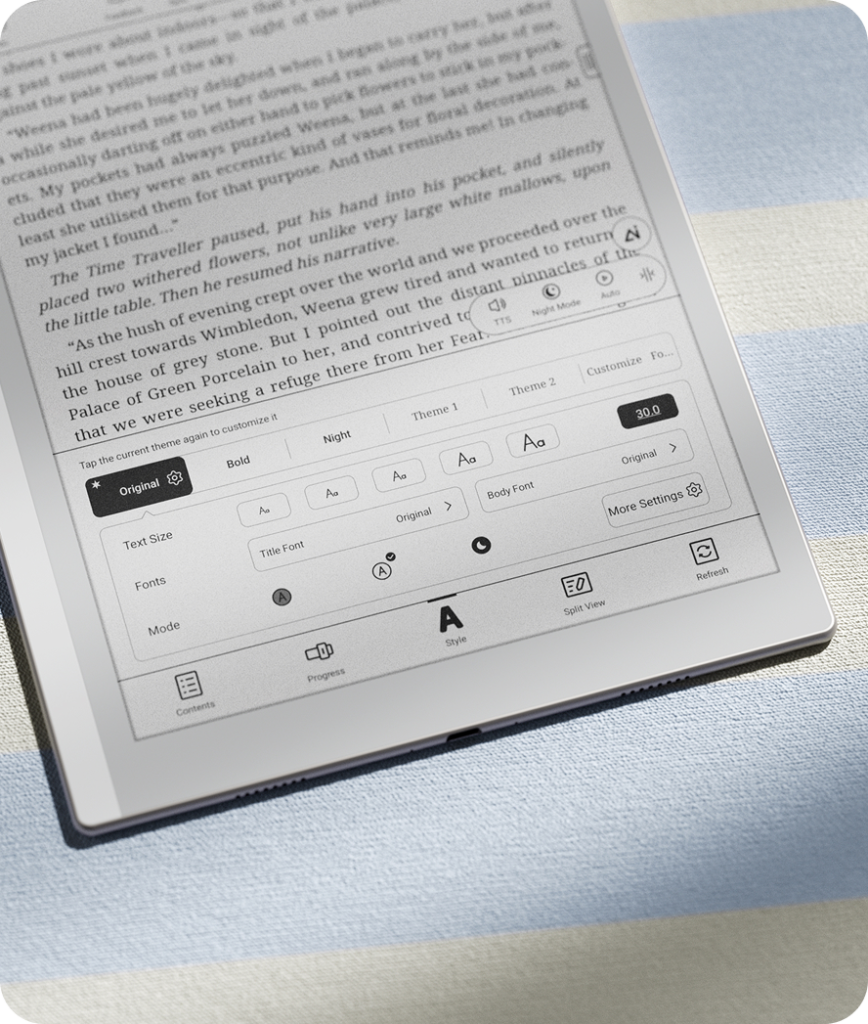
Capture Ideas Freely
Brain dump first. Organize later.
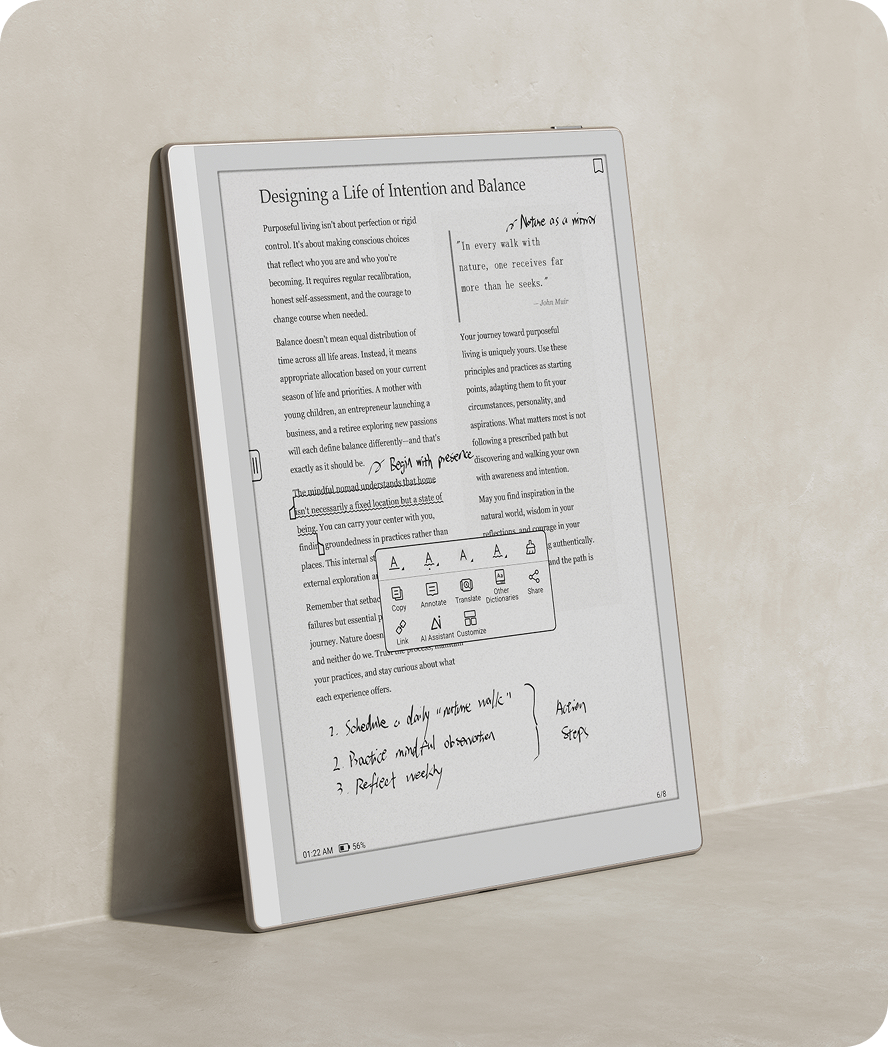
Let your thoughts flow without limits. With Infinite Notes, you can sketch, write, and brainstorm freely—then refine and structure your ideas when you’re ready.
Create outlines and organize with tags
Convert handwriting to text with the lasso tool
Insert and connect notes, lists, and plans seamlessly
Stay Organized Anywhere
Access your ideas, anytime
Keep everything in sync and within reach:
Sync with Onyx Cloud, Google Drive, Dropbox, and OneDrive
Transfer files effortlessly with BOOXDrop
Secure your data with file protection and cloud backup
Your notes travel with you—securely and seamlessly.

BOOX Go 10.3 vs BOOX Go 10.3 (Gen II) Lumi
| Feature | BOOX Go 10.3 | BOOX Go 10.3 (Gen II) Lumi |
|---|---|---|
| Release | 2024 | 2026 |
| Display | 10.3″ E Ink Carta 1200 | 10.3″ E Ink (latest gen) |
| Resolution | 2480 × 1860 (300 PPI) | 300 PPI |
| Front Light | ❌ No | ✅ Yes (adjustable) |
| OS | Android 12 | Android 15 |
| RAM / Storage | 4GB / 64GB | 4GB / 64GB |
| Processor | Octa-core 2.4 GHz | Octa-core |
| Stylus | BOOX Pen Plus (4096 levels) | InkSense Plus (improved + tilt) |
| Writing Experience | Good | Improved latency & precision + better visibility in low light |
| Battery | 3700 mAh | 3700 mAh |
| Thickness | 4.6 mm | ~4.8 mm |
| Weight | ~375 g | ~365 g |
| Google Play | ✅ Yes | ✅ Yes |
| Main Advantage | Ultra-thin & lightweight | Front light + latest OS + improved writing |

| Hardware | CPU | Qualcomm Octa-core (6350) |
| RAM | 4GB | |
| Memory | 64GB | |
| Display | 10.3″ Carta1200 glass screen front light with CTM (warm&cold) | |
| Resolution | 2480 x 1860 (300 ppi) /Regal | |
| Dual Touch | Capacitive touch + BOOX InkSense Plus Active Stylus | |
| Light | Yes | |
| Wireless Connection | WiFi (2.4GHz + 5GHz) | |
| Bluetooth | BT 5.1 | |
| Battery | 3700mAh Polymer Li-on | |
| Buttons | power button without fingerprint recognition | |
| Slot | USB-C (support OTG) | |
| Speaker | Dual speakers | |
| Mic | Yes | |
| G-Sensor | Yes | |
| Features | OS | Android 15 |
| Format | pdf (reflowable), epub, Adobe DRM, txt, rtf, html, chm, doc, fb2 | |
| png, jpg, tiff, gif, bmp | ||
| wav, mp3 | ||
| Features | TTS, Notes, Scribble, Dictionary, Calendar | |
| Multi-languages | All languages with Android 15 | |
| Firmware update | OTA update or Locally update | |
| Others | dimension | 235*183*4.5mm |
| weight | approximate 365g | |
| Color | Cream | |
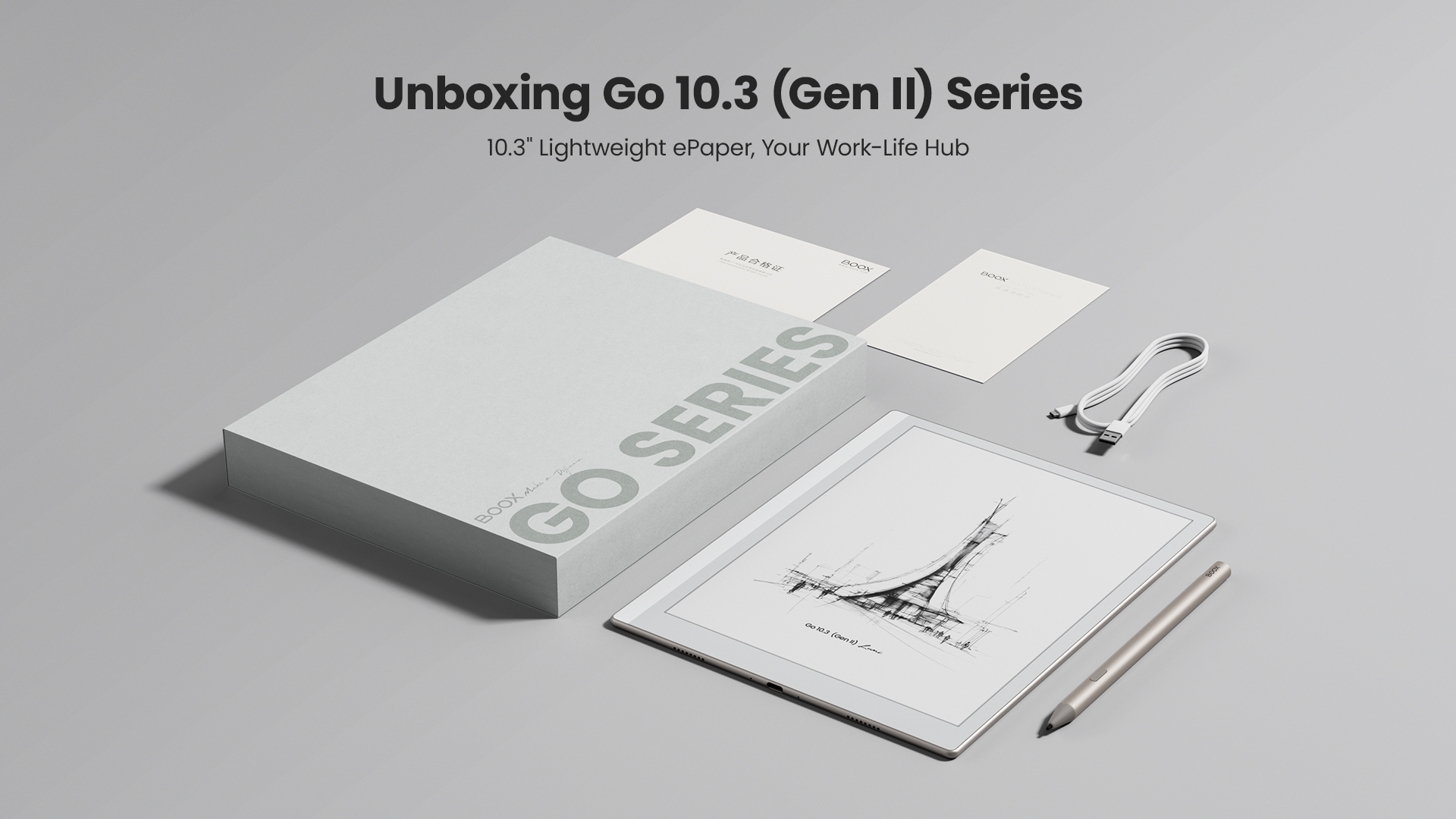
| Accessories | USB-C cable | |
| BOOX InkSense Plus | ||
| Quick Start Guide | ||
| Warranty card | ||
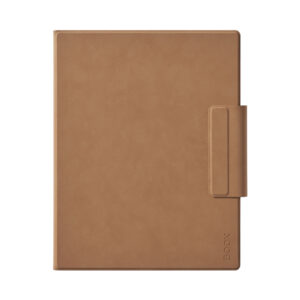
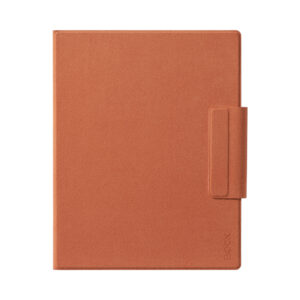
| protective case (optional) | ||
| 5V/3A Charger (optional) | ||
| Package | gift box |

Eric (verified owner) –
It’s a lovely device. Perfect for note-taking, and reading is a joy! Here are some pros and cons.
Pros:
• Large screen and text is crisp.
• Note-taking is good and the included stylus does not have any lag while writing.
• Plenty of templates to get you started with writing, or just use a file with infinite pages.
• Battery is decent with the option to cap charging to 80% for preservation. If you run it on wifi, it drains more quickly. I can usually get 5 -6 days of regular use (no wifi, and power off while not in use).
• All functions on other Boox devices are available on this one. If you own a Boox device, it’ll be very familiar.
• Super handy to have many cloud services for downloading and uploading files.
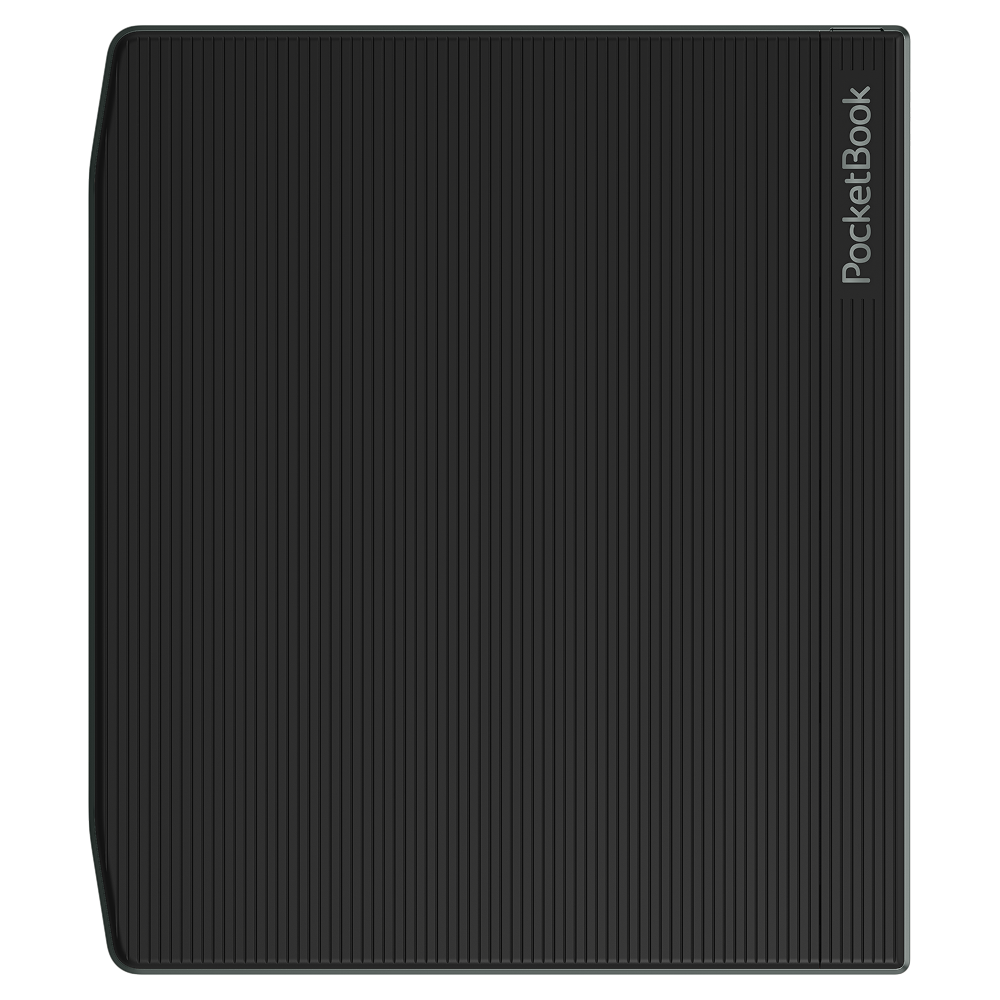
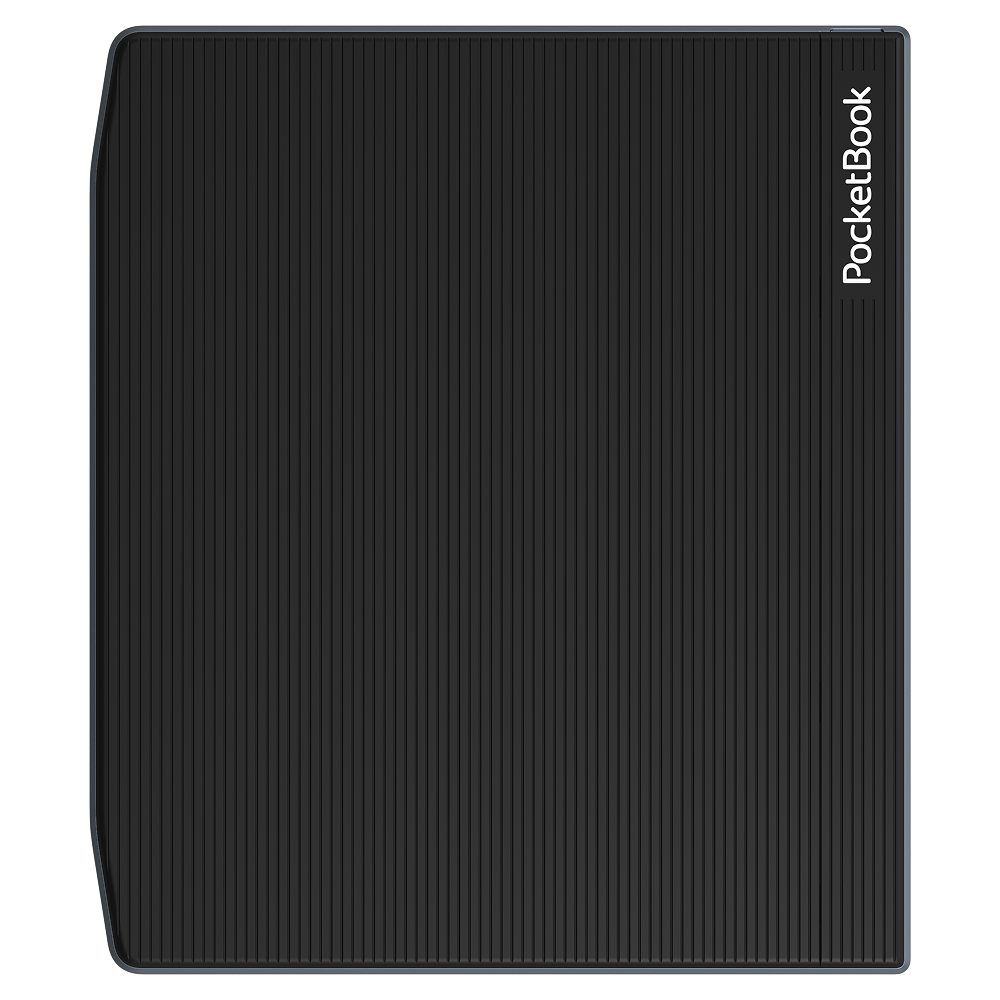
• Super light to hold and love the textured material.
Cons:
• No volume buttons or smart button (like on Palma 2) other than the power button. You can only set up shortcuts with gestures or program them to the bottom toolbar.
• It’s light so it can slip out of your hand. When you use it with a case, it could get heavy unless you put it down somewhere.
• Ghosting is a big one on this device. You can have a refresh button on the toolbar or program a gesture for manual refresh, but the option to fully refresh and partially refresh don’t make much of a difference. There will still be ghosting unless you refresh twice to get rid of it completely. If you’re mainly going to use it for note-taking, ghosting won’t be an issue. But if you’re navigating around a PDF document densely packed with text, ghosting can be a pain. Reading on the Kindle app or NeoReader will be excellent, as long as you set the app to refresh every 2 or 3 pages.
I’m writing this review after using the Boox Go 10.3 Gen 2 (Lumi) for 3 months. I hope this can be useful.