

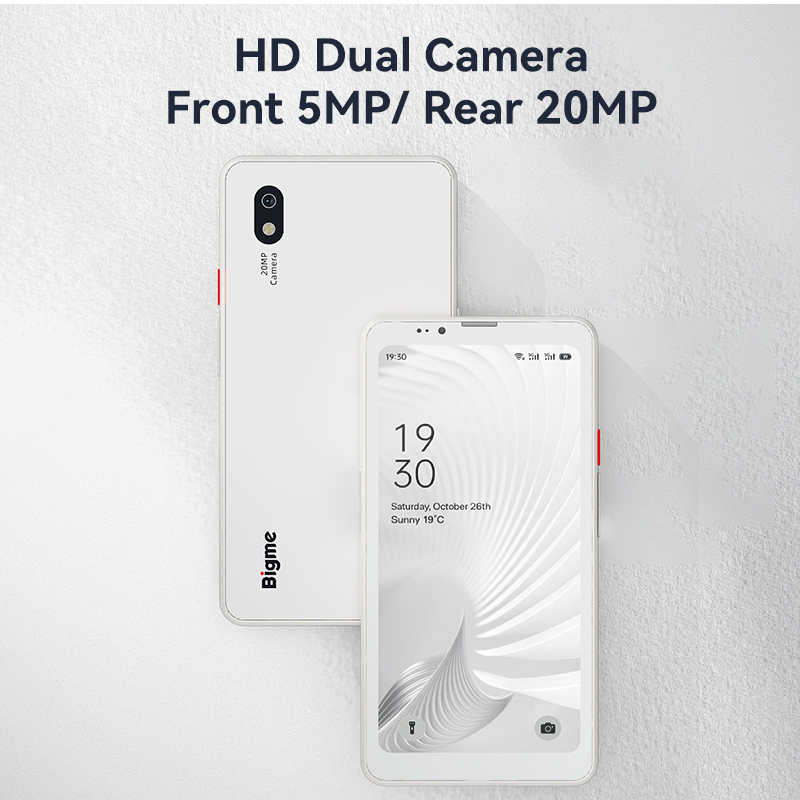
We used to think e-paper phones were a gimmick. A Kindle screen on a phone? Then we spent some time with the 2026 lineup and we changed our mind, at least for certain people. Here is what they’re good at, what you can buy, and how the Bigme HiBreak Pro behaves on Canadian networks.
Where an e-paper phone beats a regular one?
Reading is the obvious one. If you read novels, PDFs or long articles on your phone, the paper-like screen is far gentler than OLED, since nothing is shining into your eyes. It also does better in sunlight. A normal screen washes out on a patio or a summer TTC platform, while matte e-paper gets easier to read the brighter it is.
Battery is the other big win. E-paper only draws power when the picture changes, and the HiBreak Pro’s 4,500 mAh cell typically gets two to three days of normal use. Most flagships need a charger every night.
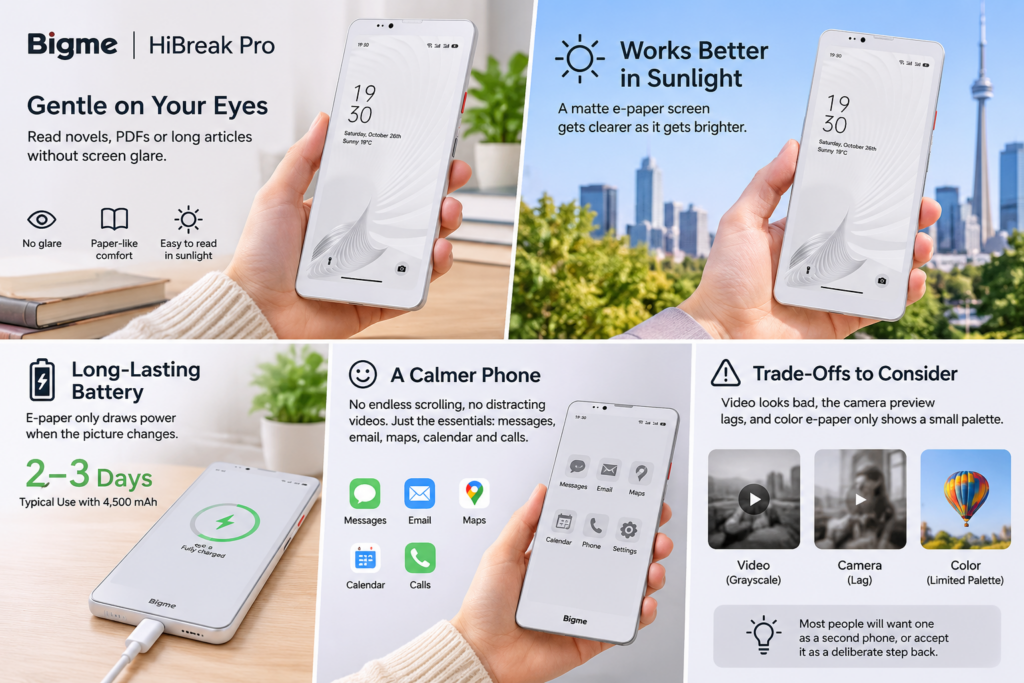
Then there’s the “calm phone” angle. Everything is slow and mostly grayscale, so video, games and endless scrolling stop being appealing. Messages, email, maps, calendar and calls still work fine. For people trying to use their phone less, that’s the whole selling point.
The trade-offs are real. Video looks bad, the camera preview lags, and color e-paper only shows a small palette. Most people will want one as a second phone, or accept it as a deliberate step back.
How many are out there?
Nobody keeps an official count, and the number changes depending on what you include. Some devices take a SIM but can’t make calls, and others are import-only or discontinued.
| Brand | Model | Standout feature | Calls and SMS |
|---|---|---|---|
| Bigme | HiBreak | Original model, no NFC or 5G | Yes |
| Bigme | HiBreak Pro | 6.13-inch black-and-white screen, 5G, NFC, Android 14 | Yes |
| Bigme | HiBreak Pro Color | 6.1-inch color e-paper, 5G, NFC | Yes |
| Bigme | HiBreak S | Budget option, black-and-white or color | Yes (4G) |
| Bigme | HiBreak Dual | Dual-screen design | Check the model |
| Hisense | A5 | 5.84-inch screen, older Android 9 | Yes (4G) |
| Hisense | A7 | Earlier model, color version also exists | Yes |
| Hisense | A9 / A9 Pro | 6.1-inch screen, Android 11, import only, no 5G | Yes, |
| Hisense | A10 | Magnetic, detachable color screen on the back | Yes |
| Mudita | Kompakt | 4.3-inch screen, no app store by default, built for minimal use | Yes |
| Minimal Company | Minimal Phone | Physical keyboard, Android 14 | Yes |
| Boox | Palma series | Pocket e-reader that takes a SIM for data only | No |
The HiBreak Pro on a Canadian network
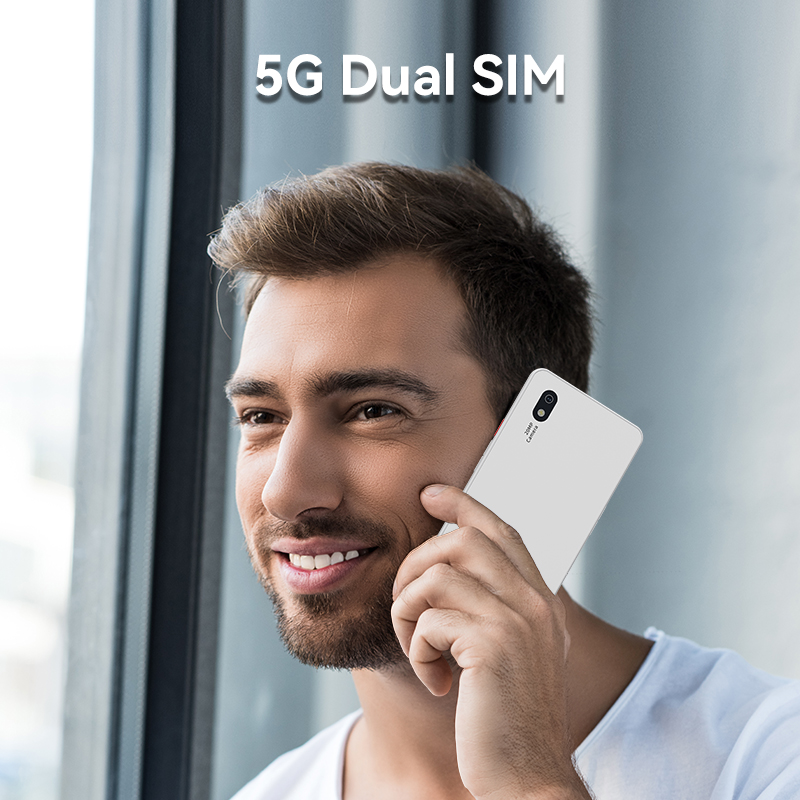
The HiBreak Pro is unlocked and dual-SIM, with 5G and 4G. You put in a Canadian nano-SIM and it works like any other unlocked import. That covers Rogers, Bell and Telus, their sub-brands such as Fido, Koodo and Virgin Plus, and MVNOs like Public Mobile and Freedom.
The supported bands are:
- 5G NSA: n1/2/3/5/7/8/20/25/28/38/40/41/66/77/78
- 5G SA: n1/2/3/5/7/8/20/25/28/38/41/77/78
- LTE FDD: B1/2/3/4/5/7/8/12/13/17/18/19/20/25/26/28/66
- LTE TDD: B34/38/39/40/41
The HiBreak Pro is unlocked and dual-SIM, with 5G and 4G. You put in a Canadian nano-SIM and it works like any other unlocked import. That covers Rogers, Bell and Telus, their sub-brands such as Fido, Koodo and Virgin Plus, and MVNOs like Public Mobile and Freedom.
The supported bands are:
- 5G NSA: n1/2/3/5/7/8/20/25/28/38/40/41/66/77/78
- 5G SA: n1/2/3/5/7/8/20/25/28/38/41/77/78
- LTE FDD: B1/2/3/4/5/7/8/12/13/17/18/19/20/25/26/28/66
- LTE TDD: B34/38/39/40/41
Canadian carriers lean on LTE B2, B4, B5, B7, B12/B17, B26, B28 and B66, and the phone has all of them. B12/B17 and B5 are the low bands that help indoors and in rural areas. For 5G, n77 and n78 cover the 3500 MHz spectrum used for the faster service, and n66 and n41 are included too.
Paying with NFC
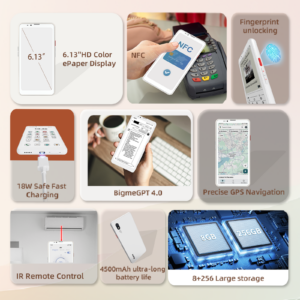
The HiBreak Pro has NFC, which earlier Bigme models lacked. Android 14 and the Play Store mean you can set up Google Wallet and tap at Canadian terminals.
Two checks before you leave your cards at home. First, confirm the phone is Play Protect certified (Play Store settings, under About), because wallet apps and some banks refuse uncertified devices. Second, add a card and buy a coffee as a test.
Try it in person, or have it shipped
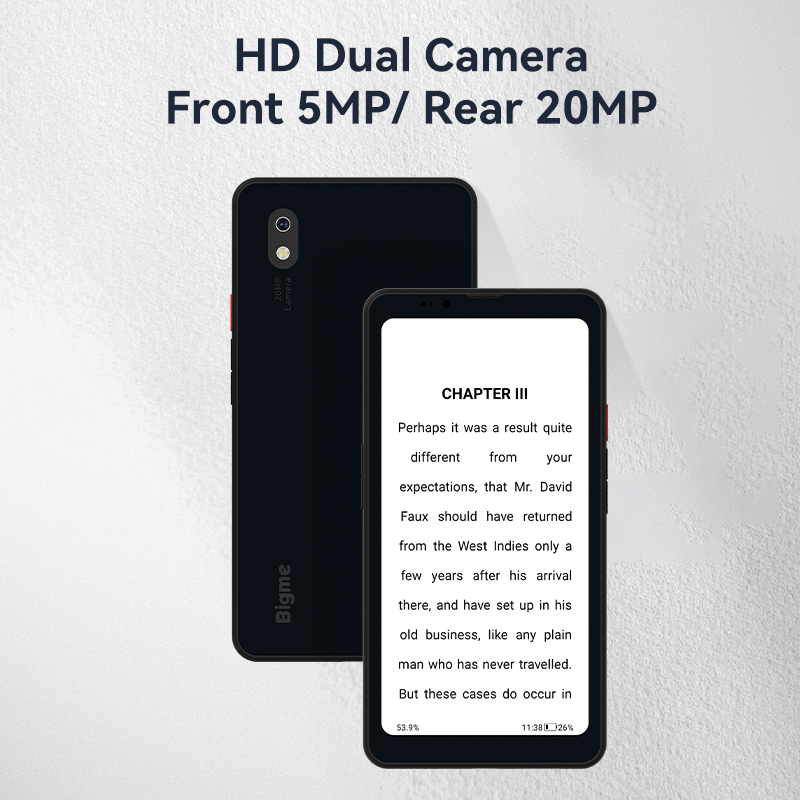
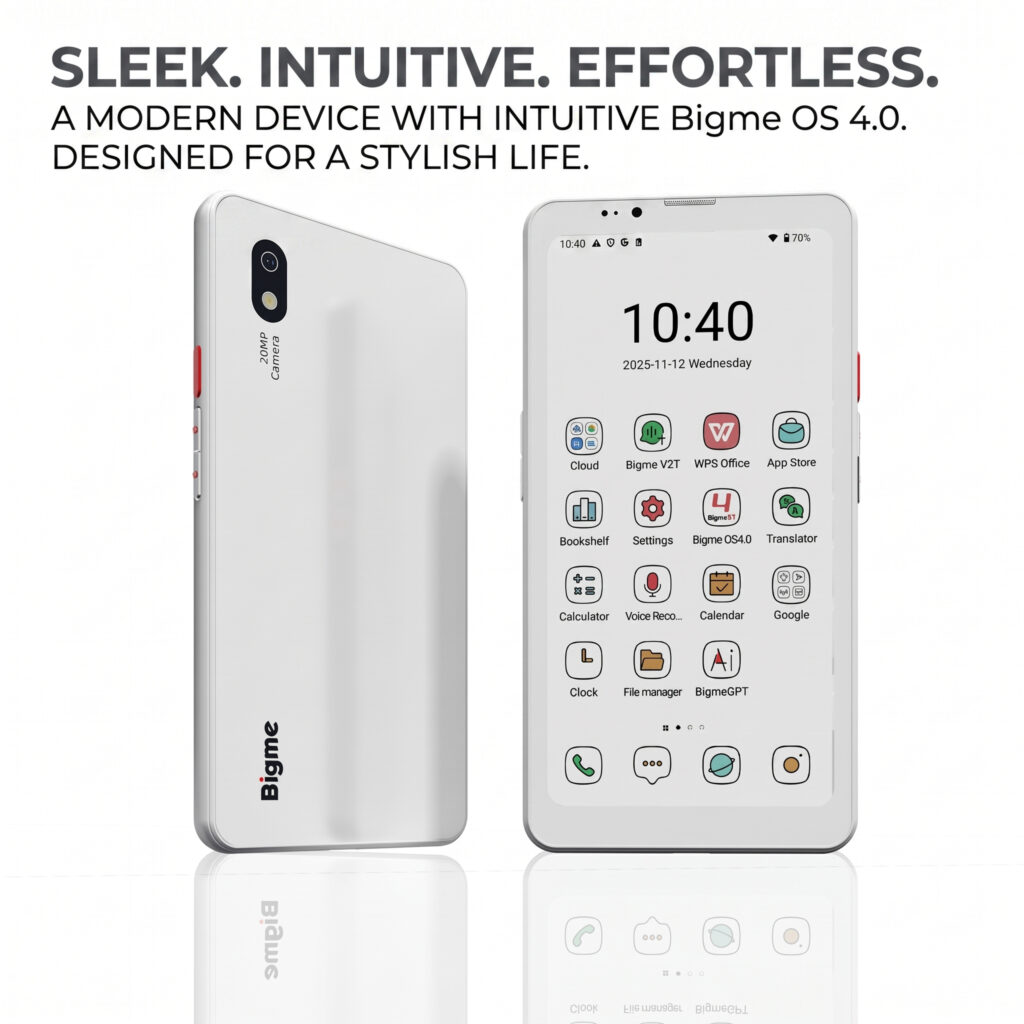
Everything above comes down to one thing: an e-paper phone feels different from what you’re used to, so the best test is to hold one. The screen refresh, the matte look and the speed of scrolling are hard to judge from a spec sheet.
You have two ways to buy the HiBreak Pro:
Visit our showroom. Come in, pick one up, and try it for yourself. Check how the screen handles reading, messages and maps, and see whether the pace suits you. You can buy it on the spot and walk out with it.
Order online (einktab.ca). If you’d rather skip the trip, order from home and we’ll ship it to you. Once it arrives, pop in your own SIM and try it on your carrier, whether that’s Rogers, Bell, Telus or one of their sub-brands.
Either way, every HiBreak Pro comes with a 30-day free return. That covers the things a showroom can’t test for you: how 5G and calling behave at your home, your office and on your commute, and whether tap-to-pay works with your bank. If it doesn’t fit your life, send it back and you’re not out anything.
Should you get one?
If you read a lot, spend time outdoors, want a battery that lasts, or just want a quieter phone, an e-paper model is worth a look. If you need a real phone with calls, 5G, NFC and the Play Store, the HiBreak Pro is where I’d start. In Canada, look into that 600 MHz gap and your carrier’s calling support first. Specs and prices move quickly, so check current listings before you buy.