DASUNG
DASUNG E Ink Monitor Buy from official Canadian partner
About DASUNG
DASUNG invented the world’s first E Ink monitor and has led the industry since launching the Paperlike Series in 2014. Today, the company continues to develop innovative display technology that offers a true paper-like reading and working experience.
Unlike traditional LCD or LED screens, DASUNG monitors use E Ink electronic paper technology. As a result, the display reflects ambient light instead of emitting constant backlight. Therefore, users experience less eye strain, fewer headaches, and a more comfortable viewing experience during long screen sessions.
In addition, DASUNG monitors deliver sharp text, a matte surface, and minimal glare. Because of these features, they are ideal for reading, writing, coding, research, and professional work.
If you are searching for a healthier alternative to traditional monitors, DASUNG offers one of the best E Ink solutions available today.
Who Should Use a DASUNG E Ink Monitor?
DASUNG monitors work well for people who spend many hours in front of screens. For example, they are popular among:
-
Professionals who work with documents and text
-
Students who read or study for long periods
-
Software developers and programmers
-
Writers, editors, and researchers
-
Anyone sensitive to blue light or screen flicker
You can use a DASUNG monitor as either a primary display or a secondary monitor. In addition, it connects easily to Windows, macOS, Linux, and Android devices.
DASUNG E Ink Monitor Line up
| Product Name | Supported System | Screen Size | Screen Color | Front Light | Touch Screen |
| Paperlike 103 | Windows / macOS / Linux / iPadOS / iOS / Android | 10.3 inch | Black & White E-Ink | Yes | Yes |
| Paperlike 13K | Windows / Linux / macOS / Android | 13.3 inch | Black & White E-Ink | Yes | No |
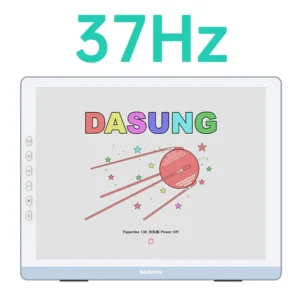
| Paperlike 13K (Color) | Windows / Linux / macOS / Android | 13.3 inch | Color E-Ink | Yes | Yes |
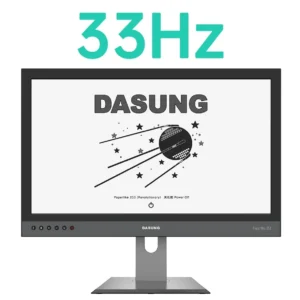
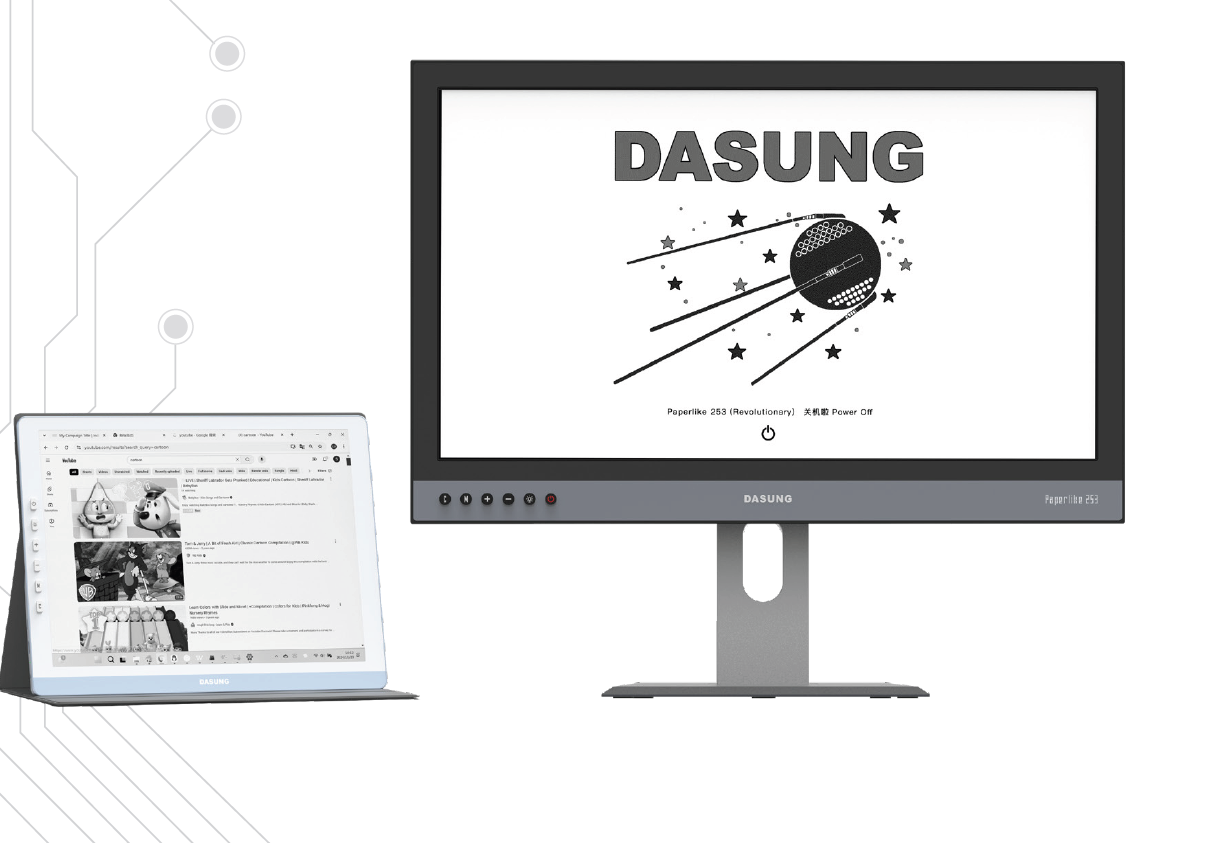
| Paperlike 253 (Revolutionary) | Windows / Linux / macOS / Android | 25.3 inch | Black & White E-Ink | Yes | No |
| Paperlike 253 Color (Revolutionary) | Windows / Linux / macOS / Android | 25.3 inch | Color E-Ink | Yes | No |
Key Benefits of DASUNG E Ink Monitors
DASUNG monitors provide several advantages compared with traditional displays.
First, they reduce eye strain because they do not use constant backlight flicker. Instead, the screen behaves more like paper.
Second, the paper-like display makes reading, writing, and coding more comfortable. Many users report they can work longer without fatigue.
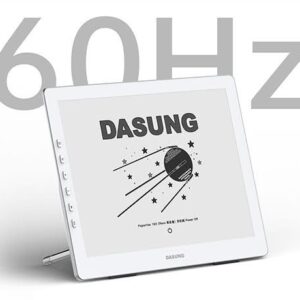
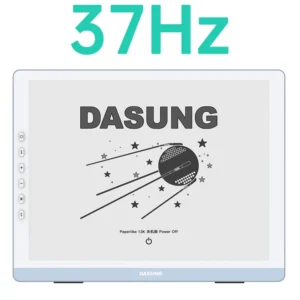
Third, DASUNG monitors include high-refresh modes. These modes improve responsiveness and make everyday tasks such as scrolling, typing, and browsing smoother.
In addition, the monitors use very little power, which makes them energy-efficient. They also operate silently, so they create a distraction-free workspace.
Why Buy DASUNG Monitors from Einktab?
Einktab is the official Canadian partner of DASUNG E Ink monitors. Therefore, Canadian customers receive faster service and reliable support.
When you purchase from Einktab, you receive:
-
Stock available in Toronto for fast shipping across Canada
-
Free shipping on all DASUNG monitor orders
-
15-month warranty for added protection
-
30-day free returns
-
Local customer support in English and French
Because we operate in Canada, customers also avoid international shipping delays and complicated warranty claims.
FAQ
Q: Where will my order be shipped from?
A: All orders are dispatched from our Toronto warehouse.
Q: Do you provide warranty or customer support?
A: Yes. We offer a 15-month warranty along with a 30-day free return policy. If you have any questions or experience any issues while using the product, you’re welcome to contact us by email at any time.
Q: What does a DASUNG E Ink monitor look like, and how is it different from an LED monitor?
A: A DASUNG E Ink monitor looks similar to a standard computer display, but it uses E Ink (electronic paper) technology instead of LED backlighting. Unlike LED monitors, E Ink screens do not emit constant light; they reflect ambient light, much like paper. This results in a matte, glare-free display that is easier on the eyes, especially during long reading or text-focused work sessions.
Because there is no backlight flicker or blue light emission, E Ink monitors are designed to reduce eye strain and visual fatigue compared to traditional LED monitors.
Q: Is the Dasung Paperlike 13.3″ compatible with both Mac and Windows?
A: Yes. The latest Paperlike 13K models support plug-and-play functionality and are automatically detected as a second display on macOS without requiring drivers. The Mac version is compatible with Windows as well, but client software is required when used on a Windows system. We currently have the Mac version in stock.
Q: Does the Dasung Paperlike 25.3″ (253) work with Mac and PC?
A: Yes. Both the black-and-white and color 25.3″ models are available in two versions:
- Standard version: Plug-and-play support for Windows and Linux, with no additional setup required.
- Mac version: Compatible with both macOS and Windows, but requires installation and operation of client software.
Q: Can I use this monitor with a laptop?
A: Yes, as long as your laptop includes an HDMI output. A stand is included so you can position the monitor conveniently beside your laptop.
Q: What are the benefits of front lighting? Does ambient light matter?
A: Front lighting allows the monitor to be used comfortably in both bright environments and low-light conditions, including nighttime use. It does not alter the core E Ink display technology or contribute to eye strain or headaches.
Q: Can I power the monitor without using my computer’s USB port?
A: Yes. You can connect the USB cable to a standard USB wall adapter to supply power externally.
Showing all 6 results
-
DASUNG Paperlike 253 (Revolutionary): World First Ultra-fast 25.3″ E-ink Monitor
DASUNG CAD$2,407.20