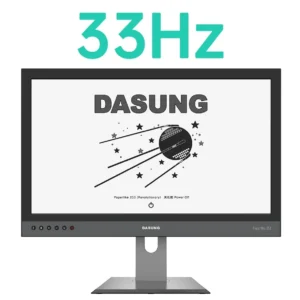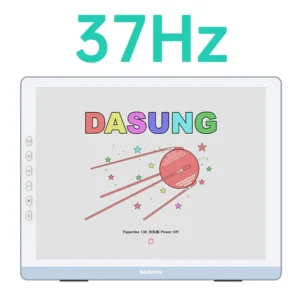

E-ink monitors

E Ink Monitors for Eye-Friendly Work & Reading in Canada
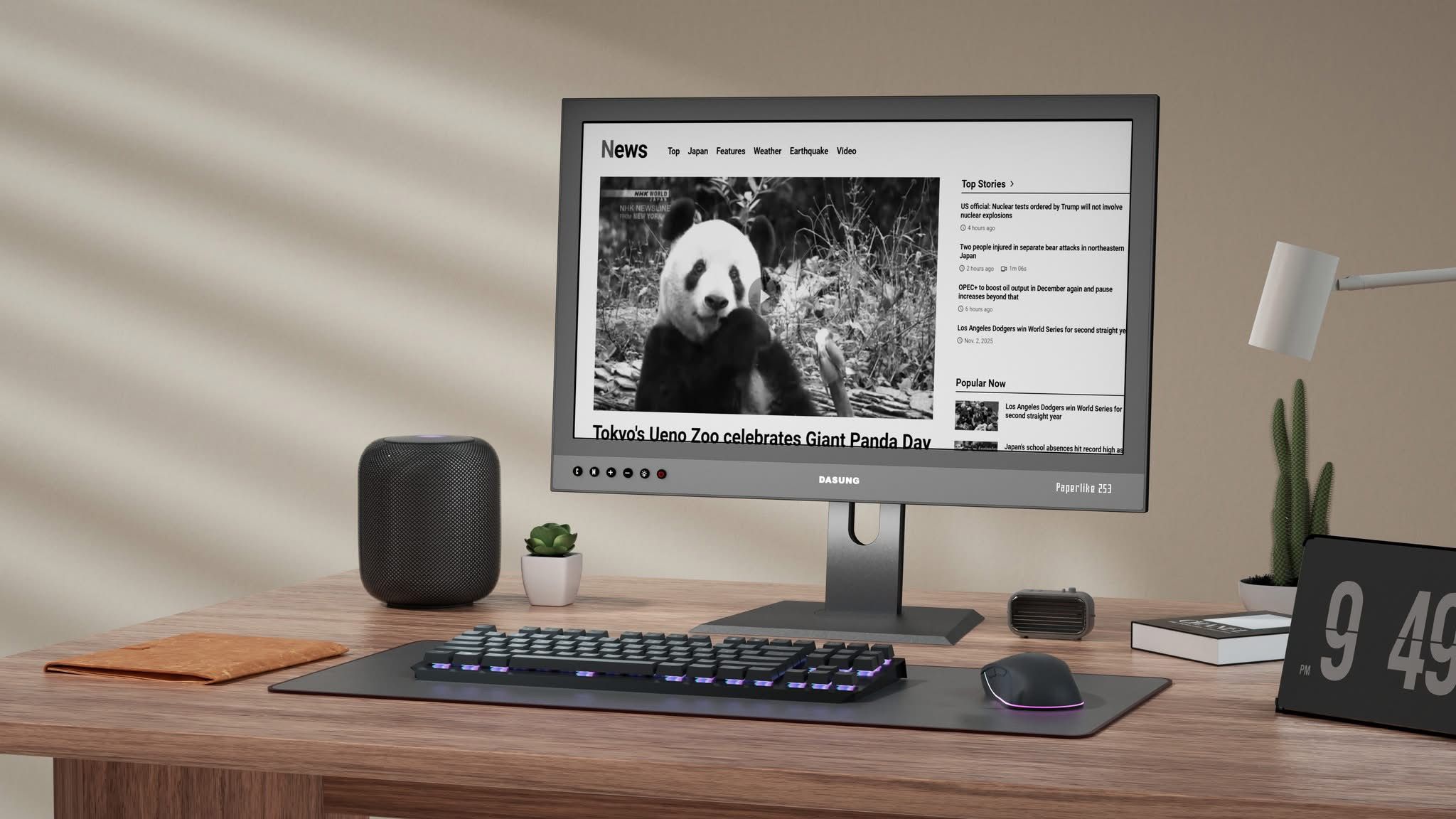
Prolonged exposure to traditional screens, LCD or OLED, is a common cause of eye strain and fatigue. The display E ink could be your answer if you need a solution for working, reading, or coding for extended periods without harming your health.

Why Choose an E Ink Monitor for Your Workspace?

These specialized screens, available at Einktab, reflect ambient light to create a natural viewing experience similar to paper. Key features of an electronic ink display include:

  • High contrast for superior text clarity
  • Flicker-free performance to reduce eye fatigue
  • Ultra-low power consumption
  • Sustainable workspace design

By mimicking the look of real ink on a page, this technology allows you to work for hours without the harsh glare or blue light associated with traditional monitors.

Top Use Cases: Coding, Reading, and Writing

E-Ink monitors are designed for professionals who spend 8+ hours a day looking at digital text. Here is how specialized displays improve your specific workflow:

  • For Software Developers: Coding requires intense focus on thousands of lines of text. A flicker-free screen eliminates the “dry eye” effect during long debugging sessions.
  • For Researchers & Students: Read long-form PDFs, eBooks, and academic papers with the same comfort as reading a physical book.
  • For Writers & Editors: Focus purely on your words. The paper-like surface reduces distractions and prevents the headache associated with backlit LCD screens.
  • For Office Professionals: Manage emails, spreadsheets, and Slack without the blue light exposure that ruins your sleep cycle.

Our catalogue includes various monitor ink solutions to fit any professional workspace and budget.

Black-and-White vs Colour E Ink Monitors: Which to Pick?

The main difference between these screens lies in how they handle content. Use the comparison below to find the right E-Ink  screen for your needs:

Feature Black-and-White Color E-Ink Display
Best For Coding, writing, and long reading sessions Presentations, charts, and web browsing
Contrast High (sharpest text clarity) Moderate (soft, pastel-like colors)
Visual Comfort Maximum eye-protection Excellent for multi-colored data
Price Range More budget-friendly Higher (premium technology)

If you primarily work with text, a monochrome screen is the best way to reduce fatigue. However, for those who need to review colored documents or creative projects, a large E-Ink  display provides the necessary versatility without sacrificing eye comfort.

electronic ink display
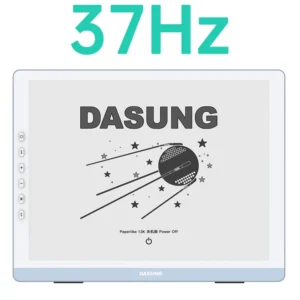
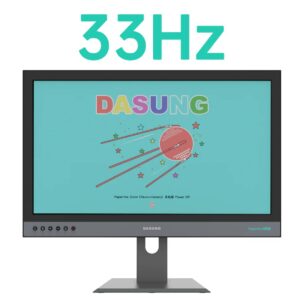
DASUNG Paperlike 253 (Revolutionary): World First Ultra-fast 25.3″ E-ink Monitor
display e ink
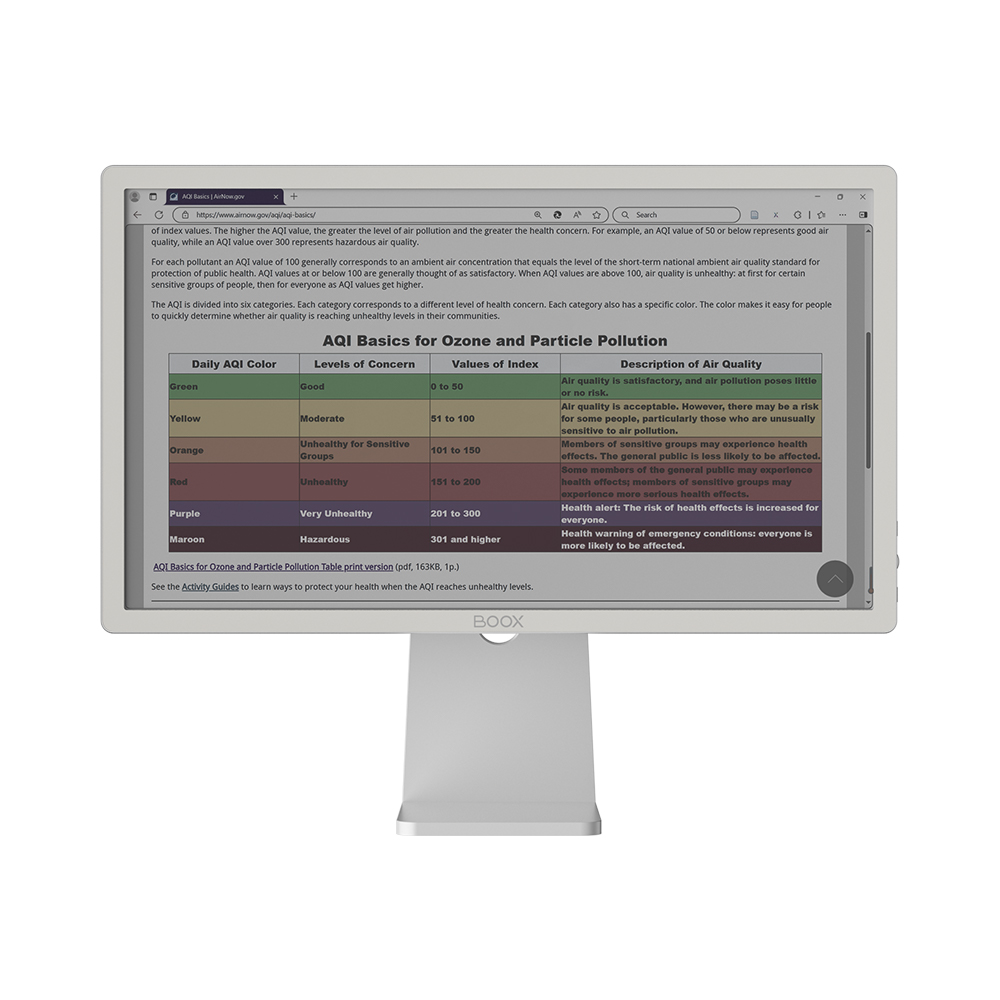
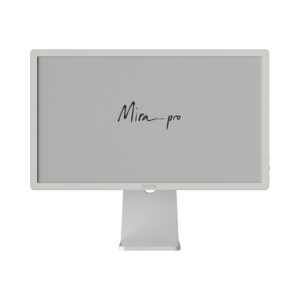
BOOX Mira Pro 25.3″ (Color Version)

BOOX Mira Pro & DASUNG Paperlike: Feature Comparison

These two leaders in the market cater to different professional needs. Here is how to choose the right one for your setup:

  • BOOX Mira Pro is a professional solution for those who prioritize a large E-Ink  display for office workflows and long reading sessions. It offers high contrast and stable performance for a comfortable, eye-friendly experience.
  • DASUNG Paperlike is built for speed. With lower latency and faster refresh rates, it is the preferred choice for developers and users who need smooth interaction while coding or scrolling.

Choose the Mira Pro for premium build quality and comfort during stationary work, or go with the Paperlike if your tasks require the most responsive screen possible.

Key Advantages: Why Switch to an E-Ink Display?

Integrating a secondary electronic ink display into your workspace is a game-changer for long-term health and productivity. Unlike standard LCDs, this technology offers unique benefits:

  • Ultimate Eye Comfort: The glare-free surface reflects ambient light instead of emitting harsh blue light. This eliminates digital eye strain and prevents headaches during long workdays.
  • True Sunlight Readability: While traditional monitors wash out near windows, an E-Ink  screen remains perfectly crisp even in direct sunlight, making it ideal for bright home offices.
  • Distraction-Free Focus: The static nature of the display is perfect for deep work. Use it as a dedicated station for coding or reading long documents without the flickering distraction of high-refresh panels.
  • Energy Efficiency & Sustainability: Thanks to bistable technology, the screen only consumes power when the image changes, creating a more sustainable and eco-friendly desk setup.

Whether you are debugging complex code or editing a manuscript, adding a large E-Ink  display as a secondary monitor allows you to offload text-heavy tasks to a surface that feels like real paper.

Fast Canadian Shipping & Local Support

We provide fast, reliable shipping for all BOOX and DASUNG displays directly from our Canadian inventory. By shopping locally, you avoid the hassle of long international wait times and unexpected customs fees at the border.

Need help choosing the right model or setting up your new device? Our local support team is here to assist you with any technical questions or warranty inquiries. Contact us today to find the perfect E Ink solution for your workspace.

Showing all 9 resultsSorted by popularity

FAQ

1. How does an electronic ink display differ from standard LCD or OLED monitors?

Unlike traditional screens that use backlighting, this technology reflects ambient light, similar to real paper. It eliminates screen flicker and blue light exposure, which are the primary causes of digital eye strain during long work sessions.

2. Are these monitors suitable for high-speed tasks like video or scrolling?

While a standard E-Ink screen has a slower refresh rate than LCD, premium models like the DASUNG Paperlike series are engineered for speed. They feature specialized refresh modes that allow for smooth coding, web browsing, and even basic video playback with minimal latency.

3. Which models offer the best experience for coding and text-heavy work?

For professional workflows, large-format displays like the DASUNG Paperlike 253 or BOOX Mira Pro are the top choices. They provide the necessary screen real estate and high contrast required for comfortable, full-day productivity.

4. Is a color or monochrome display E-Ink better for my needs?

Monochrome screens offer the highest contrast and sharpness, making them perfect for pure text. However, if your work involves charts, color-coded syntax in IDEs, or basic presentations, a color model provides the necessary visual depth without sacrificing eye comfort.

5. Do these monitors support macOS, Windows, and Linux?

Yes. Both BOOX and DASUNG monitors are designed for cross-platform compatibility. They typically offer plug-and-play functionality via HDMI or USB-C, ensuring seamless integration with MacBook, Windows laptops, and Linux workstations.

Shopping Cart
What Our Clients Say
155 reviews