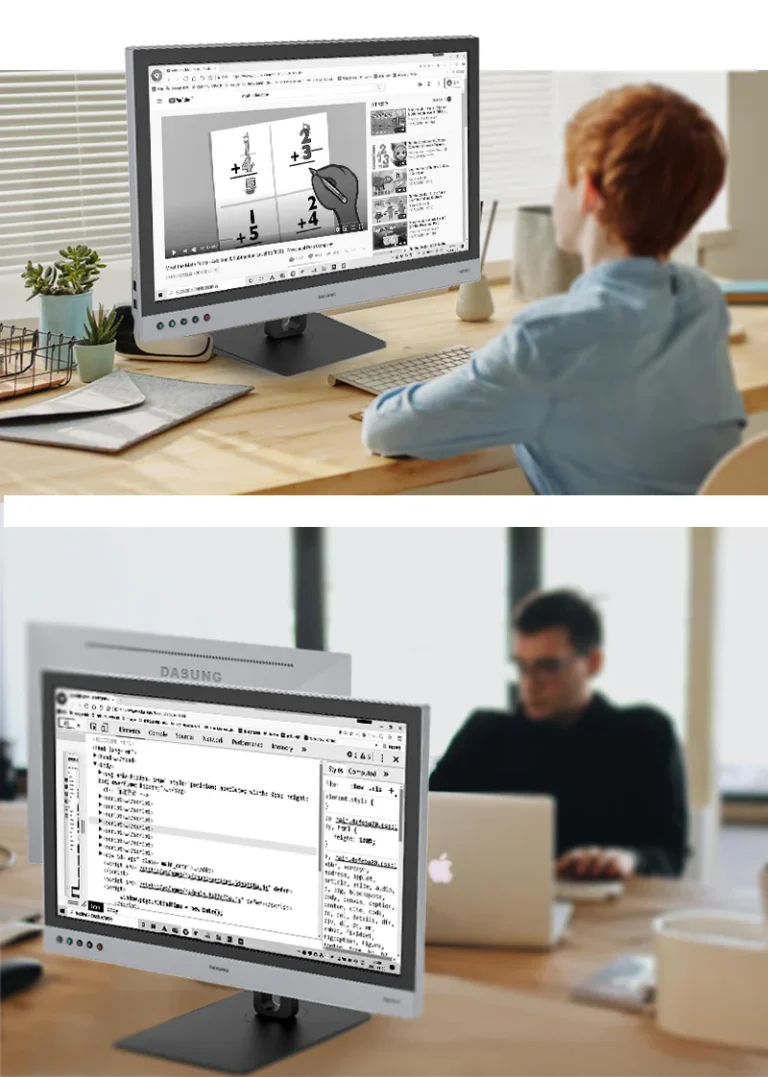
Prolonged exposure to traditional screens, LCD or OLED, is a common cause of eye strain and fatigue. The display E ink could be your answer if you need a solution for working, reading, or coding for extended periods without harming your health.
Why Choose an E Ink Monitor for Your Workspace?
E inkmonitor gadgets, available at E Ink Tab, reflect ambient light to create a natural reading experience. Specific features of electronic ink display are:
high contrast;
easy-on-the-eyes display;
ultra-low power consumption;
the creation of a sustainable workspace.
E Ink displays mimic the look of ink on paper with a comfortable experience on the eyes due to the eye-friendly technology.
Top Use Cases: Coding, Reading, Writing, and More
E Ink monitors are suitable for such tasks:
Reading PDFs, eBooks, or long-form documents with reduced eye fatigue;
Coding for developers;
Writing;
Note-taking.
Catalogue includes E ink monitor variants for any budget.
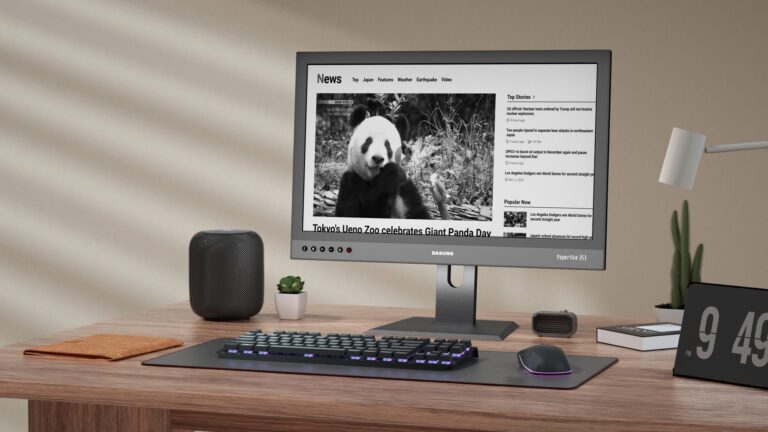
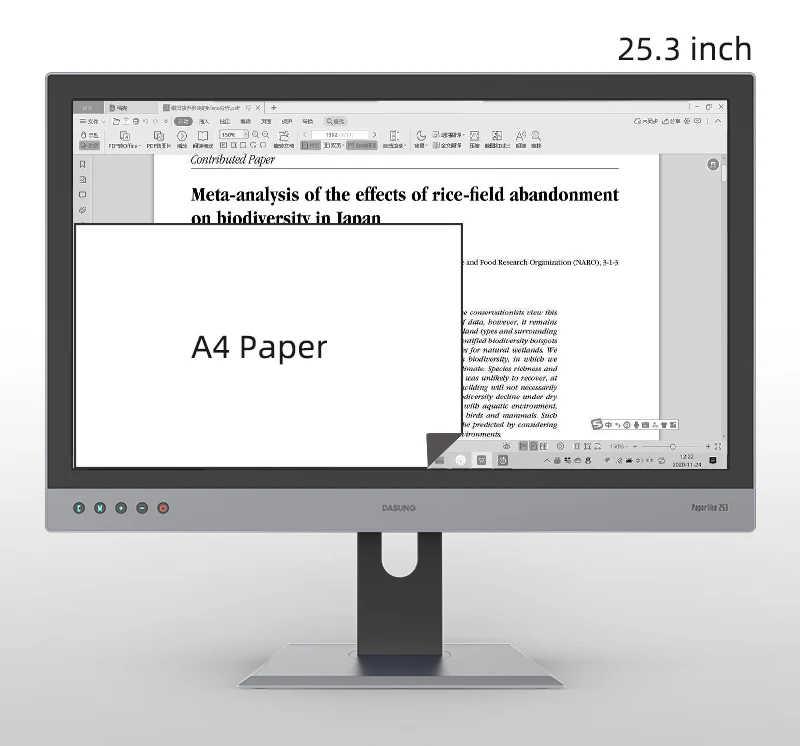
DASUNG Paperlike 253 (Revolutionary): World First Ultra-fast 25.3″ E-ink Monitor
Black-and-White vs Colour E Ink Monitors: Which to Pick?
The key parameter of E ink display is a black-and-white or colour E ink screen. The choice of the right one depends on your needs.
E ink color display is suitable for viewing presentations with maximum eye comfort. The price of E ink color display is higher than on black-and-white one.
DASUNG Paperlike 253 (Revolutionary): World First Ultra-fast 25.3″ E-ink Monitor
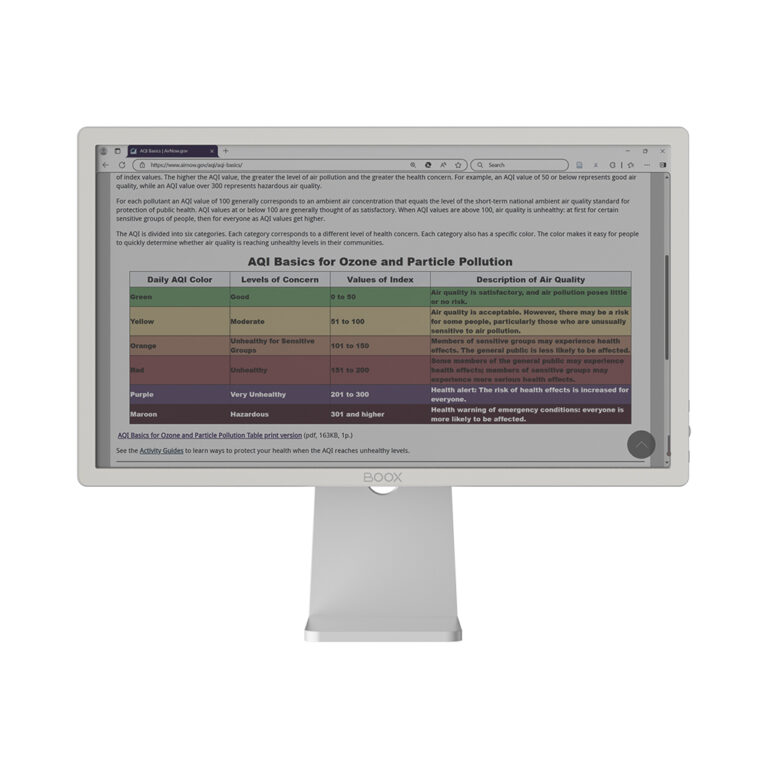
BOOX Mira Pro 25.3″ (Color Version)
BOOX Mira Pro & DASUNG Paperlike: Feature Comparison
BOOX Mira Pro and DASUNG Paperlike are designed for different user needs, and a quick comparison helps you choose the best electronic ink display:
BOOX Mira Pro is a professional solution featuring a large E ink display with high contrast and stable performance. It is ideal for long reading sessions, office workflows, and users who want a comfortable eye-friendly experience for both work and light multimedia tasks.
DASUNG Paperlike is focused on speed and responsiveness. It offers lower latency and better performance for dynamic content such as coding, scrolling, and real-time interaction. This makes it a strong choice for developers and users who need a faster electronic ink display experience.
Which one to choose?
The decision depends on your priorities. If you value screen size, comfort, and a large E ink display for reading and productivity — BOOX Mira Pro is the better option. If you need faster refresh rates and smoother interaction — DASUNG Paperlike will suit you more.
Reduce Eye Strain with E Ink Secondary Monitors
E-ink screen is widely used as a secondary monitor as an eye-friendly alternative to traditional screens. If you have numerous non-graphically intensive tasks and want to enhance your workflow, you can reduce the time you spend in front of the screen with E ink screen tablet. Choose large E ink display for more comfortable usage.
Fast Canadian Shipping & Local Support for BOOX Displays
We provide E Ink monitors with fast shipping across Canada. If you have any questions about BOOX or DASUNG displays, you can contact customer support, professionals of which are ready to answer any additional questions.
FAQ Block
What is an E Ink monitor and how is it different from LCD or OLED?
E-ink screen uses electronic ink technology to mimic the feeling of real ink on paper to reduce eye strain. LCD or OLED, on the other hand, rely on emitting light. This makes E Ink screens more comfortable.
Are E Ink displays good for long work or reading sessions?
Yes, E ink screen tablet is ideal for long working sessions because it reduces fatigue caused by traditional LCD or OLED screens.
Which E Ink monitor is best for text-based workflows or coding?
DASUNG Paperlike 25.3 BW and 25.3 Color are the best choice for these tasks because they have a high contrast screen.
Can E Ink monitors display videos or handle fast refresh rates?
Basic E ink screen tablet is not suitable for fast-moving content, but models like the DASUNG Paperlike series can be used for video playback.
Do E Ink monitors work with macOS, Windows, and Linux?
Yes, the BOOX Mira Pro is compatible with macOS, Windows, and Linux. The DASUNG Paperlike 10.3″ and 13.3″ series support Windows and macOS with plug-and-play functionality. The Paperlike 25.3″ series supports Windows, Linux, and macOS (with two versions available).