

DASUNG
About DASUNG E Ink Monitors
DASUNG invented the world’s first E Ink monitor and has led the industry since launching the Paperlike Series in 2014. Using advanced E Ink technology, DASUNG monitors provide a paper-like viewing experience with reduced glare, less eye strain, and comfortable long-term use.
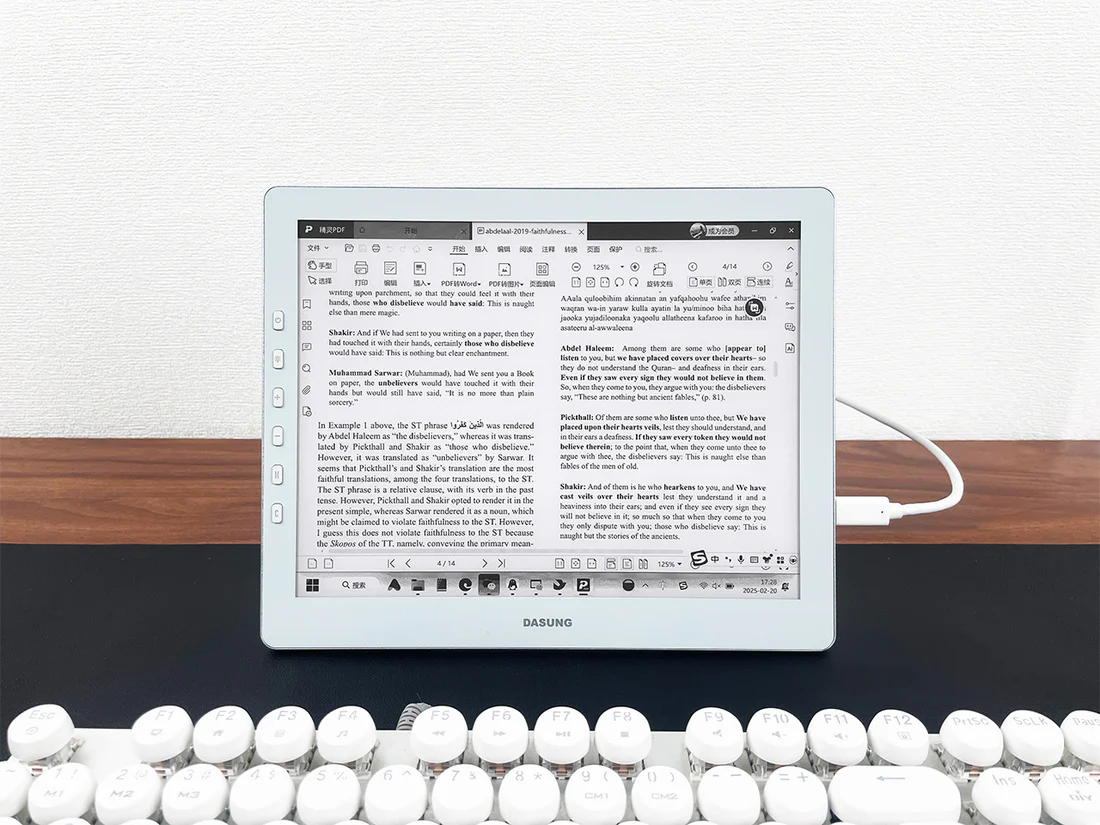
Unlike traditional LCD screens, DASUNG E Ink monitors reflect ambient light instead of using constant backlighting, making them ideal for reading, writing, coding, research, and professional work.
Who Uses DASUNG E Ink Monitors?
DASUNG monitors are ideal for:
- Professionals working with documents and text
- Students and researchers
- Programmers and developers
- Writers and editors
- Users sensitive to screen flicker or blue light
Compatible with Windows, macOS, Linux, and Android, DASUNG monitors can be used as a primary or secondary display.
DASUNG Product Lineup
- Paperlike 103 — 10.3″ portable monochrome E Ink monitor for reading, writing, and coding.
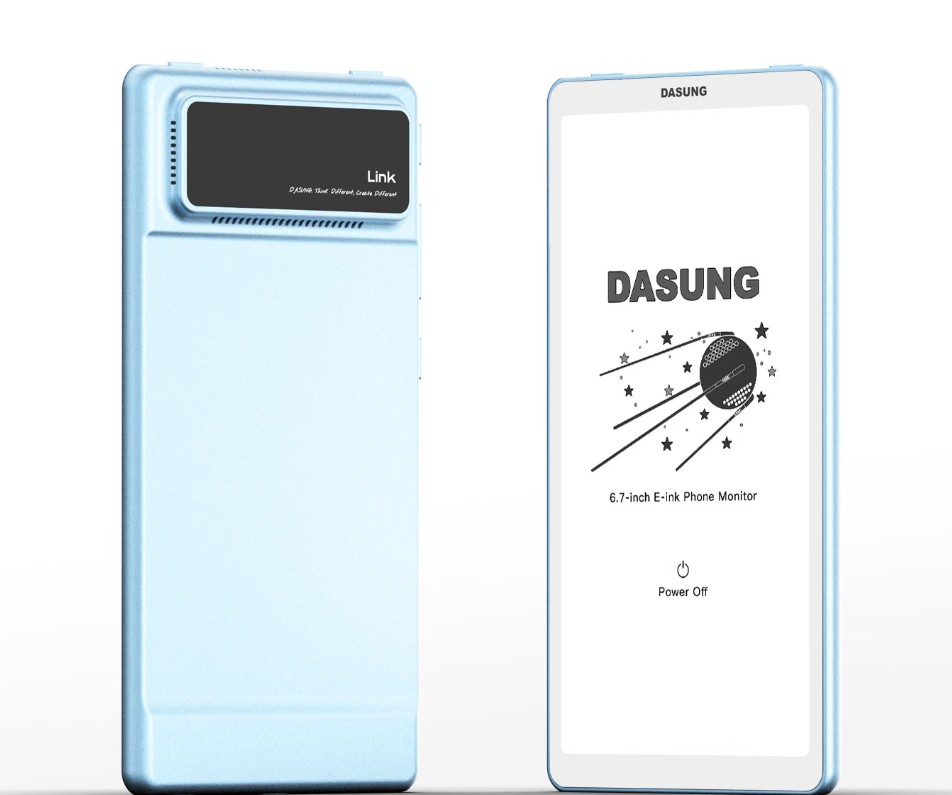
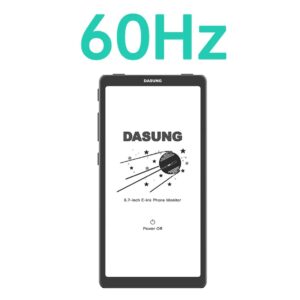
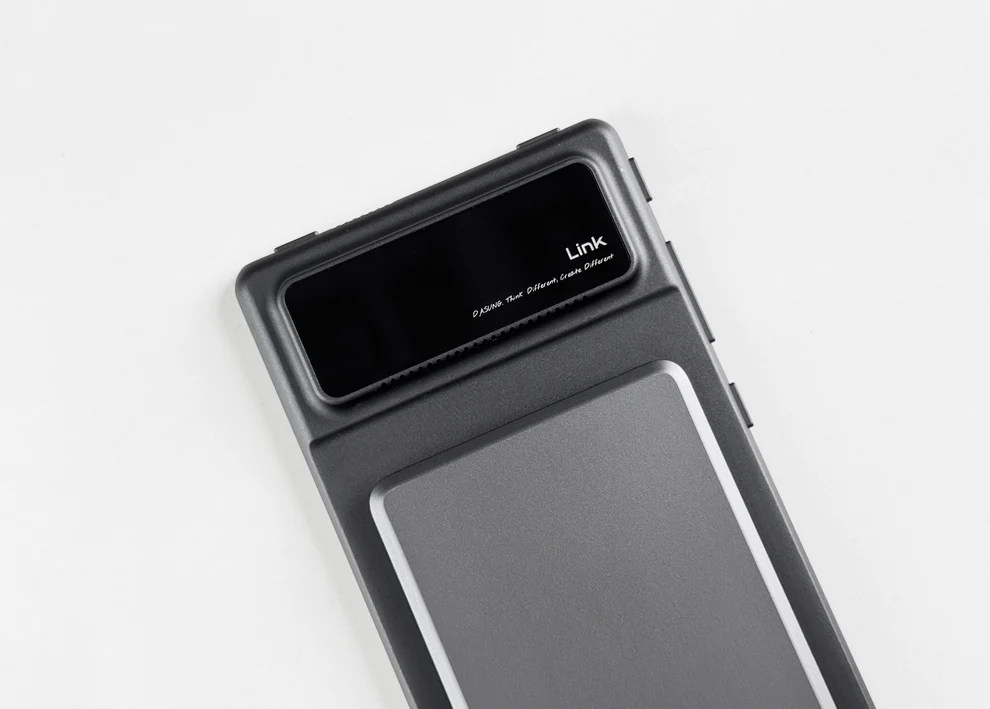
- Link 2 — 6.7″ 60Hz E Ink phone monitor for mobile productivity.
- Paperlike 13K Series — 13.3″ E Ink monitor available in monochrome and color versions.
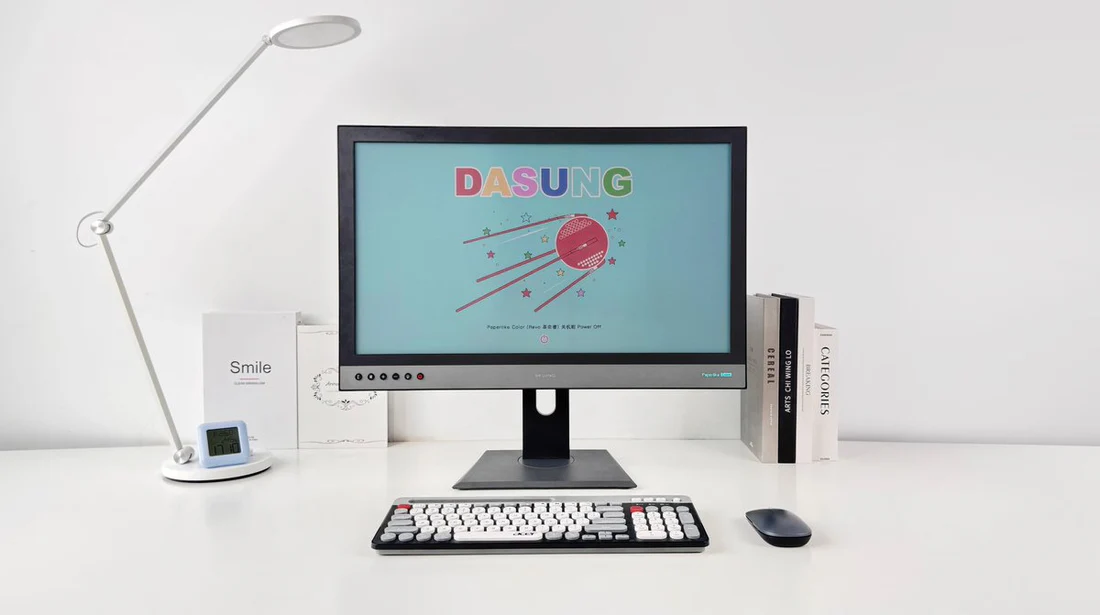
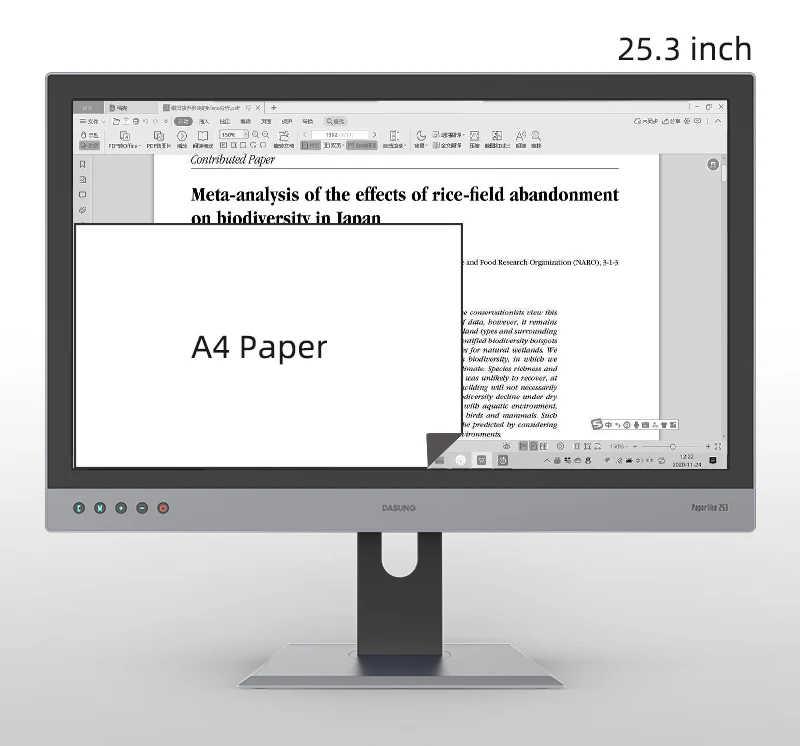
- Paperlike 253 Series — 25.3″ large-format E Ink monitor for documents, coding, research, and creative work.
Why Choose DASUNG?
- Paper-like E Ink display with reduced eye strain
- Sharp text and minimal glare
- Faster refresh technology for smoother performance
- Low power consumption and silent operation
- Comfortable for extended screen sessions
Buy DASUNG from Einktab Canada
Einktab is the official Canadian partner of DASUNG E Ink monitors, providing:
- Canadian stock in Toronto for faster shipping
- Free shipping across Canada
- 15-month warranty
- 30-day free returns
- Local English and French customer support
Showing all 9 resultsSorted by latest
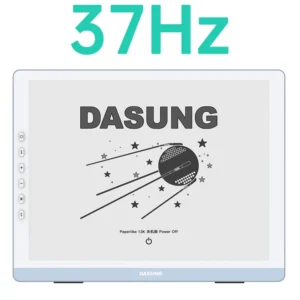
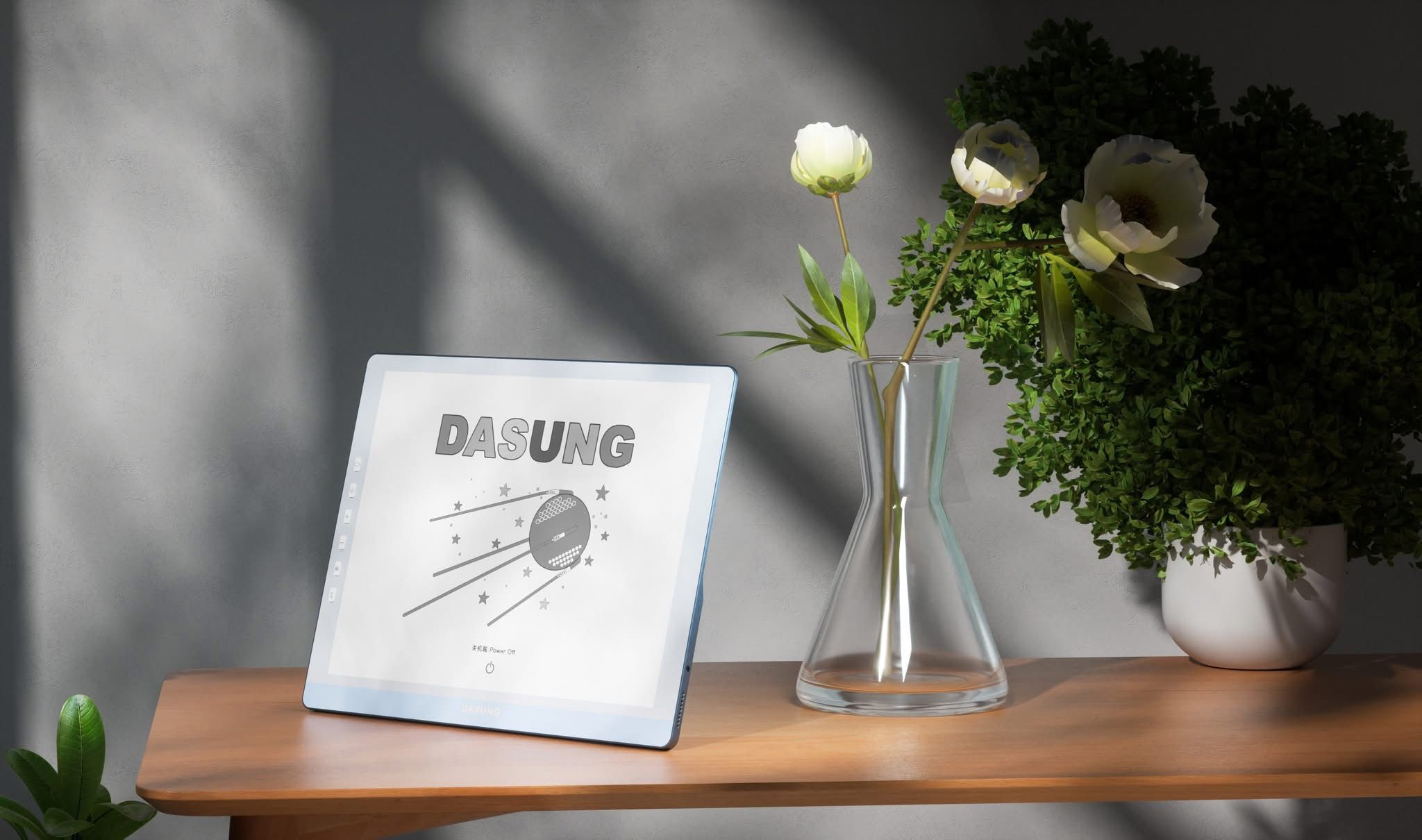
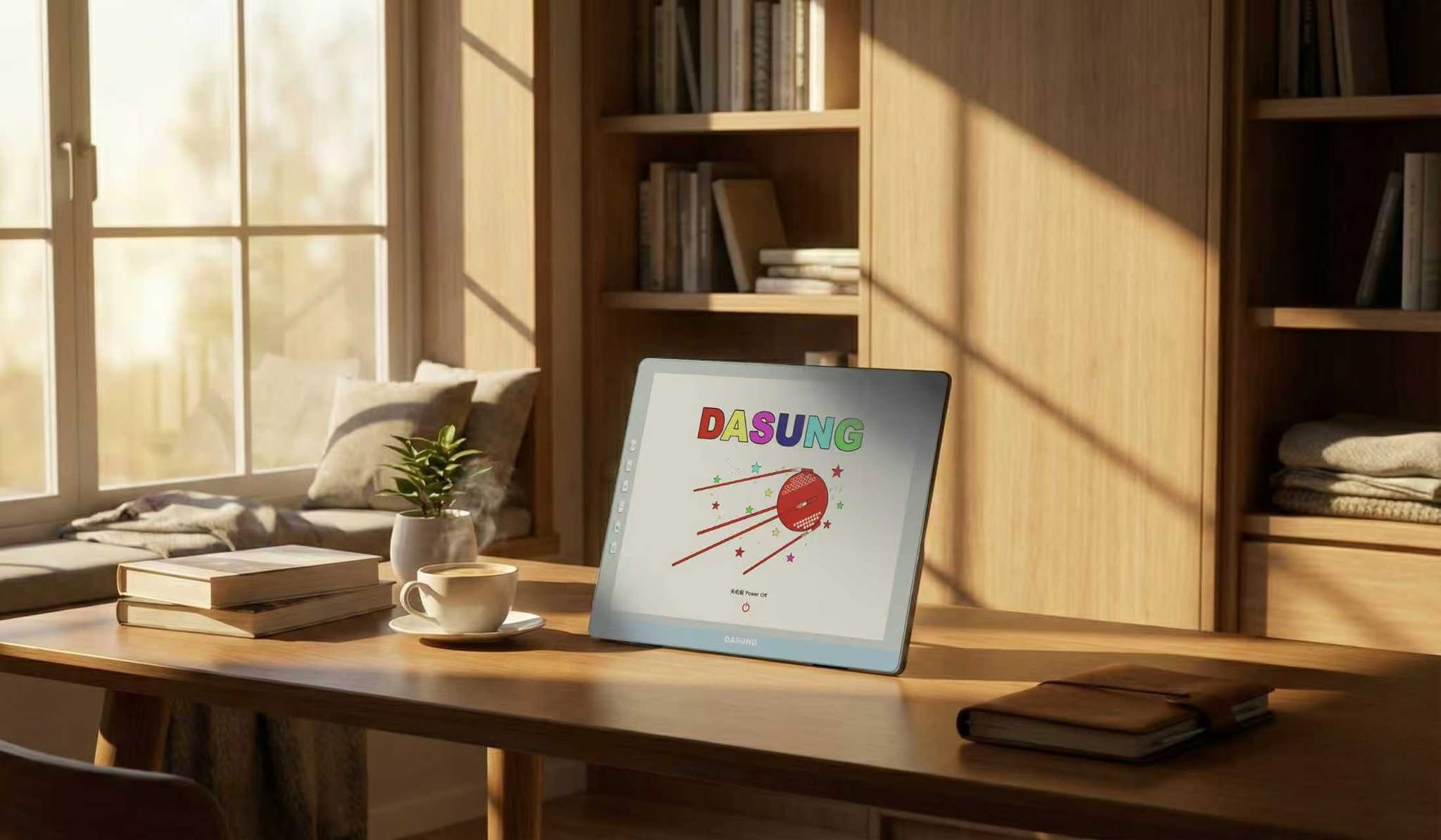
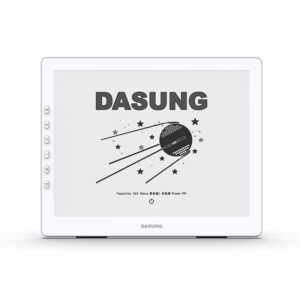
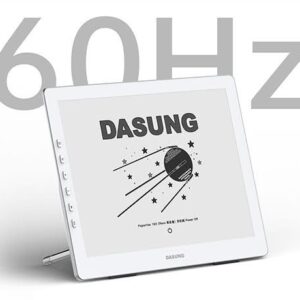
DASUNG Paperlike 13K: The World’s First 13.3-inch 37Hz & 3K E-ink Monitor (Open Box)
DASUNG Open Box Deals Original price was: CA$1,067.20.CA$982.00Current price is: CA$982.00.Add to cart

FAQ
1. Where will my order be shipped from?
All orders are dispatched from our Toronto warehouse.
2. Do you provide warranty or customer support?
Yes. We offer a 15-month warranty along with a 30-day free return policy. If you have any questions or experience any issues while using the product, you’re welcome to contact us by email at any time.
3. What does a DASUNG E Ink monitor look like, and how is it different from an LED monitor?
A DASUNG E Ink monitor looks similar to a standard computer display, but it uses E Ink (electronic paper) technology instead of LED backlighting. Unlike LED monitors, E Ink screens do not emit constant light; they reflect ambient light, much like paper. This results in a matte, glare-free display that is easier on the eyes, especially during long reading or text-focused work sessions.Because there is no backlight flicker or blue light emission, E Ink monitors are designed to reduce eye strain and visual fatigue compared to traditional LED monitors.
4. Is the Dasung Paperlike 13.3″ compatible with both Mac and Windows?
Yes. The latest Paperlike 13K models support plug-and-play functionality and are automatically detected as a second display on macOS without requiring drivers. The Mac version is compatible with Windows as well, but client software is required when used on a Windows system. We currently have the Mac version in stock.
5. Does the Dasung Paperlike 25.3″ (253) work with Mac and PC?
Yes. Both the black-and-white and color 25.3″ models are available in two versions:Standard version: Plug-and-play support for Windows and Linux, with no additional setup required. Mac version: Compatible with both macOS and Windows, but requires installation and operation of client software.
6. Can I use this monitor with a laptop?
Yes, as long as your laptop includes an HDMI output. A stand is included so you can position the monitor conveniently beside your laptop.
7. What are the benefits of front lighting? Does ambient light matter?
Front lighting allows the monitor to be used comfortably in both bright environments and low-light conditions, including nighttime use. It does not alter the core E Ink display technology or contribute to eye strain or headaches.
8. Can I power the monitor without using my computer’s USB port?
Yes. You can connect the USB cable to a standard USB wall adapter to supply power externally.