
Customer Images


dmOnyx28
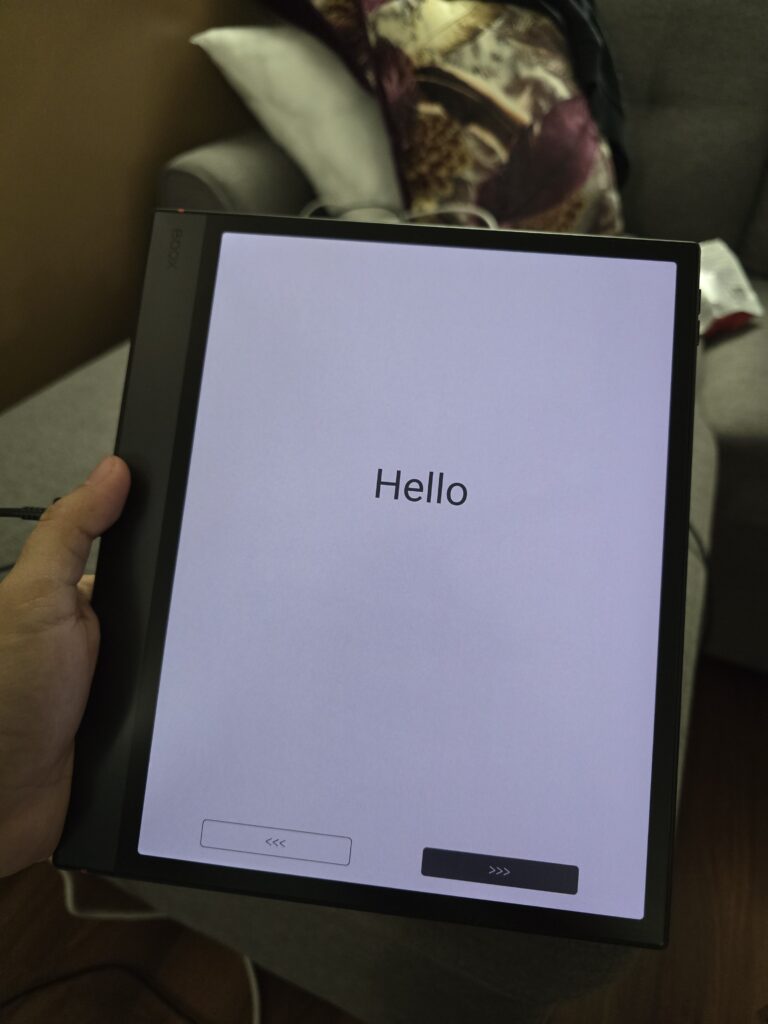
I ordered mine last Apr 10th Friday and got it on Apr 13th Monday only because Canada Post doesn't deliver during the weekends. The tablet, keyboard and the stylus are all in really really good condition. I ordered their einktab emr stylus too and it's flawless. I also don't have to worry about the cap that the boox pen 3 has. 5 stars for the fast processing, delivery and product quality. Highly recommend 👍

Jeremy Benner
I debated for a few days whether or not I should order this, but upon doing my research, I couldn't find one truly bad review. I am very impressed with the simplicity and the clean design. It doesn't need to be flashy, it's just needs to work. And it certainly does that. Hooked up to the internet, hooked up to my libraries, and dragged and dropped books onto it. All of it functions perfectly. I'm a happy owner of a BOOX.

Anonymous
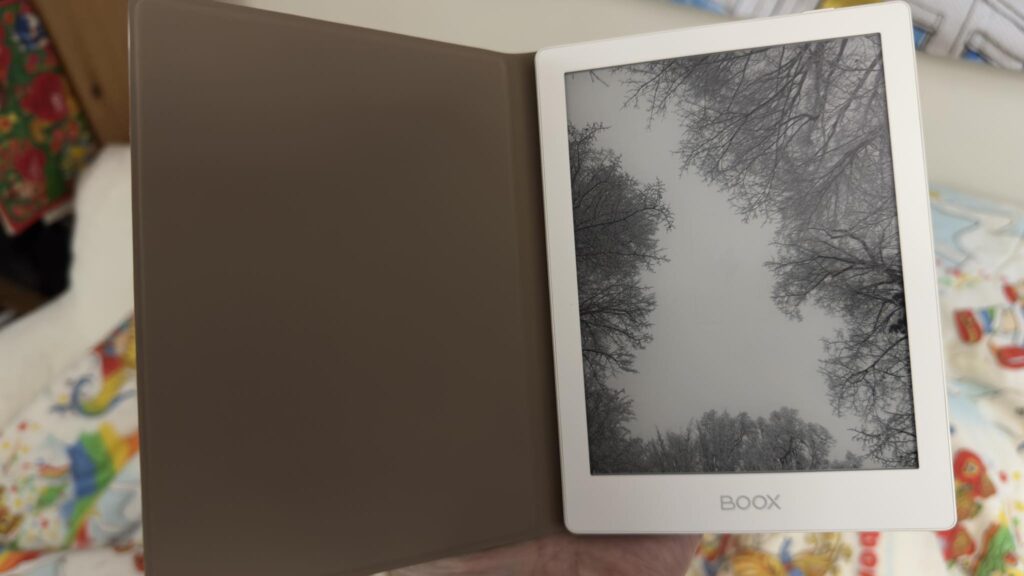
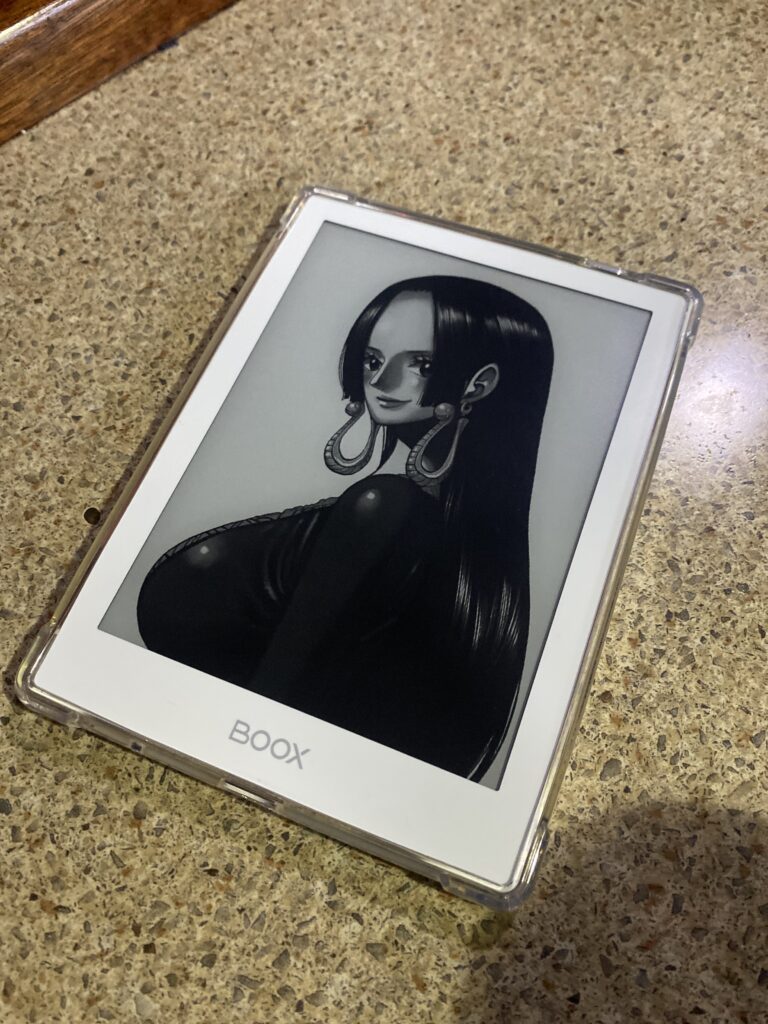
Affordable and aesthetic. The white looks so clean. I love that it’s so customizable, light, very portable and easy to use! Perfect for manga readers 🙂

CAMILLE H.
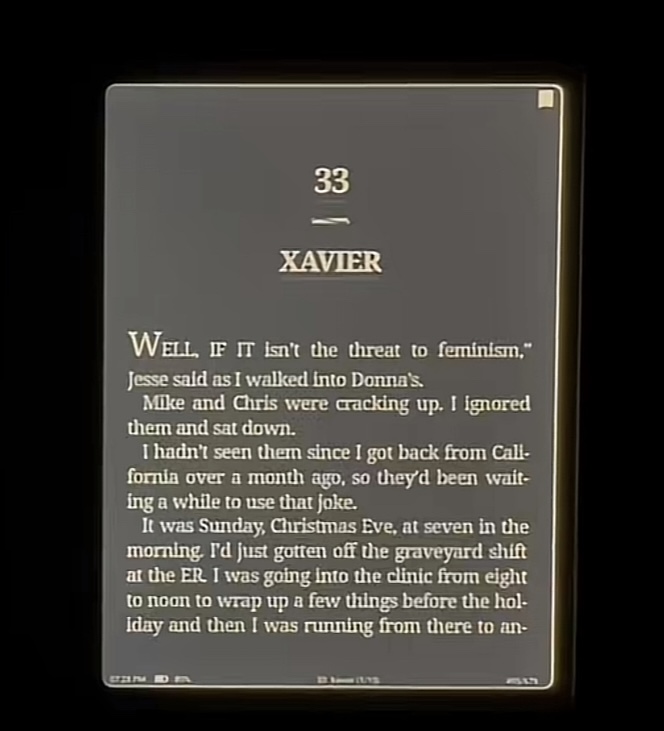
Only critique is the light leaking when reading in dark mode. Opted for the black version instead as it didn’t have this issue.


Sorry, no reviews match your current selections



A few minor slowdowns, but I’m getting the hang of it! I’ll be able to reassess later
Perfect
It is a great accessory for my XC Tab. The only downside is that it doesn’t work with the Kindle app, which was the main reason why I bought the Page Turner…
It’s a lovely device. Perfect for note-taking, and reading is a joy! Here are some pros and cons.
Pros:
• Large screen and text is crisp.
• Note-taking is good and the included stylus does not have any lag while writing.
• Plenty of templates to get you started with writing, or just use a file with infinite pages.
• Battery is decent with the option to cap charging to 80% for preservation. If you run it on wifi, it drains more quickly. I can usually get 5 -6 days of regular use (no wifi, and power off while not in use).
• All functions on other Boox devices are available on this one. If you own a Boox device, it’ll be very familiar.
• Super handy to have many cloud services for downloading and uploading files.
• Super light to hold and love the textured material.
Cons:
• No volume buttons or smart button (like on Palma 2) other than the power button. You can only set up shortcuts with gestures or program them to the bottom toolbar.
• It’s light so it can slip out of your hand. When you use it with a case, it could get heavy unless you put it down somewhere.
• Ghosting is a big one on this device. You can have a refresh button on the toolbar or program a gesture for manual refresh, but the option to fully refresh and partially refresh don’t make much of a difference. There will still be ghosting unless you refresh twice to get rid of it completely. If you’re mainly going to use it for note-taking, ghosting won’t be an issue. But if you’re navigating around a PDF document densely packed with text, ghosting can be a pain. Reading on the Kindle app or NeoReader will be excellent, as long as you set the app to refresh every 2 or 3 pages.
I’m writing this review after using the Boox Go 10.3 Gen 2 (Lumi) for 3 months. I hope this can be useful.