

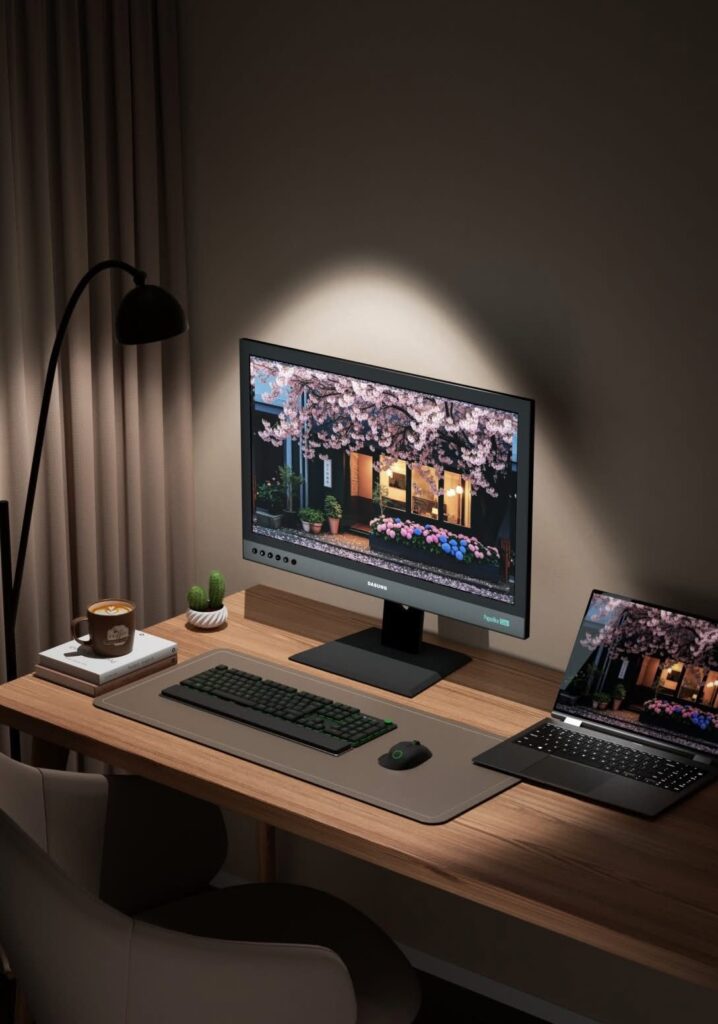
If you spend long hours working in front of a laptop or monitor, especially if you are sensitive to conventional LCD screens, you may be considering an E Ink monitor. The DASUNG Paperlike 253 Color is a 25.3-inch color E Ink monitor designed for desktop productivity. DASUNG has been developing E Ink monitors since 2014 and is one of the pioneers in this category.
At Einktab, the Paperlike 253 Color is sold at CAD $2,600, with local Canadian warranty and support. Before making such a significant investment, here are the main things you should know.
1. Is E Ink Right for Your Work?
E Ink works best for reading and productivity, If you spend most of your day reading and working with text, E Ink may offer a more comfortable, paper-like viewing experience. If you mainly play games, watch videos, edit video, or work with fast-moving content, a conventional LCD or OLED monitor may be a better choice.
2. What Are the Main Advantages?
Paper-like viewing: E Ink uses a reflective display technology rather than a conventional backlit LCD panel.
Good for long reading sessions: The display is particularly suited to text-heavy work.
Large workspace: The 25.3-inch screen gives you a desktop-sized E Ink workspace rather than a small tablet display.
Color: The Paperlike 253 Color can display color for websites, charts, documents, and other productivity content.
3. What Are the Limitations?
Before buying, it is important to understand that E Ink does not behave like an LCD monitor.
Slower refresh
Scrolling and moving content will not be as smooth as on a high-refresh-rate LCD. Ghosting and visible refreshes can occur.
Muted colors
Color E Ink is not designed to produce the bright, saturated colors of an LCD or OLED display.
Not ideal for gaming or video
Fast-moving content, animation, gaming, and video are not the main strengths of E Ink.
Much higher price
At CAD $2,600, the Paperlike 253 Color costs significantly more than a conventional monitor. You are paying for a specialized display experience, not simply a larger screen.
4. Windows or Mac Version?
The DASUNG Paperlike 253 Color is available in Windows and Mac versions, designed to provide a smoother connection and user experience with the corresponding system.
Choose the Windows version if you plan to use the monitor primarily with a Windows PC.
Choose the Mac version if you plan to use it with a Mac computer.
If you are unsure which version you need, contact Einktab before placing your order and provide your computer model.
Conclusion
The most important thing to understand before buying the DASUNG Paperlike 253 Color is that it is not an LCD replacement for everyone. It is a specialized monitor for people who value the paper-like characteristics of E Ink and spend much of their time reading and working with relatively static content.
At CAD $2,600, make sure the way you work matches the strengths of E Ink before making the investment. If your priority is productivity and long reading sessions, E Ink may be worth the premium. If your priority is speed, vivid color, gaming, or entertainment, a conventional LCD or OLED monitor is likely the better choice.