

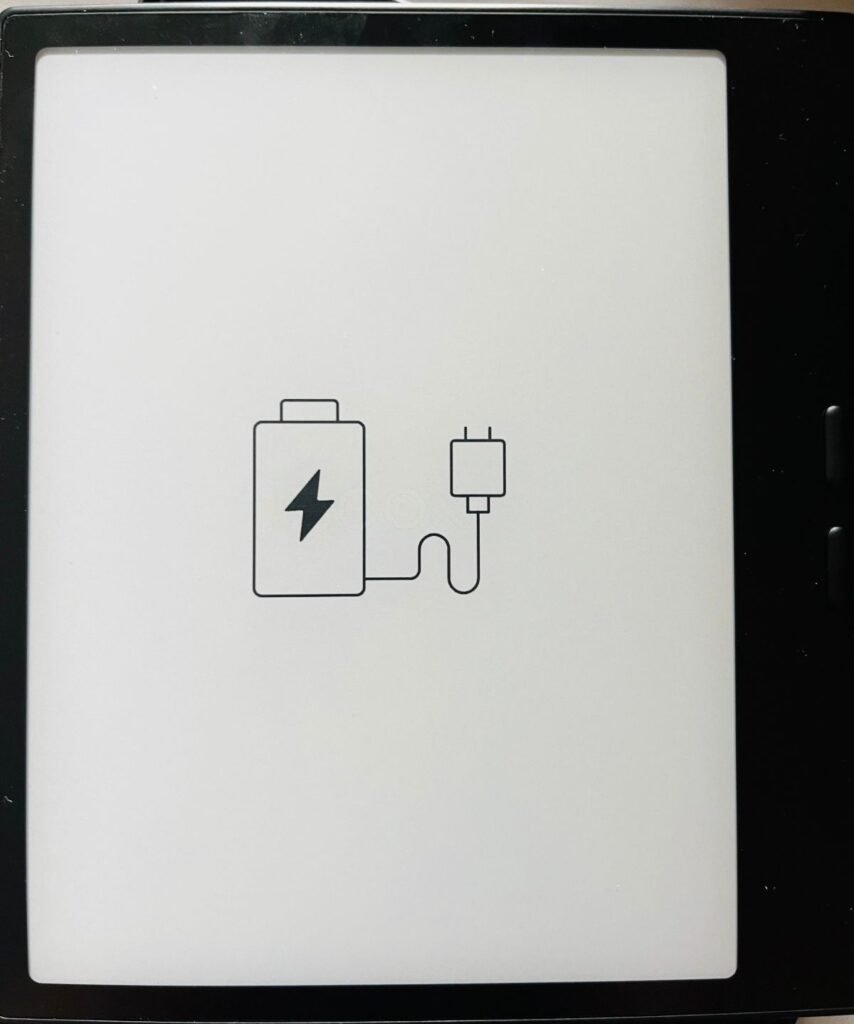
It can be frustrating when your BOOX E Ink eReader or tablet suddenly refuses to turn on, especially if it has been working fine before. In many cases, the issue is not a hardware failure but something related to battery depletion, charging conditions, or system state. Below is a step-by-step troubleshooting guide that can help you bring your device back to life.
1. Start with Basic Charging Checks
Before assuming anything is wrong with the device, begin with the most common issue: charging setup.
- Clean the charging port gently to remove dust or debris.
- Use a working USB cable (preferably the original or a high-quality replacement).
- Connect the device to a 3A 5V power adapter.
- Let it charge for several hours without interruption.
While charging, carefully observe the screen. If the device is receiving power correctly, you should see a battery icon or charging indicator appear.
If nothing shows up immediately, don’t panic, some deeply drained devices take time to respond.
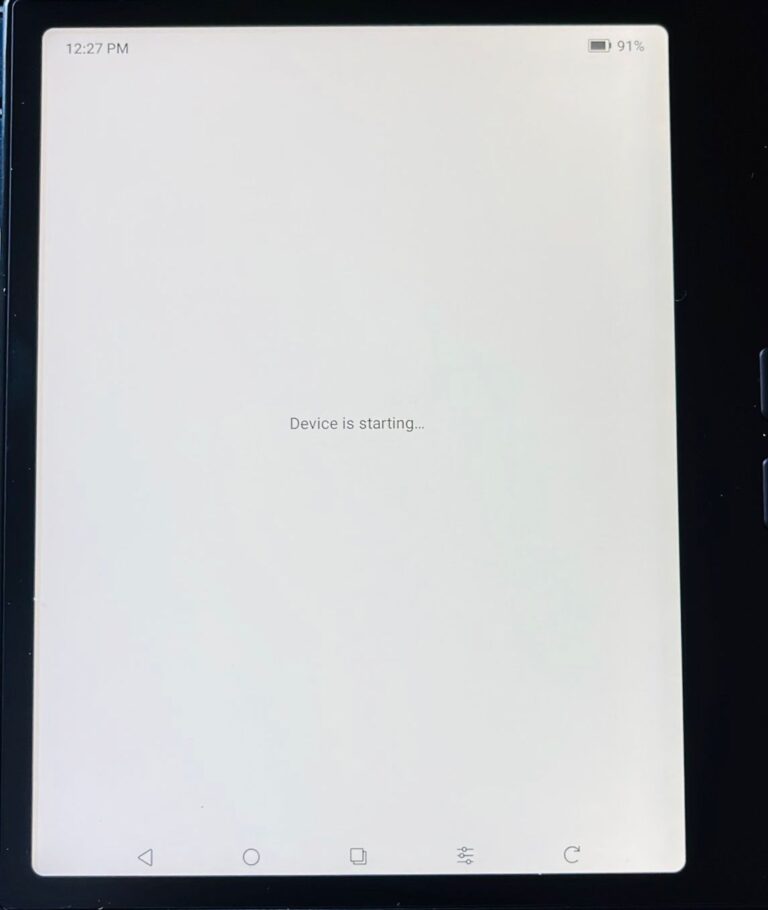
2. Battery Deep Discharge Recovery (Long-Term Non-Use Cases)
If the device has not been used for a long time, the battery may be fully discharged. BOOX devices include a built-in battery protection mechanism that can prevent normal charging in this situation.
Try this recovery method:
- Connect the device to a power source.
- Unplug and replug the USB cable about 5 times in a row.
- After this, leave the device charging continuously for 3–4 hours.
This process can help “wake up” a deeply discharged battery and restore normal charging behavior.
3. Try Recovery Mode Reset
If the device still does not respond, the system may need a reset through recovery mode. Follow these steps carefully:
- Ensure the device is completely powered off (if possible).
- Press and hold the power button until the BOOX logo appears.
- Continue holding for about 5 seconds, then release the button.
- Quickly press the power button 5 times to enter recovery mode.
Once in recovery mode, the system may attempt repair or allow a reset that can resolve software-related startup issues.
4. Check USB Connection to a Computer
If none of the above methods work, the next step is to check whether the device is still being detected at a hardware level.
- Connect the BOOX device to a computer using a USB cable.
- Observe whether the computer recognizes the device.
If it is detected, the issue is more likely software or battery-related rather than permanent hardware failure.
Conclusion
Most BOOX E Ink eReader or tablet “won’t turn on” issues are related to power depletion or charging recovery rather than serious damage. Starting with proper charging, then attempting deep discharge recovery, and finally using recovery mode often resolves the problem.
If all steps fail, it may indicate a battery or hardware issue, in which case contacting BOOX support or Einktab would be the next step. We are the official Canadian partner of BOOX, providing technical support and warranty service in Canada.

The 5x tip was great, didn’t know, it worked well