

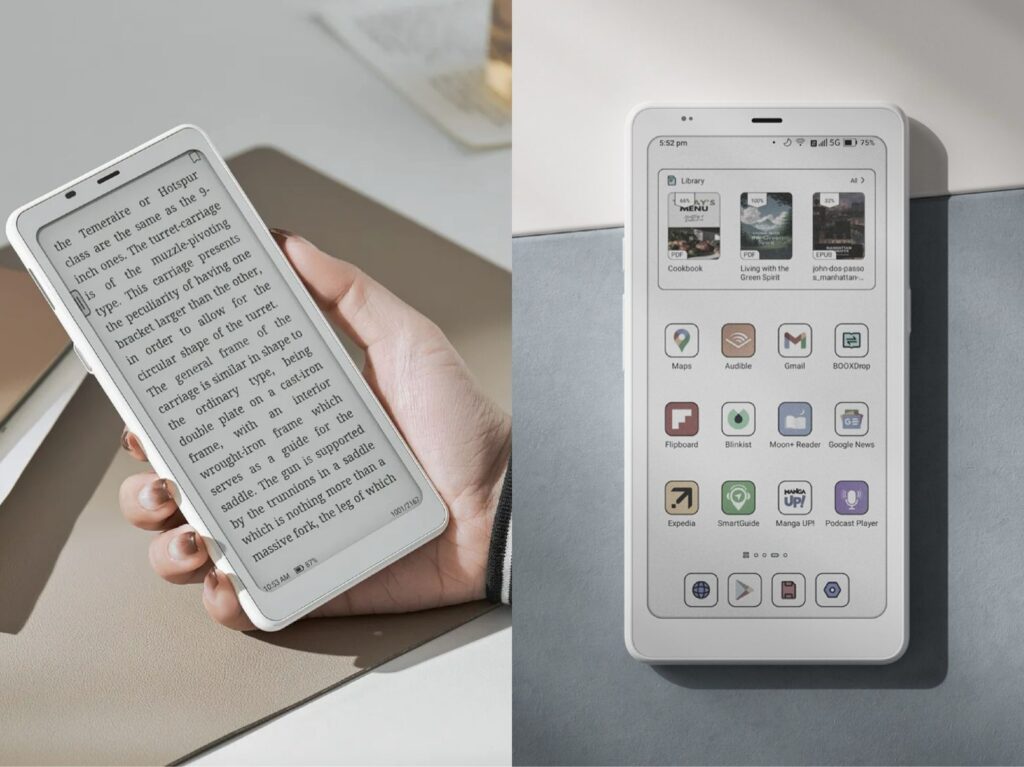
If you’re in Canada and comparing BOOX Palma 2 vs Palma 2 Pro while looking for a compact Android e-reader for reading books, PDFs or comics on the go, both devices may be on your radar. The BOOX Palma 2 and the newer BOOX Palma 2 Pro share the same compact smartphone-like design, but they differ in display technology, performance and features. In this guide, we’ll explore the key differences between BOOX Palma 2 and Palma 2 Pro to help you decide which device is the better choice for your reading and productivity needs.
Shared Features of BOOX Palma 2 and Palma 2 Pro
Both devices share many of the advantages that make them compelling choices, especially if you’re after a compact, smartphone‑sized e‑paper reading tool:
Both have a 6.13″ display, giving you a pocket‑friendly form factor (more portable than many larger e‑readers) while still being large enough for comfortable reading.
Both run Android (so you can install apps like Kindle, Kobo, Pocket etc), rather than being locked into one reading ecosystem. The base model already runs Android 13.
Large internal storage (128 GB) in both, meaning you can store a big library of books, PDFs, documents. The Palma 2 has a microSD slot too for added flexibility.
High build quality: fingerprint sensor on the Palma 2 in power button, good illumination (front‑light with warm/cold tone) for reading in different lighting.
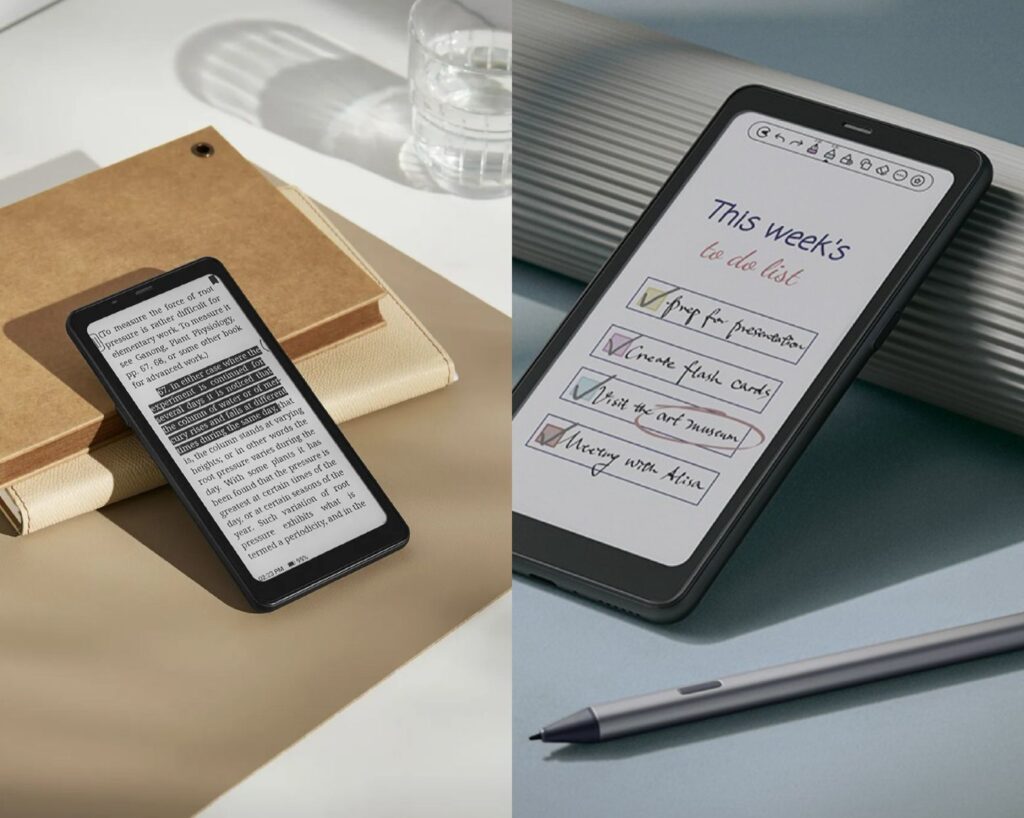
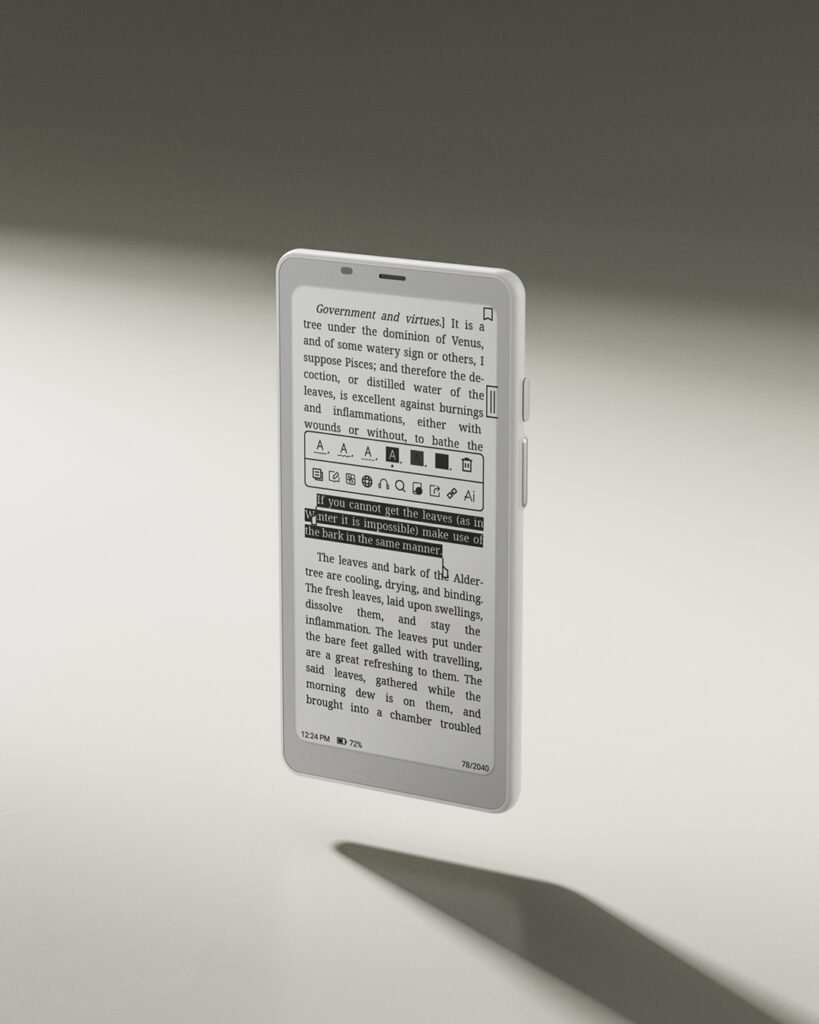
Strong reading comfort: the base Palma 2 uses an E Ink Carta 1200 screen at 300 ppi.
Key differences between BOOX Palma 2 and Palma 2 Pro
Below is a detailed BOOX Palma 2 vs Palma 2 Pro comparison table, highlighting the most important differences in display, performance, software, and features for everyday reading and note-taking.
Here are the major upgrades in the Palma 2 Pro compared to the base Palma 2, and what they mean in practice.
| Feature | Palma 2 | Palma 2 Pro |
|---|---|---|
| Display technology | 6.13″ E Ink Carta 1200 monochrome, 300 ppi resolution. | 6.13″ E Ink Kaleido 3 colour e‑paper display: monochrome mode 300 ppi, colour mode ~150 ppi. |
| RAM & storage | 6 GB RAM + 128 GB storage. | 8 GB RAM + 128 GB storage. |
| Operating system | Android 13. | Android 15. |
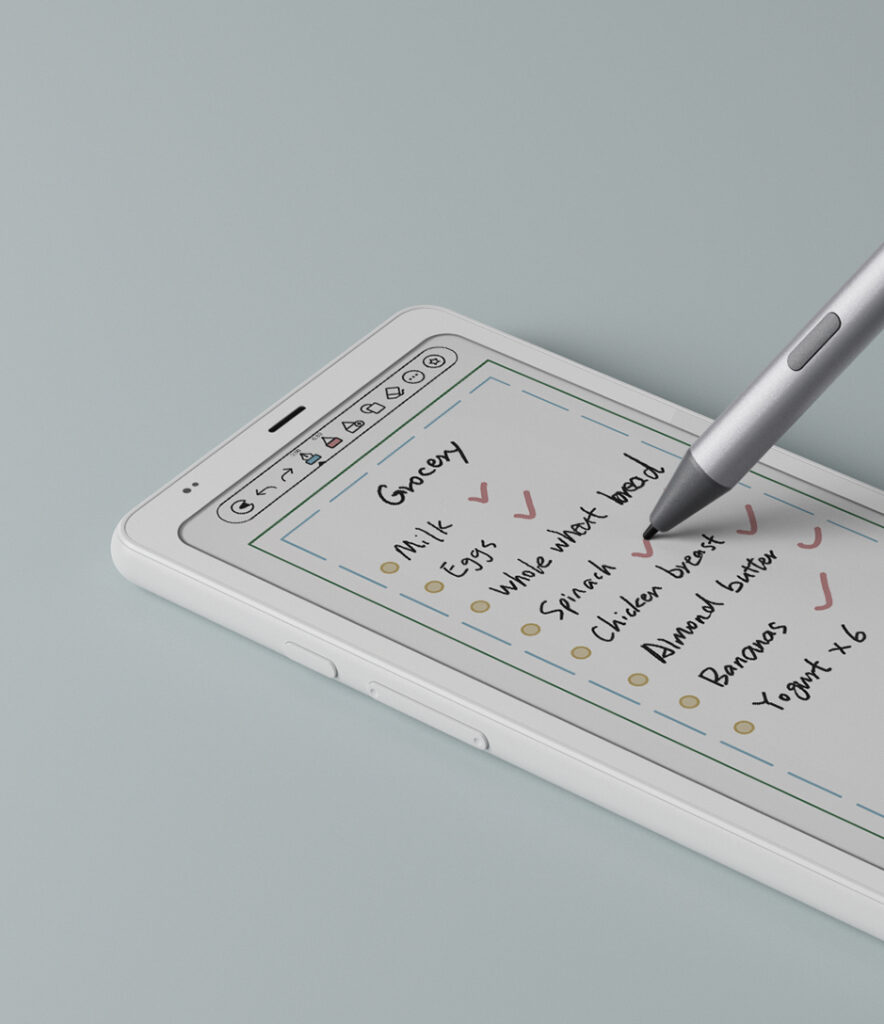
| Stylus / annotation support | No dedicated stylus support advertised (good for reading, less for heavy annotation) | Supports BOOX InkSense Plus Stylus (sold separately) for note‑taking/sketching. |
| Colour screen | Monochrome only | Colour screen (so if you read colour‑rich material, this matters) |
| Connectivity / slots | microSD slot, USB‑C, etc. | Adds a hybrid SIM slot (data only) + microSD, A‑GPS etc. |
| Thickness/weight | ~8.0 mm, ~170g. | Slightly thicker and heavier: 8.8 mm, ~175g. |
| Price | Lower cost (good value) | Higher cost (you pay for the extras) |
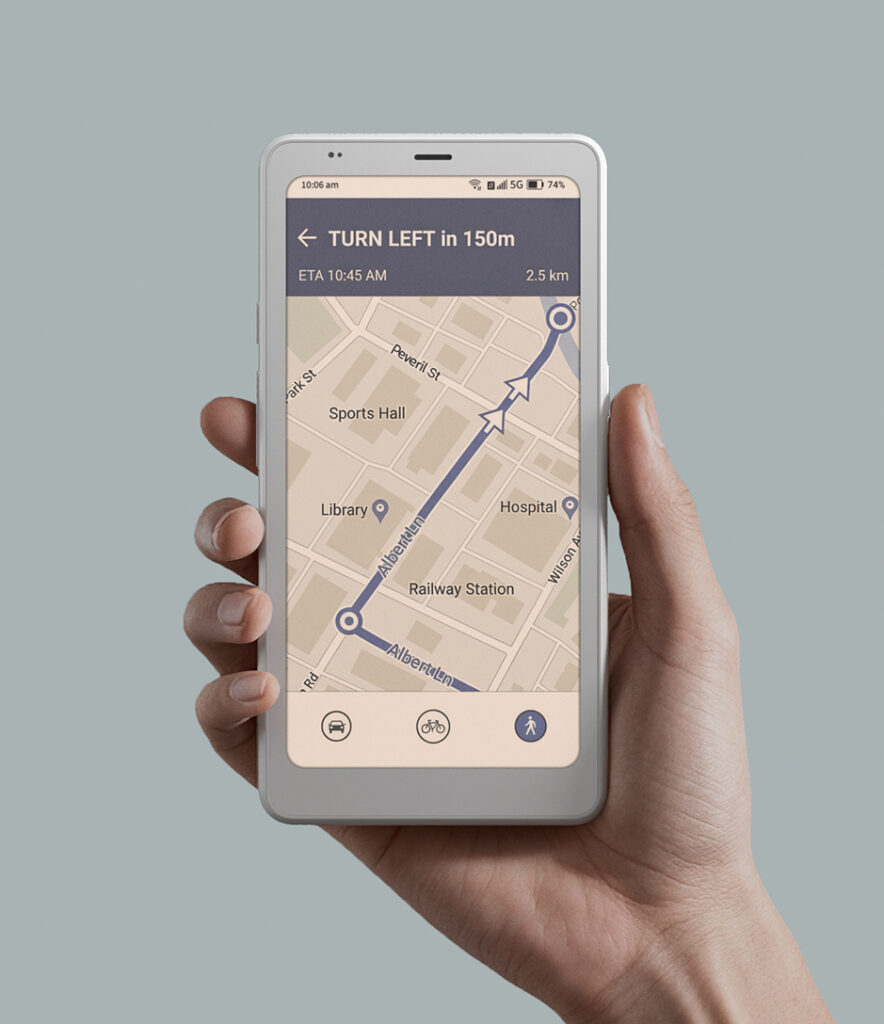
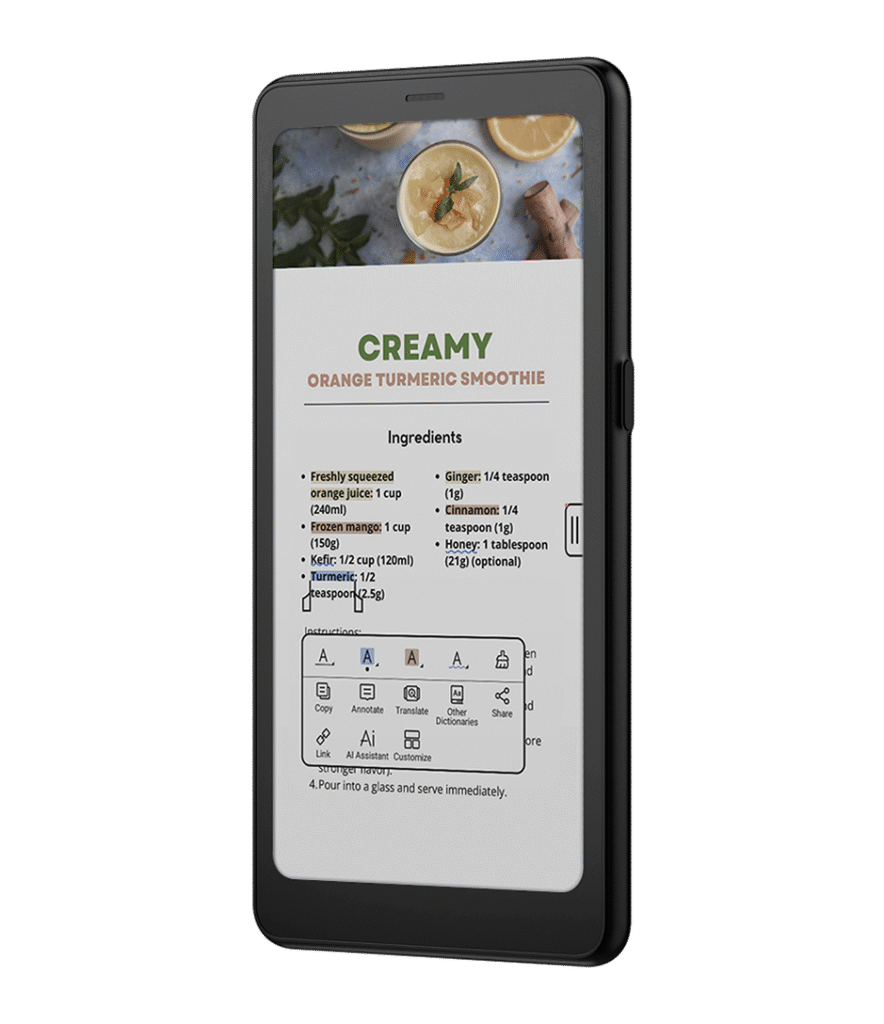
The comparison shows that while both devices share the same compact form factor, the Palma 2 Pro targets users who need colour display and stylus support, whereas Palma 2 focuses on pure reading comfort and value.
BOOX Palma 2 vs Palma 2 Pro: which one should you choose?
If you mostly read standard e‑books, novels, text‑heavy content, the base Palma 2 is more than sufficient.
If you read comics, graphic novels, magazines, architectural drawings, colour‑rich content, the colour display of the Pro may bring visible benefits.
If you annotate heavily, sketch, use handwriting features, the Pro’s stylus support gives extra utility.
The Pro also gives a bit more “future‑proofing” (higher RAM, newer OS) so if you keep your device for many years it might age better.
On the flip side, if you don’t need colour or heavy annotation, you may be paying for features you won’t use.
BOOX Palma 2 vs Palma 2 Pro for Canadian buyers
Stick with Palma 2 if:
Your reading habits are mostly about monochrome content (text‑books, novels, PDFs) and you don’t require colour.
You’re budget‑conscious and want excellent value.
You don’t use a stylus or heavy note‑taking/sketching features; you just want a strong reading device.
Choose Palma 2 Pro if:
You regularly consume colour content like comics, magazines, colour‑rich documents.
You use the device for notes/sketching, or you foresee those needs.
You want the latest OS + more RAM, and may keep the device for many years and want “extra headroom”.
Conclusion
For most Canadian readers looking for a compact Android e-reader, the BOOX Palma 2 delivers excellent value with strong specifications, Android flexibility and excellent reading comfort for everyday use.
If you frequently read colour-rich material such as comics or magazines, plan to take notes, or want a more powerful device with the latest software, the BOOX Palma 2 Pro can be a worthwhile upgrade.
Ultimately, both devices offer a unique smartphone-sized e-ink experience, so the right choice depends on whether you prioritize pure reading comfort and value (Palma 2) or additional features like colour display and stylus support (Palma 2 Pro).
Ready to buy? Purchase from Einktab, BOOX’s official distributor in Canada, with 30 days free return and 1-year local technical support:
FAQ
Is the BOOX Palma 2 Pro worth upgrading from Palma 2?
Upgrading to BOOX Palma 2 Pro makes sense only if you need a colour E Ink display, stylus support, or want more RAM and a newer Android version. For text-focused reading, Palma 2 is already sufficient.
What is the main difference between BOOX Palma 2 and Palma 2 Pro?
The key differences are the colour Kaleido 3 display, stylus support, more RAM, and newer Android OS in the Palma 2 Pro. Palma 2 remains a monochrome, reading-first device.
Does BOOX Palma 2 Pro support note-taking with a stylus?
Yes. Palma 2 Pro supports the BOOX InkSense Plus Stylus (sold separately), allowing handwritten notes, sketches, and annotations. Palma 2 does not officially support stylus input.
Is the colour screen on Palma 2 Pro good for comics and magazines?
Yes. The colour E Ink screen improves readability of comics, magazines, and colour-rich PDFs, though colour resolution is lower than monochrome mode and not intended for photo-accurate content.
Which model is better for reading regular e-books and PDFs?
For novels, articles, and text-heavy PDFs, BOOX Palma 2 is the better value. Its monochrome E Ink screen offers higher contrast and the same reading comfort at a lower price.
Which BOOX Palma model is better for long-term use?
Palma 2 Pro is more future-proof thanks to higher RAM and a newer Android version. However, Palma 2 will remain perfectly usable long-term if your needs are limited to reading.
