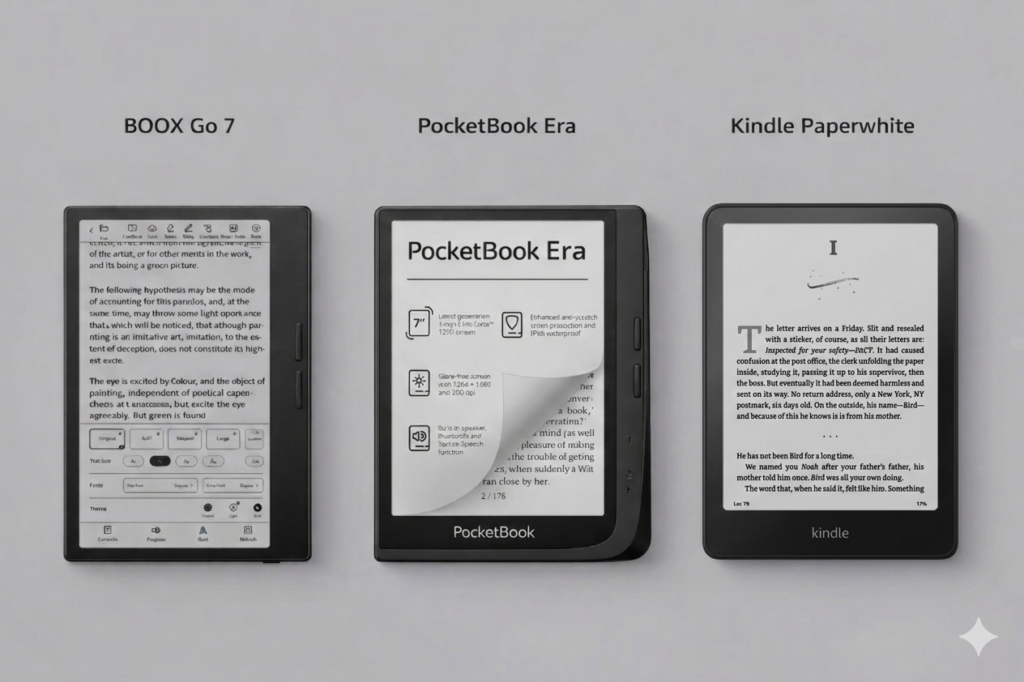
BOOX Go 7 vs PocketBook Era vs Kindle Paperwhite: 7-Inch–Class Monochrome eReader Comparison
The 7-inch monochrome eReader has become the mainstream choice for digital reading, thanks to its portable and compact size that […]


Welcome to the Einktab blog, your go-to source for everything related to E Ink technology in Canada. We focus on providing E Ink e-readers, tablets, and monitors, bringing you the latest innovations in eye-friendly digital devices.
Here, we share the newest product information, troubleshooting guides, and practical tips to help you get the most out of your devices. Whether you’re a reader, student, or professional, our goal is to support your experience with reliable insights and up-to-date resources.
At Einktab, we are committed to helping you explore the full potential of E Ink technology.
The 7-inch monochrome eReader has become the mainstream choice for digital reading, thanks to its portable and compact size that […]
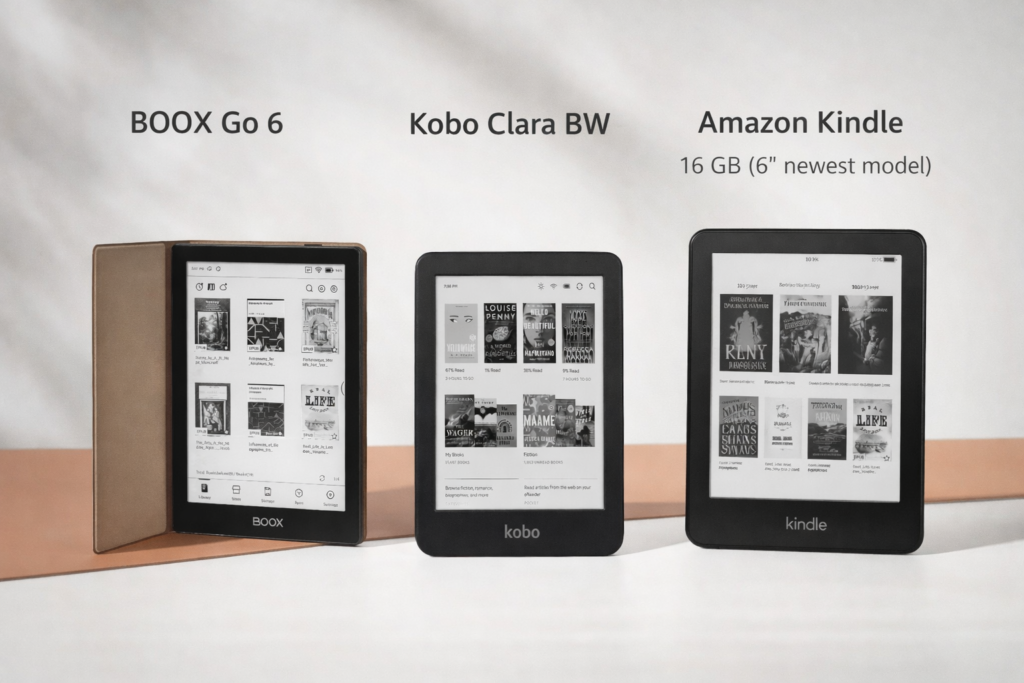
The 6-inch monochrome screen eReader is the classic model, offering simple reading and an affordable price. Here’s a comprehensive comparison
BOOX Go 6 vs Kindle (6″) vs Kobo Clara BW: 6″ enter level eReader Read More »
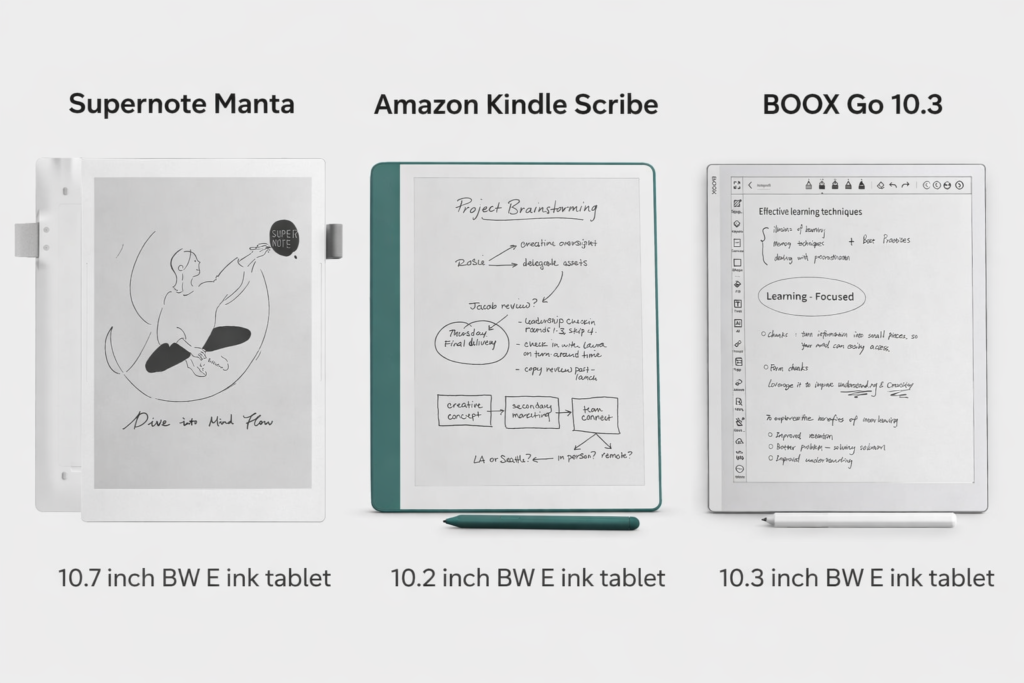
10-inch Paper-like Note-Taking E Ink Tablet Comparison E Ink tablets have revolutionized reading, writing, and annotating digitally, offering a paper-like
BOOX Go 10.3 vs Supernote Manta vs Kindle Scribe:10” Note-taking E ink Tablets Read More »
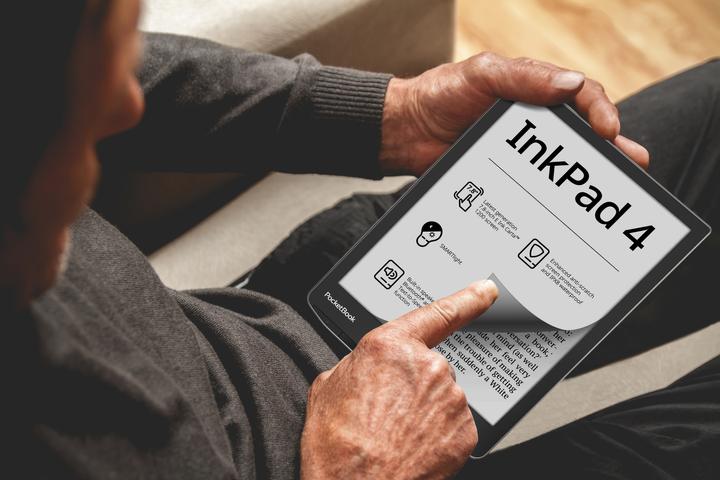
Color E Ink tablets use a special type of electronic ink, taking the technology to a new level. These devices
Are Color E Ink Displays the Next Big Thing in Tech? Read More »
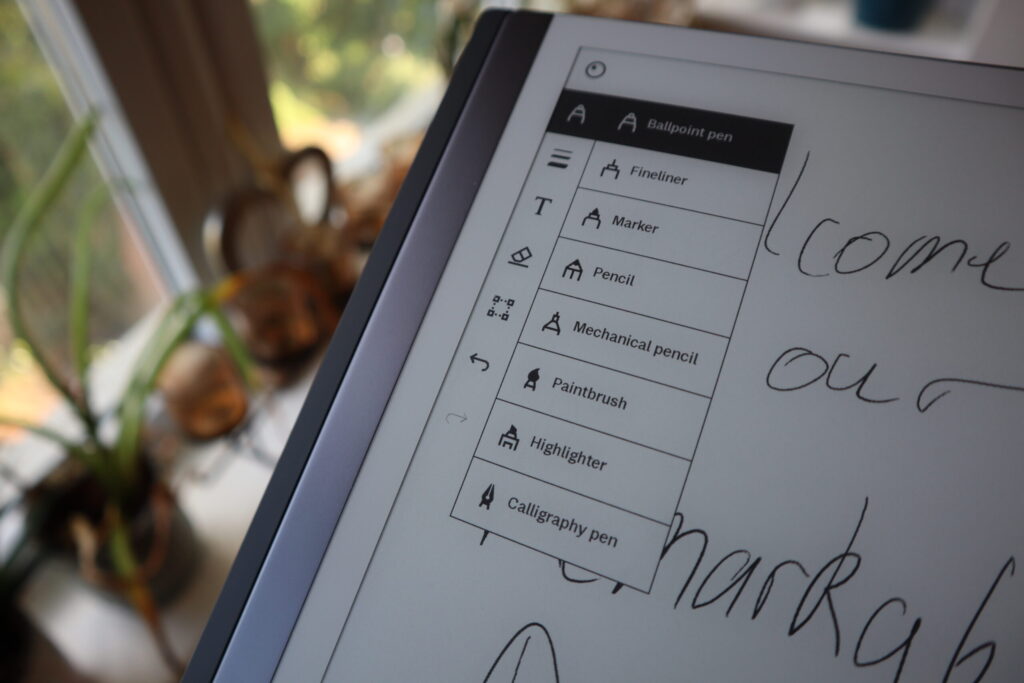
Modern devices can sync, backup, and store your sync notes on an E Ink tablet and files in PDF format
Using Google Drive, Dropbox & Cloud Services with Your E Ink Tablet Read More »
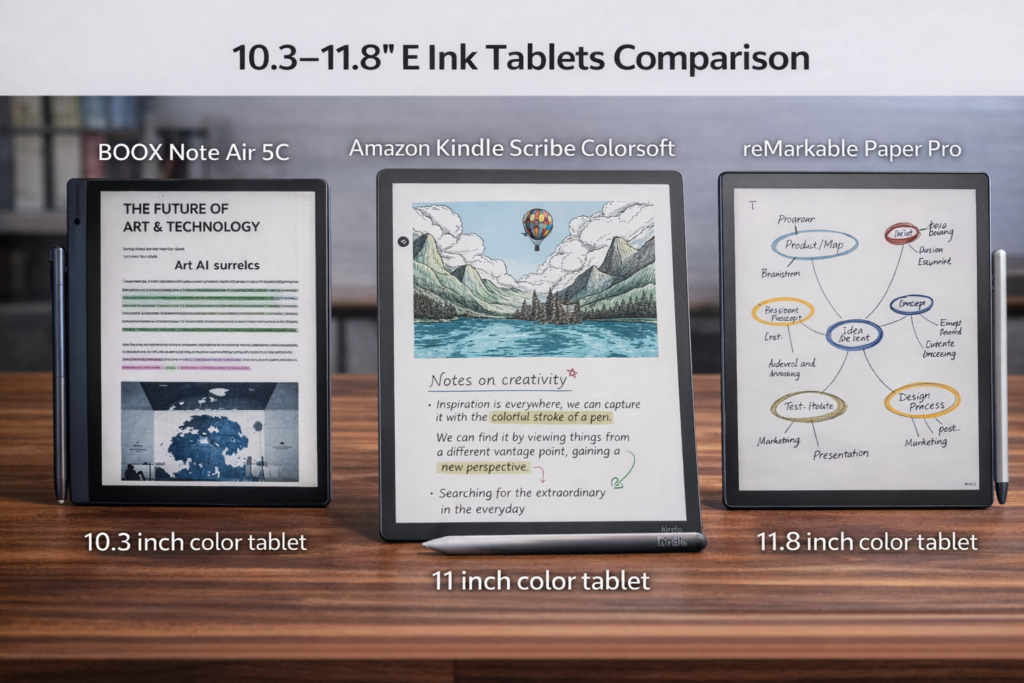
10.3″ to 11.8″ E Ink tablets represent the most common size range for portable digital note-taking and reading devices, striking
BOOX Note Air 5C VS Amazon Kindle Scribe Colorsoft vs reMarkable Paper Pro Read More »
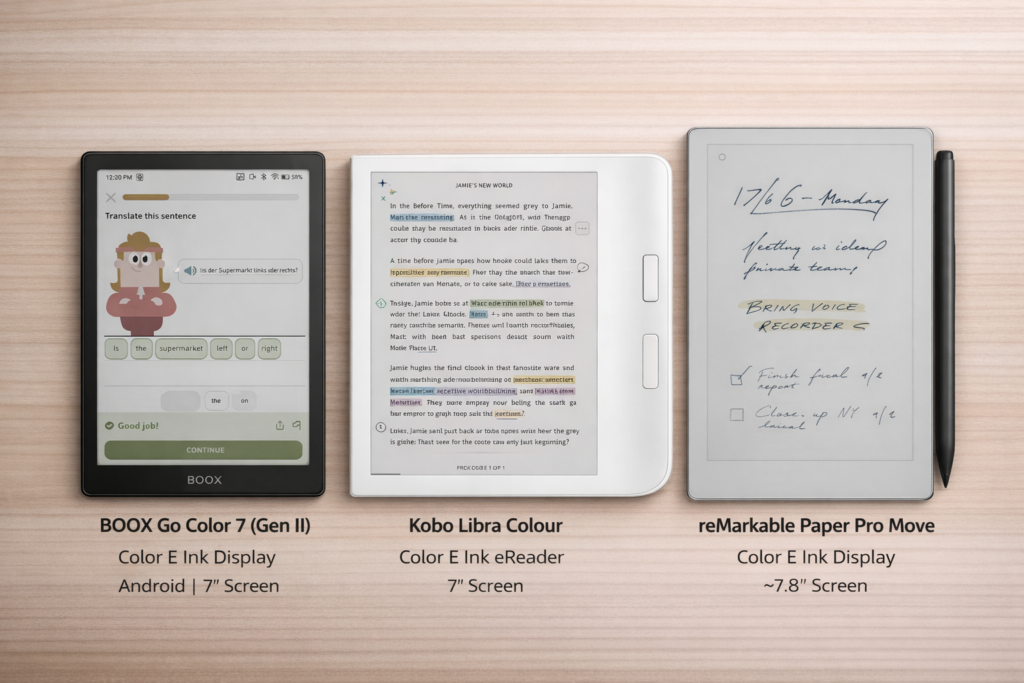
If you are looking for a 7‑inch portable eReader that is easy to carry, lightweight, and perfect for reading, visual
BOOX Go Color 7 vs Kobo Libra vs reMarkable Paper Pro Move: 7‑inch Color E Ink Reader Read More »
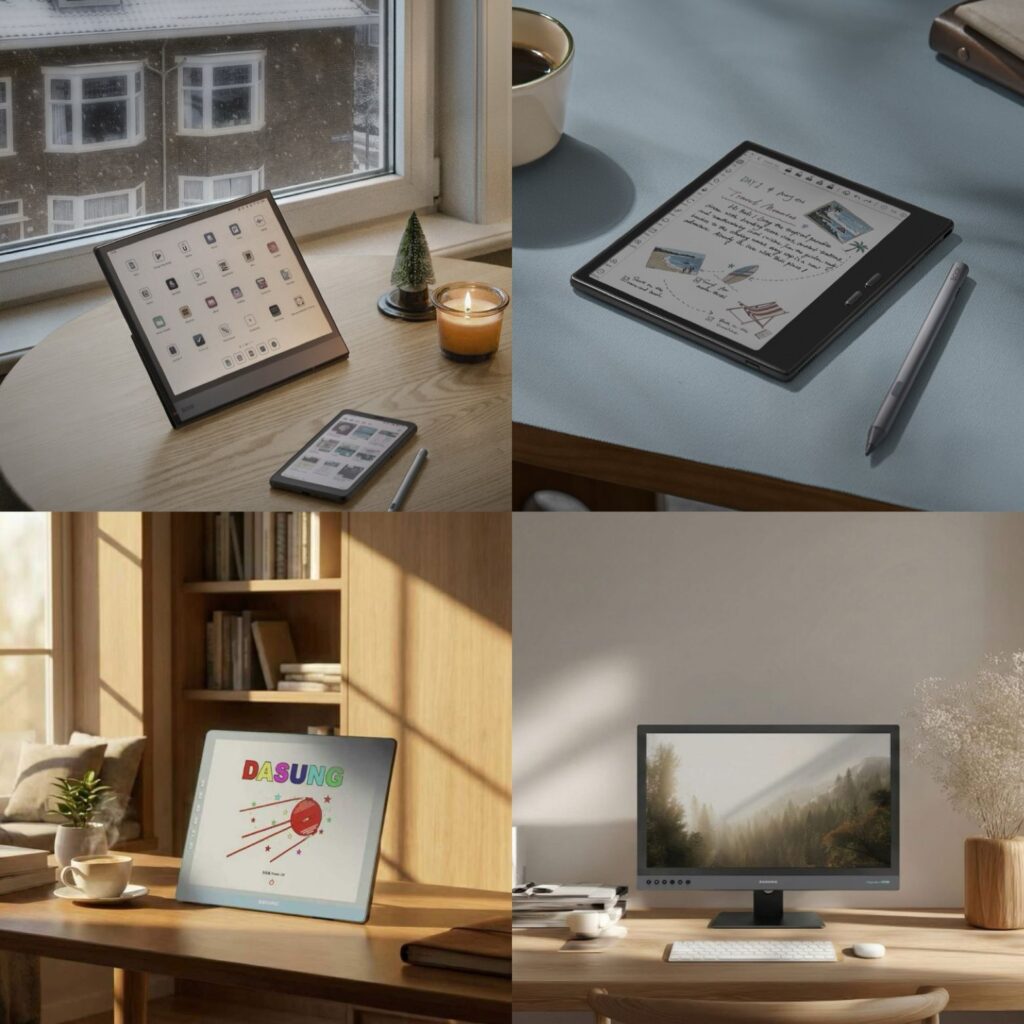
Electronic Ink (E Ink) is a unique display technology built around microcapsules that rearrange pigment to create text and images.
E Ink Monitor vs E Ink eReader — A Comprehensive Real‑World Comparison Read More »

E Ink tablet for note-taking is a digital device with the eye-friendly display of e-readers, combined with precise pen input.
Best E Ink Tablets for Note-Taking: Top Picks, Apps, and Techniques Read More »
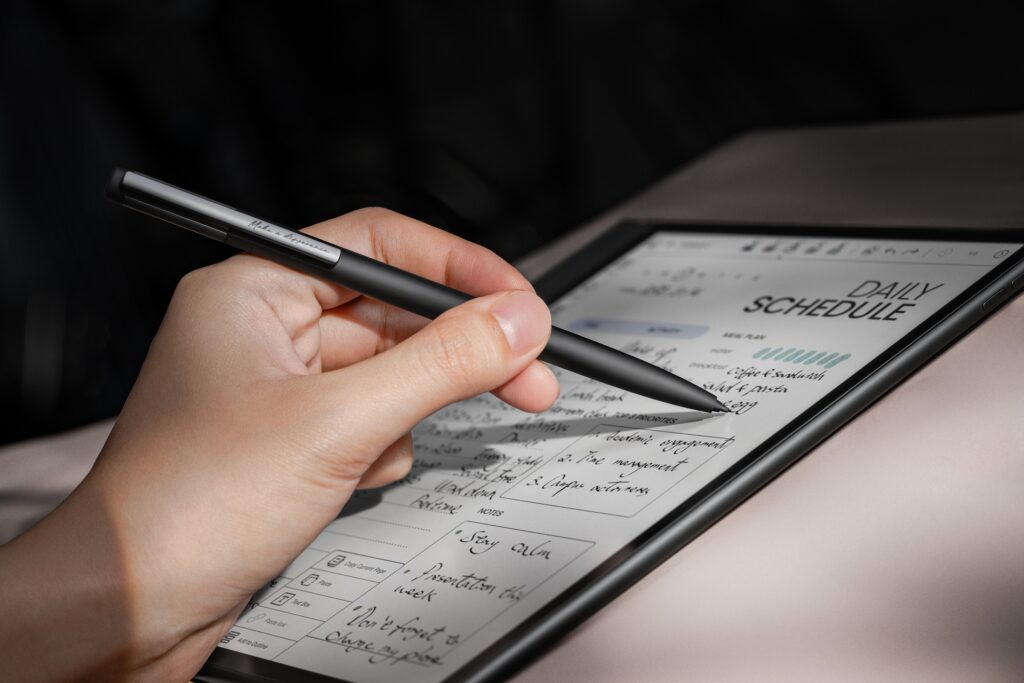
E-Ink tablets have transformed how we read, annotate, and take notes. Among the leading brands, BOOX by Onyx offers a
BOOX E-Ink Tablets Purchase Guide: Find the Right E-Note Read More »
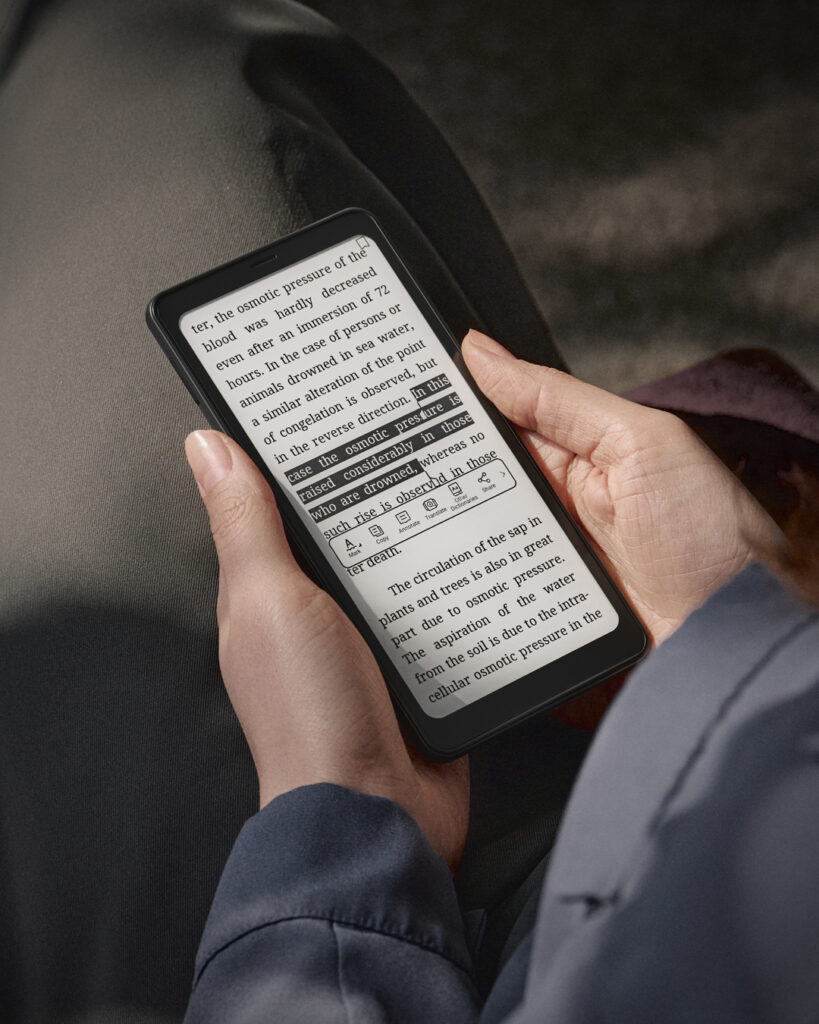
When it comes to focused, comfortable reading, black and white (monochrome) BOOX e‑readers remain the top choice for readers who
Black And White BOOX E‑Readers: The Complete Guide for Eye‑Friendly Reading Read More »
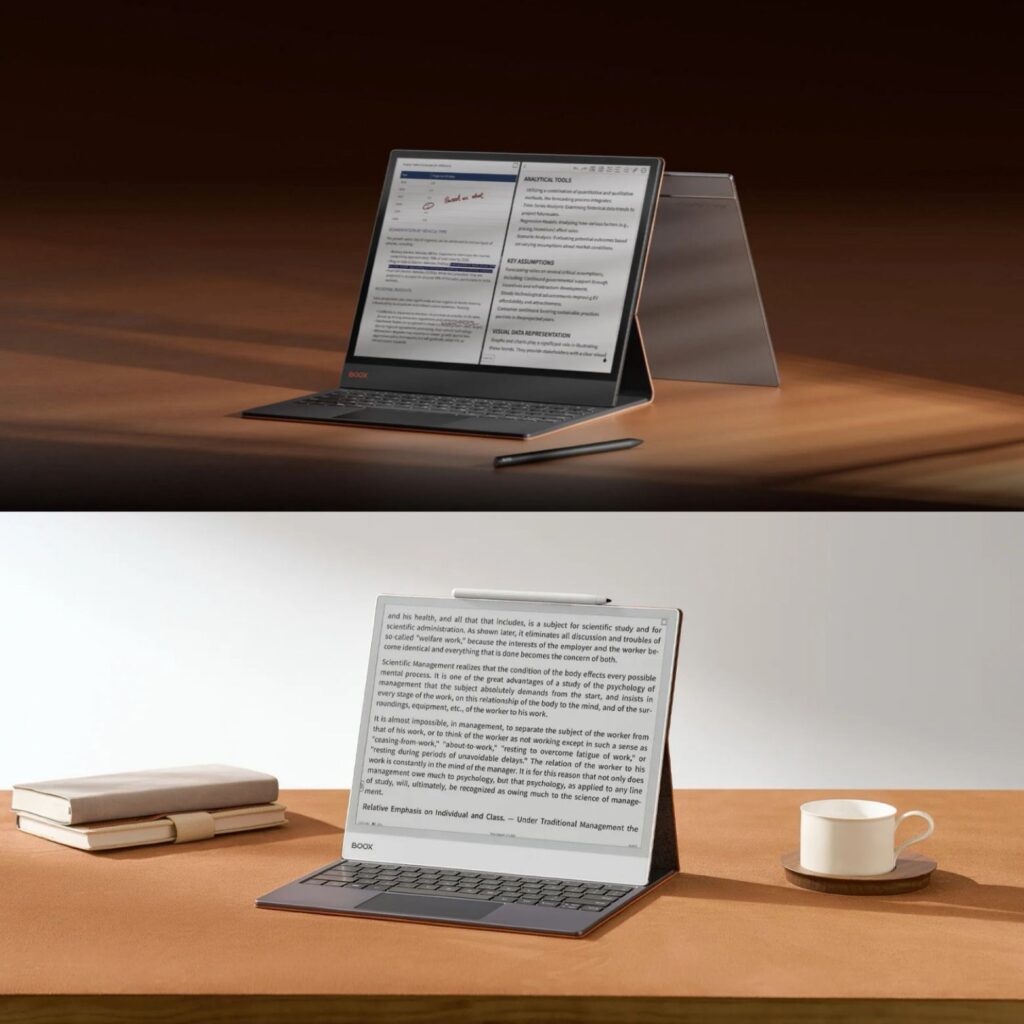
If you’re looking for a large E Ink tablet in Canada, BOOX offers some of the most capable options. Two
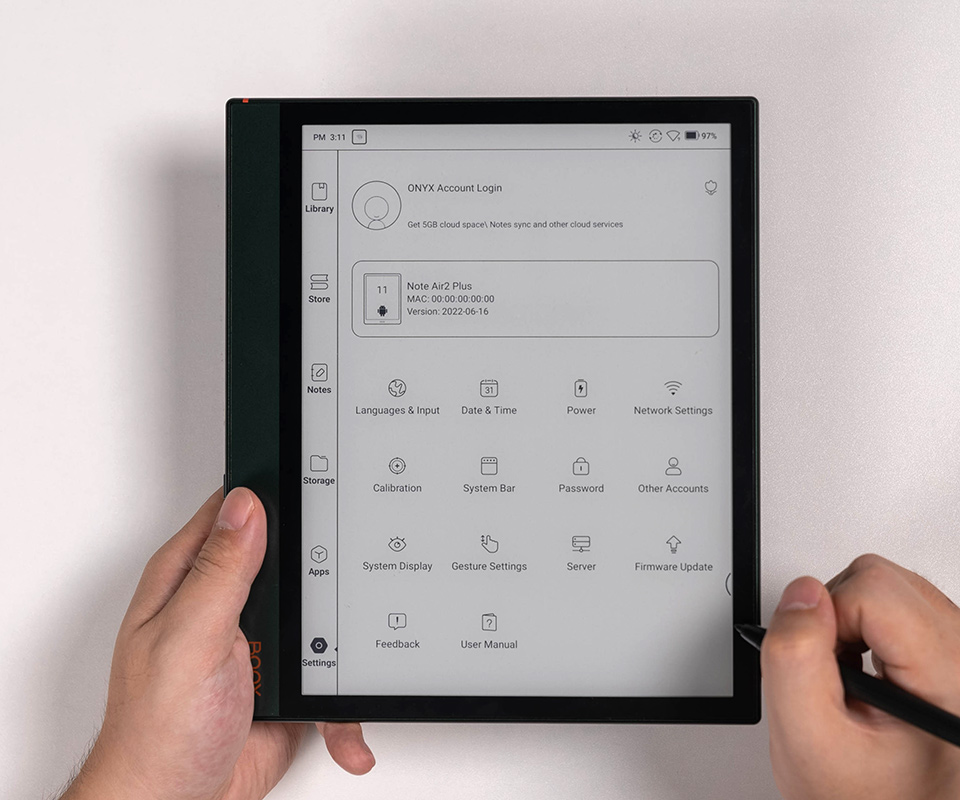
You’ve placed your order, patiently waited for the delivery, and finally unboxed your brand-new BOOX E Ink ereaders and tablets.
Why You Can’t Connect to the Internet or Access Google Play on Your New BOOX Device Read More »

When shopping for a BOOX e-ink device, you may notice open-box options available alongside brand-new products. Many customers wonder: Is
Why Choose an Open-Box BOOX Device? What You Should Know Before Buying Read More »

BOOX E Ink tablets are perfect for reading, note-taking, and professional work, but using the right stylus is key to
Stylus Guide: Choose the Right Stylus for Your BOOX Device Read More »
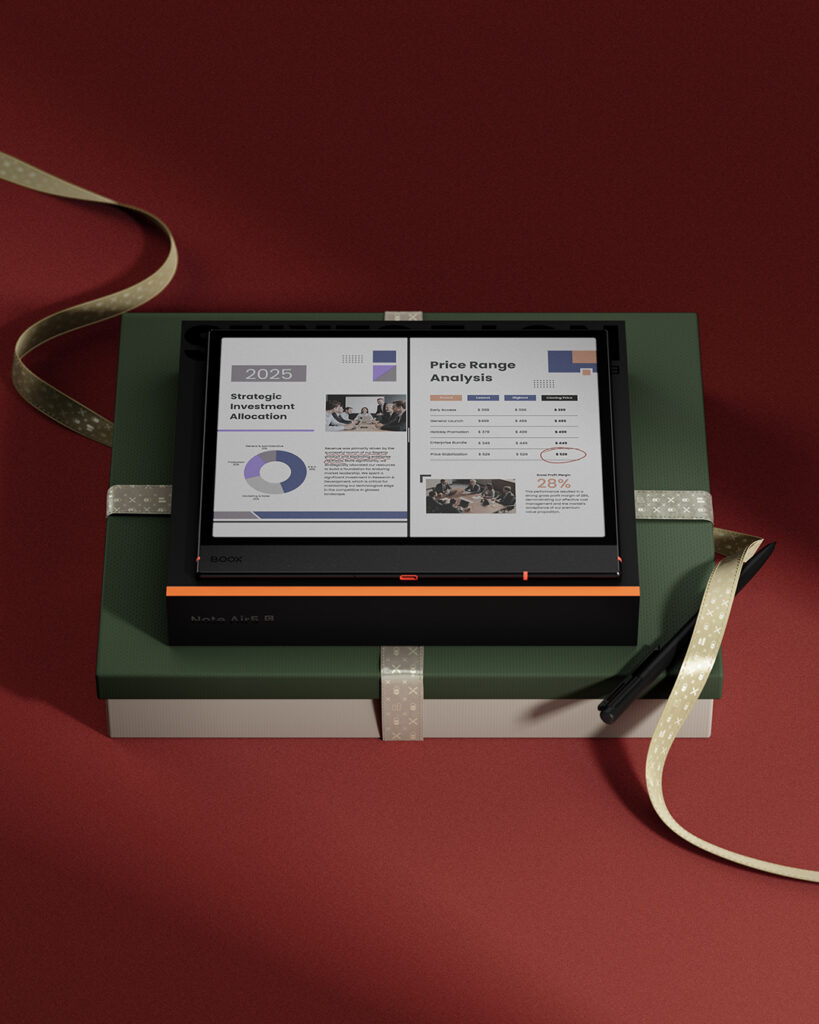
Are you looking for the perfect holiday gift for a family member or friend who loves reading—or needs an upgrade
Holiday Gift Ideas: E-Readers and E-Ink Tablets for Readers and Professionals in Canada Read More »
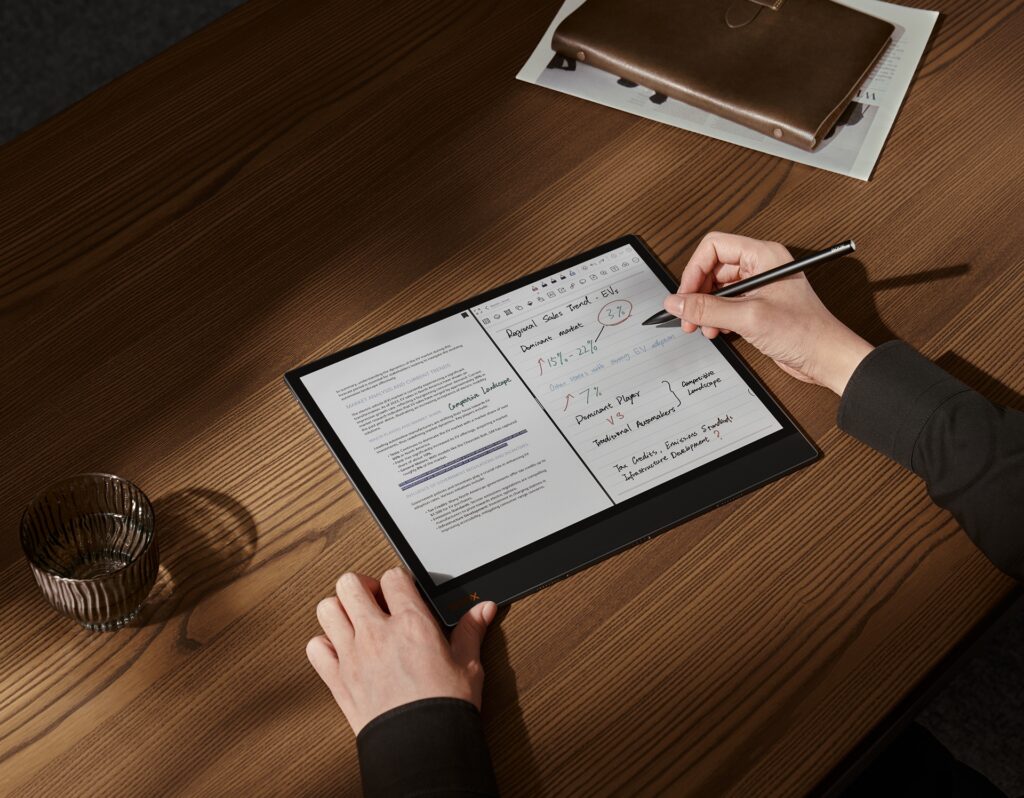
Some BOOX users have reported that certain areas of their tablet screen may not respond to stylus input. If you’re
Troubleshooting Stylus Issues on Your BOOX Tablet Read More »

The Canadian Multilingual Standard (CSA Z243.200-92) is the most versatile layout for bilingual users in Canada. Unlike the standard “US
How to Set Up the Canadian Multilingual Keyboard Layout on Your BOOX Device Read More »
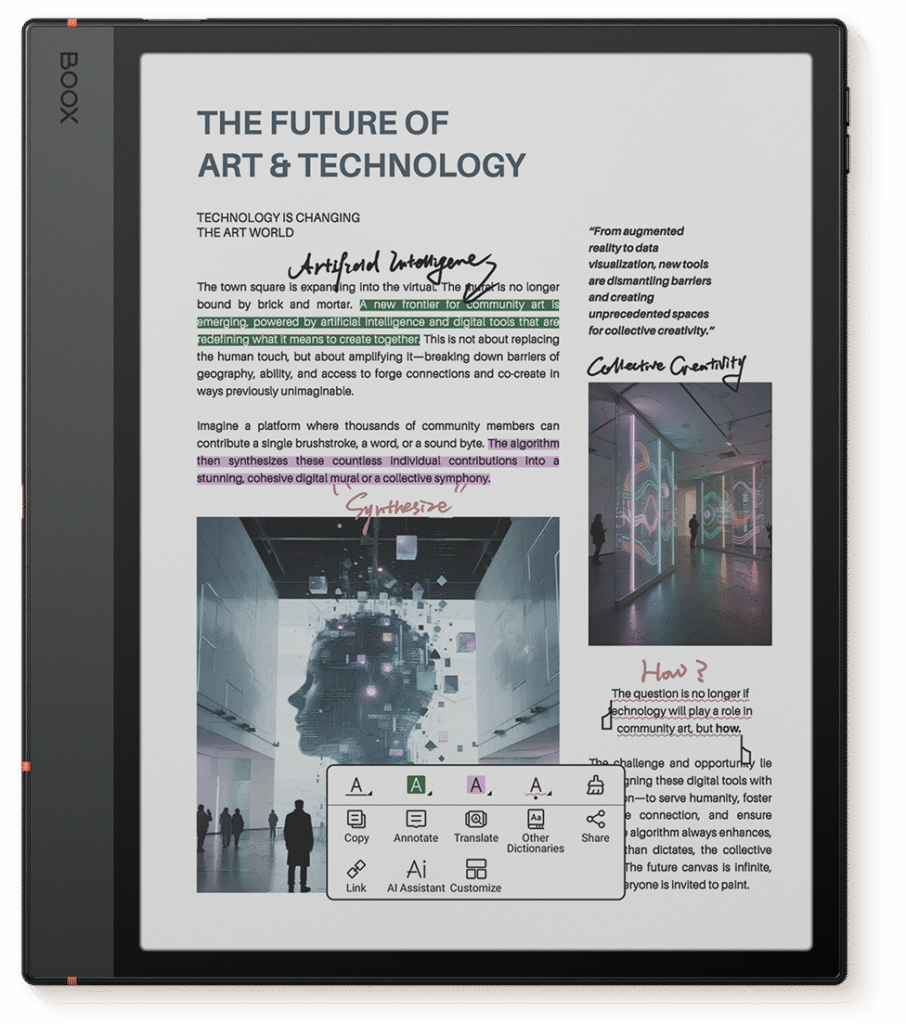
Color E Ink displays extend the benefits of traditional e-paper—eye comfort, low power use—by adding color for diagrams, textbooks, comics,
Are Color E Ink Displays the Next Big Thing in Tech? Read More »
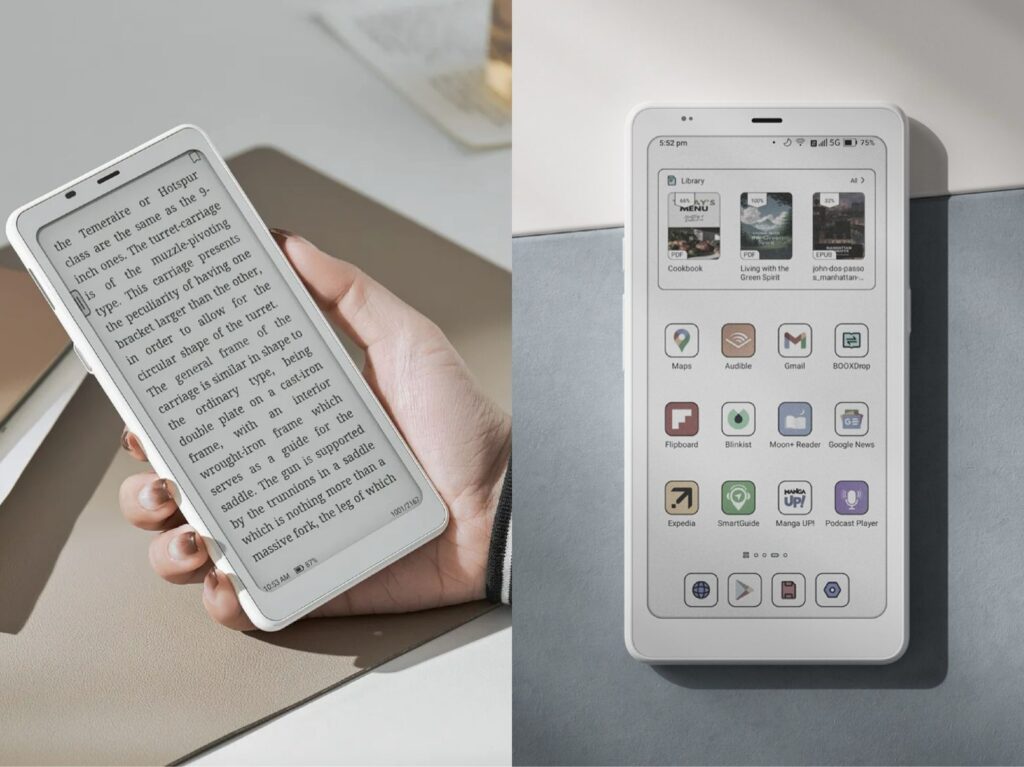
If you’re in Canada and comparing BOOX Palma 2 vs Palma 2 Pro while looking for a compact Android e-reader
BOOX Palma 2 vs Palma 2 Pro – Should You Upgrade? Read More »
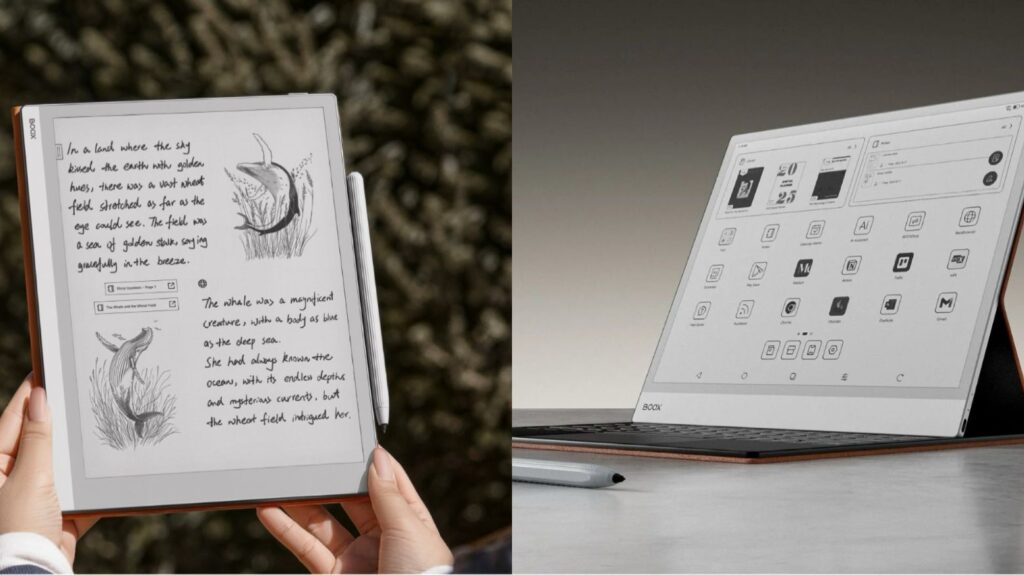
If you’re searching for a paper-like tablet for reading, note-taking, or digital workflows, BOOX tablets offer a truly natural writing
Paper-Like Tablet Showdown: BOOX Go 10.3 vs Note MAX Read More »
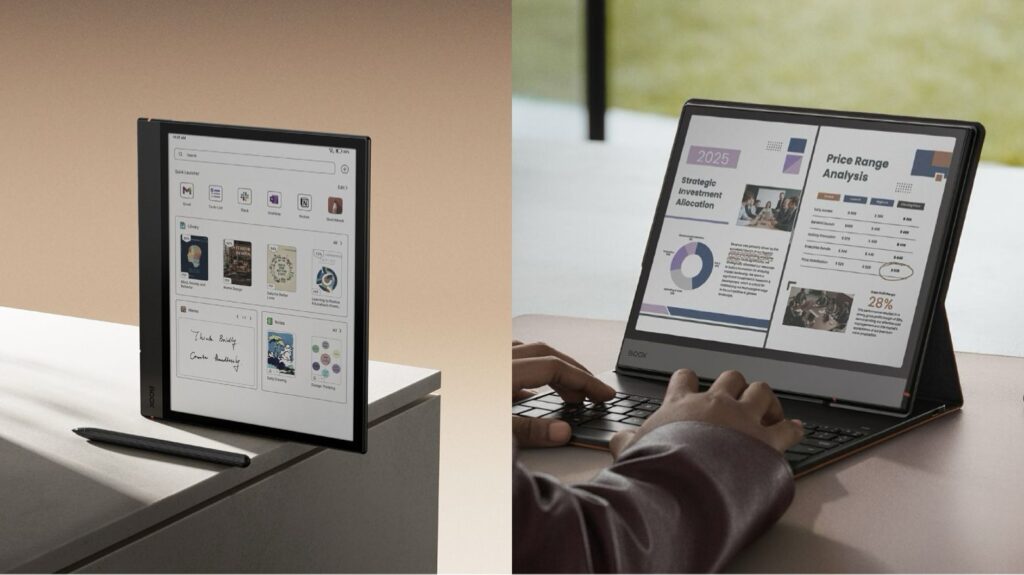
If you’re a fan of digital note-taking, reading, or e-paper devices, you’ve probably used or considered a BOOX Note Air
BOOX Note Air 4C vs Note Air 5C: Should You Keep Your 4C or Upgrade to 5C? Read More »
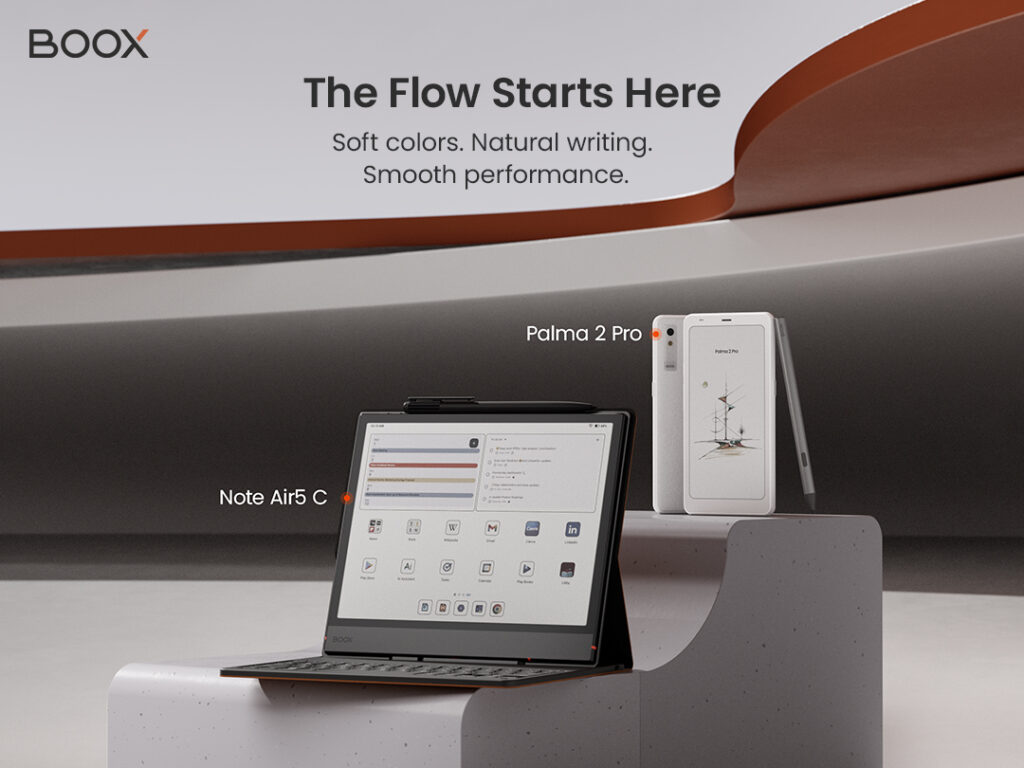
BOOX lanuched two innovative devices in October! They are set to redefine digital reading, note-taking, and mobile productivity. Whether you’re
According to our research, E Ink tablets are growing in popularity across Canada, quickly replacing traditional readers. With the right
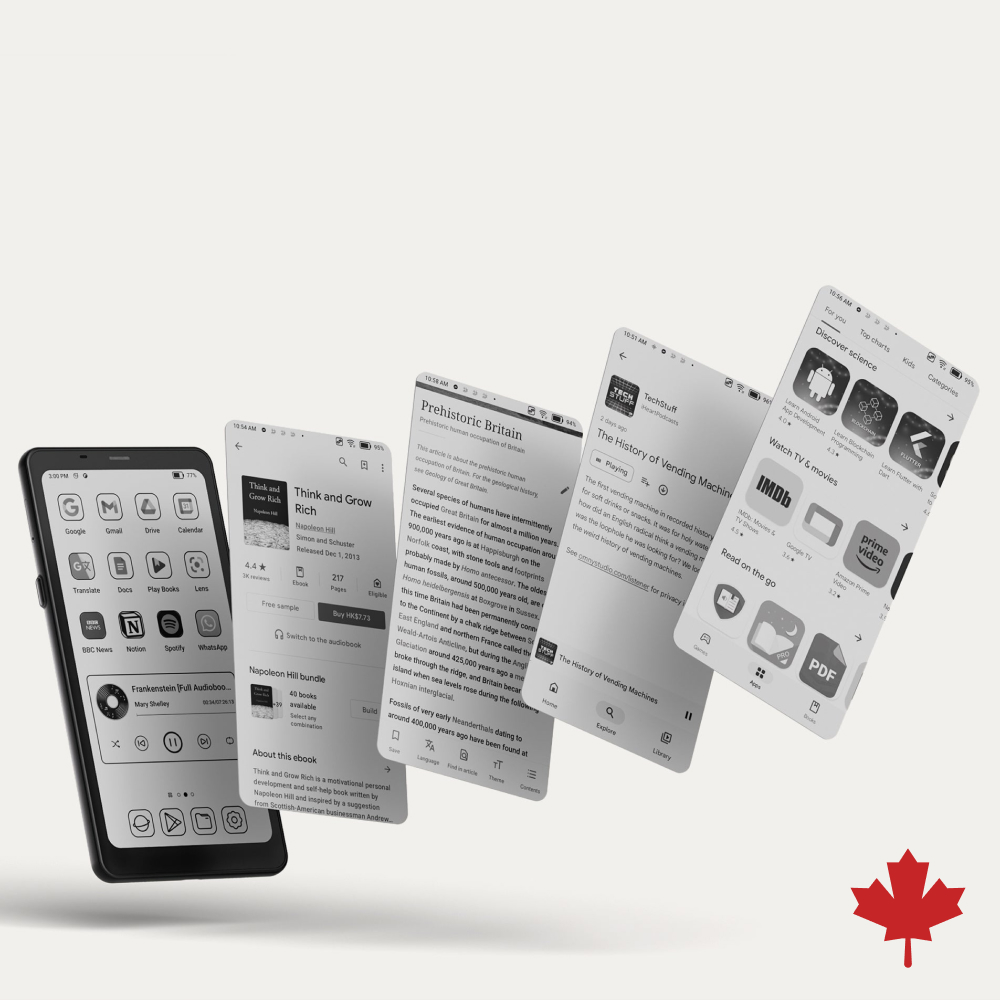
If we compare E Ink vs. Paper, then E Ink is related to the specific brand and type of electronic
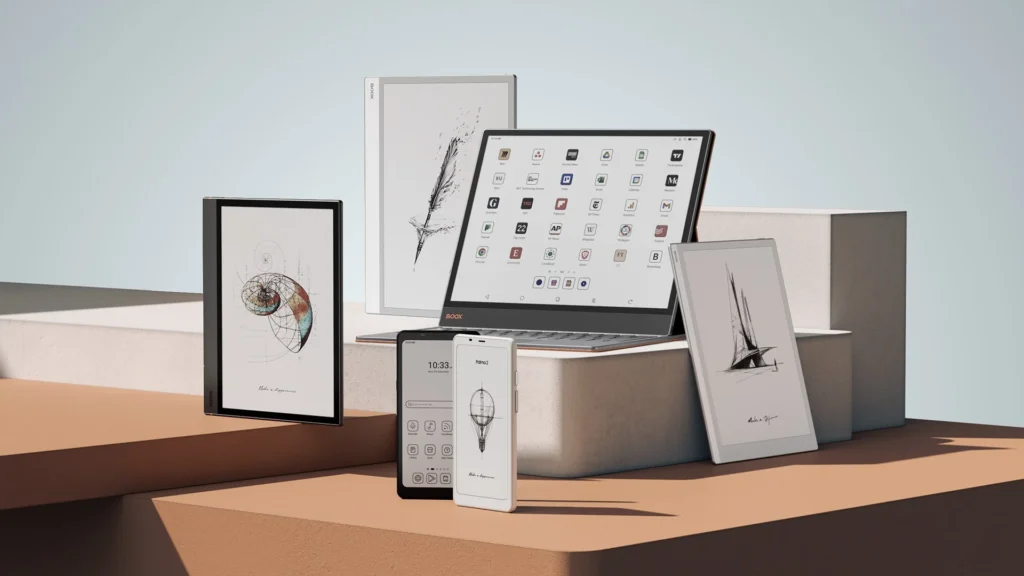
BOOX Canada ereader is a premium device for reading, working, and creating with an improved E Ink screen. By purchasing
Onyx BOOX E Ink Tablets and Accessories in Canada Read More »

Introducing BOOX Note Air 4 C – the latest flagship among colour gadgets with E Ink and Kaleido 3 technology.
BOOX Note Air 4 C – Colour E Ink Tablet for Reading and Note-Taking Read More »
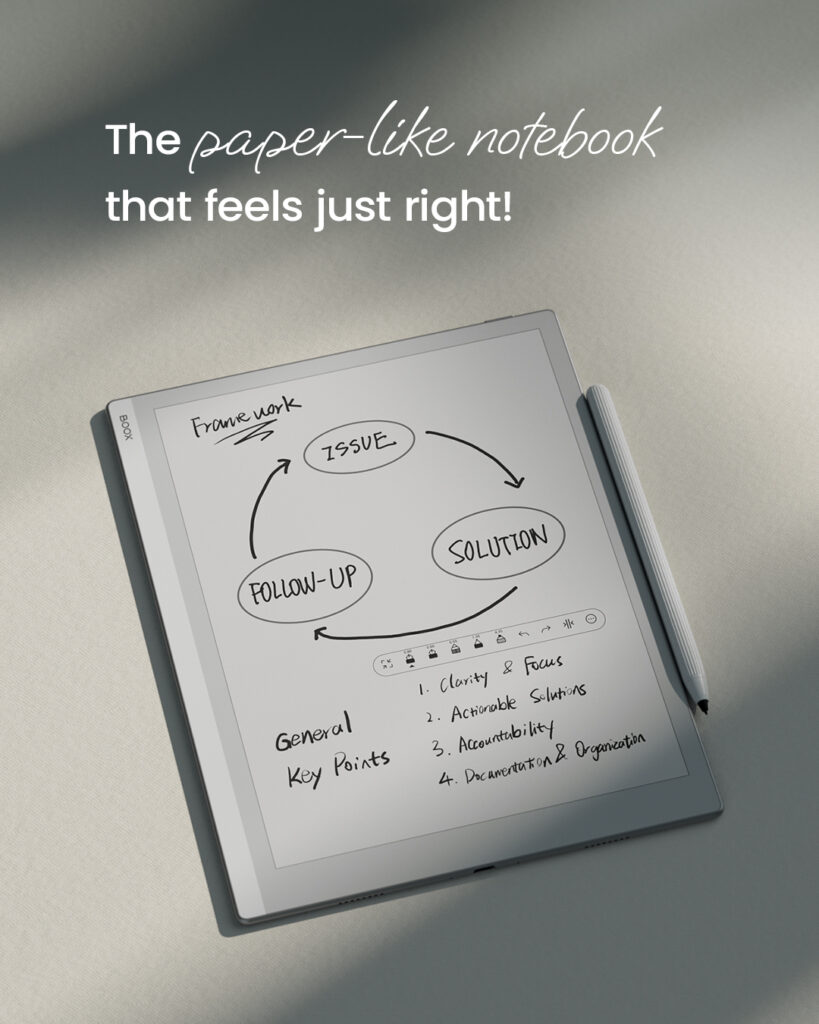
The BOOX Go 10.3 is your stylish, ultra-thin, and lightweight gadget for work, entertainment, and reading with a diagonal of
BOOX Go 10.3 – Thin E Ink Tablet with Stylus Support Read More »
Modern technologies now allow you to use devices longer without recharging. Our article will explain to the reader how to
Tips for Maximizing Battery Life on Your E Ink Device Read More »
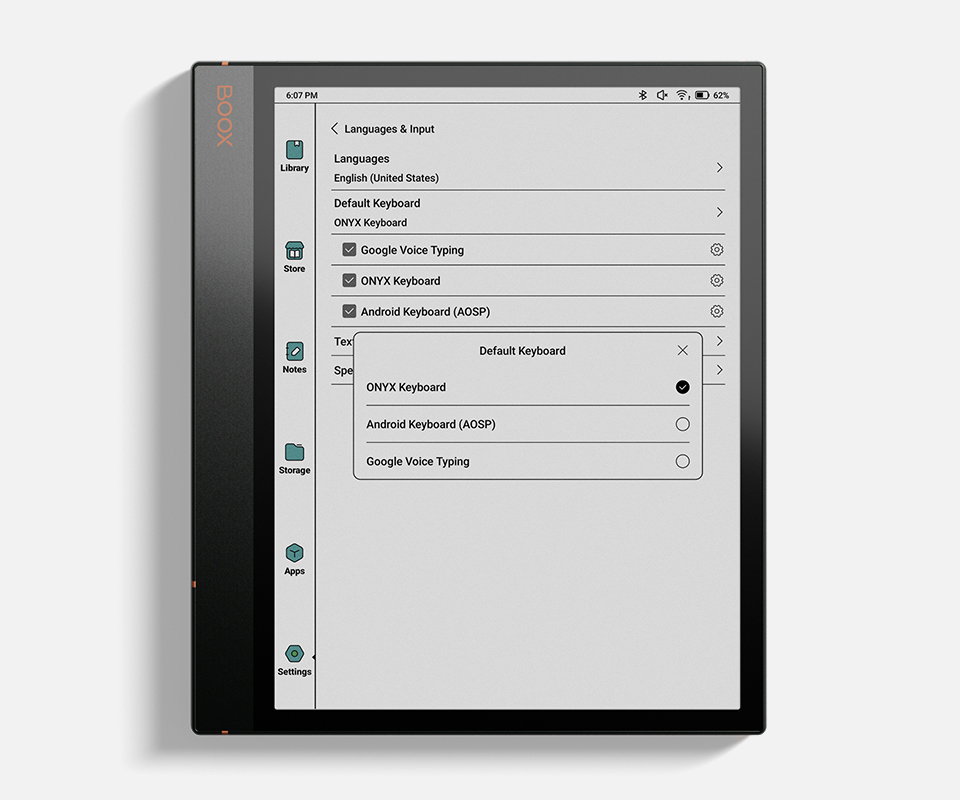
This guide is helpful for people who want to quickly and efficiently set up your new gadget. After reading our
How to Set Up Your New E Ink Tablet: Step-by-Step Guide Read More »